Digital Yearbook Archive: Put Yearbooks Online (Searchable & Accessible)
Create a digital yearbook archive that’s searchable online by year, name, and era—with an accessibility-first browsing experience and simple publishing workflow.
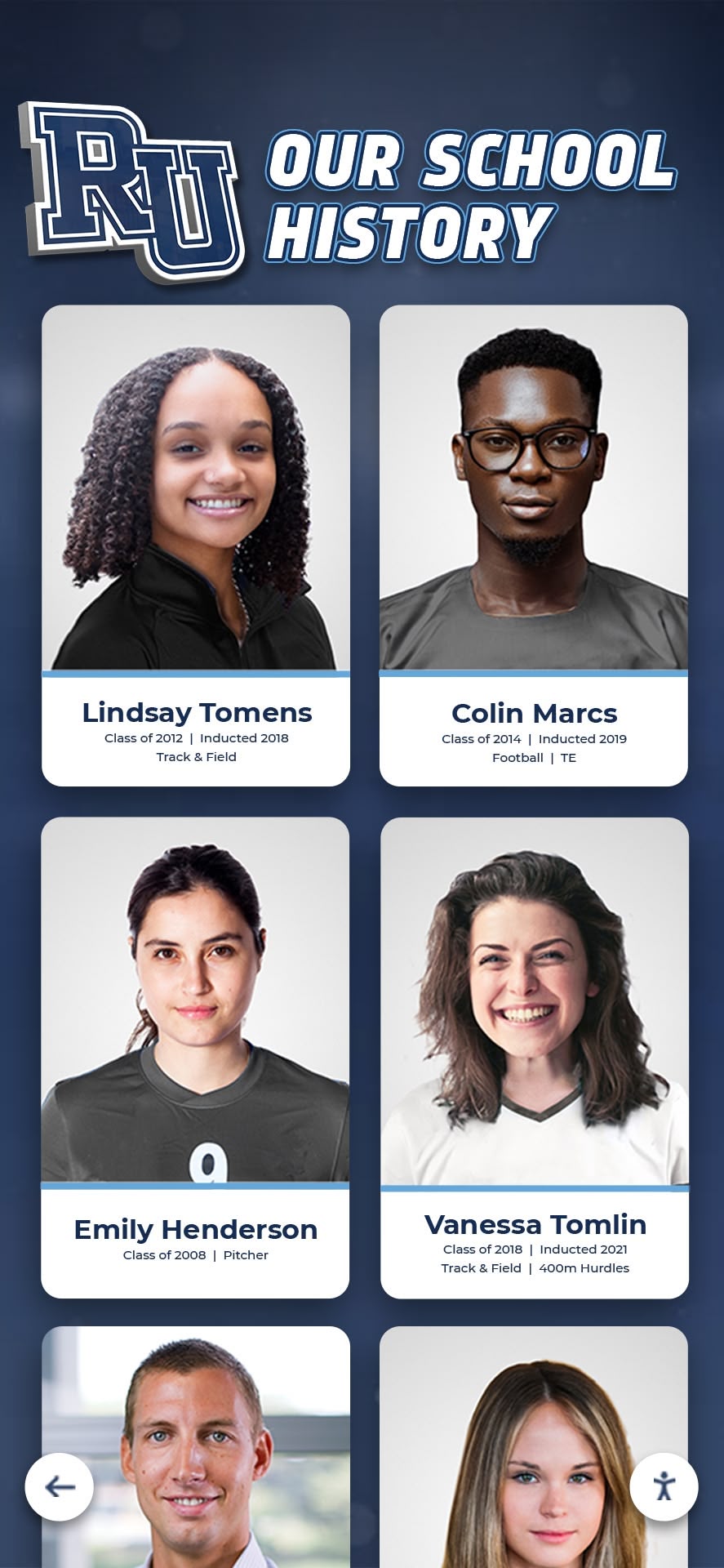
Intent: plan — Build a digital yearbook archive that’s easy to browse online and organized for real-world searches.
Program Snapshot
- Audience: alumni, families, historians, staff, reunions committees
- Primary outcomes: preserve history, increase reunion engagement, support community storytelling
- Cadence: backfill legacy yearbooks + annual new edition
- Featured content: yearbook pages, galleries, activities, teams, traditions
Note: Yearbook publishing and access rules are context-specific. Plan permissions first (public, alumni-only, on-site only, or curated excerpts).
Content Architecture (make browsing feel effortless)
Directory structure
- By year: 1998, 1999, 2000…
- By era/decade: 1980s, 1990s, 2000s
- By theme (optional): athletics, clubs, arts, graduation
Page types (what ranks and what users want)
- Year landing page: highlights, cover image, notable sections
- Gallery pages: curated photos with captions (better UX than giant scans)
- Activity/sport pages: the best way to connect yearbooks to hall-of-fame use cases
Execution Timeline (Plan → Build → Launch → Refresh)
Plan (1–2 weeks)
- Define access rules and moderation workflow.
- Choose your metadata standard: years, decades, activities, teams.
Build (2–10 weeks)
- Digitize and curate (prioritize highlights over “dump everything”).
- Create year landing pages and gallery templates.
- Add navigation and search filters.
Launch (reunion/event window)
- Publish a “featured decades” collection and share links.
- Add a simple “How to find your year” guide.
Refresh (annual)
- Add new edition, update navigation, rotate featured galleries.
Display Integration
Yearbooks pair well with on-site touchscreens:
- Lobby / alumni center: browse by decade, team, activity.
- Event mode: rotating galleries for reunions.
- Online: share links to year pages and curated galleries.
Measurement
- Searches by year/decade (what people want most)
- Click-through from decade → year → gallery
- Shares and repeat visits around reunion dates
Copy/Paste Asset: Yearbook Digitization Checklist
- Select coverage years and prioritize the “most requested” decades first.
- Standardize naming: year labels, decades, activities, teams.
- Create 3 curated galleries per decade to start (not 300 scans).
- Add captions and alt text for key photos.
- Confirm access rules before publishing.
Next step
Request a yearbook archive mock-up with your decade navigation and sample galleries: Request Your Free Custom Demo (?demo=demo).
FAQ
Frequently Asked Questions
Answers for teams building an online hall of fame or awards website.
How do we publish yearbooks online legally?
Work with your leadership/legal guidance. Many programs publish limited previews, alumni-only access, or curated highlights. Always define who can access what before uploading.
How do we make an online yearbook searchable?
Use a year/era directory and tag pages by class year, activities, sports, and departments. Add a consistent naming standard for people and groups.
How do we keep yearbook browsing accessible?
Avoid relying on scanned text alone. Provide descriptive captions, structured headings, keyboard navigation, and readable contrast for UI elements.































