Digital Trophy Case: Put Your Trophy Case Online (Interactive & Searchable)
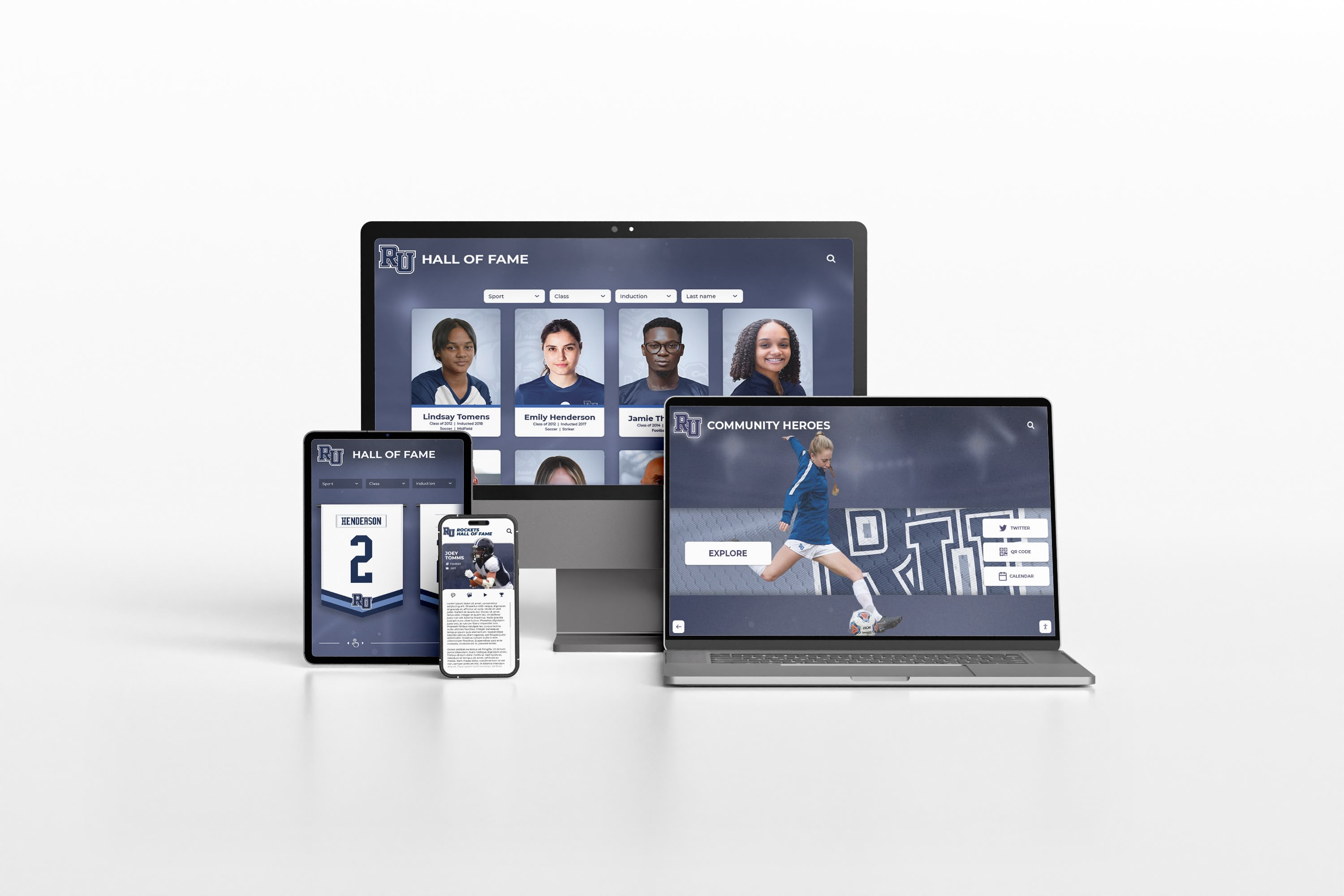
Create a digital trophy case that publishes awards, photos, records, and stories online—with a browsing experience designed for touchscreens and accessibility.

Intent: plan — Build a digital trophy case that turns “glass cabinet clutter” into a searchable online library.
Program Snapshot
- Audience: students, families, alumni, fans, visitors
- Primary outcomes: preserve achievements, drive engagement, make history easy to browse
- Cadence: seasonal updates + annual awards additions
- Featured items: trophies, plaques, awards, banners, records, highlight media
Content Architecture (trophies as “entries,” not “photos of plaques”)
Entry template (copy/paste field list)
- Title (award name)
- Category (sport/activity/department)
- Year/season
- Recipient (person/team)
- Achievement summary (3–7 bullets)
- Media: 3–10 photos + 1–3 videos
- Tags: decade, award type, level, sponsor tier (optional)
Navigation that matches how people search
- Browse by category (sports, arts, academics, donors, alumni)
- Browse by year/era
- Search by name, award, or team
- “Featured” collections for ceremonies and social shares
Execution Timeline (Plan → Build → Launch → Refresh)
Plan (1 week)
- Define your categories and award naming rules.
- Pick one entry template and enforce it.
- Set accessibility requirements and image standards.
Build (2–6 weeks)
- Digitize trophy/award data and attach photos.
- Create category and year navigation.
- Add “featured collections” for events.
Launch (event-ready)
- Publish “top awards” first (high visibility).
- Add QR/share links so honorees can share pages.
Refresh (monthly/seasonal)
- Add new awards, new photos, new videos.
- Rotate featured items and track engagement.
Display Integration (online + touchscreen)
- Online: shareable award pages, SEO-friendly directories, mobile browsing.
- Touchscreen: browse categories, filter by year, tap into entries on-site.
Accessibility notes:
- Keep labels readable at distance (large type, strong contrast).
- Ensure all interactions are keyboard-usable during testing.
Measurement
- Most viewed categories and years
- Directory → entry click-through rate
- Time-to-publish a new award after an event
Copy/Paste Asset: Award Entry Checklist
- Award name + year + recipient
- 3–7 achievement bullets
- 3–10 photos + captions + alt text
- 1–3 videos (with captions where possible)
- Tags: category, decade, award type
Next step
Request a digital trophy case mock-up with your categories and sample entries: Request Your Free Custom Demo (?demo=demo).
FAQ
Frequently Asked Questions
Answers for teams building an online hall of fame or awards website.
What is a digital trophy case?
A digital trophy case is an online (and optionally touchscreen) version of your physical trophy case—organized by categories, years, and achievements with photos, videos, and searchable entries.
How do we organize trophies so visitors can find them?
Use a directory by category (sport/activity/department) and year, then add filters and tags (decade, award type, team). Keep each entry consistent.
How do we make a trophy case accessible online?
Use readable headings, strong contrast, keyboard navigation, descriptive links, and alt text for images. Avoid using images as the only way to convey trophy text.






























