Team History Website: Seasons, Championships, and Highlights Online
Create a team history website that documents seasons, rosters, championships, and highlights—organized for browsing, search, and accessibility.
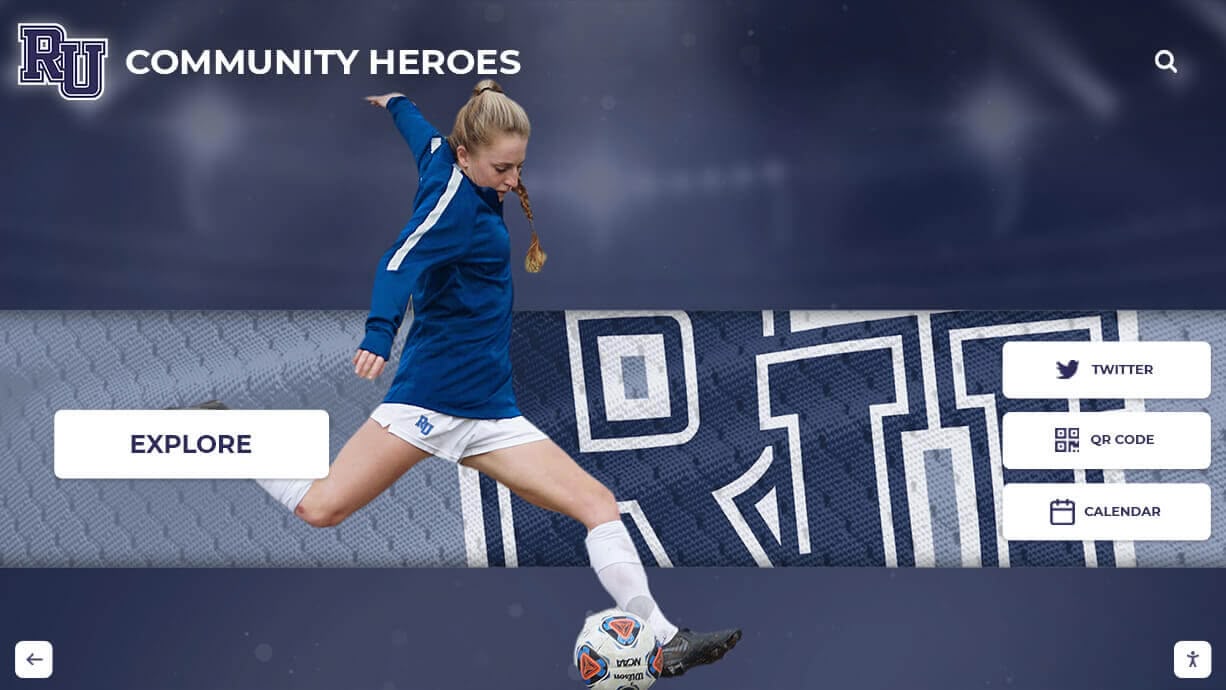
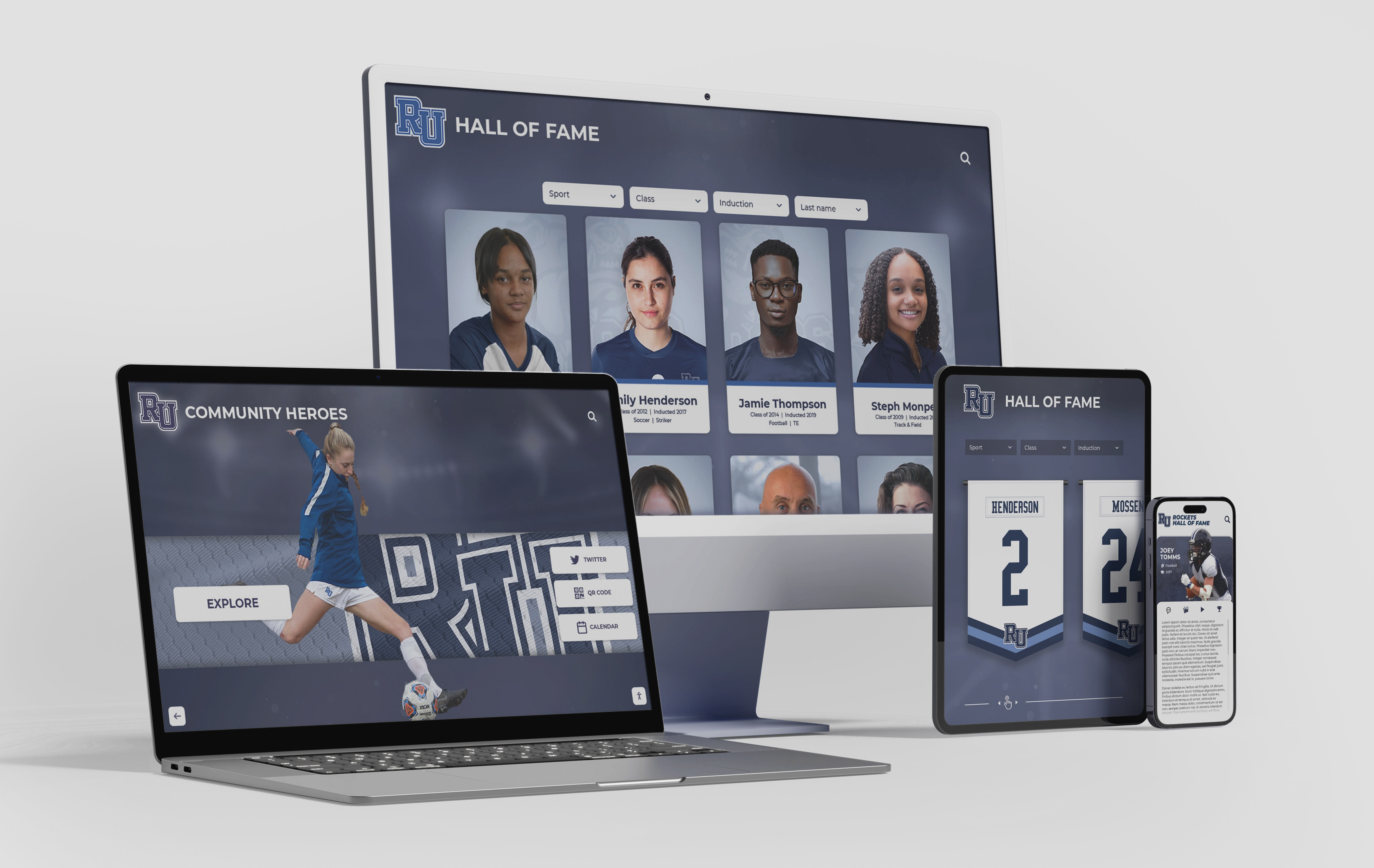
Intent: plan — Build a team history website that makes seasons, rosters, and championships easy to browse online.
Program Snapshot
- Audience: fans, alumni, families, current athletes, local media
- Primary outcomes: preserve history, increase engagement, support recruiting/fundraising storytelling
- Cadence: seasonal updates + archive backfill
- Featured content: season pages, championship pages, rosters, highlights
Content Architecture (turn “old PDFs” into living pages)
Season page template
- Year + record + coaching staff
- Roster (names, positions, stats as available)
- Highlights (3–10 photos + 1–3 videos)
- Notable games / milestones (bulleted)
Championship page template
- Title + year + bracket/summary
- Key contributors (linked to profiles when possible)
- Media gallery + ceremony photos
Navigation
- Browse by year/decade
- Browse by championships
- Search by name (roster/coach)
Execution Timeline
Plan
- Choose the season fields you will publish (minimum viable template).
- Decide how you’ll handle missing data and corrections.
Build
- Backfill recent decades first (highest search demand).
- Create decade landing pages and featured collections.
- Add a media submission workflow (optional).
Launch
- Publish a “featured seasons” set + championship highlights.
- Add share links for alumni and social media.
Refresh
- Add current season content on a schedule.
- Rotate featured games and galleries.
Display Integration
- Online: long-tail season pages, shareable links, searchable rosters.
- Touchscreen: browse by decade and tap into highlights at games/events.
Measurement
- Most visited decades/years
- Championship page engagement
- Search usage for roster names
Copy/Paste Asset: Season Page Checklist
- Year, record, coach, roster
- Notable games/milestones bullets
- 3–10 photos + captions + alt text
- 1–3 videos (optional)
- Tags: decade, sport/activity, championship link (if applicable)
Next step
Request a team history archive mock-up (decades + season templates): Request Your Free Custom Demo (?demo=demo).
FAQ
Frequently Asked Questions
Answers for teams building an online hall of fame or awards website.
What’s the best structure for a team history website?
Use a season-by-season archive, add championship pages, and link rosters to people profiles. Keep navigation consistent across every year.
How do we handle missing historical data?
Publish what you have with clear notes, then add a contribution workflow for corrections and media submissions. Standardize data fields so additions are easy later.
How does team history help SEO?
Season pages and championship pages create long-tail search coverage (year + team + title), especially when they include rosters, stats, and media.































