
Digital Hall of Fame ARIA-Rowcount and ARIA-Rowindex Audit for Virtualized Inductee Tables
A digital hall of fame ARIA-rowcount ARIA-rowindex audit is the process of examining every large inductee table on your school’s recognition website and touchscreen kiosk to verify that aria-rowcount and aria-rowindex are correctly applied whenever the platform renders only a portion of a large inductee collection rather than every row in the DOM simultaneously. When a roster of 400 inducted athletes is too large to render as 400 table rows without degrading page performance, the display platform typically uses virtualization—rendering only the 20–30 rows currently visible in the viewport and swapping new rows into the DOM as the visitor scrolls, while removing rows that have scrolled out of view. Without aria-rowcount and aria-rowindex, a screen reader examining the rendered table sees only the 20–30 DOM-resident rows, announces the table as having 20–30 rows, and has no indication that 370–380 additional inductees exist. A digital hall of fame ARIA-rowcount ARIA-rowindex audit verifies that the rendering platform supplies the correct total row count on the table element and the correct position index on each rendered row, so that assistive technology can communicate both “this inductee is row 47 of 400” and “the full inductee archive contains 400 entries”—giving screen-reader users the same spatial orientation within the recognition collection that a sighted visitor derives from a scrollbar position indicator.
Read More
Digital Hall of Fame Phonetic Name Search Audit for Misspelled Inductee Queries
A digital hall of fame phonetic name search audit is the process of systematically testing whether a school’s recognition platform can retrieve inductee records when a visitor enters a plausible but misspelled version of an honoree’s name—because the visitor heard the name spoken at a ceremony, read it on a jersey banner, or recalled it from memory without ever seeing it written down. Phonetic name search uses algorithms such as Soundex, Double Metaphone, or NYSIIS to group surnames and given names that sound alike into the same search bucket, so that a visitor who types “Kowalsky” finds a record stored as “Kowalski,” a visitor who types “Smyth” returns results for every inductee named “Smith,” and a visitor who types “McKinnon” surfaces profiles filed under “MacKinnon.” A digital hall of fame phonetic name search audit is not a spelling-correction feature test—it is a systematic workflow that verifies every search entry point on the recognition platform routes phonetically equivalent queries to the correct inductee records, displays a meaningful near-miss message when no results exist, and surfaces a “did you mean?” suggestion when edit distance is small enough to indicate a plausible alternative. This guide gives school administrators, athletic directors, IT staff, and recognition-program owners a step-by-step audit protocol, a misspelling-pattern test table, and a reusable issue log to complete the audit in under two hours.
Read More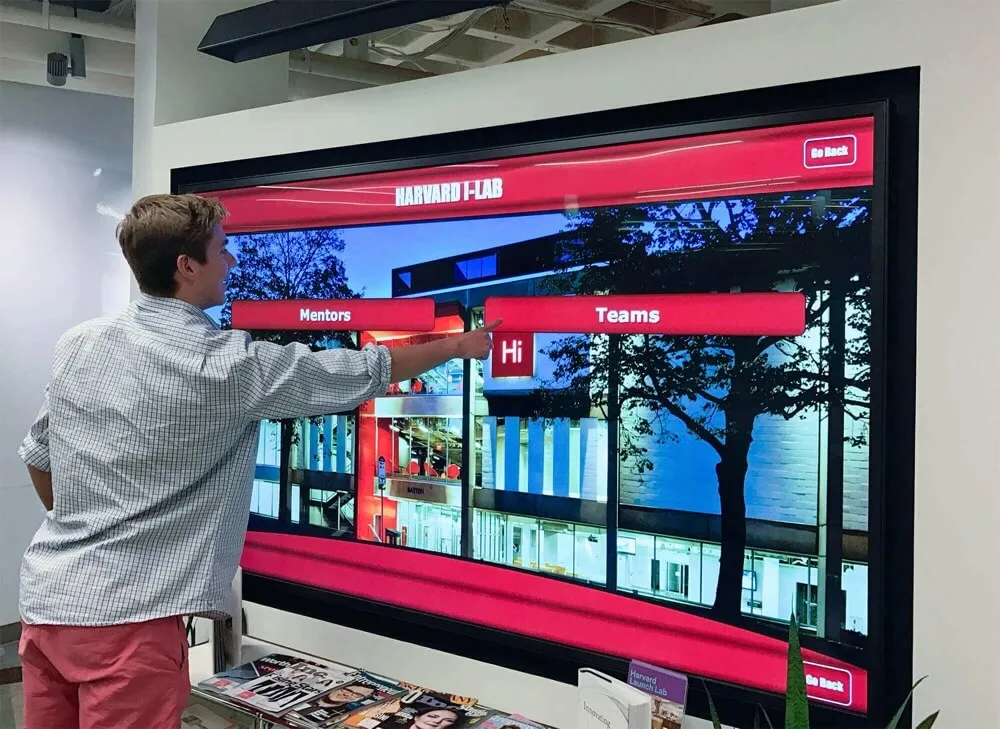
Digital Hall of Fame Skip Link Testing for Keyboard Navigation: Step-by-Step Verification Guide
Digital hall of fame skip link testing is the process of verifying that keyboard-only visitors to your recognition website or kiosk interface can press Tab and then Enter at the top of the page to jump directly into inductee profiles, sport rosters, or decade archives—bypassing the full navigation header on every page load. A working skip link satisfies WCAG 2.1 Success Criterion 2.4.1 (Bypass Blocks), a Level A requirement that applies to any publicly accessible digital recognition site. Without it, a keyboard user navigating your football hall of fame must tab through every site-wide menu link on every page before reaching a single inductee name. This guide gives athletic directors, administrators, IT staff, and archive stewards a repeatable testing workflow they can complete in under 30 minutes, with no specialist tools required.
Read More
WCAG 2.2 AA Accessibility Compliance: Complete Guide for Digital Recognition Displays and Interactive Touchscreens
Schools, universities, museums, and organizations increasingly deploy digital recognition displays—interactive touchscreens showcasing halls of fame, donor walls, historical archives, and athletic achievements. These installations serve diverse audiences including students, visitors, alumni, elderly community members, and individuals with disabilities. When organizations implement these systems without considering accessibility standards, they create barriers preventing significant portions of their communities from engaging with important institutional content.
Read More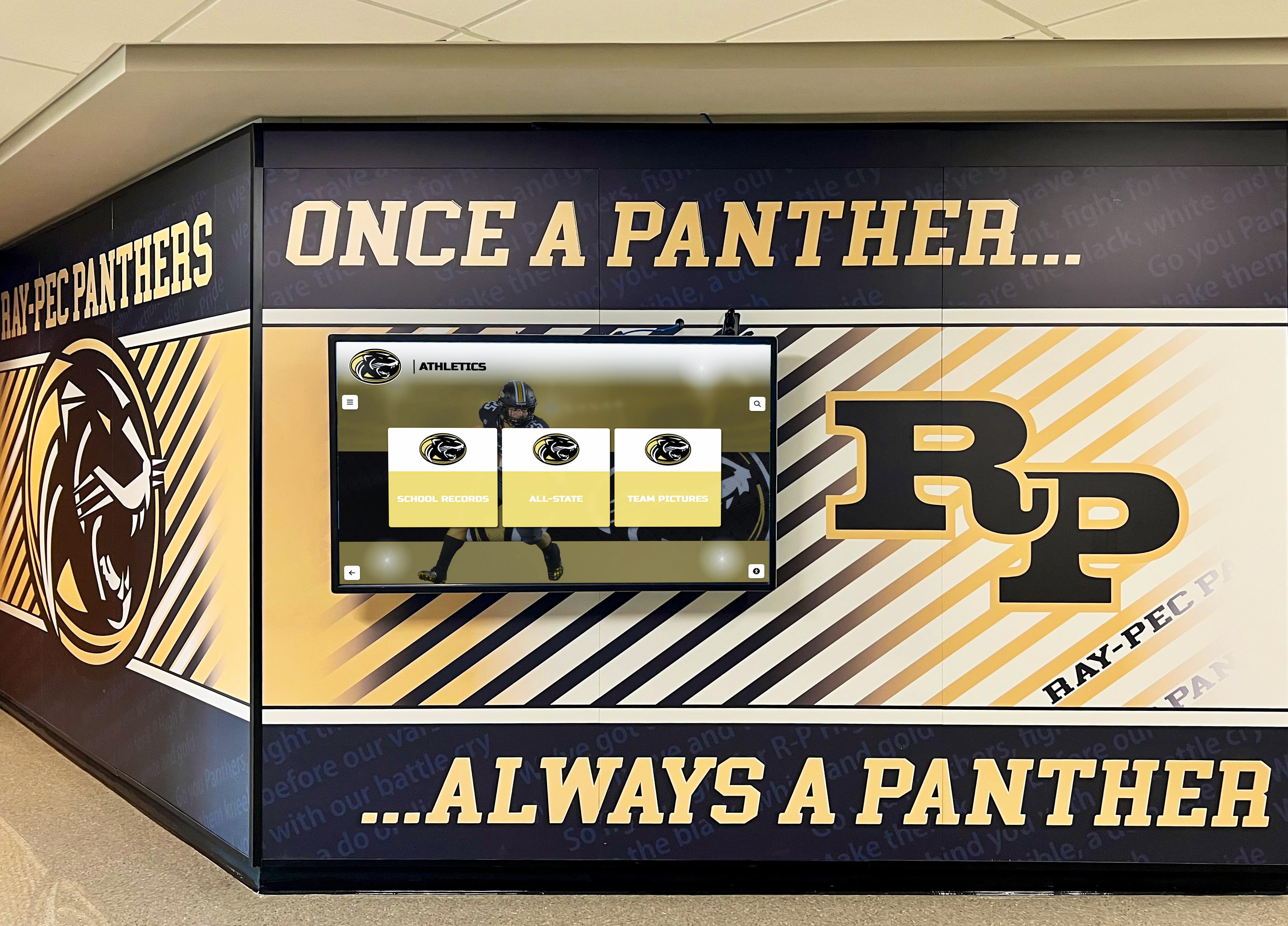
Wayfinding Signage: A Complete Guide for Schools and Institutions
Large institutional campuses pose significant navigation challenges for visitors, prospective families, new students, and community members unfamiliar with building layouts. Complex facilities with multiple wings, specialized departments, renovation-created irregularities, and growing programming needs create environments where finding destinations becomes frustrating experiences undermining institutional impressions and creating late arrivals, missed appointments, and negative first encounters.
Read More






























