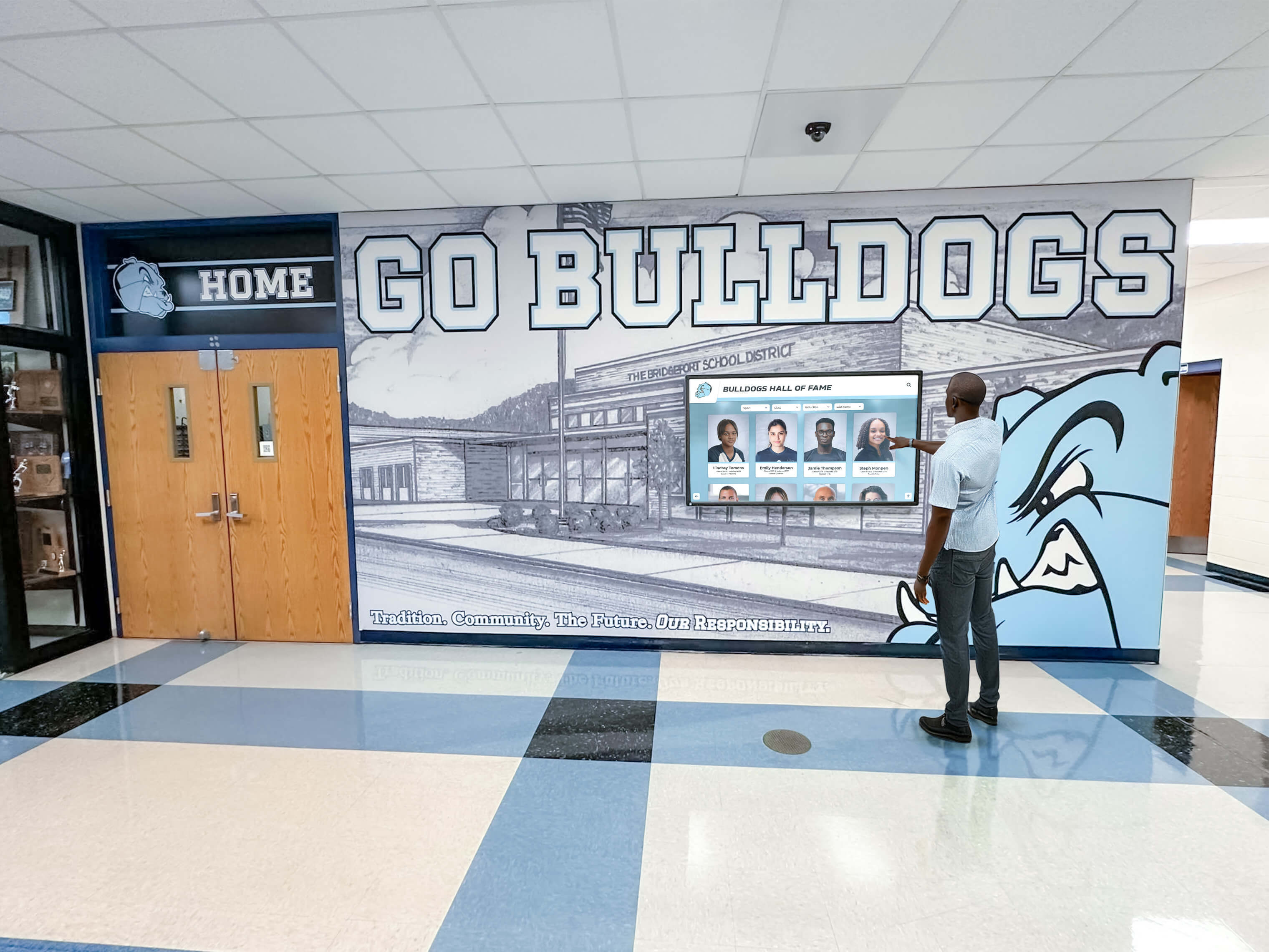




School administrators considering digital hall of fame displays face a common concern that extends beyond technology selection and content strategy: Who actually installs these systems, and what technical requirements must the school accommodate? Unlike simple picture frames or trophy cases that facilities staff can mount with basic tools, digital recognition displays involve careful coordination of mounting hardware, electrical power, network connectivity, and software configuration—all while minimizing disruption to daily operations and ensuring long-term reliability in high-traffic areas like front offices and main lobbies.
The installation question becomes particularly pressing when display purchases are approved but implementation timelines remain uncertain, when existing infrastructure may or may not support new technology, or when multiple stakeholders—IT directors, facilities managers, and administrative staff—need clarity about responsibilities, costs, and coordination requirements before moving forward with recognition program modernization.
This guide provides school administrators, athletic directors, and facilities planners with complete information about who handles digital hall of fame installation, what technical requirements schools must address, how mounting and power considerations affect placement decisions, what network connectivity options work best for different environments, and how professional installation services deliver dependable implementations that serve schools for years.
Who Handles Digital Hall of Fame Display Installation
Installation responsibility varies significantly based on the display provider, the complexity of the system, and your school’s specific circumstances.
Full-Service Provider Installation
Many digital recognition display providers offer comprehensive installation services that handle every aspect of setup:
Installation teams coordinate directly with school facilities staff to schedule work during minimal-disruption periods—typically after school hours, during breaks, or over summer. These teams arrive with all necessary mounting hardware, power supplies, network equipment, and installation tools, completing the entire setup without requiring school personnel to manage technical details.
Professional installers assess on-site conditions, adapt to building-specific challenges (unusual wall construction, limited power access, existing network constraints), and ensure displays meet manufacturer specifications for safe, consistent operation. They handle wall reinforcement when necessary, run power lines through appropriate channels, establish network connections using existing infrastructure or cellular alternatives, and configure software systems before handing over working displays.
Service providers like Rocket Alumni Solutions include professional installation with display purchases, eliminating separate contractor coordination and ensuring hardware and software integration works correctly from day one. This approach removes technical burden from school staff while guaranteeing installations meet all safety and performance standards.

In-House Facilities Team Installation
Some schools with experienced facilities departments choose to handle mounting and basic setup internally, particularly when:
- Facilities staff have commercial display installation experience
- The school wants direct control over timing and coordination
- Budget constraints make self-installation attractive
- Display providers offer detailed installation support and documentation
Schools choosing this approach typically receive mounting templates, detailed installation guides, and remote technical support from display providers. However, in-house teams must ensure they have proper equipment (commercial display mounts, power tools, network configuration tools) and expertise (electrical safety, network setup, software configuration) to complete professional-grade installations.
Contracted Technology Integrators
Districts with existing relationships with technology integration firms sometimes prefer using established contractors for display installations. These integrators coordinate with display providers to receive equipment, mounting specifications, and configuration requirements, then handle on-site installation as part of broader technology projects.
This approach works well when digital signage for schools represents one component of larger facility upgrades, or when IT departments prefer working with familiar technology partners who understand district networks, security policies, and support procedures.
Mounting Requirements for Front Office and Lobby Installations
Display mounting involves more than simply attaching screens to walls—proper installations require careful consideration of wall structure, viewing angles, accessibility compliance, and long-term durability.
Wall Structure and Reinforcement Needs
Concrete and concrete block walls provide ideal mounting surfaces for digital displays, offering the structural support necessary for secure installations without special reinforcement. Installers use appropriate concrete anchors rated for display weight and seismic requirements when applicable.
Drywall over metal or wood studs requires careful attention to weight distribution. Larger displays (55" and above) typically need mounting to multiple studs or may require backing reinforcement installed behind drywall. Professional installers assess wall construction and add reinforcement when necessary to ensure safe, vibration-free mounting.
Historic or architecturally sensitive spaces may require alternative mounting approaches—floor stands with security anchoring, custom millwork integration, or specialized mounting systems that distribute weight without wall penetration. Schools should discuss these considerations during planning phases to identify appropriate solutions.
Optimal Viewing Heights and Angles
Standard mounting heights position display centers between 48-60 inches from floor level for main viewing areas, ensuring comfortable viewing for both standing adults and students of varying heights. This range also meets ADA requirements for visibility and interaction zones.
Touch-enabled displays require lower mounting to accommodate wheelchair users and younger students. Interactive screens typically mount with centers 42-48 inches from floor level, allowing touch access across ADA-compliant reach ranges while remaining usable for all visitors.
Viewing angle considerations affect placement in hallways and lobbies where foot traffic approaches from multiple directions. Installers position displays perpendicular to primary traffic flows when possible, or slightly angled toward main approach paths for optimal visibility.

Mounting Hardware and Security
Commercial-grade mounts designed for public spaces provide security features that prevent tampering while supporting proper cable management. These mounts typically include lockable display covers, internal cable routing, and anti-theft hardware.
Security considerations for main office areas include both physical security (preventing theft or vandalism) and data security (protecting network access and content management systems). Installers use mounting systems that conceal and protect network cables while preventing unauthorized access to display connections.
Power Requirements and Electrical Considerations
Digital displays require consistent electrical power, but installation approaches vary based on school infrastructure and display locations.
Standard Electrical Connection Methods
Nearby outlet connection works when existing power outlets are located within 6-8 feet of planned display locations and can accommodate additional loads without circuit overload. This represents the simplest installation approach, requiring only appropriate power cables and surge protection.
New dedicated circuit installation provides optimal reliability for prominent recognition displays, eliminating concerns about shared circuits tripping during high-load periods or power quality issues affecting display performance. Electricians run dedicated 15 or 20-amp circuits directly from electrical panels to display locations.
In-wall power extension offers clean installations by running new power lines through walls from existing circuits to display locations. Licensed electricians ensure these extensions meet electrical code requirements and maintain appropriate wire gauges for load and distance.
Power Consumption and Circuit Planning
Typical display power requirements range from 150-400 watts depending on screen size and technology. A 55" commercial display typically draws approximately 200 watts during normal operation—roughly equivalent to two desktop computers.
Circuit capacity assessment determines whether existing circuits can support new displays without overload. Standard 15-amp circuits at 120 volts provide approximately 1800 watts total capacity, but good electrical practice limits continuous loads to 80% of capacity (approximately 1440 watts). Facilities managers should inventory existing loads on circuits before connecting new displays.
Surge protection and power conditioning safeguard expensive display technology from power fluctuations common in school buildings. Professional installations include commercial-grade surge protectors or uninterruptible power supplies (UPS) appropriate for display wattage.
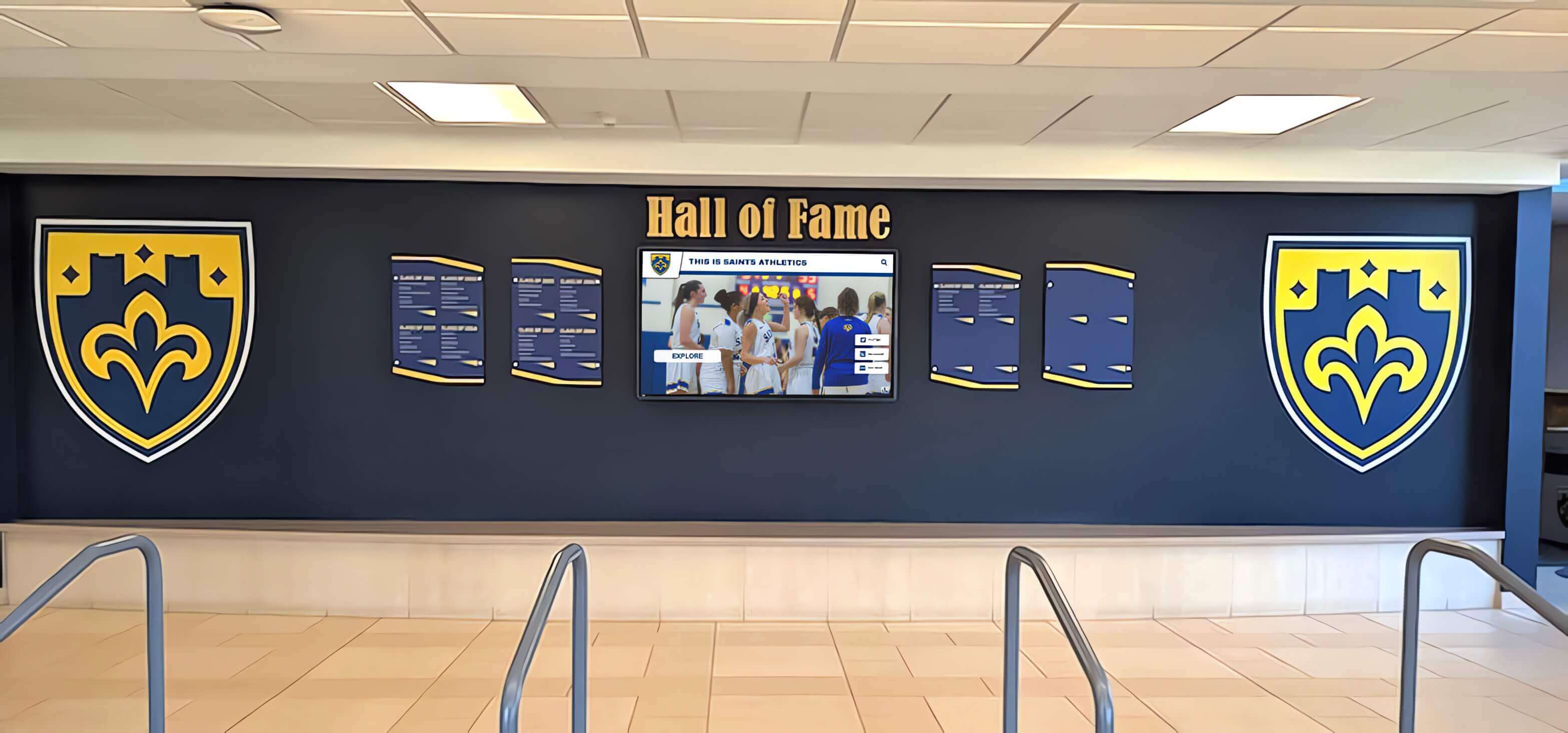
Energy Efficiency Considerations
Modern commercial displays consume substantially less power than previous generation screens while delivering better image quality. Digital hall of fame displays typically include automatic brightness adjustment, scheduled operation modes, and sleep features that reduce power consumption during low-traffic periods.
Schools concerned about operating costs should request power consumption specifications during vendor evaluation and calculate annual operating expenses based on planned display schedules. A display consuming 200 watts operated 12 hours daily at $0.12 per kWh costs approximately $105 annually in electricity—a minimal ongoing expense relative to the value these systems provide.
Network Connectivity Options and Setup
Digital recognition displays require internet connectivity for content updates, remote management, and software functionality. Schools have multiple connectivity options depending on existing infrastructure and security requirements.
Wired Ethernet Connection
Hardwired network connections provide the most dependable connectivity for digital displays, offering consistent performance, improved security, and no interference concerns. Ethernet connections work particularly well for front office installations where network drops often exist nearby.
Installation approaches for wired connectivity include:
- Connecting to nearby network ports when available within 10-15 feet
- Running new Ethernet cables through walls or ceiling spaces to display locations
- Using powerline network adapters that transmit network signals through electrical wiring when traditional cable runs are impractical
IT department coordination ensures new network connections integrate properly with school security policies, VLAN configurations, and bandwidth management systems. Display providers should supply network requirements (bandwidth needs, port requirements, firewall considerations) to IT departments during planning phases.
Wireless Network Connection
WiFi connectivity offers installation flexibility when wired connections are unavailable or impractical. Modern wireless networks provide sufficient bandwidth for interactive touchscreen displays since content updates typically occur during off-peak hours rather than requiring constant high-bandwidth connections.
Wireless installation considerations include signal strength assessment at display locations, network security configuration (WPA2/WPA3 authentication), and potential interference from building structures or other devices. IT departments should verify adequate signal strength before finalizing wireless display placements.
Cellular Network Connection
Built-in cellular connectivity eliminates dependence on school networks entirely, providing independent internet connections that work regardless of existing infrastructure limitations. This option appeals to schools with network security concerns, limited available network ports, or installations in buildings with poor WiFi coverage.
Cellular-enabled systems include their own data plans, removing IT department coordination requirements and allowing installations to proceed without network infrastructure modifications. Providers like Rocket Alumni Solutions offer cellular-connected displays that work immediately upon installation without requiring any school network access.

Network Security and Access Control
Security considerations for connected displays include ensuring systems receive regular software updates, restricting administrative access to authorized personnel, and isolating display traffic from sensitive school networks when appropriate.
IT security requirements vary significantly between districts. Some require displays to connect through isolated guest networks, others mandate specific authentication methods, and some prohibit any access to school networks entirely. Display providers should accommodate these varying security postures through flexible connectivity options.
Front Office and Main Lobby Placement Strategies
Display location significantly impacts visibility, accessibility, and installation complexity. Schools should consider multiple factors when selecting installation sites.
High-Visibility Placement Options
Main entrance lobbies provide maximum visibility for visitors, prospective families, and community members while displaying school pride and achievement. These prominent locations require careful aesthetic integration with existing architecture and décor.
Front office reception areas engage parents, students, and staff who wait for appointments or assistance. Displays in these locations deliver high engagement since viewers have time to explore interactive content while waiting.
Main hallway intersections near administrative offices create natural gathering points where students pass multiple times daily. These locations maximize student engagement while remaining easily visible to visitors navigating toward front offices.
Accessibility and Interaction Considerations
ADA compliance requirements ensure displays serve all community members. Interactive display technology installations must provide appropriate reach ranges (15-48 inches from floor), maintain clear floor space (30" x 48" minimum) for wheelchair approach, and ensure controls remain within accessible height ranges.
Traffic flow analysis prevents displays from creating congestion in high-traffic areas during class changes or arrival/dismissal periods. Installations should allow comfortable viewing without blocking hallway passage or creating safety concerns.
Infrastructure Availability Assessment
Site surveys identify practical installation locations by assessing wall structure, power access, network availability, lighting conditions, and aesthetic integration requirements. Professional installers conduct these surveys during planning phases to identify potential challenges before scheduling installations.
Infrastructure limitations sometimes necessitate alternative location selections. When preferred sites lack adequate power or network access, schools must evaluate whether infrastructure improvements justify those locations or whether alternative sites better balance visibility with installation practicality.
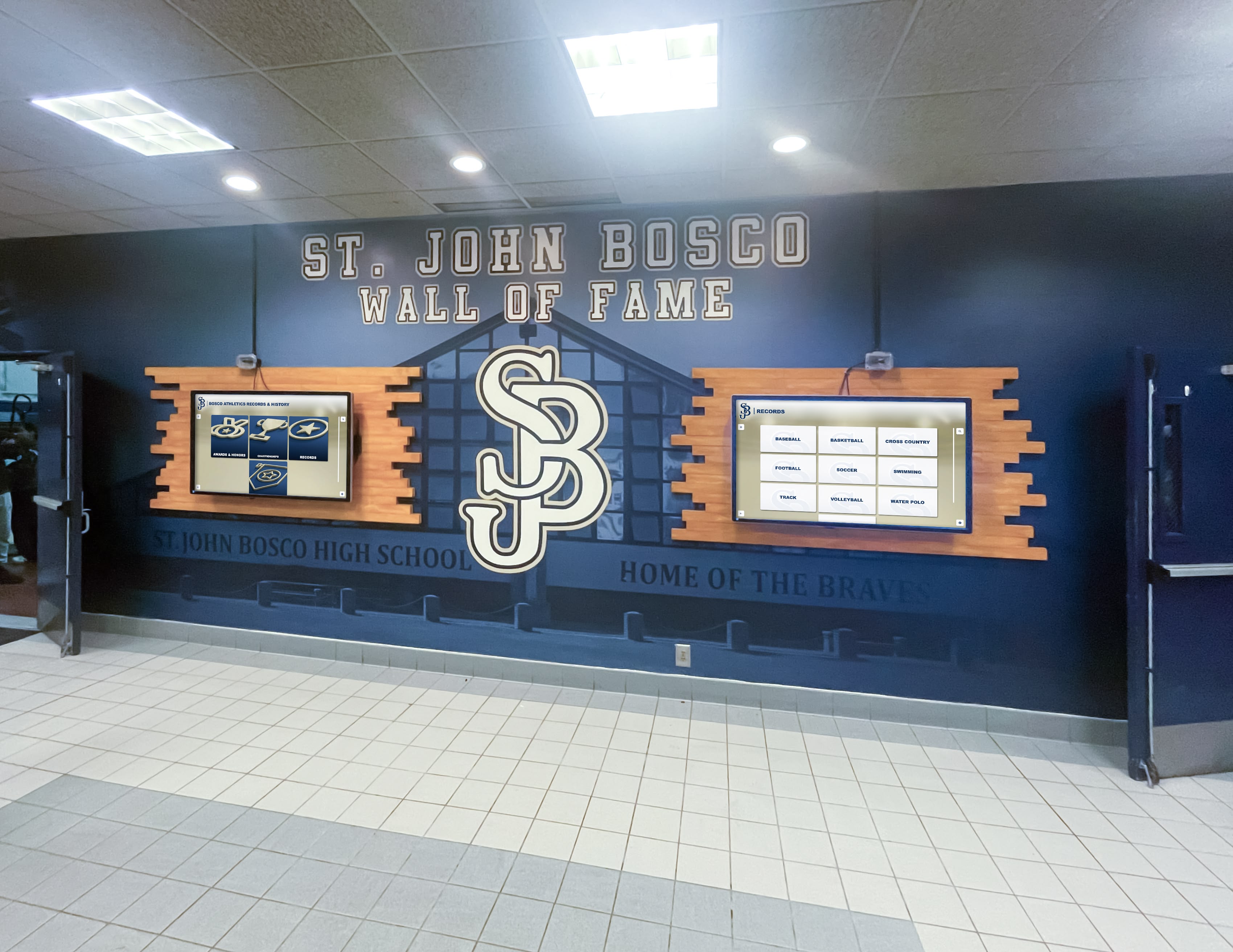
Professional Installation Service Components
Full-service installation providers deliver comprehensive support that extends well beyond physical mounting and connection.
Pre-Installation Planning and Coordination
Site assessment visits allow installers to verify wall structure, measure exact dimensions, photograph installation locations, identify power and network access points, and discuss any building-specific considerations with facilities staff before arrival.
Installation scheduling coordination accommodates school calendars, avoiding major events, testing periods, and high-activity days. Most installations occur during after-school hours or breaks to minimize disruption and allow noise and activity without affecting classes.
Facilities department communication ensures school staff understand installation timelines, space requirements (room for lifts or ladders), power shutdown needs if any, and any temporary access restrictions during installation work.
Installation Day Activities
Complete installation services typically include:
- Wall preparation and reinforcement when necessary to support display weight safely
- Mounting hardware installation using appropriate anchors and brackets for wall type
- Display mounting and leveling ensuring proper positioning and secure attachment
- Power connection through existing outlets or new electrical work as needed
- Network setup including cable installation or wireless configuration
- Display testing verifying power, connectivity, and basic functionality
- Software configuration including network registration, content upload, and system settings
- Cleanup and disposal removing packaging materials and installation debris
- Staff walkthrough demonstrating basic operation and addressing questions
Installation timelines vary based on complexity but typically require 3-6 hours for single display installations including all mounting, connection, and configuration work.
Post-Installation Support and Training
Content management training ensures designated staff members understand how to update display content, modify layouts, add new inductees, and manage recognition programs through web-based content management systems.
Technical support documentation provides reference materials covering common tasks, troubleshooting procedures, and support contact information for when assistance is needed.
Ongoing technical support addresses questions, resolves issues, and provides guidance as schools expand recognition programs or modify display configurations over time.
Cost Considerations for Professional Installation
Understanding installation costs helps schools budget appropriately and evaluate total ownership expenses beyond display hardware.
Installation Service Pricing Models
Included installation from providers like Rocket Alumni Solutions eliminates separate installation expenses, rolling all setup costs into display pricing. This approach simplifies budgeting and ensures professional installation without additional vendor coordination.
Separate installation fees range from $500-2,000 per display depending on complexity, location, and required infrastructure work. Basic installations with nearby power and network access typically cost less than installations requiring new electrical work or extensive cable runs.
Self-installation options eliminate service fees but require schools to manage all technical aspects and accept responsibility for proper setup. This approach saves money upfront but may involve trial-and-error troubleshooting and could result in suboptimal installations without professional expertise.
Additional Infrastructure Costs
Electrical work adds $200-1,000+ depending on circuit distance and whether dedicated circuits are necessary. Simple outlet installations cost less than running new circuits from electrical panels.
Network infrastructure modifications range from $100-500+ when new cable runs or network equipment are necessary. Schools with existing network ports near display locations avoid these costs.
Wall reinforcement adds $200-800 when drywall or other wall types require backing or structural support for secure display mounting.
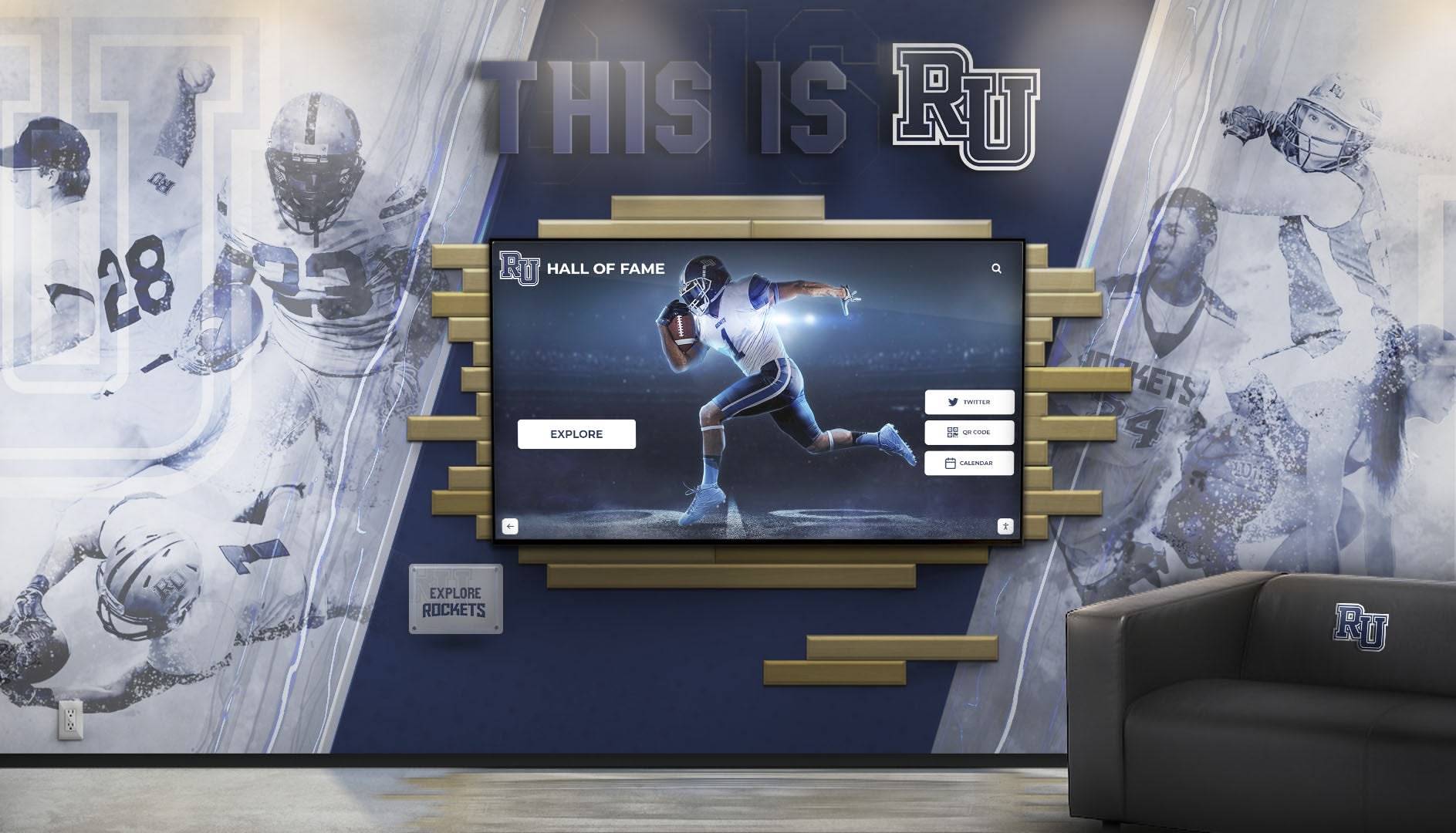
Long-Term Value Considerations
Professional installation value extends beyond initial setup by ensuring consistent operation, minimizing future maintenance needs, and avoiding problems that result from improper installation (loose mounting, inadequate power protection, poor network connectivity).
Warranty protection often requires professional installation to remain valid. Schools that attempt self-installation may void equipment warranties, potentially creating expensive repair situations.
Common Installation Challenges and Solutions
Experienced installers anticipate and address common challenges that arise during digital display implementations.
Building-Specific Obstacles
Historic buildings with plaster walls, brick construction, or architectural preservation requirements need specialized mounting approaches. Installers work with facilities staff to identify mounting methods that provide necessary support while respecting building characteristics.
Limited power access in older buildings or locations distant from electrical outlets requires creative solutions—extending circuits through walls, installing floor boxes, or using conduit runs to deliver power aesthetically and safely.
Restricted network access in secure facilities or buildings with limited network infrastructure may necessitate cellular connectivity options or coordinated IT department support to establish appropriate network connections.
Coordination Between Multiple Stakeholders
Facilities, IT, and administration coordination ensures all departments understand their roles and responsibilities. Clear communication prevents delays from missing approvals, scheduling conflicts, or unaddressed technical requirements.
Approval processes in some districts require multiple sign-offs before installation work can proceed. Planning timelines should account for these administrative requirements to avoid project delays.
Minimizing School Disruption
Strategic scheduling during low-activity periods reduces installation impact on daily operations. Summer installations offer the most flexibility, though after-school and weekend work accommodates installations during school years.
Phased implementations allow schools to install multiple displays across several sessions rather than coordinating simultaneous installations that might stretch facilities staff or create excessive disruption.
Selecting the Right Installation Approach
Schools should evaluate several factors when deciding between installation service options.
When Full-Service Installation Makes Sense
Most schools benefit from professional installation services that eliminate technical burden, ensure dependable implementations, and provide accountability when issues arise. This approach particularly suits:
- Schools without extensive facilities staff or technical expertise
- Prominent installations where appearance and reliability matter most
- Situations where time constraints make self-installation impractical
- Schools wanting comprehensive support from equipment through implementation
When Self-Installation Might Work
Schools with experienced facilities teams and clear technical confidence may successfully handle installations independently, particularly when:
- Facilities staff have commercial display installation experience
- Display locations offer straightforward mounting with nearby power and network
- Budget constraints make service fees prohibitive
- Schools want hands-on learning about display technology
Even when choosing self-installation, schools should ensure display providers offer detailed installation support, documentation, and remote troubleshooting assistance.
Questions to Ask Installation Service Providers
Schools evaluating installation options should request clear information:
- What specific services are included in installation pricing?
- How do you coordinate with facilities and IT departments?
- What installation scheduling flexibility do you offer?
- Do installations include staff training and documentation?
- What warranty and support coverage applies after installation?
- How do you handle unexpected installation challenges?
- Can you provide references from similar school installations?
Rocket Alumni Solutions Installation Approach
Rocket Alumni Solutions provides comprehensive installation services for schools nationwide, handling every aspect of digital hall of fame display setup.
Professional installation teams coordinate directly with school staff to schedule convenient installation windows, arrive with all necessary equipment and materials, complete mounting and connection work, configure software systems, and provide hands-on training before departing—delivering working recognition displays without technical burden on school personnel.
Cellular-connected displays eliminate network coordination requirements entirely, working independently of school infrastructure while delivering consistent internet connectivity for content updates and remote management. This approach simplifies installations by removing IT department dependencies and avoiding network security complications.
Included installation services remove separate contractor coordination and additional service fees from school budgets, providing transparent all-inclusive pricing that covers equipment, setup, training, and ongoing support.
Schools interested in learning more about professional installation services and comprehensive digital recognition solutions can request custom demonstrations showing exactly how display systems will look with their specific content, colors, and recognition programs.
Implementation Timeline and Process
Understanding the complete implementation process helps schools plan appropriately and set realistic timelines.
Initial Planning Phase (2-4 Weeks)
Requirements definition establishes display locations, technical specifications, content requirements, and budget parameters. This phase includes stakeholder meetings with administration, facilities, IT, and recognition program coordinators.
Site assessment identifies specific installation requirements including wall construction, power availability, network access, and any building-specific considerations that affect installation approach.
Approval and procurement completes purchase order processing, contract execution, and any required board approvals before scheduling installation work.
Installation Preparation (1-2 Weeks)
Installation scheduling coordinates with school calendars to identify optimal installation windows that minimize disruption while accommodating facilities and IT department availability.
Pre-installation coordination ensures all parties understand timelines, space requirements, access needs, and any preparatory work schools should complete before installation teams arrive.
Equipment shipping and staging delivers display hardware, mounting equipment, and installation materials to school sites with appropriate lead time for receiving and storage.
Installation and Configuration (1-2 Days)
Physical installation completes mounting, power connection, network setup, and display positioning according to predetermined plans and specifications.
Software configuration establishes network connections, uploads initial content, configures display settings, and verifies system functionality.
Testing and handoff confirms all features work properly, provides staff training, delivers documentation, and ensures school personnel understand ongoing operation and maintenance.
Post-Installation Support (Ongoing)
Technical support addresses questions, resolves issues, and provides guidance as schools become familiar with new display systems and expand recognition programs.
Content updates and additions allow schools to continuously add new inductees, modify layouts, refresh designs, and keep recognition displays current without requiring additional technical support.
System maintenance and monitoring ensures displays continue operating consistently through remote monitoring, software updates, and preventive support when needed.
Conclusion: Professional Installation Delivers Long-Term Value
Digital hall of fame display installation involves careful coordination of mounting hardware, electrical power, network connectivity, and software configuration—technical requirements that extend well beyond what traditional recognition displays demanded. Schools evaluating these systems should prioritize installation quality alongside equipment selection, recognizing that professional installation services deliver dependable implementations, eliminate technical burden from school staff, and ensure recognition displays serve schools effectively for years.
Most schools discover that professional installation services provide the best overall value by combining technical expertise, comprehensive support, and accountability in single relationships with display providers. This approach removes complexity from school administrators and facilities staff while ensuring prominent recognition displays meet expectations from day one.
For schools ready to modernize recognition programs with professionally installed digital hall of fame displays that celebrate unlimited achievement without technical complexity, explore custom demonstration options showing exactly how your specific content, colors, and recognition programs will appear on these engaging interactive systems.































