



Every school athletic program tells a story worth preserving—record-setting seasons, breakthrough athletes, championship runs, and coaching milestones that define a community for decades. A sports media guide template gives athletic directors, communications staff, and yearbook advisers a structured system for capturing that story before details fade, rosters scatter, and photographs sit unlabeled in a storage closet.
A media guide began as a printed booklet handed to journalists at game time. Today it doubles as the data architecture behind digital record boards, touchscreen hall of fame displays, athletic websites, and yearbook spreads. Schools that build a consistent collection workflow once can reuse that content across every channel—physical or digital—without starting from scratch each season.
This guide walks through every field worth collecting, organized into sections your staff can act on now and build upon across years.
Whether your program fields two sports or twenty-two, the same core information structure applies. Gather it systematically and you will always have what you need for a banquet program, a social media post, a championship banner, or an interactive display case that plays for visitors in the main lobby.

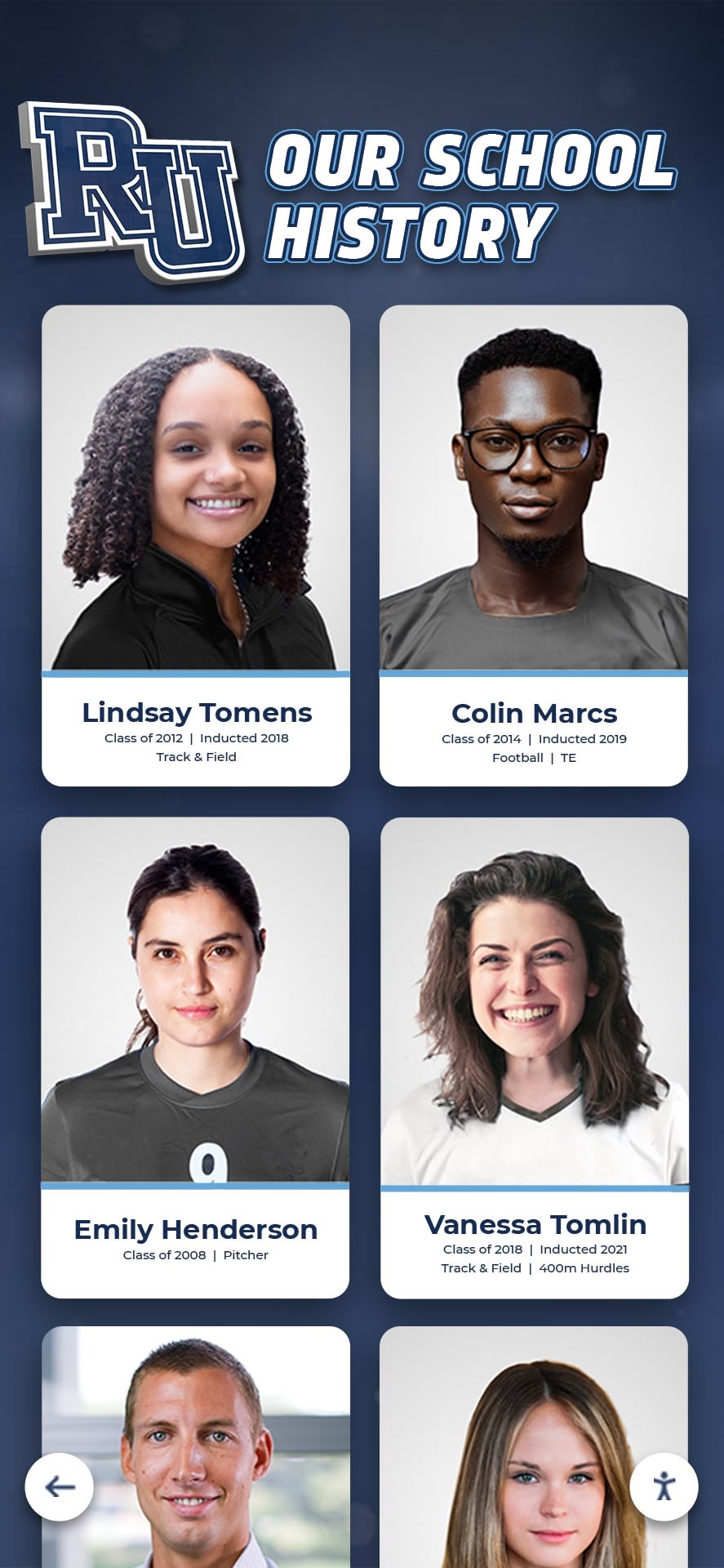
Consistent data collection each season feeds portrait cards, record boards, and digital recognition displays without duplicate effort
Program Snapshot: What a School Sports Media Guide Covers
| Section | Who Uses It | Update Frequency | Display Destination |
|---|---|---|---|
| Program & School Info | Media, sponsors, recruiters | Annual | Guide cover, website |
| Coaching Staff Bios | Media, community, recruits | Each hire/change | Program page, lobby display |
| Team Roster & Player Profiles | Game programs, recruiters | Each season | Roster board, yearbook |
| Season Schedule & Results | Fans, media, record-keepers | Weekly in-season | Website, digital signage |
| All-Time Program Records | Media, historians, alumni | As records fall | Record board, trophy case |
| Annual Award Winners | Banquet programs, donors | End of season | Hall of fame, yearbook |
| Historical Season Archives | Alumni, development office | Ongoing | Touchscreen archives, web |
| Media Assets (photos/video) | Press, social media, displays | Continuous | All channels |
This snapshot shows why the template matters: the same data feeds at least five distinct audiences. Collecting it in one structured pass prevents seven separate information requests later.
Section 1: School and Program Identification
Start with the basics every external reader needs to orient themselves. These fields rarely change but are frequently forgotten until a journalist asks at game time.
Essential Program Fields
School identity:
- Full legal school name and common name (e.g., “Westfield Community High School / Westfield High”)
- School mascot and official colors (Pantone or hex codes if available)
- Conference and classification (e.g., IHSA Class 4A, District 3)
- Enrollment (current academic year)
- School address, main phone, and main athletics phone line
- Athletic director name, title, direct phone, and email
- School website and official athletics social media handles
Program identity (repeat per sport):
- Sport name and gender designation
- Head coach name, phone, email, and years at school
- Number of sports offered overall; varsity vs. JV breakdown
- Facilities used (field name, gym name, pool name) with address if off-campus
- Home game seating capacity
- Years program has been active
Capturing Pantone or hex color codes once prevents every designer, yearbook student, and graphics vendor from making up their own version of your school green.
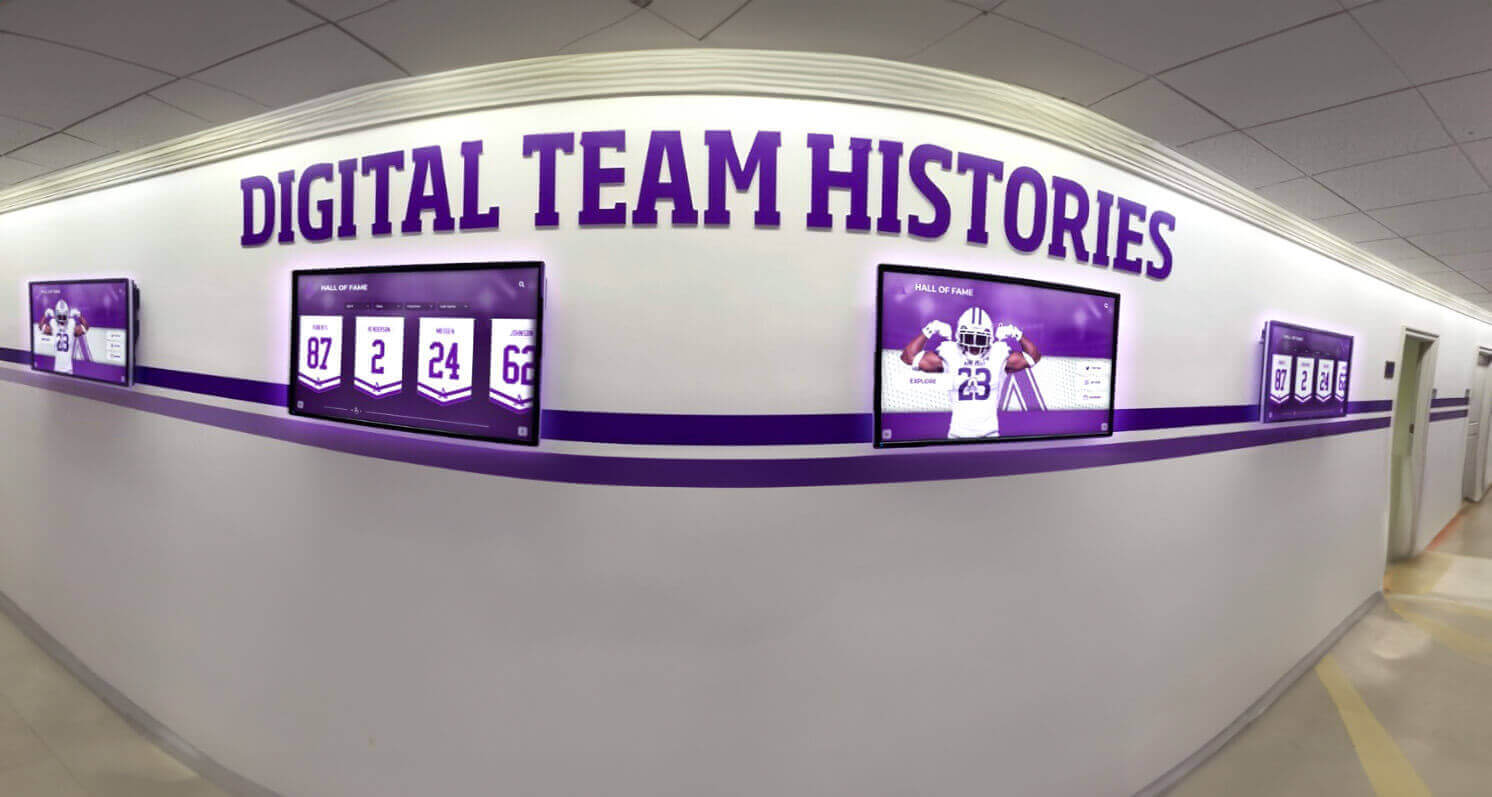
Program identification data populates hallway digital screens and team history displays that visitors and students pass every day
Section 2: Coaching Staff Profiles
Coaching staff profiles humanize the program for families, recruits, and alumni donors. Collect a standard set of fields for every coach so the information is consistent whether it appears in a printed guide, a lobby display, or a website bio.
Coaching Staff Checklist
For each coach (head and assistants):
- Full name and preferred name/nickname
- Title (Head Coach, Associate Head Coach, Assistant Coach, Volunteer Assistant)
- Sport and level coached (varsity, JV, freshman)
- Phone and email (for media contact purposes)
- Years at the school
- Overall career coaching record (wins-losses-ties) if available
- Record at current school
- Coaching honors and awards (Conference Coach of the Year, state recognition)
- Playing background (college, sport, position)
- Educational credentials (degrees and institutions)
- Teaching assignment if dual role
- Headshot photo (minimum 300 DPI, consistent background preferred)
- Brief bio paragraph (150–250 words) written in third person
Keep the headshot brief consistent year-to-year. A coach photographed against a neutral background every fall creates a visual identity thread across your archival record.
Section 3: Team Roster and Athlete Profiles
This section is the heart of the template. Roster data collected thoroughly each season becomes the foundation of every other recognition workflow—banquet programs, all-time records, hall of fame nominations, and yearbook spreads all trace back to the same list of names, numbers, and statistics.
Roster Data Fields (Per Athlete)
Identity and eligibility:
- Full legal name and preferred name
- Jersey number
- Position(s)
- Class year (Fr/So/Jr/Sr) and graduation year
- Height and weight (for applicable sports)
- Hometown and home state
- Previous school if transfer
Academic and extracurricular:
- GPA (if program tracks academic eligibility honors)
- Intended college major or career interest
- Other sports or activities
Athletic background:
- Club or travel team (current season)
- Personal bests or individual records (sport-appropriate)
- Career statistics to date (points, goals, times, etc.)
Media assets:
- Action photo (game or practice, minimum 300 DPI)
- Portrait/headshot (consistent background)
- Quote or personal statement (1–2 sentences for banquet programs)
For seniors specifically:
- Four-year varsity letter count
- Career highlights and records
- Post-graduation plans (college, college sport commitment if applicable)
- Honors and awards across all four years
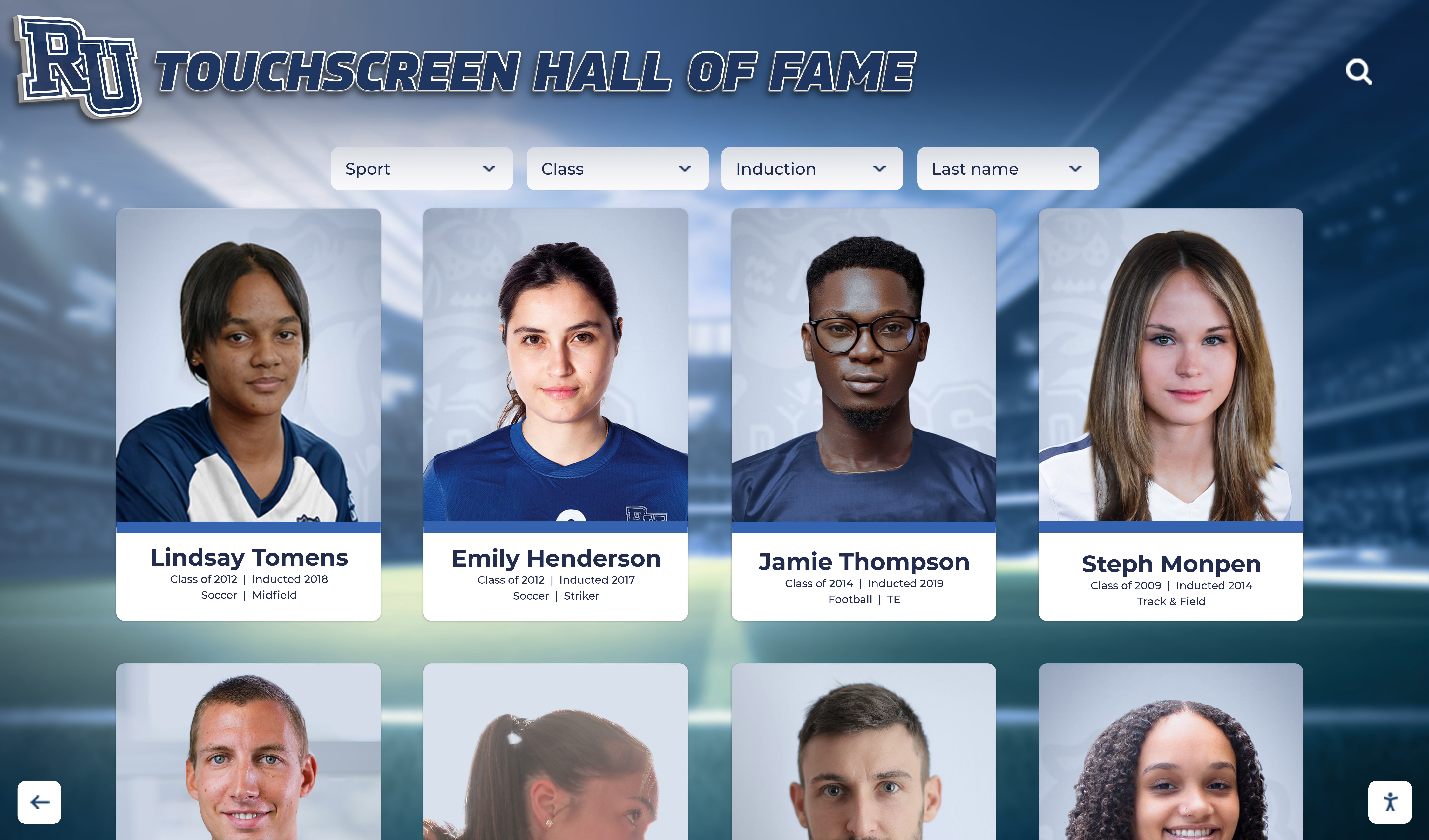
Well-structured athlete profiles power touchscreen displays that families, recruits, and alumni explore during campus visits
Consistency matters more than completeness at first. A roster with every field filled halfway is more useful than one that is thorough for three athletes and blank for fifteen. Build a Google Form or shared spreadsheet so coaches can submit data directly rather than hand-writing it to an administrator.
Section 4: Season Schedule, Results, and Game Notes
Season documentation often gets skipped because it feels like scorekeeping rather than storytelling. In reality, season-by-season result records become one of the most-requested data points when a program celebrates a milestone or nominates a coach for recognition.
Season Documentation Checklist
Pre-season:
- Full schedule with dates, opponents, locations (home/away/neutral)
- Conference games flagged separately from non-conference
- Tournament or playoff brackets when available
In-season (update weekly):
- Final score and opponent for each contest
- Individual standout performances (record-setting, milestone statistics)
- Game notes: weather, attendance for key contests, notable circumstances
- Photos from at least 2–3 contests per season (action and team)
End-of-season summary:
- Final record (W-L-T)
- Conference record and final standing
- Playoff round reached (if applicable)
- Season statistical leaders (points, goals, yards, batting average, etc.)
- All-conference and all-state selections
- Individual and team awards (see Section 5)
For championship seasons add:
- Championship game/meet date and location
- Winning margin or score
- Roster photo from championship day
- Local newspaper coverage (save PDFs)
Schools that document seasons consistently for five to ten years build a searchable historical record that makes athletic hall of fame nominations straightforward rather than a research project.
Section 5: Program Records
All-time program records are the most permanent content in any media guide. They anchor every record board, provide context for current athletes, and serve as milestones for future inductees. Collect them in a format flexible enough to live on a physical record board, a digital display, and a printed program simultaneously.
Records Template Structure
| Record Category | Fields to Collect |
|---|---|
| Individual single-season record | Athlete name, grad year, stat category, record value, season year, opponent/context |
| Individual career record | Athlete name, grad year, stat category, record value, years active |
| Single-game record | Athlete name, grad year, stat category, record value, date, opponent |
| Team single-season record | Stat category, record value, season year, final record |
| Consecutive games/wins streak | Type, count, dates of start and end |
| Coaching milestone | Coach name, milestone (e.g., 200th win), date, opponent |
For each record, also collect:
- Verification source (scorebook, official stats, newspaper)
- Date and opponent when record was set
- Whether record was set in regular season, postseason, or both
- Photograph of the athlete or moment if available
- Previous record and who held it (for context)
Verification source is the field most schools skip and later regret. When someone disputes a record five years later, a citation to the original scorebook or official statistics sheet resolves the conversation immediately. Digital record board platforms display this context automatically once it is collected.
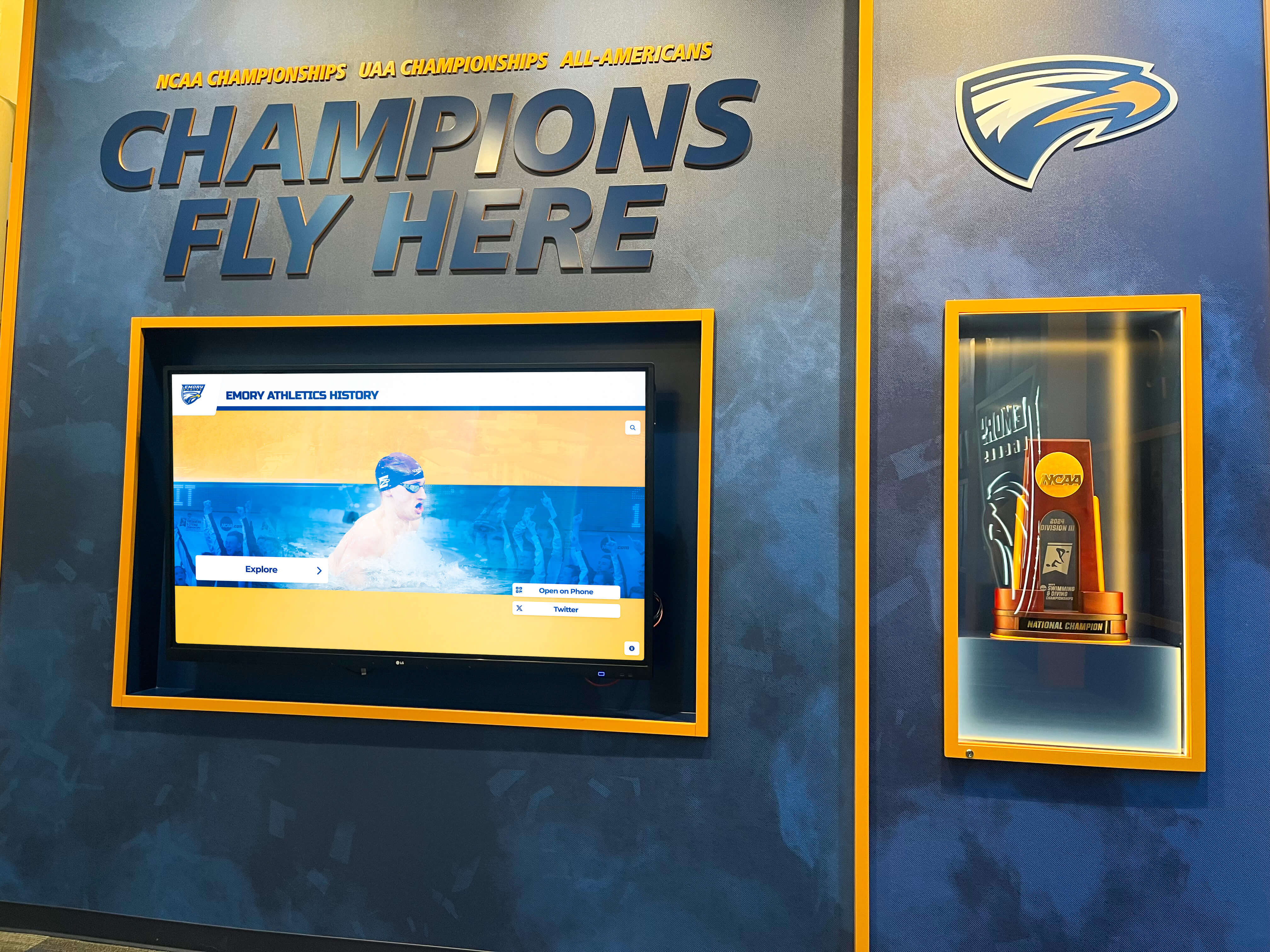
Program records displayed alongside championship hardware give visitors the full context of a program's achievement history
Section 6: Annual Awards and Honors
Annual award documentation is what turns a banquet night into a permanent institutional record. Capture recipients the same evening or the following morning while memories are fresh.
Annual Award Documentation Fields
For each award presented:
- Award name (spell it exactly as it appears on the trophy/certificate)
- Recipient full name and class year
- Sport and gender
- Year awarded (use academic year, e.g., 2025–26)
- Selection criteria (voted by coaches, by teammates, by statistical threshold)
- Brief rationale or citation (2–4 sentences)
- Photo of recipient receiving the award (if available)
Common award categories to document:
- Most Valuable Player (overall, offense, defense)
- Most Improved Player
- Coaches’ Award / Character Award
- Academic Athlete Award
- Senior Leadership Award
- All-Conference and All-State selections (with conference/association name)
- Scholar-Athlete designations (GPA threshold and awarding body)
- Postseason tournament awards (championship game MVP, etc.)
Schools that maintain this list for ten or more years accumulate a nomination-ready database for youth sports recognition programs and athletic hall of fame inductions without additional research.
Contextual tip: Award documentation is the highest-return, lowest-effort habit a program can build. An athlete nominated for the hall of fame a decade from now will need their annual awards traced back to their playing years. A ten-minute record-keeping habit at each banquet eliminates a multi-hour research project later.
Section 7: Historical Season Archive
The historical archive is the cumulative record of all previous seasons. It is what transforms a media guide from a one-year snapshot into a living institutional memory.
Archive Structure by Era
Organize historical seasons using a consistent table that any future staff member can navigate:
| Season Year | Head Coach | Record | Conference Finish | Playoff Round | Key Honors | Notes |
|---|---|---|---|---|---|---|
| 2025–26 | Coach name | 18-5 | 1st / Conference | Regional Final | 3 All-State | First regional final since 2018 |
| 2024–25 | Coach name | 14-9 | 3rd / Conference | First Round | 1 All-Conference | — |
| … | … | … | … | … | … | … |
Additional historical fields worth collecting over time:
- Alumni who went on to play at the collegiate level (school, years played, position)
- Alumni who achieved professional recognition in their sport
- Program milestones (100th win, first state qualifier, facility naming)
- Photographs of notable alumni or championship teams
- Newspaper clipping PDFs from milestone moments
Alumni college placement data is particularly valuable for recruitment materials and for recognition displays that celebrate the program’s broader impact beyond wins and losses.
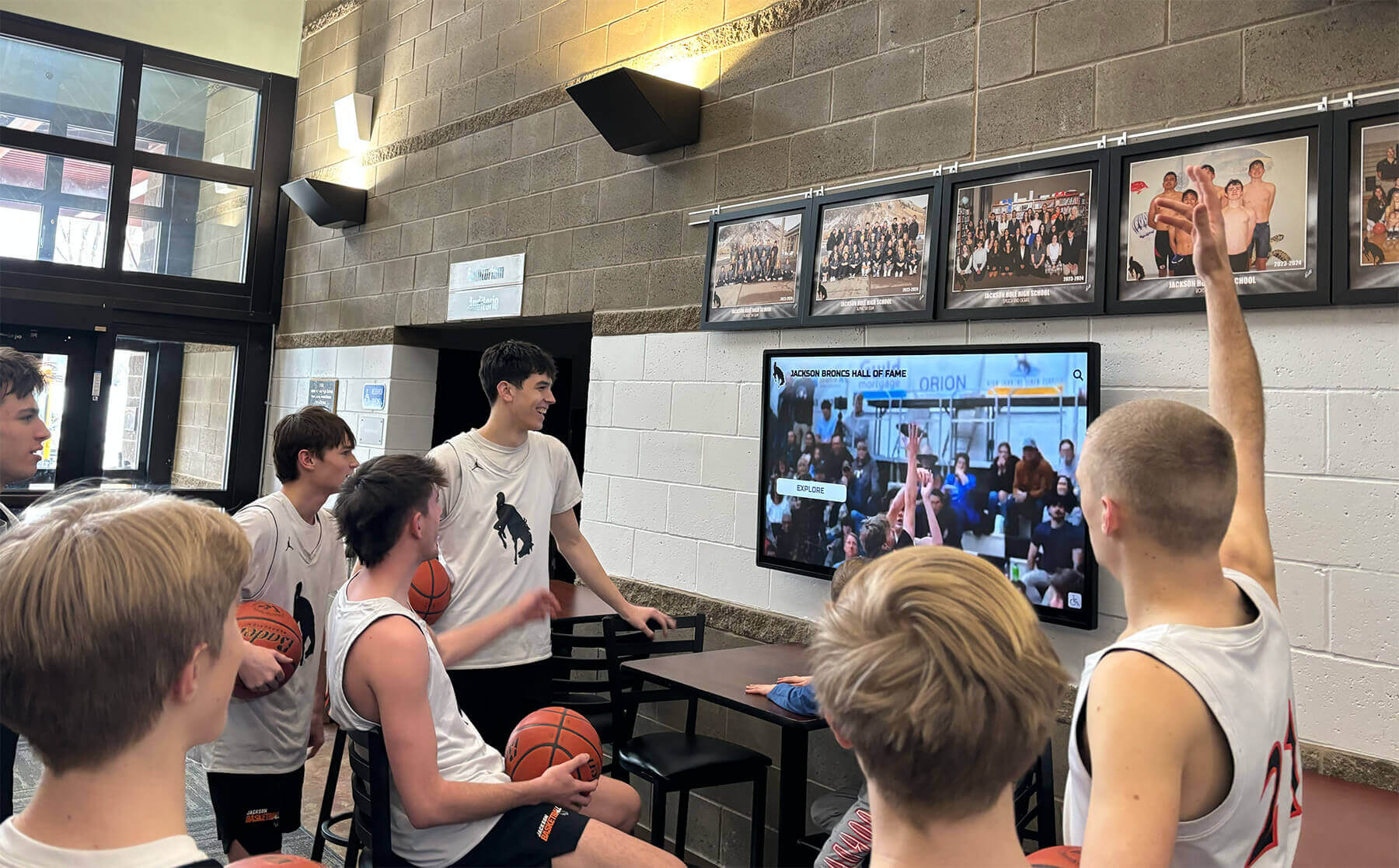
Historical game footage and season archives give current athletes a direct connection to the program's legacy
Section 8: Media Assets and Visual Documentation
The best-written sports media guide is undermined by a missing or inconsistent photo archive. Establish minimum photo standards at the start of each season so you are never searching for usable images at deadline.
Photo and Video Standards Checklist
Photography minimums per season:
- Team photo (full roster, consistent background or location, landscape orientation)
- Individual headshots for all athletes (consistent background, portrait orientation)
- Head coach headshot (updated annually)
- 10–20 action photos from different contests
- Venue/facility exterior and interior photos (update when facilities change)
- Award and banquet night photos (recipients with awards)
- Championship or milestone celebration photos
File and naming standards:
- Resolution: 300 DPI minimum for print; 72 DPI acceptable for web-only use
- Format: JPG or PNG for photos; MP4 for video
- File naming convention:
sport-year-lastname-firstname-type.jpg(e.g.,soccer-2026-martinez-elena-headshot.jpg) - Metadata: embed athlete name, sport, year, and photographer credit in EXIF data when possible
- Storage location: cloud folder with year and sport subfolders; share access with athletic director and yearbook adviser
Video documentation (optional but high-value):
- Season highlight reel (2–4 minutes)
- Senior recognition video
- Championship celebration footage
- Coach interview or postgame quotes for milestone wins
Structured file naming takes thirty seconds per photo and saves hours of searching every time you need an image for a display, a yearbook layout, or a social media post. Hall of fame recognition platforms can ingest consistently named photo libraries automatically rather than requiring manual sorting.
Section 9: How Schools Connect Media Guide Data to Recognition Displays
The data you collect in a media guide template does not have to stay locked in a spreadsheet. When structured consistently, the same fields feed every recognition surface in your school—physical and digital.
Data-to-Display Mapping
| Media Guide Field | Physical Display | Digital Display |
|---|---|---|
| All-time records | Record board plaques | Dynamic digital record board |
| Annual award winners | Trophy case, banquet program | Searchable hall of fame touchscreen |
| Senior profiles | Yearbook pages, senior night programs | Athlete profile cards on touchscreen |
| Team season results | Championship banners | Historical season archive display |
| Coaching milestones | Plaque or banner | Coach profile with career stats |
| Alumni college placements | Signing day display | Interactive alumni explorer |
| Championship photos | Trophy case, hallway murals | Video wall, rotating display |
Schools implementing interactive recognition technology consistently report that the bottleneck is not the display technology—it is the content. A school that has collected roster data, award records, and historical seasons systematically can activate a touchscreen display or digital record board in days rather than months because the content already exists in a usable format.

Structured media guide data populates interactive hallway kiosks that visitors and recruits explore independently
Athletic directors who treat the media guide template as a year-round content system—rather than a once-a-season publication—eliminate the scramble that happens every time a display needs updating, a nomination is submitted, or a donor wants to see the history of the program they are supporting.
Execution Timeline: Building and Maintaining the Template
| Phase | Timing | Key Actions |
|---|---|---|
| Plan | Summer before season | Set up shared spreadsheet/form, brief coaches on data requirements, assign photographer |
| Build | Pre-season through Week 2 | Collect roster data, coaching bios, headshots; verify historical records for completeness |
| In-Season | Weekly | Update scores, log standout performances, tag and store photos |
| Launch | End of season / banquet | Finalize award documentation, compile season summary, add to historical archive |
| Refresh | Off-season | Migrate data to display platforms, update record boards, submit hall of fame nominations |
The five-phase rhythm keeps content current without overwhelming any single staff member. Distributed ownership—coaches submit roster data, the photographer handles media assets, the athletic director approves the historical archive—prevents the entire workflow from depending on one person.
Content Checklist: Quick Reference for Each Sport
Copy this checklist into a shared drive folder and complete one copy per sport per season.
Program Info
- School and program identification fields complete
- Coaching staff bios and headshots current
Roster
- All athlete identity and eligibility fields complete
- Headshots for all athletes
- Action photos (minimum 5 per sport)
- Career statistics current through last season
Season Documentation
- Full schedule entered
- All results logged with dates and scores
- Season statistical leaders identified
Records
- All-time records verified against source documents
- New records added within 48 hours of being set
- Previous record holders preserved for context
Awards
- All annual awards documented with recipient name, year, and citation
- All-conference and all-state selections logged with selecting body name
Media Assets
- Team photo saved to cloud folder
- All headshots saved with standard naming convention
- Season highlights saved
- Championship or milestone photos labeled and stored
Archive
- Historical season table updated with this season’s row
- Alumni college placements added for graduating seniors
Display Integration: From Template to Touchscreen
Schools that invest in recognition infrastructure—hall of fame display walls, digital record boards, touchscreen kiosks—get the most from that investment when the underlying data is structured and current. The media guide template described in this post is essentially the content specification for those systems.
When data lives in a structured format, a cloud-based content management system can pull it directly into public-facing displays. Record board entries update automatically when a coach logs a new mark. Athlete profile cards populate from the same roster spreadsheet used for game programs. Historical season archives appear in a searchable timeline without any duplicate data entry.
The connection works in reverse too. Schools that already have hall of fame recognition platforms in place can export their existing data into the media guide template structure, creating a print-ready guide from content already managed in the system.
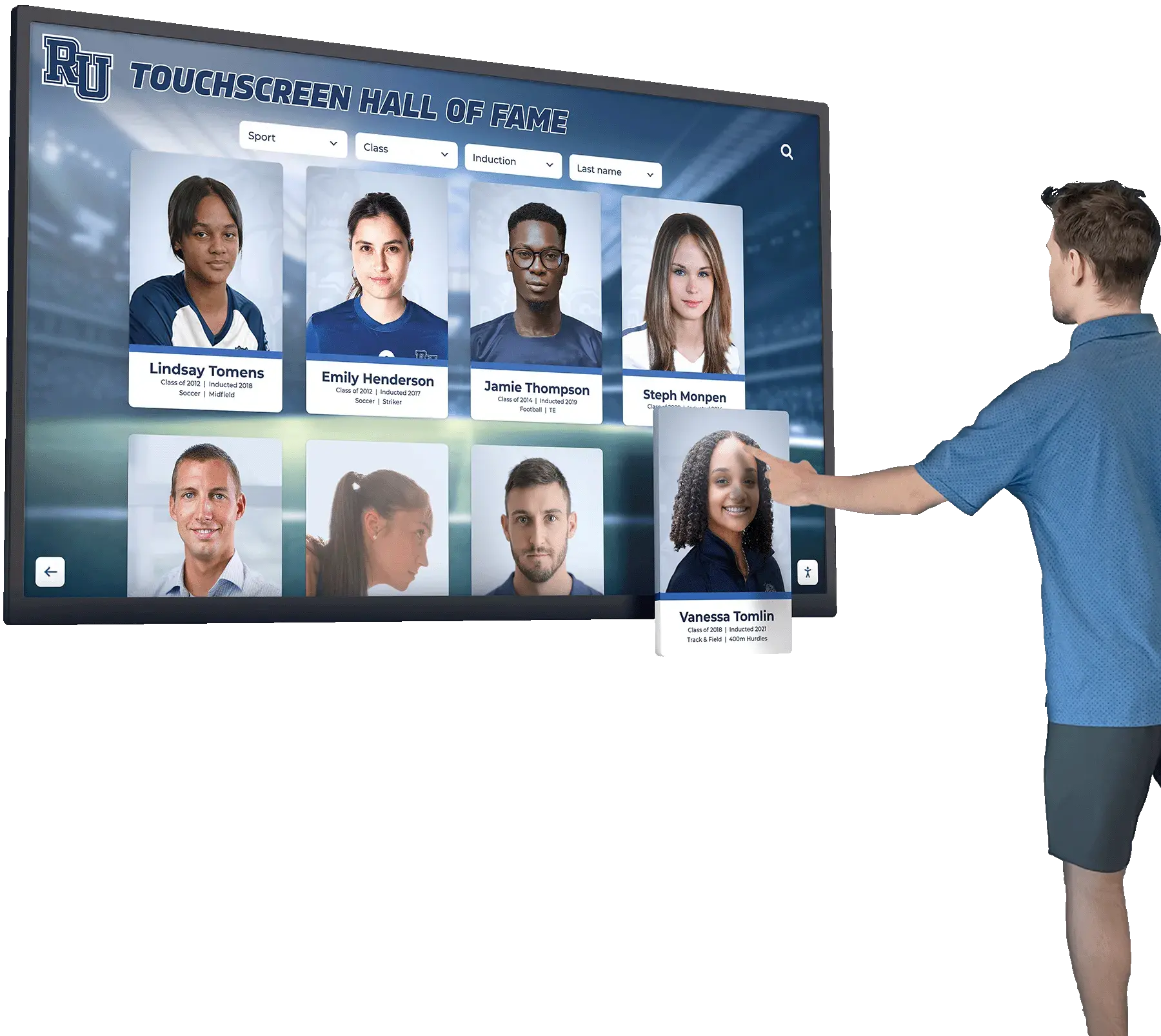
When media guide data is structured consistently, it populates touchscreen displays without duplicate data entry or reformatting
For schools building recognition programs from scratch, comparing options across the best hall of fame tools available helps identify platforms designed to accept structured media guide imports rather than requiring manual re-entry of content you already have.
ADA and Accessibility Notes
Recognition displays serve entire communities. When media guide data feeds a physical or digital display, carry these standards forward:
- Maintain WCAG 2.1 AA color contrast ratios on all text elements
- Provide descriptive alt text for athlete photos (name, sport, year)
- Ensure touchscreen displays are mounted at ADA-compliant reach ranges (15–48 inches from floor)
- Provide keyboard-accessible navigation alternatives to touch-only interfaces
- Caption any video content for hearing-impaired visitors
ADA compliance is not only a legal baseline—it ensures the recognition you collect reaches every visitor, including alumni with visual or mobility considerations.
Frequently Asked Questions
What is a sports media guide template? A sports media guide template is a standardized collection of fields—school identity, coaching bios, team rosters, athlete profiles, program records, annual awards, and historical seasons—organized so athletic programs can gather the same information consistently each year. The collected data feeds printed programs, websites, digital displays, record boards, and yearbook spreads without duplicate effort.
How often should a school update its sports media guide? Roster and schedule information updates each season. Program records update immediately when a record falls (ideally within 48 hours). Annual award documentation updates at the end of each season or at the banquet. Coaching staff profiles update whenever there is a hire or change. Historical archive rows add once per completed season.
What is the difference between a media guide and an athletic record book? A media guide is a broad communications document covering all sections of a program—identity, personnel, rosters, schedules, and context—primarily intended for journalists, recruits, and fans. An athletic record book focuses specifically on all-time statistical records and is more narrowly used by coaches, record boards, and hall of fame committees. A well-structured media guide template includes the record book as one of its sections.
How should schools store and organize their media guide files? Use a cloud-based folder structure organized by sport and academic year. A top-level folder per sport, with subfolders for each year containing the roster spreadsheet, coaching bios, headshots, action photos, season results, and awards, gives any future staff member a navigable archive. Back up to at least one secondary location (local drive or secondary cloud service).
Can media guide data be imported into digital display systems? Yes. Purpose-built athletic recognition platforms accept CSV and spreadsheet imports for roster data, records, and award lists. Schools that maintain clean, consistently formatted spreadsheets can populate a new display system in hours rather than weeks. Platforms like those reviewed in comprehensive hall of fame tool comparisons specify their accepted import formats in advance so you can align your template accordingly.
What fields are most important for athletic hall of fame nominations? Hall of fame committees typically require: full name and graduation year, sports and years lettered, career statistics, annual award history, any all-conference or all-state selections, post-graduation athletic accomplishments, and a 200–400 word nomination narrative. The annual awards and historical archive sections of the media guide template contain nearly all of this information if it has been collected consistently.
How does a sports media guide connect to a school yearbook? Yearbook advisers can draw directly from the media guide template for sport-by-sport spreads. Roster data supplies names and jersey numbers. Coaching bios provide background for coach feature pages. Action photos fill layouts. Season results and statistical leaders give context. Annual award lists populate end-of-year recognition pages. When the template is current, yearbook staff spend their time on design rather than information-gathering.
Should every sport have its own template or one consolidated document? Either approach works, but a single master workbook with one tab per sport is generally easiest to maintain. It gives the athletic director a unified view of the entire program, allows shared fields (school identity, facility information) to be entered once, and makes year-over-year comparison straightforward. Individual sport folders for media assets (photos, video) can link from the master workbook.
Turn Your Media Guide Data Into a Living Recognition Display
Once you have structured athlete profiles, program records, and historical seasons in one place, the next step is putting that content where your community can see it—on an interactive touchscreen in the lobby, a digital record board in the gym, or a searchable hall of fame wall in the athletic hallway. Rocket Alumni Solutions builds custom recognition displays around the content you already have.































