




Schools and organizations considering touchscreen displays often worry about hardware headaches—who handles installation issues, troubleshoots malfunctions, coordinates warranty claims, or manages replacement parts? Many software vendors provide elegant platforms but leave hardware responsibility entirely to clients, creating frustrating situations where customers must coordinate between multiple vendors when problems arise. The display manufacturer blames the media player, the mounting company points to the integrator, and the software vendor declares hardware issues beyond their scope—leaving organizations stuck managing technical coordination without expertise or resources.
This concern becomes particularly acute for educational institutions without dedicated IT staff, athletic departments managing multiple displays across facilities, or nonprofits lacking technical resources. The promise of digital recognition or information displays quickly sours when a malfunctioning screen means days of troubleshooting calls, coordinating technician visits, shipping replacement components, and navigating warranty processes across multiple vendors—all while the display sits dark, failing to serve its purpose.
Rocket Alumni Solutions takes a different approach: full-stack kiosk responsibility. Rather than offloading hardware management to clients, Rocket provides comprehensive services covering procurement, installation, ongoing support, triage, replacement, and restoration. Customer Success serves as the single point of contact for any issue—hardware or software—owning the outcome (uptime) rather than passing responsibility to third parties. Even when OEM warranties exist in the background, Rocket manages those relationships so clients never deal with multiple vendors.
Organizations invest in touchscreen displays for recognition, engagement, and communication—not to become hardware support coordinators. Rocket’s full-stack approach ensures displays remain operational and valuable rather than becoming neglected technology sitting in closets after initial enthusiasm fades and first technical problems arise.

Professional kiosk installations combine quality hardware with comprehensive support ensuring long-term reliability and uptime
Understanding Full-Stack Kiosk Support
Before evaluating hardware services, clarifying what comprehensive support actually means prevents mismatched expectations.
The Traditional Software-Only Model
Most touchscreen software vendors operate under limited responsibility:
What They Provide
- Software platform for content management and display
- Technical support for software bugs or feature questions
- Training on platform usage and administration
- Software updates and feature enhancements
What They Don’t Provide
- Hardware selection guidance or procurement
- Installation coordination or technical setup
- Troubleshooting hardware malfunctions or connectivity
- Coordinating warranty claims with manufacturers
- Managing replacement parts or repairs
- On-site service or technician dispatch
Under this model, organizations bear full responsibility for hardware lifecycle—researching compatible displays, coordinating installations, troubleshooting technical issues, managing multiple vendor relationships, and accepting downtime during hardware failures. Software vendors reasonably state “hardware is beyond our scope” when displays malfunction, leaving clients to navigate unfamiliar technical territory alone.
For institutions with dedicated IT departments and technical expertise, this separation of concerns may work acceptably. However, many schools, athletic programs, and nonprofits lack resources to effectively manage hardware coordination, resulting in prolonged downtime, abandoned displays, or significant opportunity costs from staff time diverted to technical troubleshooting.
Rocket’s Full-Stack Responsibility Model
Rocket Alumni Solutions operates differently—taking ownership of complete kiosk stack rather than just software layer:
Comprehensive Hardware Services
- Hardware consultation and compatibility verification
- Procurement coordination with commercial-grade components
- Professional installation and mounting services
- Network connectivity setup and optimization
- Ongoing hardware monitoring and health checks
- Troubleshooting triage for any issue (hardware or software)
- Coordinating warranty claims and replacement logistics
- Rapid replacement shipping for failed components
- System restoration ensuring return to operational status
Single Point of Contact
- Customer Success as unified interface for all issues
- No vendor coordination required from clients
- Ownership of uptime outcomes regardless of root cause
- Proactive monitoring identifying problems before failures
- Systematic follow-up ensuring complete resolution
This approach recognizes a fundamental reality: clients invest in working displays delivering value, not in managing technical vendor relationships. When a touchscreen sits dark, whether from software bugs, network connectivity, failed media players, or display malfunctions, the outcome is identical—a non-functional investment failing its purpose. Rocket’s Customer Success team owns that outcome, coordinating whatever resources necessary to restore operations without requiring client coordination.
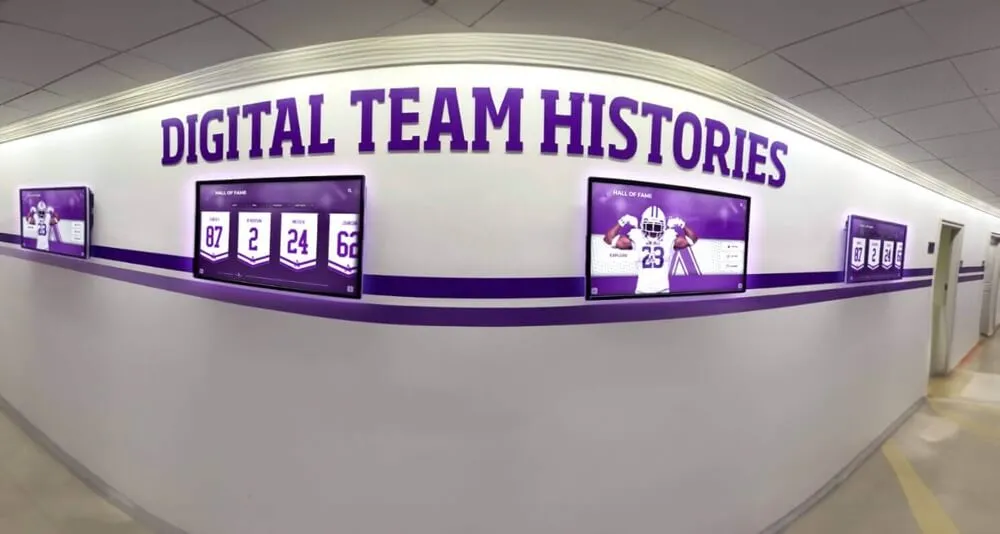
Multiple display installations require coordinated support ensuring all units remain operational and serving their intended purposes
Program Snapshot: Rocket Hardware Support Services
| Service Component | What’s Included | Client Responsibility | Outcome Guaranteed |
|---|---|---|---|
| Hardware Selection | Consultation, compatibility verification, commercial-grade recommendations | Approval and budget | Appropriate components for use case |
| Procurement | Vendor coordination, quality assurance, component testing | Payment authorization | Delivery of working hardware |
| Installation | Professional mounting, connectivity setup, system configuration | Site access and preparation | Fully operational display |
| Ongoing Monitoring | Health checks, connectivity verification, proactive issue detection | None—automated systems | Early problem identification |
| Troubleshooting | Unified triage for hardware and software issues | Issue reporting | Root cause identification |
| Warranty Management | Manufacturer coordination, claim processing, replacement logistics | None—Rocket handles | Replaced components |
| Rapid Replacement | Expedited shipping, pre-configured components, minimal downtime | Receiving and installation assistance | Restored operations |
| Customer Success | Single point of contact for any issue | Communication and feedback | Operational uptime |
Content Architecture: Hardware Service Delivery Model
Effective hardware support requires systematic processes covering the complete lifecycle.
Phase 1: Consultation and Hardware Selection
Proper component selection prevents incompatibilities and ensures longevity.
Understanding Use Case Requirements
Rocket’s consultation process identifies:
- Display location characteristics (lighting, traffic, viewing distance, space)
- Interaction model (touchscreen navigation vs. passive viewing)
- Mounting requirements (wall mount, freestanding kiosk, countertop)
- Environmental considerations (temperature, humidity, security)
- Network infrastructure (wired Ethernet availability, Wi-Fi coverage, bandwidth)
- Power requirements (electrical access, circuit capacity, backup needs)
- Accessibility compliance (ADA height requirements, universal design)
Thorough discovery ensures hardware recommendations align with actual conditions rather than making assumptions creating problems during installation.
Commercial-Grade Component Selection
Professional installations require appropriate hardware:
- Commercial displays rated for continuous operation (not consumer TVs)
- Capacitive touchscreens providing responsive, multi-touch interaction
- Industrial media players delivering reliable performance
- Professional mounting with secure, adjustable positioning
- Enterprise networking ensuring stable connectivity
- Appropriate cabling meeting building codes and aesthetic standards
Schools exploring touchscreen kiosk installation options benefit from expert guidance distinguishing consumer-grade components from commercial equipment designed for institutional environments.
Component quality directly affects reliability and longevity—commercial displays typically deliver 50,000-100,000 hours of operation versus 10,000-15,000 hours for consumer models, while industrial media players withstand continuous operation that consumer devices cannot sustain.
Budget-Appropriate Recommendations
Rocket provides options across budget ranges:
- Entry-level configurations meeting basic needs economically
- Mid-range installations balancing features and cost
- Premium deployments with advanced capabilities and maximum durability
- Phased approaches allowing incremental investment over time
Transparent pricing with clear trade-offs enables informed decisions rather than pushing unnecessary premium components or compromising quality through inadequate specifications.
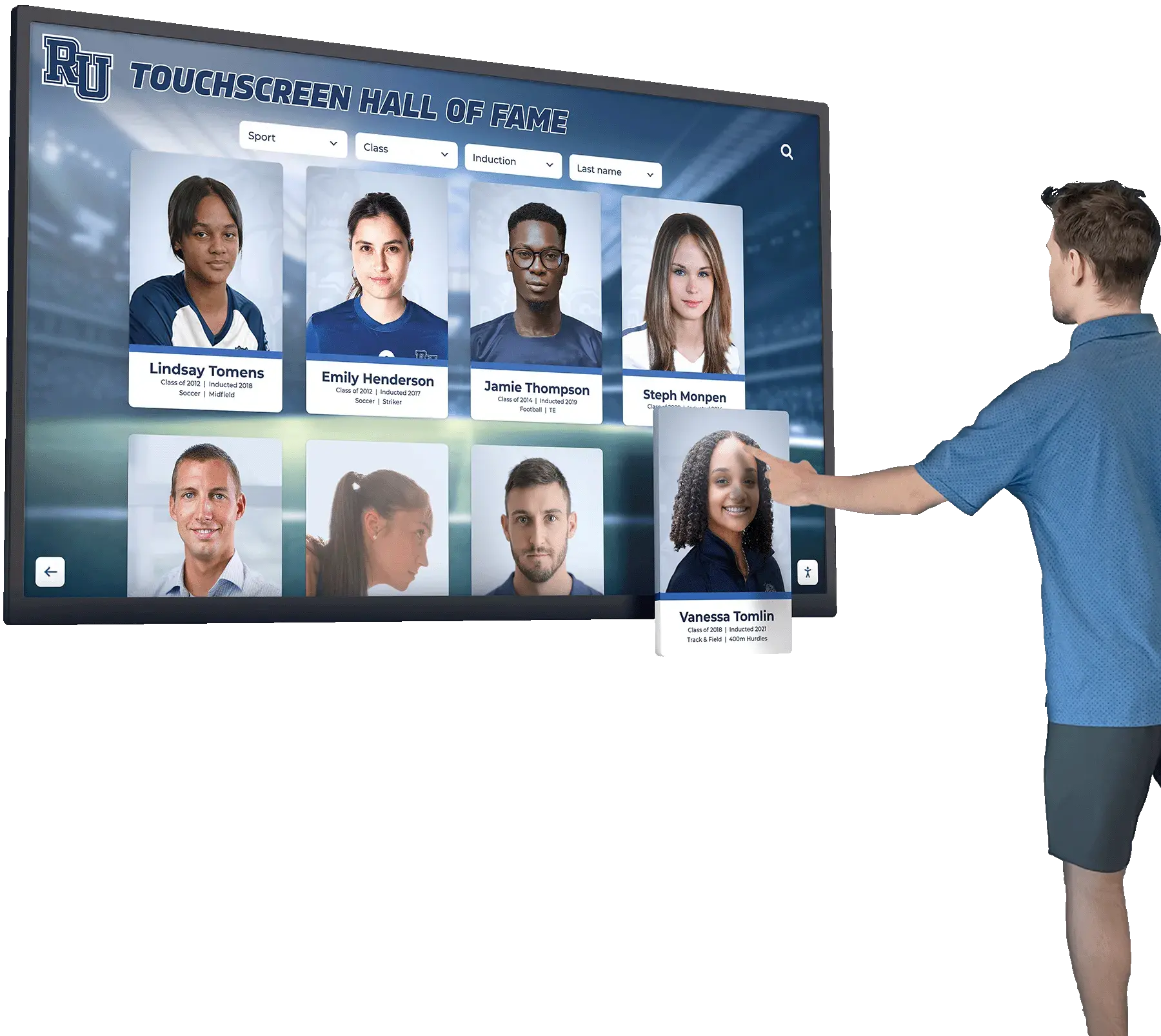
Quality touchscreen hardware enables intuitive interaction with responsive performance meeting user expectations
Phase 2: Procurement and Quality Assurance
Coordinated procurement ensures compatible, tested components arrive ready for deployment.
Vendor Relationship Management
Rocket maintains established relationships with:
- Display manufacturers providing reliable commercial screens
- Touchscreen overlay suppliers delivering responsive interaction
- Media player vendors offering stable, tested platforms
- Mounting hardware manufacturers ensuring secure installation
- Component distributors with consistent availability
These relationships provide several advantages: preferred pricing from volume purchasing, priority service during shortages, advanced notification of product changes, technical support escalation paths, and streamlined warranty processes. Organizations benefit from Rocket’s purchasing power and vendor relationships without negotiating individual agreements.
Pre-Delivery Testing and Configuration
Before shipping to installation sites, Rocket performs:
- Component compatibility verification across hardware and software
- Media player configuration with platform software and settings
- Network connectivity testing ensuring proper communication
- Touchscreen calibration for accurate touch response
- Display color and brightness adjustment for optimal viewing
- Burn-in testing identifying early failures before deployment
- Documentation preparation with serial numbers and specifications
Pre-configured components arrive ready for installation rather than requiring extensive on-site setup, reducing installation time and eliminating configuration errors causing delays.
Logistics Coordination
Comprehensive shipping management includes:
- Consolidated delivery coordinating multiple components
- Installation scheduling aligned with delivery timing
- Protective packaging ensuring damage-free arrival
- Delivery confirmation and receiving coordination
- Damage inspection and documentation
- Expedited replacement for shipping damage
Professional logistics prevent situations where displays arrive but missing mounting hardware delays installation, or damaged components require return processes extending timelines.
Organizations implementing digital recognition displays benefit from coordinated procurement delivering all necessary components simultaneously rather than managing separate vendor relationships.
Phase 3: Professional Installation and Setup
Proper installation creates reliable foundation for long-term operation.
On-Site Installation Services
Rocket coordinates professional installation including:
- Site preparation assessment verifying readiness
- Secure mounting following manufacturer specifications and building codes
- Network connectivity setup and testing
- Power supply connection meeting electrical standards
- Cable management creating clean, professional appearance
- Display positioning optimizing viewing angles and accessibility
- System configuration and integration testing
- Final quality inspection ensuring proper operation
Professional installation prevents common amateur problems: inadequately supported mounting creating safety hazards, improper network configuration causing connectivity issues, poor cable management creating maintenance obstacles, or suboptimal positioning reducing usability and engagement.
Schools planning touchscreen display installations benefit from expert setup ensuring displays integrate professionally with existing environments.
Network Configuration and Optimization
Reliable connectivity requires:
- Network infrastructure assessment identifying capacity and coverage
- Wired Ethernet setup providing stable, dedicated connections
- Wi-Fi optimization when hardwired connections prove impractical
- Firewall configuration allowing necessary cloud platform communication
- Bandwidth testing ensuring adequate capacity for content delivery
- Network monitoring setup enabling remote connectivity verification
- Backup connectivity planning for critical installations
Many display problems trace to network issues—inadequate bandwidth causing content loading failures, firewall rules blocking platform communication, or intermittent Wi-Fi creating frustrating disconnections. Professional network setup during installation prevents these predictable problems.
System Integration and Testing
Comprehensive verification includes:
- Software platform connectivity and authentication
- Content display and interaction testing
- Touchscreen calibration and responsiveness
- Media playback verification for videos and animations
- Widget integration testing for weather, news, or data feeds
- Scheduled content rotation confirmation
- Accessibility feature testing for ADA compliance
- Performance optimization for smooth operation
Thorough testing identifies problems during installation when correction proves straightforward, rather than discovering issues after installers depart requiring additional site visits.

Freestanding kiosk installations provide flexible placement options with professional appearance and stability
Administrator Training
On-site training ensures confident operation:
- Hands-on platform orientation using actual display
- Content management basics creating and publishing updates
- Troubleshooting common issues independently
- Contact procedures for technical support
- Maintenance recommendations for long-term care
- Documentation review covering system specifications
- Question answering addressing specific use cases
Effective training empowers administrators to manage displays confidently while understanding when to engage support resources for problems beyond basic troubleshooting.
Phase 4: Ongoing Support and Maintenance
Sustained operation requires proactive monitoring and responsive support.
Proactive Health Monitoring
Rocket’s systems continuously monitor:
- Display connectivity status and uptime
- Content delivery success and failures
- Network performance and latency
- Media player health and resource utilization
- Software version currency and update status
- Security status and vulnerability assessment
Automated monitoring identifies problems proactively—connectivity drops, performance degradation, or impending failures—enabling intervention before complete failures affect operations. This approach contrasts with reactive support waiting for clients to report problems after displays stop functioning.
Responsive Customer Success Support
Testimonials consistently highlight Rocket’s support quality:
“The support that Rocket Alumni Solutions provides is outstanding.”
“You guys have the fastest and most helpful support I’ve ever experienced. You just FaceTimed me a few seconds after I reached out.”
“The Rocket team responds to support questions extremely quick. Thanks for making it easy.”
“Communication is everything to me and The Rocket team has been top notch with communication and customer service.”
Responsive support makes the difference between brief interruptions and prolonged downtime. When organizations report issues, rapid acknowledgment, accurate triage, and coordinated resolution minimize operational impact.
Unified Triage for All Issues
Customer Success handles every problem type:
- Software platform questions or feature requests
- Content management assistance and best practices
- Hardware malfunctions or performance problems
- Network connectivity issues and optimization
- Display problems including image quality or touch response
- Media player failures or software corruption
- Integration questions for widgets or data sources
Organizations never receive “that’s not our problem” responses requiring them to determine whether issues stem from software, hardware, network, or configuration problems. Customer Success owns triage and coordinates appropriate resources regardless of root cause.
Athletic programs implementing touchscreen display solutions appreciate unified support eliminating vendor coordination frustration.
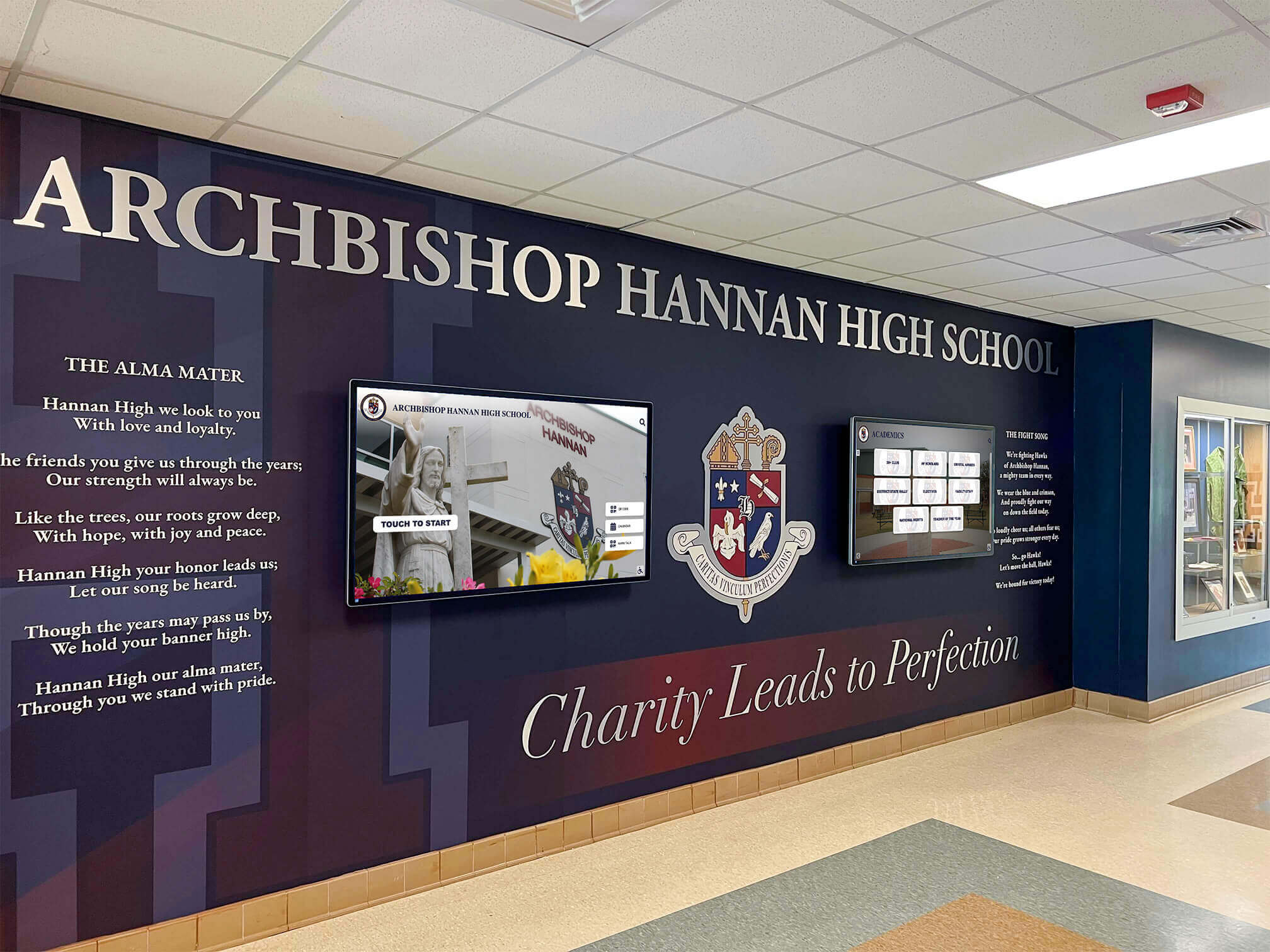
Professional installations integrate displays with existing architecture and institutional design creating cohesive environments
Execution Timeline: Complete Hardware Lifecycle Management
Systematic processes ensure reliable operations throughout display lifespan.
When Hardware Problems Arise
Inevitable hardware issues receive coordinated response:
Step 1: Issue Reporting (Minutes)
- Organization contacts Customer Success through preferred channel (phone, email, chat)
- Support team acknowledges receipt immediately
- Initial assessment begins determining problem characteristics
- Urgency evaluation prioritizing critical operational impacts
Rapid acknowledgment provides confidence that problems will receive attention rather than disappearing into support queues.
Step 2: Remote Triage (Minutes to Hours)
- Remote diagnostics identifying software vs. hardware issues
- Network connectivity testing ruling out infrastructure problems
- Configuration review checking for setting changes
- Log analysis revealing error patterns or failures
- Media player health assessment through monitoring systems
Most problems receive diagnosis remotely without site visits, accelerating resolution while minimizing disruption.
Step 3: Resolution Coordination (Hours to Days)
For software issues:
- Configuration adjustments applied remotely
- Software updates or patches deployed
- Content corrections addressing display problems
- Platform optimizations improving performance
- Documentation of resolution for future reference
For hardware issues:
- Component failure identification determining specific part
- Warranty status review checking coverage and processes
- Replacement part ordering with expedited shipping
- Installation coordination scheduling technician if needed
- Temporary workaround implementation when possible
Customer Success coordinates all activities—clients receive updates but don’t manage vendor relationships.
Step 4: Warranty and Replacement Management (Days to Week)
When components fail under warranty:
- Rocket coordinates directly with manufacturers
- Warranty claim processing and approval
- Replacement component shipping to organization or Rocket
- Pre-configuration of replacement parts before arrival
- Installation scheduling and coordination
- Failed component return processing
- Verification of restored operations
Organizations never contact manufacturers, process warranty paperwork, or coordinate replacement logistics. Customer Success manages these processes while keeping clients informed of progress and timelines.
Step 5: System Restoration (Days)
- Replacement component installation (on-site or shipped direct)
- Configuration restoration to previous working state
- Integration testing confirming proper operation
- Performance verification ensuring full functionality
- Documentation update recording component changes
- Follow-up confirmation validating sustained operation
Resolution means fully operational displays, not merely shipped replacement parts requiring client coordination for installation and setup.
Replacement Timeline Expectations
Realistic timelines help organizations plan for hardware failures:
Minor Issues (same day to 48 hours)
- Software configuration problems
- Network connectivity adjustments
- Content display corrections
- Platform optimization
- Password resets or access issues
Media Player Failures (2-5 business days)
- Diagnosis and part ordering (same day)
- Expedited shipping (1-2 days)
- Installation and setup (1 day)
- Testing and verification (same day)
Display Hardware Failures (1-2 weeks)
- Diagnosis and warranty processing (1-3 days)
- Manufacturer replacement shipping (3-7 days)
- Installation scheduling (1-3 days)
- Integration and testing (1 day)
Complete System Failures (1-2 weeks)
- Comprehensive diagnosis (1-2 days)
- Multiple component coordination (3-7 days)
- Installation and integration (2-3 days)
- Thorough testing and optimization (1-2 days)
Timelines depend on part availability, shipping locations, warranty processes, and installation complexity. Rocket maintains replacement inventory for common components accelerating resolution beyond standard manufacturer timelines.
Schools should review hardware reliability considerations when planning installations and understanding support processes.
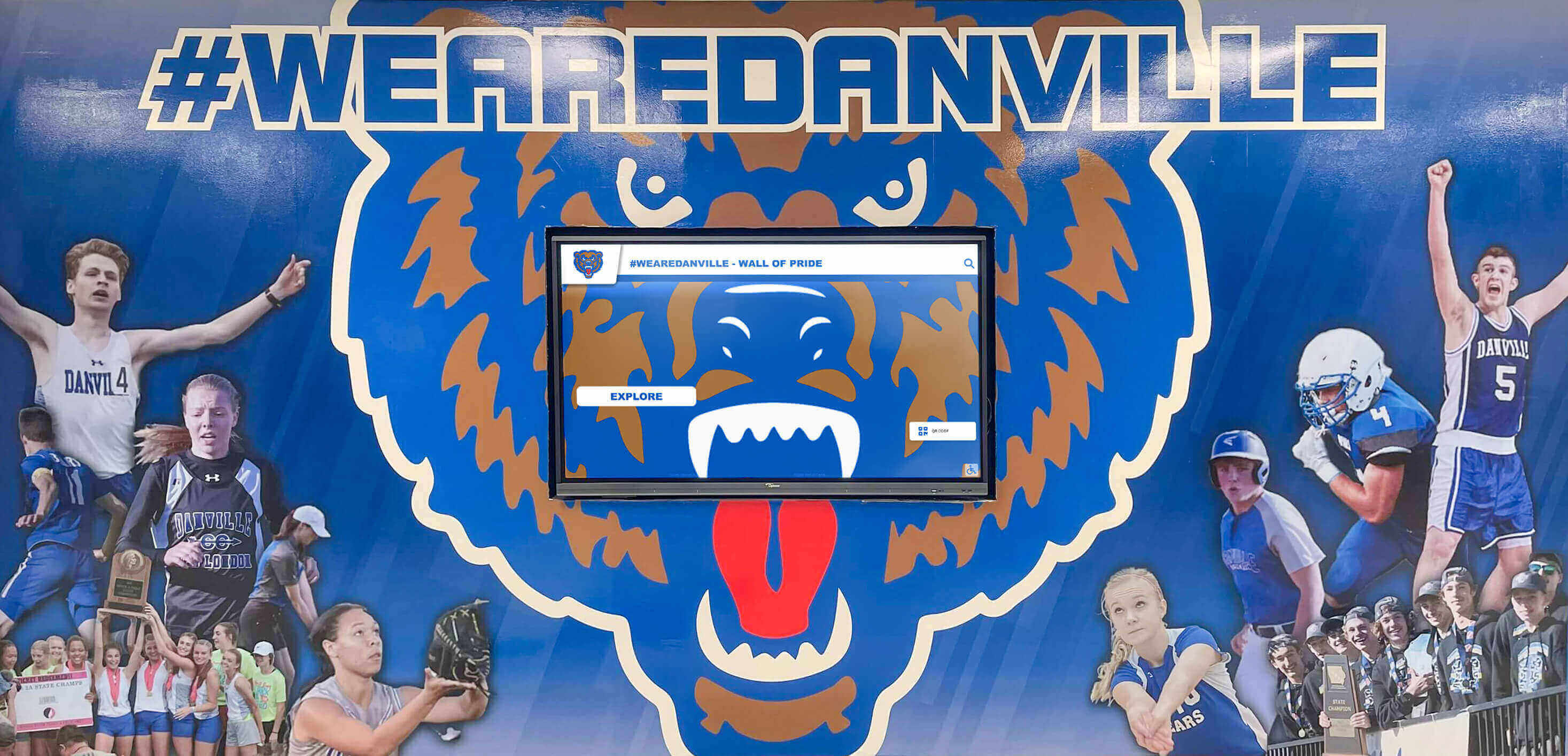
Integrated installations complement existing décor and institutional branding rather than appearing as disconnected technology additions
Display Integration: Complete Responsibility Examples
Real-world scenarios illustrate Rocket’s full-stack support model.
Scenario 1: Network Connectivity Problems
Situation: High school reports touchscreen intermittently disconnecting, showing “No Connection” messages, and failing to display updated content. Previous IT troubleshooting proved unsuccessful.
Traditional Software-Only Response: “Network connectivity issues are beyond our support scope. Please work with your IT department or network provider to ensure proper connectivity. Our platform requires stable internet access with these specifications…”
Rocket’s Full-Stack Response: Customer Success remotely accesses network monitoring showing intermittent packet loss and latency spikes. Diagnosis reveals inadequate Wi-Fi coverage in display location and interference from neighboring networks. Rocket coordinates with school IT to assess wired Ethernet options, provides specific powerline adapter recommendations as interim solution, and adjusts platform settings to better handle intermittent connectivity. Follow-up after permanent Ethernet installation confirms stable operation.
Outcome: Organization receives actual resolution instead of vendor finger-pointing. Customer Success coordinates between platform capabilities and local infrastructure, providing actionable solutions rather than declaring problems “out of scope.”
Scenario 2: Display Hardware Failure
Situation: University athletic department reports touchscreen display showing distorted colors and vertical lines, making content illegible. Display is 18 months old, within three-year commercial warranty.
Traditional Software-Only Response: “This appears to be a hardware failure with your display. Please contact the display manufacturer using the warranty information included with your purchase. They can arrange diagnosis, warranty claim processing, and replacement. Unfortunately we cannot assist with hardware issues.”
Rocket’s Full-Stack Response: Customer Success confirms hardware failure through remote diagnostics. Rocket contacts display manufacturer directly using established commercial account relationship, processes warranty claim, coordinates expedited replacement shipping, and schedules professional installation. Pre-configured replacement display arrives within one week, gets installed by coordinated technician, and Customer Success verifies full operation.
Outcome: University reports issue once and receives fully resolved system without managing manufacturer relationships, processing warranty paperwork, coordinating replacement logistics, or scheduling installation services.
Scenario 3: Intermittent Touch Response Issues
Situation: Alumni association reports touchscreen occasionally becomes unresponsive, requiring system restart. Problem occurs randomly without clear pattern.
Traditional Software-Only Response: “Touch response is handled by the touchscreen hardware and drivers. Please check with your touchscreen manufacturer for calibration tools and driver updates. This isn’t a software platform issue.”
Rocket’s Full-Stack Response: Customer Success reviews interaction logs showing timeout patterns correlating with content type. Testing reveals specific video formats causing media player resource exhaustion affecting touch driver responsiveness. Rocket provides immediate workaround by adjusting content specifications, coordinates media player firmware update from manufacturer, and implements platform optimization reducing resource utilization. Problem resolution occurs without hardware replacement.
Outcome: Complex diagnosis involving hardware, drivers, content, and platform receives coordinated troubleshooting. Customer Success owns outcome rather than redirecting to multiple potential vendors.
Scenario 4: Complete System Failure After Power Event
Situation: School reports touchscreen completely non-functional after electrical storm. Display powers on but shows “No Signal,” media player appears dead, and mounting bracket seems loose.
Traditional Software-Only Response: “Unfortunately this sounds like hardware damage from the power event. You’ll need to assess each component with the respective manufacturers. We can verify software account status, but hardware diagnosis and repair requires working with your original equipment vendors.”
Rocket’s Full-Stack Response: Customer Success dispatches local technician for on-site diagnosis. Assessment reveals power surge damaged media player (replacement shipped expedited), mounting bracket loosened from building settling (re-secured during visit), and display-to-player cable damaged (replacement installed). Comprehensive testing verifies full system operation. Total resolution time: five business days including parts shipping.
Outcome: Single call produces comprehensive diagnosis and coordinated resolution across multiple component failures. Organization receives working system rather than navigating separate vendor relationships for each damaged component.
Nonprofits implementing donor recognition displays particularly benefit from unified support eliminating coordination overhead that exceeds available volunteer resources.
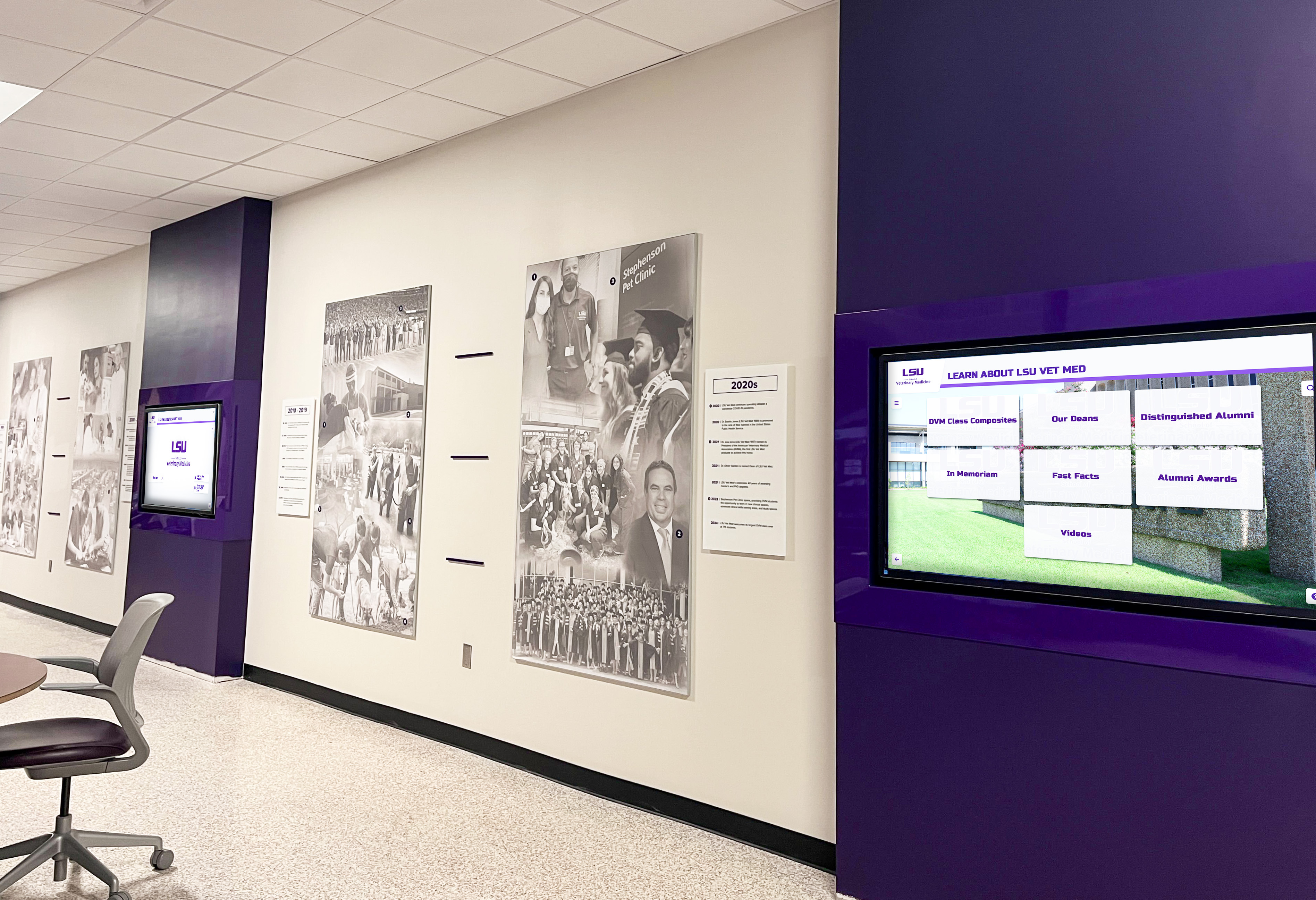
Multi-display installations require coordinated support ensuring all units receive consistent updates and maintenance
Measurement Block: Evaluating Full-Stack Support Value
Comprehensive hardware services deliver measurable benefits beyond platform features.
Operational Metrics
Quantifiable outcomes include:
Uptime and Reliability
- Display operational percentage (target: 98%+ excluding scheduled maintenance)
- Mean time between failures for hardware components
- Average restoration time for different issue categories
- Unplanned downtime hours per quarter
- Percentage of issues resolved remotely vs. requiring site visits
Organizations using full-stack support report significantly higher uptime compared to managing hardware independently, where diagnosis delays, part ordering, and coordination extend downtime from hours to weeks.
Support Efficiency
- Average response time from issue report to acknowledgment (Rocket target: under 1 hour)
- Average diagnosis time identifying root cause and solution path
- Resolution time from report to restored operation by issue type
- Percentage of issues requiring escalation to hardware vendors
- Customer Success interaction frequency per organization
Testimonials consistently note rapid response: “You guys have the fastest and most helpful support I’ve ever experienced.” Speed matters when displays serve operational purposes rather than being optional enhancements.
Cost Avoidance
- Staff time savings from not coordinating vendor relationships
- Reduced diagnostic costs from unified triage vs. trial-and-error
- Avoided rush shipping charges through proactive monitoring
- Extended hardware lifespan from proper maintenance and optimization
- Prevented duplicate component purchases from misdiagnosis
Organizations report significant time savings—staff focus on content and engagement rather than becoming amateur hardware technicians managing technical coordination beyond their expertise.
Stakeholder Satisfaction
Qualitative outcomes complement metrics:
Administrator Experience
- Confidence reporting issues knowing they’ll receive coordinated resolution
- Reduced stress from eliminating multi-vendor troubleshooting
- Perceived value of single point of contact for all concerns
- Trust that problems will receive appropriate attention and follow-through
“We have been extremely pleased with the Rocket product… when we do have issues, we always feel supported and that our voices are heard.”
Leadership Perspective
- Investment protection through proper hardware care and warranty management
- Display program sustainability without requiring dedicated IT resources
- Reduced risk of abandoned hardware from support frustration
- Confidence in technology investments delivering intended value
“Our school district has been extremely pleased with The Rocket Team, their crew, customer support and willingness to always be available and helpful.”
End User Impact
- Consistent availability creating reliable resources for students, alumni, and visitors
- Proper functioning enabling intended user experiences without technical glitches
- Professional appearance from well-maintained, properly operating hardware
Display value depends on reliable operation—the most elegant content and sophisticated features provide no benefit when hardware sits non-functional awaiting someone to coordinate replacement.
Organizations exploring hall of fame display solutions should evaluate complete support models, not just platform features.
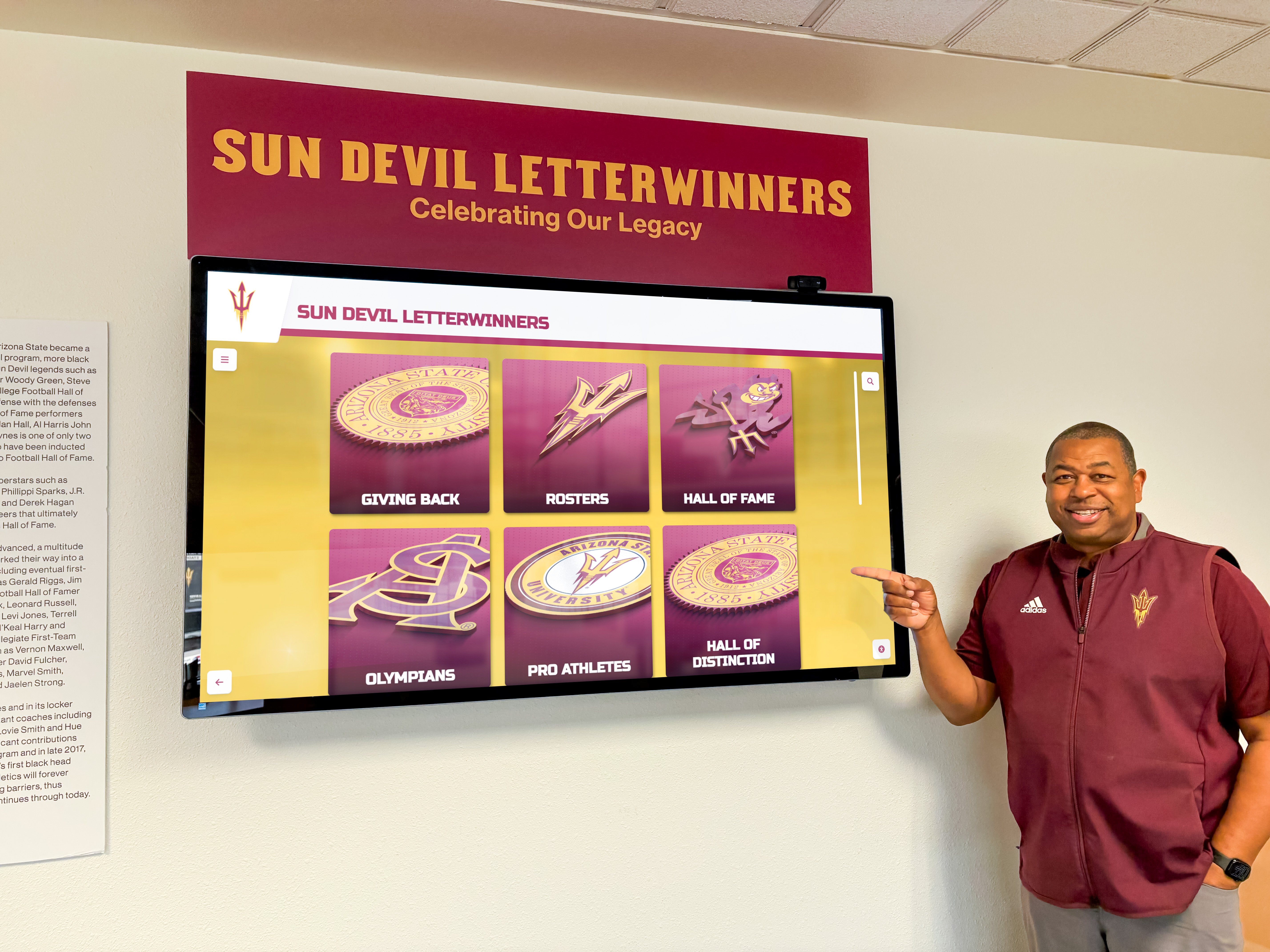
Reliable displays enable consistent engagement with recognition content rather than frustrating users with technical problems
Advanced Considerations: Enterprise Hardware Management
Larger deployments benefit from additional capabilities.
Multi-Location Display Management
Organizations with displays across campuses or facilities benefit from:
Centralized Hardware Registry
- Complete inventory tracking display locations, models, serial numbers
- Installation date documentation for warranty and lifecycle planning
- Component specifications enabling standardization and bulk procurement
- Maintenance history recording service events and component replacements
- Support ticket association linking issues to specific units
Comprehensive registries prevent situations where failed displays lack documentation for warranty claims or organizations cannot identify which components need replacement.
Coordinated Maintenance Windows
- Scheduled updates across multiple displays minimizing disruption
- Firmware updates coordinated to prevent version incompatibilities
- Preventive maintenance scheduling based on operational hours
- Coordinated testing after infrastructure changes
Systematic maintenance prevents accumulating technical debt where displays drift across different configurations creating support complexity.
Fleet Health Monitoring
- Aggregated uptime reporting across all locations
- Comparative performance analysis identifying problematic units
- Predictive failure identification from performance trends
- Capacity planning for expansion based on utilization patterns
Fleet-level visibility enables proactive management rather than reactive crisis response when multiple displays fail simultaneously.
Hardware Refresh and Lifecycle Planning
Long-term programs require planning for eventual replacement:
Component Lifespan Expectations
- Commercial displays: 5-8 years typical operational life
- Media players: 3-5 years before obsolescence or failure
- Touch overlays: 5-7 years depending on usage intensity
- Mounting hardware: 10+ years with proper installation
Understanding lifecycles enables budgeting for eventual refresh rather than experiencing surprise failures requiring emergency replacements at premium costs.
Phased Refresh Strategies
- Prioritizing highest-traffic or most visible displays
- Coordinating refreshes with facility renovations
- Technology leap-frog approaches upgrading every other generation
- Component-level refresh replacing media players while retaining displays
Strategic refresh planning maximizes investment value while maintaining operational reliability as components age.
Trade-In and Upgrade Programs
- Credit for functional older equipment toward new installations
- Technology migration paths from older to current platforms
- Expansion opportunities leveraging existing infrastructure
Rocket works with organizations planning long-term display programs rather than treating each installation as isolated transaction.
Schools implementing touchscreen recognition programs benefit from partner relationships supporting sustained programs across years and decades.
Large installations require systematic management ensuring consistent operation and maintenance across all units
Common Questions About Hardware Support
Organizations evaluating full-stack services frequently ask:
“What happens if Rocket Alumni Solutions ceases operations?”
Valid concern for any vendor relationship. Rocket’s platform uses standard web technologies accessible through any modern browser on any media player, avoiding proprietary hardware dependencies. Organizations own their content and can export data. However, Rocket’s growth trajectory, institutional customer base, and sustainable business model suggest low operational risk compared to early-stage startups.
“Can we use our own hardware instead of Rocket-provided components?”
Yes. Rocket supports bring-your-own-hardware deployments where organizations provide displays and mounting while Rocket provides media players and software. However, this hybrid approach limits Rocket’s ability to provide full-stack support—hardware problems require organizations to coordinate with their vendors. Most organizations choosing this path later regret hardware coordination burden.
“How does pricing work for hardware vs. software?”
Transparent pricing separates components: hardware one-time purchase, installation services one-time fee, software platform annual subscription, and optional support packages for enhanced service levels. Organizations see complete costs upfront rather than discovering hidden fees or required add-ons.
“What happens when displays eventually need replacement?”
Rocket coordinates replacement following same process as installations—consultation, procurement, installation, and integration. Organizations benefit from established relationships, current best practices, and platform evolution rather than researching options independently years after original installation.
“Can we switch vendors later if we’re unsatisfied?”
Technically yes—content exports to standard formats and displays work with other platforms. Practically, organizations switching vendors report that coordination headaches and support quality originally attracted them to Rocket prove difficult to replace. Most dissatisfaction stems from misaligned expectations rather than service failures, emphasizing importance of clear communication during sales process.
“What support is included vs. requiring additional cost?”
Standard subscriptions include platform support, software updates, basic troubleshooting, and warranty coordination. Enhanced support packages add faster response times, dedicated account management, priority hardware replacement, and on-site service. Most organizations find standard support sufficient, with premium options available for mission-critical installations.
Building Your Display Program: Implementation Resources
Organizations ready to deploy touchscreen displays should follow systematic approaches.
Immediate Next Steps for Getting Started
Define Display Purpose and Requirements (Week 1)
- Clarify primary goals (recognition, information, wayfinding, engagement)
- Identify locations and viewing conditions
- Determine interaction model (touchscreen vs. passive)
- Assess network infrastructure and connectivity
- Establish budget range including hardware, software, and support
- Identify content sources and responsible administrators
Clear definition prevents misaligned expectations where purchased capabilities don’t serve actual needs.
Platform and Support Evaluation (Weeks 2-4)
- Request demonstrations showing actual platform and hardware
- Discuss specific use cases and content requirements
- Assess support model and responsibilities clearly
- Speak with current customers about experiences
- Review contracts explicitly identifying what’s included vs. excluded
- Compare total cost of ownership including support across 5 years
Support models matter as much as features—elegant platforms provide little value when hardware problems create prolonged downtime and frustration.
Deployment Planning (Weeks 5-6)
- Finalize hardware specifications and quantities
- Coordinate installation scheduling with facility calendars
- Develop content preparation timeline and assignments
- Establish administrator training schedule
- Plan launch promotion and user education
- Define success metrics and evaluation approach
Systematic planning prevents mid-project surprises and ensures coordinated execution.
Long-Term Success Factors
Sustainable Content Management
- Regular update schedules preventing stale displays
- Distributed responsibilities avoiding single points of failure
- Template development streamlining consistent creation
- Seasonal planning addressing predictable needs
- Archive maintenance preserving historical content
Content management proves the long-term determinant of display value—hardware support enables reliability but content quality drives engagement.
Proactive Relationship with Support
- Regular check-ins reviewing display performance and utilization
- Proactive questions about platform updates and new features
- Feedback sharing helping improve service quality
- Issue reporting when problems first emerge rather than waiting
- Appreciation expression recognizing exceptional support
Collaborative relationships produce better outcomes than adversarial vendor dynamics—support teams prioritize responsive, engaged clients.
Continuous Optimization
- Analytics review identifying popular content and user behavior
- Layout adjustments improving engagement and visibility
- Content strategy evolution based on audience response
- Technology adoption leveraging new platform capabilities
- Expansion planning accommodating growing needs
Display programs should evolve based on experience and usage rather than remaining static after initial implementation.
Ready to explore full-stack touchscreen solutions with comprehensive hardware support? Solutions like Rocket Alumni Solutions provide complete responsibility for hardware selection, procurement, installation, ongoing support, triage, warranty management, replacement coordination, and system restoration—ensuring displays remain operational and valuable rather than becoming abandoned technology when inevitable hardware problems arise.
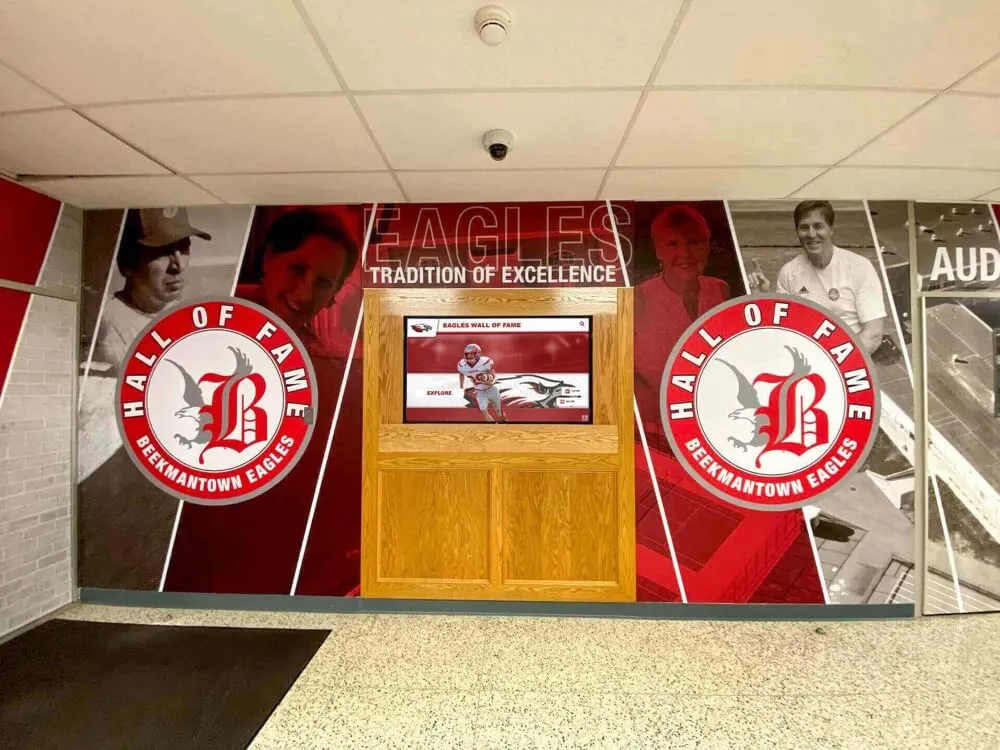
Comprehensive installations benefit from full-stack support ensuring both digital and traditional elements remain properly maintained
Conclusion: Hardware Responsibility Matters
Touchscreen displays represent significant investments intended to deliver recognition, engagement, and communication value for years or decades. Platform features, content quality, and user experience matter enormously—but none provide value when displays sit non-functional awaiting hardware troubleshooting, warranty processing, or component replacement coordination.
Organizations without dedicated IT resources, technical expertise, or time to manage vendor relationships face real risks that initial enthusiasm for digital displays fades when first hardware problems reveal support limitations. Software vendors reasonably declare “hardware is beyond our scope” while organizations struggle coordinating between display manufacturers, media player vendors, installers, and platform providers—each pointing elsewhere when problems arise.
Rocket Alumni Solutions operates differently, taking ownership of complete kiosk stack rather than just software layer. Customer Success serves as single point of contact for any issue—hardware malfunctions, network problems, software questions, or configuration challenges—owning the outcome (uptime) rather than redirecting to third parties. Even when OEM warranties exist in the background, Rocket manages those relationships so clients receive coordinated resolution instead of vendor coordination responsibilities.
Transform your recognition or information display program from risky technology investment potentially becoming abandoned hardware to reliable, supported asset delivering sustained value. Full-stack kiosk support means comprehensive hardware responsibility—not just elegant software platforms leaving organizations to manage technical coordination alone.
When hardware problems inevitably arise, responsive Customer Success provides unified triage, coordinated resolution, warranty management, replacement logistics, and system restoration without requiring clients to navigate multiple vendor relationships. Organizations report issue once and receive fully resolved displays rather than spending days coordinating between platform vendors, hardware manufacturers, and technical service providers.
Your organization deserves displays that remain operational and valuable throughout their intended lifespan—not technology investments that start strong but fade when hardware support complexity exceeds available resources. Hardware responsibility separates vendors treating clients as technology coordinators from partners owning operational outcomes.
The choice becomes clear when comparing traditional software-only models requiring organizations to manage hardware independently versus full-stack approaches where comprehensive support ensures reliable operations. Platform capabilities matter, content quality drives engagement, but hardware support determines whether displays deliver intended value or become expensive decorations collecting dust in storage closets.
Most importantly, comprehensive hardware support recognizes fundamental reality: organizations invest in working displays serving recognition, communication, and engagement purposes—not in learning hardware troubleshooting, coordinating warranty claims, or managing technical vendor relationships. Talk to our team to discover how full-stack responsibility delivers display reliability and operational peace of mind that software-only platforms cannot provide.































