Digital Hall of Fame Insights & Resources
- Home /
- Digital Hall of Fame Insights & Resources
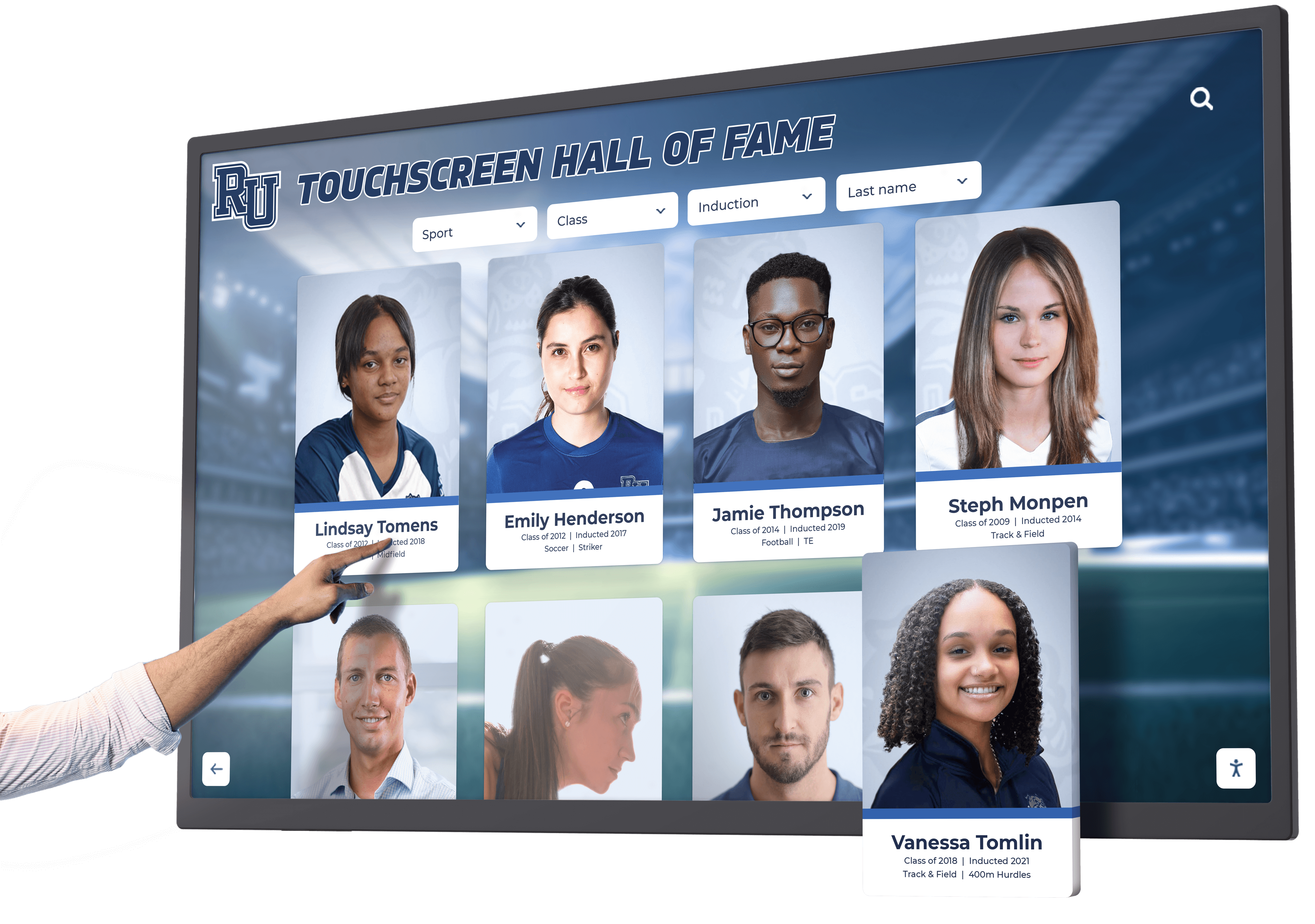
NFL Icons Interactive Display: Modern Recognition for Professional Football Legends
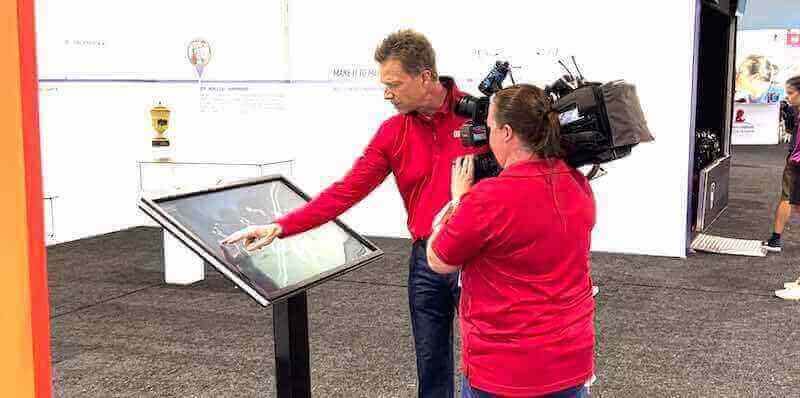
NFL Icons Interactive Displays represent the cutting edge of professional football recognition, transforming how museums, stadiums, halls of fame, and sports organizations celebrate legendary players, coaches, and championship moments. From the Pro Football Hall of Fame in Canton, Ohio, to team-specific museums and stadium displays across the league, interactive technology creates immersive experiences that bring football history to life for fans, students, and visitors.
Read More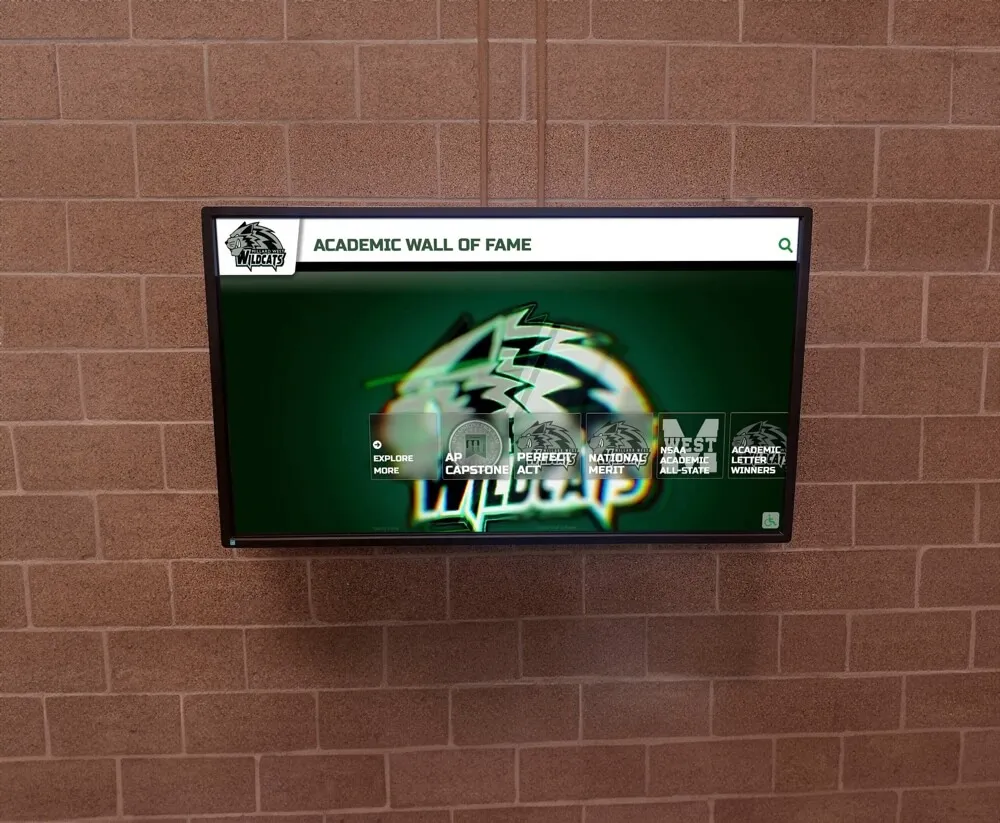
Academic Recognition Programs: A Complete Guide to Celebrating Student Excellence in 2026
Academic recognition programs represent one of the most powerful tools educational institutions have to motivate student achievement, reinforce educational values, and create cultures of excellence. When schools systematically celebrate academic accomplishments—from perfect attendance to National Merit recognition—they send clear messages about what matters while providing motivation that extends far beyond individual recognized students.
Read More
Athletic Hall of Fame Nomination Form Constraint Validation: Test Browser Checks and Server Rules Separately
An athletic hall of fame nomination form constraint validation audit examines every HTML constraint rule on a school nomination form—verifying that checkValidity() and reportValidity() behave as expected for each field, that ValidityState flags correctly identify which constraint has failed, that setCustomValidity() custom errors clear when the empty string is passed, and that the submission path the form’s code uses determines whether any browser validation runs at all. The constraint validation system is documented in the MDN Constraint Validation guide, which also establishes what the system cannot do: it is not a security layer, it does not prove nomination eligibility, and it does not replace server-side rules that the server must enforce independently. The HTMLFormElement.requestSubmit() reference documents how requestSubmit() differs from form.submit() in its relationship to browser validation. This guide gives nomination coordinators, athletic directors, and school IT reviewers the test steps, decision table, and checklist to verify browser and server validation separately—so that an incomplete or ineligible nomination does not silently enter the selection committee’s review workflow.
Read More
Digital Hall of Fame HTML Output Audit: Associate and Reset Calculated Award Counts
A digital hall of fame HTML output audit is the process of inspecting every <output> element on recognition-summary panels and award-filter interfaces—confirming that each element correctly associates with its contributing input controls via the for attribute, binds to its form owner through the form attribute, carries an accessible label, resets to its defaultValue when the form is reset, and that its name and content are never submitted with a form. The <output> element, documented by MDN Web Docs, is the HTML element designed for displaying the results of a calculation or a user action—not a stored record, and not a value that travels with a form submission. When a school’s digital hall of fame uses an <output> element to display a filtered count of inductees matching selected criteria, the audit confirms that the element is associated correctly, resets predictably, and communicates its derived nature to every visitor, including those using assistive technology. This guide gives athletic directors, recognition-program staff, and school IT and vendor reviewers the decision table, numbered workflow, and reusable checklist to complete this audit before a misconfigured output element misrepresents calculated award summaries as authoritative eligibility data.
Read More
Digital Hall of Fame HTML Description List Accessibility Audit: Pair Inductee Details Without Mislabeling Statistics
A digital hall of fame HTML description list accessibility audit is the process of inspecting every <dl> element on inductee profile pages—confirming that name-value metadata pairs like Sport, Graduation Year, and Highest Honor are structured with <dt> (term) and <dd> (description) elements, that the pairing is announced correctly by screen readers, that no redundant ARIA attributes override the native HTML semantics, and that grouped per-inductee metadata is never confused with a multi-athlete comparison table that belongs in a <table> instead. The <dl> element, documented by MDN Web Docs, is designed for glossary-style and key-value content—exactly the metadata sidebar that appears on every inductee profile in a school’s digital hall of fame. When a recognition platform renders an inductee’s details without this structure, or applies the structure incorrectly, screen readers encounter isolated text fragments rather than connected label-value pairs. This guide gives athletic directors, recognition-content managers, IT administrators, and archives partners the decision table, numbered workflow, and reusable checklist to complete this audit in under an hour—before a single inductee’s metadata mislabels itself to the visitors who depend on assistive technology to read it.
Read More
Athletic Hall of Fame Hidden Until Found Biography Audit
An athletic hall of fame hidden until found biography audit is the process of examining every inductee biography page that uses hidden="until-found" to collapse expanded career narratives—verifying that the biography text is revealed correctly by the browser’s Find in Page feature and by fragment navigation, that the beforematch event is wired so that reveal synchronizes with any surrounding UI, that unsupported browsers do not silently lose critical inductee content, and that the technique is not misapplied as an access-control mechanism for private records. The hidden global attribute, including its until-found value, is documented in the MDN Web Docs reference for the hidden attribute: when set to until-found, an element’s content remains in the HTML document and is searchable by the browser’s built-in Find in Page, but is not rendered visibly until the browser locates a match or navigates a fragment to it. This audit guide is for athletic directors, recognition-program owners, and the IT and archival staff who maintain or commission digital hall of fame platforms built on browser-based biography directories.
Read More
Digital Hall of Fame Award Abbreviations: An HTML abbr and Visible Expansion Audit
A digital hall of fame HTML abbr award acronym audit is the process of examining every award abbreviation—MVP, MOP, MIP, POW, and any organization-specific acronym—on a school recognition site to confirm that each one is expanded visibly on first use in running text, that subsequent uses are wrapped in a correctly attributed <abbr> element whose title value matches the real honor name, and that no page relies solely on a hover tooltip to communicate the full form to touch, keyboard, or screen-reader visitors. The <abbr> element is described in the MDN Web Docs reference for the abbr element as the standard HTML mechanism for marking up abbreviations and acronyms; its title attribute holds the expansion, but that expansion surfaces only on mouse hover in most browsers—an interaction unavailable to touch users on kiosk screens, keyboard navigators who cannot hover, and screen readers that may or may not announce title content depending on user settings. Correcting this gap requires showing the full award name visibly in text at the point of first use, then using <abbr title="…"> for subsequent instances so that the semantic record is complete even when the tooltip cannot be reached.
Read MoreDigital Hall of Fame Details and Summary Audit for Expandable Inductee Biographies
A digital hall of fame details summary audit is the process of examining every native <details> and <summary> element used as an expandable biography disclosure on your school’s recognition site—verifying that each <summary> carries a label that tells a visitor what biography will expand before they open it, that Enter and Space toggle the disclosure correctly, that the browser and assistive technology announce the expanded or collapsed state, that the open attribute reflects actual visibility, and that any use of the name grouping attribute behaves as intended when multiple bios appear on the same page. The <details> element—described in the MDN HTML Reference for the details element—is the browser’s native disclosure widget: no custom JavaScript is required for basic toggle behavior, and no ARIA accordion roles should be layered on top of it redundantly. This guide gives athletic directors, recognition-program owners, and the IT and archival staff responsible for school hall of fame platforms a step-by-step workflow, an acceptance evidence table, and a focused FAQ for auditing expandable inductee biography disclosures before each recognition season.
Read More
Digital Hall of Fame HTML Meter Audit for Bounded Athlete Statistics
A digital hall of fame HTML meter audit is the process of inspecting every <meter> element and every custom widget carrying role="meter" on inductee profile and statistics pages—verifying that each one represents a scalar measurement within a genuine, known range, carries a properly associated label that assistive technology can announce, provides a visible numeric equivalent so visitors do not depend on the gauge graphic alone, and uses min, max, low, high, and optimum attribute values that reflect the real domain of the sport statistic rather than arbitrary numbers chosen to enable a colored gauge. The native HTML <meter> element—defined by the WHATWG HTML Living Standard—is designed for gauges like free throw percentage or batting average, where the bounds are fixed by the rules of the sport. It is not designed for download progress bars, interactive sliders, or any statistic whose ceiling rises as an athlete continues their career. When a school recognition platform places a <meter> on an inductee profile without a valid range, the gauge misleads screen-reader users—who receive a value without reliable context—and sighted visitors who may read the color coding as a normative judgment about a historical achievement. This guide gives athletic directors, recognition program owners, IT staff, and accessibility leads the steps, decision tables, and code patterns to audit every meter element on a digital hall of fame before a misused gauge undermines the record it was meant to honor.
Read More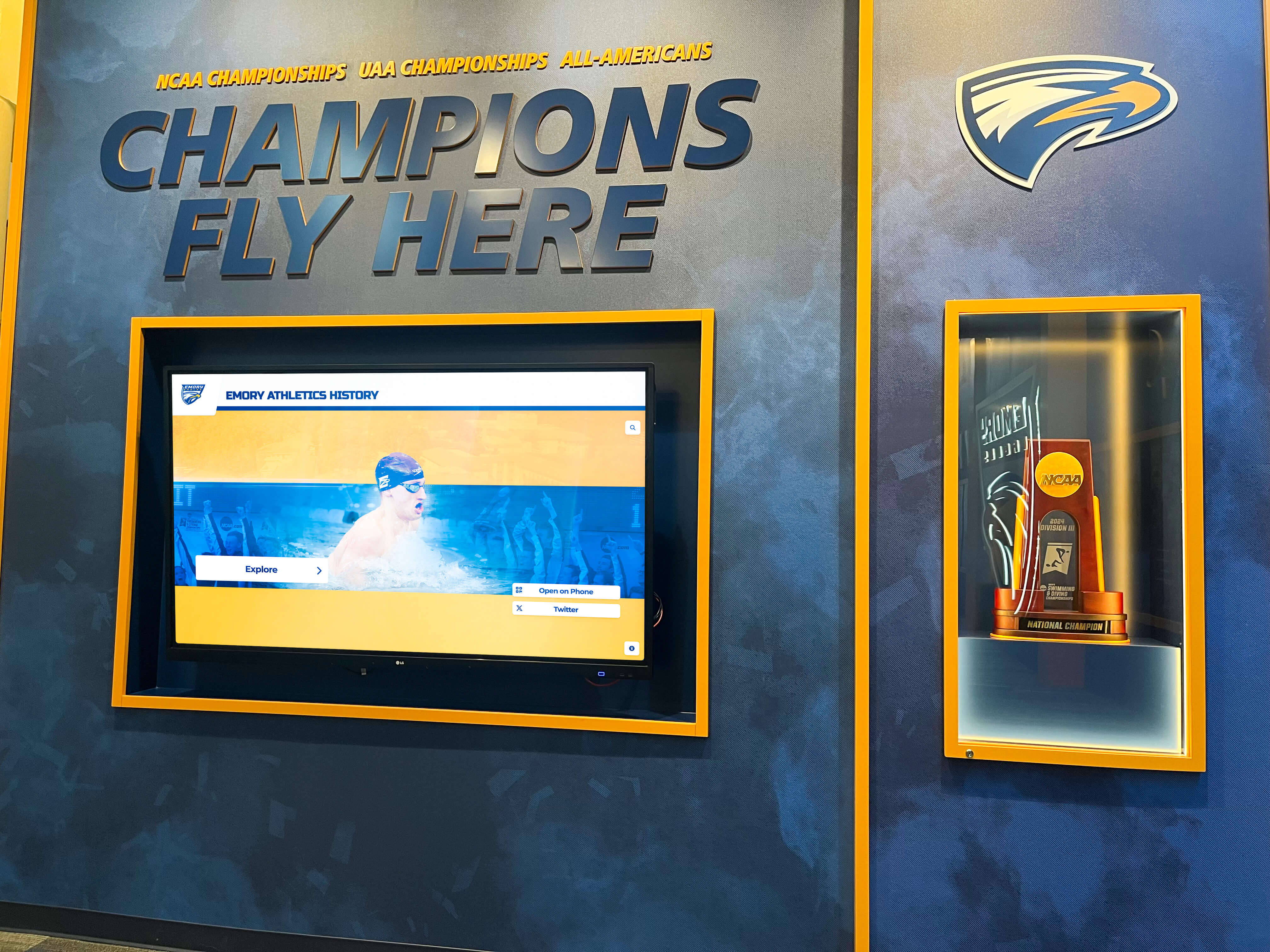
Digital Hall of Fame Inline SVG Award Badge Audit: Give Championship Graphics Accessible Meaning
A digital hall of fame inline SVG award badge audit is the process of inspecting every SVG championship badge, award ribbon, conference emblem, and achievement graphic rendered directly in inductee profile HTML—not as a separate image file—and verifying that each one either exposes a clear, meaningful text equivalent through the SVG <title> element, an optional <desc> element, role="img", and aria-labelledby, or is explicitly silenced with aria-hidden="true" so assistive technology skips it without confusion. When a visitor using a screen reader opens an inductee profile to read about a championship season, a correctly marked inline SVG badge is announced as “2019 State Football Champions”; an unmarked SVG is announced as nothing, or as a long string of garbled path coordinates. This guide gives school athletic directors, recognition program owners, and their accessibility, IT, and archives partners the exact steps, decision tables, and code patterns to audit and correct every inline SVG award graphic in a school hall of fame platform.
Read More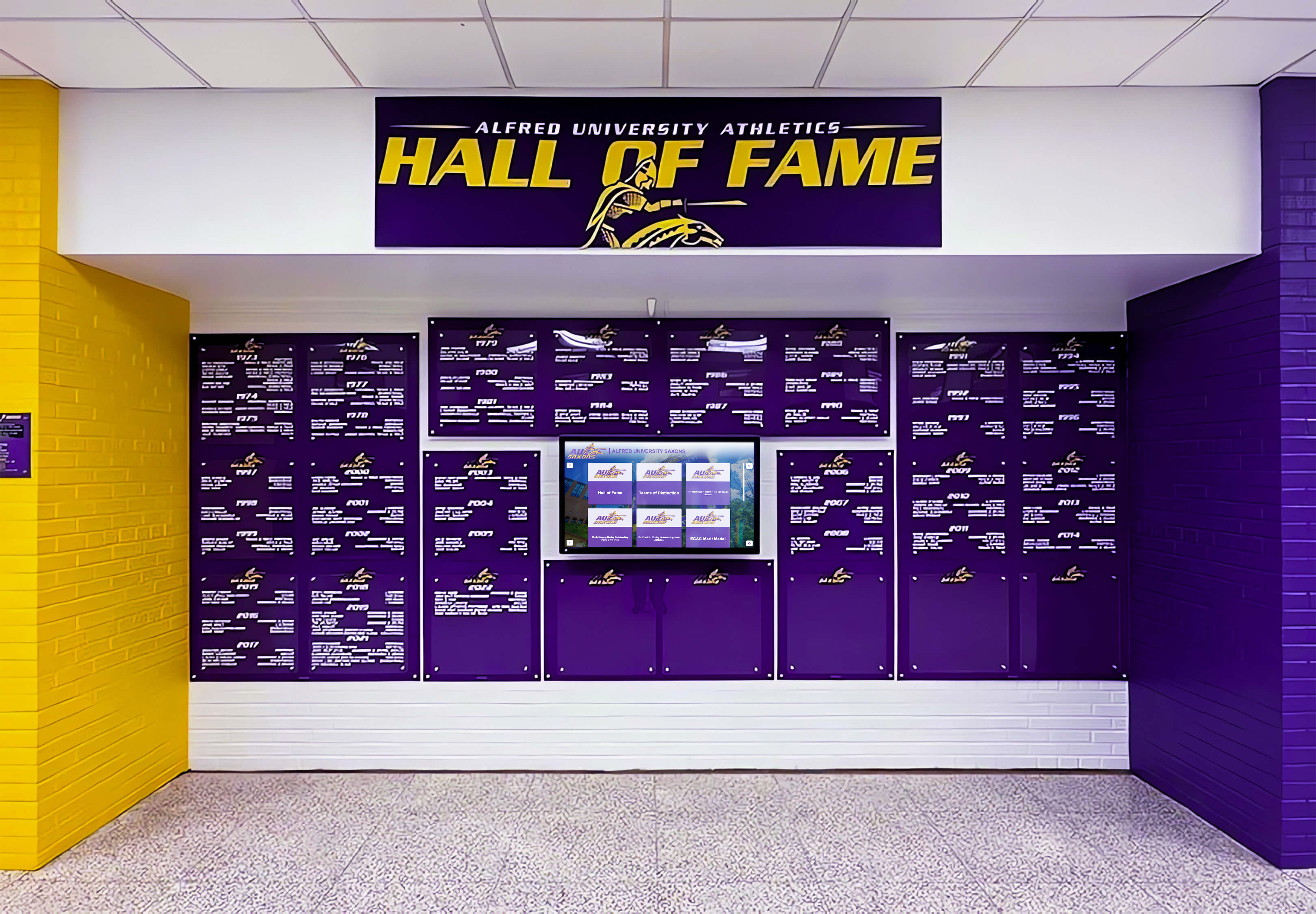
Digital Hall of Fame Same-Name Inductee Disambiguation Guide
Hall of fame same name inductee disambiguation is the practice of assigning and documenting distinguishing attributes — graduation year, sport, team, position, or era — so that two inductees who share a name are stored as separate, uniquely identifiable records in the recognition platform’s CMS, returned as distinct search results, and displayed to visitors without ambiguity or confusion. When a school’s athletic hall of fame grows across decades, the likelihood of two honorees sharing a first and last name increases substantially. Without a documented disambiguation policy, editors risk merging achievements across two separate individuals, creating search results that return the wrong profile, or inadvertently attributing one inductee’s records to another. This guide gives athletic directors, recognition coordinators, school registrars, and platform administrators a complete framework for identifying name conflicts before they become data errors, choosing the correct disambiguation strategy for each scenario, and encoding the distinguishing information in a form that persists reliably across profile updates, platform migrations, and future inductee additions.
Read More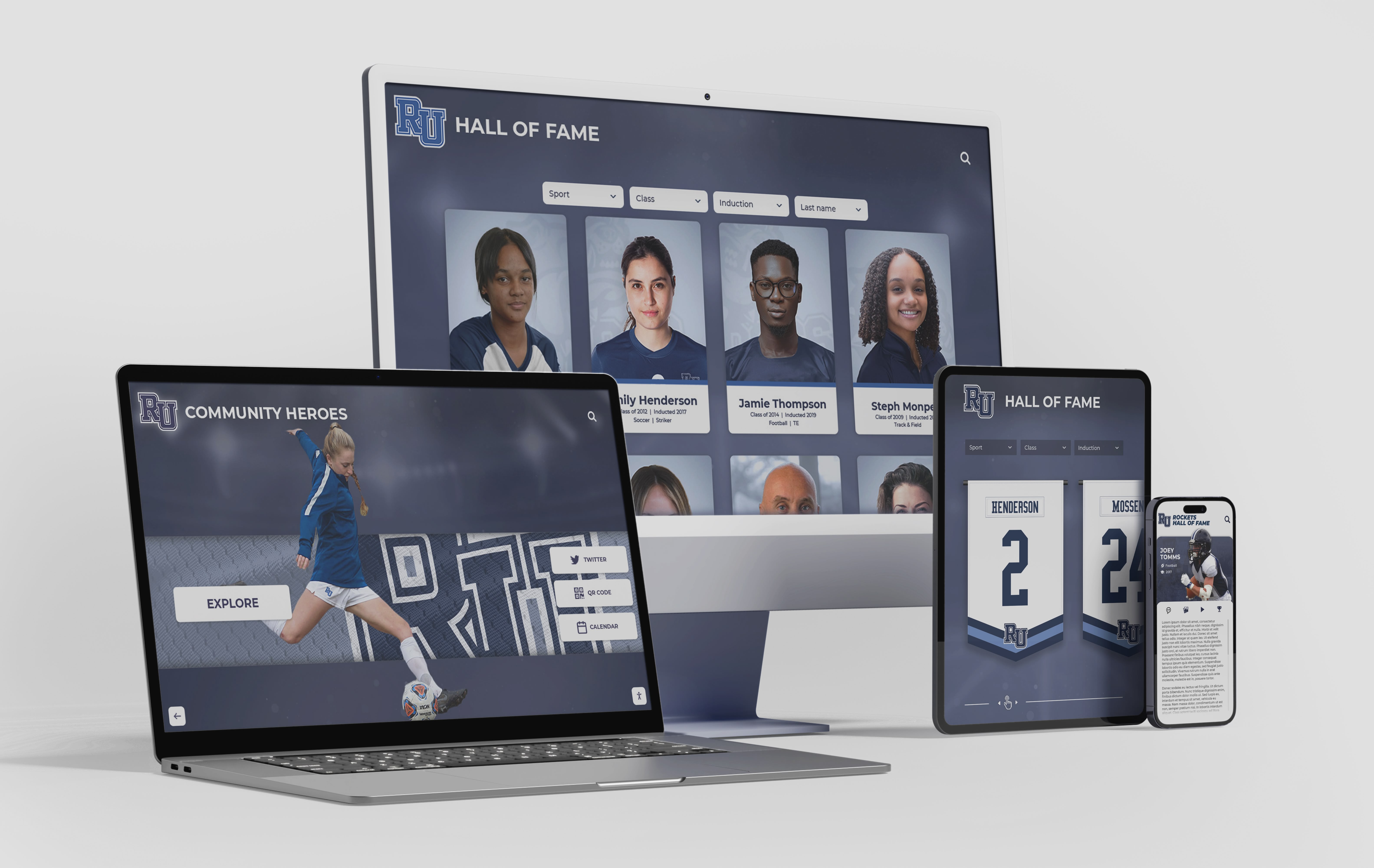
Digital Hall of Fame Hyphenated Surname Search Rules for Inductee Profiles
Establishing digital hall of fame hyphenated surname search rules is the process of documenting how editors enter compound family names in the recognition platform’s CMS, verifying that the search index surfaces an inductee’s profile when a visitor searches either the full hyphenated form or either surname element alone, and defining how hyphenated names appear in display labels and alphabetical sort order. When a school’s athletic hall of fame adds its first inductee named “Garcia-Lopez,” “Smith-Johnson,” or “Rivera-Castillo,” editors face two immediate practical questions: exactly how should that name be typed into the CMS, and what search queries should reliably return the profile? Without a documented rule set, the same inductee can appear as “Garcia-Lopez” in one CMS record and “Garcia Lopez” in a season roster export — a mismatch that causes one search query to return the profile and another to return nothing. This guide gives athletic directors, IT staff, school registrars, and alumni recognition program managers a complete framework for defining, testing, and enforcing hyphenated surname search rules across a school’s digital hall of fame web directory and touchscreen kiosk.
Read MoreDigital Hall of Fame ARIA-ColIndex Audit for Virtualized Inductee Tables
A digital hall of fame ARIA-colindex audit for virtualized inductee tables is the process of examining every wide inductee data table on your school’s recognition website and touchscreen kiosk—career-statistics tables, season-by-season record grids, multi-sport comparison panels, and year-range award summary tables—to verify that aria-colcount and aria-colindex are correctly applied whenever the platform renders only a portion of a table’s full column set in the DOM at one time. When a career-statistics table for a track-and-field inductee spans 28 statistical columns (event categories, personal records, and season placements across multiple seasons) and the display renders only the 8 columns currently visible in the horizontal scroll window, a screen reader examining the rendered table sees 8 columns, announces the table as having 8 columns, and has no information that 20 additional stat columns exist beyond the visible viewport. aria-colcount on the table element and aria-colindex on each rendered column header and data cell close this gap: aria-colcount="28" tells assistive technology that the full table spans 28 columns, and aria-colindex="9" on the first rendered cell in a shifted view tells it that the first visible column is actually the ninth column in the complete data structure. A digital hall of fame ARIA-colindex audit maps every wide inductee table on the recognition platform to a clear pass, remediate, or not-applicable decision, so that blind alumni, parents with visual impairments, and keyboard-only visitors receive accurate column-position context within every inductee statistical record—regardless of which columns are scrolled into view.
Read More
Digital Hall of Fame ARIA-Disabled Audit for Unavailable Filters
A digital hall of fame ARIA-disabled audit for unavailable filters is the process of examining every filter control on your school’s recognition website and touchscreen kiosk—sport-category filters, class-year selectors, award-type pickers, and any inductee-roster refinement widget—to verify that filter options which are temporarily unavailable (because no inductees match the current selection context) are marked with aria-disabled="true" rather than removed from the DOM, hidden with CSS, or left without any state declaration at all. The aria-disabled attribute, defined in the WAI-ARIA 1.2 specification published by the W3C Web Accessibility Initiative, tells supporting screen readers (NVDA, JAWS, VoiceOver, TalkBack) that a specific interactive element exists and is currently inactive—without removing that element from the accessibility tree or from keyboard focus order the way the native HTML disabled attribute does on form controls. When a sport filter option such as “Swimming” is removed from the DOM because no swimming inductees exist for the selected class year, a screen-reader user navigating the filter list receives no signal that a swimming filter category ever existed. When the same option carries aria-disabled="true", the screen reader announces it as “dimmed” or “unavailable,” preserving the user’s understanding of the full filter set and communicating that the option is inactive for this context—not absent from the platform. A digital hall of fame ARIA-disabled audit maps every filter widget on the recognition platform to a clear pass, remediate, or not-applicable decision, ensuring that blind alumni, parents with visual impairments, and keyboard-only visitors receive an accurate, complete picture of available filtering choices regardless of the current inductee data context.
Read MoreDigital Hall of Fame ARIA-Orientation Audit for Tabbed Inductee Navigation
A digital hall of fame ARIA-orientation audit is the process of examining every tabbed navigation component on your school’s recognition website and touchscreen kiosk—sport-category tab strips, inductee-profile section tabs, award-type tab selectors, and any composite widget that groups inductee content behind a row or column of tabs—to verify that each tablist element correctly declares aria-orientation="horizontal" or aria-orientation="vertical" and that the keyboard arrow-key behavior implemented in JavaScript matches the declared orientation. The aria-orientation attribute tells supporting screen readers (NVDA, JAWS, VoiceOver, TalkBack) and keyboard handlers which axis the widget operates along: a horizontal tablist expects Left Arrow and Right Arrow to move between tabs; a vertical tablist expects Up Arrow and Down Arrow. When the declared orientation does not match the actual keyboard behavior—or when aria-orientation is missing and the default assumption conflicts with the visual layout—a keyboard-only visitor may press arrow keys in the expected direction and receive no response, while a screen-reader user receives incorrect directional guidance about how to navigate the tab strip. A digital hall of fame ARIA-orientation audit maps every tabbed navigation component on the recognition platform to a clear pass, remediate, or not-applicable decision, so that blind alumni, parents with visual impairments, and community members who rely on keyboard navigation or assistive technology receive the same efficient, predictable tab-switching experience as every other visitor.
Read MoreDigital Hall of Fame ARIA-Rowcount and ARIA-Rowindex Audit for Virtualized Inductee Tables
A digital hall of fame ARIA-rowcount ARIA-rowindex audit is the process of examining every large inductee table on your school’s recognition website and touchscreen kiosk to verify that aria-rowcount and aria-rowindex are correctly applied whenever the platform renders only a portion of a large inductee collection rather than every row in the DOM simultaneously. When a roster of 400 inducted athletes is too large to render as 400 table rows without degrading page performance, the display platform typically uses virtualization—rendering only the 20–30 rows currently visible in the viewport and swapping new rows into the DOM as the visitor scrolls, while removing rows that have scrolled out of view. Without aria-rowcount and aria-rowindex, a screen reader examining the rendered table sees only the 20–30 DOM-resident rows, announces the table as having 20–30 rows, and has no indication that 370–380 additional inductees exist. A digital hall of fame ARIA-rowcount ARIA-rowindex audit verifies that the rendering platform supplies the correct total row count on the table element and the correct position index on each rendered row, so that assistive technology can communicate both “this inductee is row 47 of 400” and “the full inductee archive contains 400 entries”—giving screen-reader users the same spatial orientation within the recognition collection that a sighted visitor derives from a scrollbar position indicator.
Read More
Digital Hall of Fame ARIA-Owns Audit for Composite Widgets
A digital hall of fame ARIA-owns audit is the process of examining every composite widget on your school’s recognition website and touchscreen kiosk—inductee search autocomplete dropdowns, sport and year filter panels, comparison tools, and tabbed inductee profile viewers—to verify that each widget correctly uses the aria-owns attribute whenever a widget’s associated content is rendered in a separate location in the DOM from the controlling element. The aria-owns attribute tells a screen reader’s accessibility tree that a specific element is the logical owner of one or more other elements that are not its DOM descendants—establishing the parent-child ownership relationship in the accessibility tree even when the HTML structure places those elements in a different branch of the document. Without aria-owns, a dropdown listbox that a JavaScript framework appends to the document body to avoid CSS clipping issues is invisible to the accessibility tree as a child of the combobox input that controls it; a screen-reader user who navigates by widget structure cannot find the suggestion list because, from the accessibility tree’s perspective, the input and the listbox are siblings in the body element rather than a combobox and its controlled popup. A digital hall of fame ARIA-owns audit maps every composite widget on the recognition platform to a clear pass, remediate, or remove decision, ensuring that blind alumni, parents with visual impairments, and community members who rely on assistive technology receive an accurate, navigable picture of the recognition interface regardless of where JavaScript frameworks choose to render widget content in the DOM.
Read MoreDigital Hall of Fame ARIA-Modal Audit for Inductee Dialogs
A digital hall of fame ARIA-modal audit is the process of examining every dialog element on your school’s recognition website and touchscreen kiosk—inductee biography overlays, fullscreen media viewers, award-detail panels, and records pop-ups—to verify that each dialog correctly declares aria-modal="true", exposes an accessible name through aria-labelledby, manages keyboard focus on open and close, and traps focus within the dialog boundary while it is visible. The aria-modal="true" attribute tells supporting screen readers (NVDA, JAWS, VoiceOver, TalkBack) to hide background page content from their virtual buffers while a dialog is open, so that a visitor who relies on assistive technology cannot accidentally read or navigate content outside the modal boundary. Without this attribute, a screen-reader user may browse past the inductee biography overlay and into the underlying roster, sponsor ribbon, or site navigation—experiencing the modal as a transparent layer rather than a confined interaction context. A digital hall of fame ARIA-modal audit maps every dialog on the recognition platform to a clear pass, remediate, or remove decision, so that blind alumni, parents with visual impairments, and community members who use assistive technology receive the same focused, unambiguous inductee experience as every other visitor.
Read MoreDigital Hall of Fame ARIA-Roledescription Audit for Custom Touchscreen Controls
A digital hall of fame ARIA-roledescription audit is the process of examining every custom widget on your school’s recognition touchscreen and web directory to determine whether the aria-roledescription attribute has been applied appropriately—and, where it has been applied, whether it preserves the base ARIA semantics that screen-reader users depend on to navigate and operate the interface. The aria-roledescription attribute allows developers to replace the default role announcement (such as “button,” “slider,” or “tab”) with a human-readable description that better reflects the widget’s purpose in context. On a digital hall of fame platform, a sport-filter carousel might carry aria-roledescription="inductee category selector" instead of the default “group” announcement, or a decade-range draggable control might carry aria-roledescription="era selector" instead of “slider.” The WAI-ARIA specification is explicit: aria-roledescription must be used sparingly, only when the native or mapped role description is genuinely inadequate for the widget’s context, and never in a way that removes the behavioral cues—“press Space to activate,” “use Arrow keys to navigate”—that screen readers derive from the base role. A digital hall of fame ARIA-roledescription audit is the structured workflow that maps every custom touchscreen widget to a clear “use,” “revise,” or “remove” decision for its role description, so that visitors who rely on NVDA, JAWS, VoiceOver, or TalkBack can understand what each control does and how to operate it.
Read MoreDigital Hall of Fame ARIA-Relevant Audit for Useful Search Announcements
A digital hall of fame ARIA-relevant audit is the process of examining every live-region announcement your school’s recognition platform produces during search and filter interactions—and deciding, event by event, whether each announcement is genuinely useful or whether it is creating noise that overwhelms screen-reader users or silence that leaves them uninformed. A live region marked aria-live="polite" or role="status" announces any text change inside it to connected assistive technology automatically. On a hall of fame web directory with real-time inductee search and multi-dimensional sport, decade, and award filters, the same mechanism that keeps blind or low-vision visitors informed can—if misconfigured—fire a screen-reader announcement on every keystroke, announce outdated result counts before the new results have rendered, or stay completely silent during a filter reset that removes all active criteria. The digital hall of fame ARIA-relevant audit is the structured workflow that maps each dynamic event on the recognition platform to an explicit announcement decision—announce, suppress, or delay—so that assistive technology users receive the right information at the right moment, every time they interact with the search and filter interface. This guide gives school administrators, athletic directors, IT staff, and recognition-program managers a step-by-step audit protocol, an event-to-announcement decision matrix, corrected code patterns, and a reusable checklist for pre-launch and post-update verification.
Read MoreCategories
- Academic Achievement ( 1 )
- Academic Excellence ( 11 )
- Academic Recognition ( 26 )
- Accessibility ( 31 )
- Admissions ( 1 )
- Alumni Engagement ( 11 )
- Alumni Management ( 1 )
- Alumni Programs ( 5 )
- Alumni Recognition ( 6 )
- Alumni Relations ( 3 )
- Athletic Administration ( 1 )
- Athletic Archives ( 1 )
- Athletic Excellence ( 1 )
- Athletic Leadership ( 3 )
- Athletic Programs ( 7 )
- Athletic Recognition ( 77 )
- Athletic Records ( 1 )
- Athletic Training ( 4 )
- Baseball Programs ( 2 )
- Basketball Achievement ( 1 )
- Basketball Programs ( 3 )
- Branding and Identity ( 1 )
- Budget Planning ( 1 )
- Buying Guides ( 6 )
- Campaign Management ( 1 )
- Campus Design ( 3 )
- Campus Engagement ( 1 )
- Campus Navigation ( 1 )
- Career Development ( 5 )
- Catholic Education ( 1 )
- Celebration Ideas ( 1 )
- Ceremony Planning ( 1 )
- Championship Display ( 3 )
- Championship Recognition ( 2 )
- Cheerleading Programs ( 1 )
- Church Technology ( 1 )
- Club Athletics ( 1 )
- Coach Recognition ( 2 )
- Coaching Excellence ( 2 )
- Coaching Programs ( 1 )
- College Athletics ( 1 )
- College Preparation ( 1 )
- College Recruitment ( 1 )
- Community Building ( 1 )
- Community Engagement ( 6 )
- Community Events ( 2 )
- Community Programs ( 2 )
- Cross Country ( 1 )
- Cross Country Programs ( 1 )
- Cultural Recognition ( 1 )
- Customer Support ( 1 )
- Digital Archives ( 3 )
- Digital Displays ( 21 )
- Digital Hall of Fame ( 35 )
- Digital Heritage ( 1 )
- Digital Recognition ( 5 )
- Digital Signage ( 1 )
- Digital Solutions ( 3 )
- Digital Technology ( 2 )
- Digital Tools ( 2 )
- Display Solutions ( 5 )
- Diversity & Inclusion ( 1 )
- Donor Recognition ( 10 )
- E-Sports Recognition ( 1 )
- Educational Excellence ( 2 )
- Educational Leadership ( 2 )
- Educational Programs ( 1 )
- Educational Technology ( 1 )
- Elementary Programs ( 2 )
- Elementary Recognition ( 1 )
- Event Planning ( 12 )
- Event Solutions ( 1 )
- Facility Enhancement ( 1 )
- Facility Management ( 1 )
- Facility Planning ( 1 )
- Field Hockey Programs ( 1 )
- Football Programs ( 4 )
- Football Recognition ( 2 )
- Fundraising ( 4 )
- Fundraising Programs ( 2 )
- Fundraising Recognition ( 5 )
- Gaming Achievement ( 1 )
- Golf Instruction ( 3 )
- Graduation Ceremonies ( 1 )
- Graduation Recognition ( 1 )
- Greek Life ( 1 )
- Hall of Fame ( 29 )
- Hall of Fame Programs ( 5 )
- Hardware Services ( 1 )
- Heritage Preservation ( 1 )
- High School Basketball ( 1 )
- High School Football ( 2 )
- High School Solutions ( 1 )
- Historical Recognition ( 1 )
- Installation & Setup ( 1 )
- Interactive Displays ( 3 )
- Interactive Museums ( 1 )
- Interactive Technology ( 3 )
- Leadership Development ( 1 )
- Library Technology ( 1 )
- Memorial Recognition ( 1 )
- Memory Care ( 1 )
- Military Recognition ( 1 )
- Modernization ( 1 )
- Museum Technology ( 1 )
- Music Excellence ( 1 )
- Music Recognition ( 3 )
- Nonprofit Management ( 2 )
- Organizational Culture ( 1 )
- Performance Arts ( 1 )
- Performing Arts ( 1 )
- Performing Arts Excellence ( 1 )
- Performing Arts Programs ( 1 )
- Performing Arts Recognition ( 1 )
- Physical Education ( 1 )
- Pricing Transparency ( 1 )
- Professional Sports Awards ( 1 )
- Professional Sports Recognition ( 2 )
- Recognition Communications ( 1 )
- Recognition Displays ( 4 )
- Recognition Planning ( 2 )
- Recognition Programs ( 44 )
- Recognition Systems ( 1 )
- Recognition Technology ( 28 )
- Reconocimiento Digital ( 1 )
- Retirement Planning ( 1 )
- Scholarship Programs ( 1 )
- School Administration ( 5 )
- School Archives ( 1 )
- School Athletics ( 1 )
- School Ceremonies ( 1 )
- School Communication ( 1 )
- School Communications ( 2 )
- School Community ( 2 )
- School Construction ( 1 )
- School Culture ( 4 )
- School Design ( 2 )
- School Environment ( 2 )
- School Events ( 18 )
- School Facilities ( 4 )
- School History ( 3 )
- School Innovation ( 1 )
- School Programs ( 8 )
- School Publications ( 1 )
- School Recognition ( 4 )
- School Recognition Programs ( 1 )
- School Solutions ( 2 )
- School Spirit ( 7 )
- School Sports ( 1 )
- School Technology ( 4 )
- School Traditions ( 2 )
- Seasonal Sports ( 2 )
- Senior Athletes ( 1 )
- Senior Living ( 1 )
- Senior Living Recognition ( 1 )
- Senior Recognition ( 1 )
- SEO ( 3 )
- Soccer Programs ( 2 )
- Sports Awards ( 1 )
- Sports Education ( 1 )
- Sports History ( 1 )
- Sports Recognition ( 3 )
- Sports Storytelling ( 1 )
- Sports Technique ( 1 )
- Sports Training ( 2 )
- Stadium Technology ( 1 )
- Staff Recognition ( 4 )
- State Championships ( 3 )
- State Rankings ( 1 )
- State Tournament Programs ( 1 )
- Student Achievement ( 19 )
- Student Activities ( 2 )
- Student Athletes ( 3 )
- Student Celebrations ( 1 )
- Student Engagement ( 7 )
- Student Leadership ( 2 )
- Student Recognition ( 29 )
- Student Success ( 1 )
- Swimming Programs ( 2 )
- Teacher Recognition ( 1 )
- Team Culture ( 1 )
- Technology ( 2 )
- Technology Solutions ( 2 )
- Technology Standards ( 1 )
- Tecnología Educativa ( 1 )
- Tennis Programs ( 1 )
- Theater Recognition ( 1 )
- Tournament Recognition ( 1 )
- Trophy Display ( 2 )
- University History ( 1 )
- University Technology ( 1 )
- User Experience ( 1 )
- Veterans Recognition ( 1 )
- Visual Communication ( 1 )
- Volleyball Skills ( 1 )
- Wayfinding Solutions ( 1 )
- Website Management ( 39 )
- Wrestling ( 3 )
- Wrestling Programs ( 3 )
- Wrestling Recognition ( 1 )
- Yearbook ( 1 )
- Youth Mentoring ( 1 )
- Youth Sports ( 1 )
Tags
- 1000 Points
- 400 Percent Zoom
- Abbr Title Attribute
- Academic Achievement
- Academic Achievement Programs
- Academic Athletic Awards
- Academic Awards
- Academic Competition
- Academic Excellence
- Academic Honors
- Academic Letter Jacket
- Academic Recognition
- Academic Scholarship
- Academic Signing Day
- Academic Support
- Acceptance Speeches
- Accessibility
- Accessibility Audit
- Accessibility Checklist
- Accessibility Standards
- Accessibility Tree
- Accessible Authentication
- Accessible Name
- Achievement Ceremonies
- Achievement Displays
- Achievement Recognition
- ACT Scores
- ADA Compliance
- Admin Sign-In
- Administrator Appreciation
- Administrator Awards
- Admissions Tours
- Advanced Placement
- Agenda Templates
- AI Procurement
- AI Tools
- Alabama High School Football
- All-Conference Award
- All-Star Recognition
- All-State Musicians
- Alphabetical Sort
- Alumni Activities
- Alumni Centers
- Alumni Database
- Alumni Engagement
- Alumni Event Ideas
- Alumni Events
- Alumni Interviews
- Alumni Management
- Alumni Mentorship
- Alumni Network
- Alumni Newsletter
- Alumni of the Month
- Alumni Programs
- Alumni Recognition
- Alumni Recognition Displays
- Alumni Relations
- Alumni Spaces
- Alumni Status
- Alumni Wall
- Alumni Welcome Areas
- AP Scholar
- Appreciation Events
- Aquatic Coaches
- Aquatic Programs
- Aquatic Sports
- Archival Media
- Archive Consistency
- Archive Navigation
- Archive Quality
- Archive Tags
- ARIA
- ARIA Combobox Pattern
- Aria Landmarks
- Aria Live Region
- ARIA Semantics
- ARIA Status
- Aria-Activedescendant
- Aria-Colcount
- Aria-Colindex
- Aria-Disabled
- Aria-Label
- Aria-Labelledby
- Aria-Modal
- Aria-Orientation
- Aria-Owns
- Aria-Roledescription
- Aria-Rowcount
- Aria-Rowindex
- Aria-Valuetext
- Arts Recognition
- Assembly Ideas
- Assembly Programs
- Assisted Living Technology
- Assistive Technology
- Athlete Profile Template
- Athlete Recognition
- Athlete Statistics Accessibility
- Athletic Administration
- Athletic Alumni Records
- Athletic Archive
- Athletic Archives
- Athletic Award Acronym
- Athletic Awards
- Athletic Banquet Dresses
- Athletic Careers
- Athletic Ceremonies
- Athletic Ceremony
- Athletic Communications
- Athletic Development
- Athletic Director
- Athletic Director Jobs
- Athletic Director Resources
- Athletic Display
- Athletic Displays
- Athletic Events
- Athletic Facilities
- Athletic Fundraising
- Athletic Hall of Fame
- Athletic Hall of Fame Bylaws
- Athletic Hall of Fame Hidden Until Found Biography Audit
- Athletic Hall of Fame Nomination Form Constraint Validation
- Athletic Hall of Fame Photo Requirements
- Athletic Hall of Fame Selection Committee
- Athletic History
- Athletic Honor
- Athletic Honors
- Athletic Leadership
- Athletic Marketing
- Athletic Memorabilia
- Athletic Mentors
- Athletic Milestones
- Athletic Profiles
- Athletic Programs
- Athletic Recognition
- Athletic Recognition Programs
- Athletic Records
- Athletic Scholarships
- Athletic Skills
- Athletic Stats Display
- Athletic Tradition
- Athletic Training
- Autocomplete
- Autocomplete Attribute
- Autofill
- Award Abbreviation Accessibility
- Award Acceptance Speech
- Award Badge
- Award Ceremonies
- Award Certificates
- Award Citation Accessibility
- Award Classification
- Award Counts
- Award Filters
- Award Ideas
- Award Presentations
- Award Programs
- Award Speeches
- Awards Assembly
- Awards Ceremony
- Awards Touchscreen
- Back to School
- Backhand Training
- Bake Sale Ideas
- Baked Goods Fundraiser
- Band Excellence
- Band Recognition
- Banquet Attire
- Baseball Awards
- Baseball Coaching
- Baseball History
- Baseball Hitting Drills
- Baseball Program
- Baseball Training
- Basketball
- Basketball Awards
- Basketball Banquet Ideas
- Basketball Fundamentals
- Basketball Passing Drills
- Basketball Positions Explained
- Basketball Recognition
- Basketball Roles
- Basketball Skills
- Basketball Training
- Batting Average
- Batting Practice
- Beforematch Event
- Big Brother Big Sister
- Big Ten Athletics
- Big Ten Wrestling
- Bio Accuracy
- Bio Standards
- Block Footwork
- Blocking Techniques
- Booster Club
- Bounded Statistics
- Breadcrumb Navigation
- Brotherhood Recognition
- Browser Fallback
- Browser Validation
- Budget Planning
- Budget Solutions
- Building Directory
- Bulletin Boards
- Bunker Shots
- Cafeteria Design
- Calculated Output
- Campaign Thermometers
- Campus Design
- Campus Engagement
- Campus Navigation
- Campus Signage
- Campus Visits
- CAP Cadets
- Capital Campaign
- Capital Campaigns
- CAPTCHA Accessibility
- Career Advice
- Career Celebration
- Career Development
- Career Guide
- Career Path
- Career Preparation
- Career Recognition
- Career Statistics
- Category Pages
- Catholic School
- Celebration Ideas
- Center Position
- Ceremony Planning
- Certificate Wording
- Championship Banner
- Championship Banners
- Championship Display
- Championship Graphic
- Championship History
- Championship Recognition
- Championship Season
- Championship Traditions
- Chapter History
- Character Development
- Character Recognition
- Charity Events
- CheckValidity
- Cheer Recognition
- Cheerleading Awards
- Cheerleading Programs
- Chipping Drills
- Church Donor Recognition
- Church Sports
- Church Technology
- Civil Air Patrol
- Class Composites
- Class Rank
- Class Rank Reporting
- Class Reunion
- Class Reunion Program Ideas
- Class Year Filters
- Classroom Decor
- Classroom Projects
- CMS Entry Conventions
- Coach Appreciation
- Coach Hiring
- Coach Recognition
- Coaching
- Coaching Jobs
- Coaching Legacy
- Coaching Recognition
- Coaching Resume
- Cognitive Disability
- Cognitive Function Test
- Collapsed Biography Disclosure
- College Achievement
- College Admissions
- College Applications
- College Athletics
- College Commitment
- College Commitments
- College Decision Display
- College Football Hall of Fame
- College Football Recruiting
- College Funding
- College History
- College Preparation
- College Recognition
- College Signing Day
- College Students
- Collegiate Wrestling
- Color Guard
- Column Virtualization
- Combobox Accessibility
- Commencement
- Commencement Regalia
- Communication Technology
- Community Building
- Community College
- Community Connection
- Community Engagement
- Community Events
- Community Partnerships
- Community Recognition
- Community Support
- Competition Preparation
- Competition Success
- Competition Teams
- Competitive Gaming
- Competitive Swimming
- Composite Widgets
- Conference Championship
- Conference Honors
- Construction Planning
- Content Audit
- Content Creation
- Content Gaps
- Content Ideas
- Content Management
- Content Widgets
- Controlled Vocabulary
- Copyright Permission Form
- Corporate Culture
- Cost Efficiency
- Costume Buying Guide
- Court Vision
- Courtroom Technology
- Cover Letter
- Cross Country
- Cross Country Awards
- Cross Country Programs
- Cultural Heritage
- Cultural Recognition
- Cum Laude
- Curriculum Integration
- Custom Banners
- Custom Layouts
- Custom Touchscreen Controls
- Custom Validity
- Custom Widgets
- Customer Success
- DAM Systems
- Dance Programs
- Dance Team
- Dance Team Names
- Data Entry
- Data Integrity
- Data Management
- Dean's List
- Decorative SVG
- DefaultValue
- Dementia Care
- Description List
- Design Systems
- Dialog Accessibility
- Digital Archives
- Digital Asset Management
- Digital Athlete Profiles
- Digital Composites
- Digital Display
- Digital Displays
- Digital Donor Walls
- Digital Exhibits
- Digital Hall of Fame
- Digital Hall of Fame Accessible Authentication Audit
- Digital Hall of Fame Accessible Name Audit
- Digital Hall of Fame ARIA Activedescendant Audit
- Digital Hall of Fame Aria Disabled Filters
- Digital Hall of Fame Aria Landmark Audit
- Digital Hall of Fame Aria Live Region Test
- Digital Hall of Fame Aria Orientation Audit
- Digital Hall of Fame Aria Relevant Audit
- Digital Hall of Fame Aria-Colindex
- Digital Hall of Fame ARIA-Modal Audit
- Digital Hall of Fame ARIA-Owns Audit
- Digital Hall of Fame ARIA-Roledescription Audit
- Digital Hall of Fame ARIA-Rowcount ARIA-Rowindex Audit
- Digital Hall of Fame Breadcrumb Navigation Checklist
- Digital Hall of Fame Details Summary Audit
- Digital Hall of Fame Duplicate Id Accessibility Audit
- Digital Hall of Fame Faceted Search Filters
- Digital Hall of Fame Focus Appearance Audit
- Digital Hall of Fame HTML Abbr Award Acronym Audit
- Digital Hall of Fame HTML Description List Accessibility Audit
- Digital Hall of Fame HTML Meter Audit
- Digital Hall of Fame Html Output Audit
- Digital Hall of Fame Hyphenated Surname Search
- Digital Hall of Fame Identify Input Purpose Accessibility Audit
- Digital Hall of Fame Inline Svg Award Badge Audit
- Digital Hall of Fame Installation
- Digital Hall of Fame Internal Search Analytics
- Digital Hall of Fame Keyboard Trap Audit
- Digital Hall of Fame Phonetic Name Search Audit
- Digital Hall of Fame Redundant Entry Accessibility Audit
- Digital Hall of Fame Reflow Accessibility Test
- Digital Hall of Fame Skip Link Testing
- Digital Hall of Fame Software Inventory Register
- Digital Hall of Fame Typo Tolerant Search Guide
- Digital History Archive
- Digital Inductee Profiles
- Digital Kiosks
- Digital Libraries
- Digital Memorials
- Digital Plaques
- Digital Profiles
- Digital Recognition
- Digital Record Board
- Digital Record Boards
- Digital School Signs
- Digital Screens
- Digital Signage
- Digital Signage for Schools
- Digital Signage Pricing
- Digital Sports Hall of Fame
- Digital Storytelling
- Digital Trophies
- Digital Trophy Case
- Digital Wayfinding
- Dining Space
- Disclosure Widget
- Display Boards
- Display Cases
- Display Installation
- Display Management
- Display Mounting
- Display Rights
- Display Software
- District Administration
- District Management
- Diversity Programs
- Document Preservation
- Donor Appreciation
- Donor Management
- Donor Plaques
- Donor Recognition
- Donor Recognition Displays
- Donor Retention
- Donor Stewardship
- Donor Wall
- Donor Wall Plaques
- Donor Walls
- Double Metaphone
- Drama Recognition
- Dt Dd Elements
- Duplicate ID
- Duplicate Profiles
- E-Sports Athletes
- E-Sports Hall of Fame
- ECNL Soccer
- Education Career
- Educational Awards
- Educational Celebrations
- Educational Excellence
- Educational Field Trips
- Educational Finance
- Educational Leadership
- Educational Programs
- Educational Spaces
- Educational Technology
- Educator Appreciation
- Educator Awards
- Educator Recognition
- Elementary Programs
- Elementary School
- Elementary School Assembly
- Elementary School Celebrations
- Elementary School Gym Games
- Eligibility Rules
- Elite Club Soccer
- Employee Recognition
- End of Season
- End of Season Awards
- End of Season Celebration
- Endowment Fund
- Engagement Strategies
- Engineering Competitions
- Entrance Design
- Environmental Graphics
- Equipment Manufacturing
- Error Budget
- Event Management
- Event Planning
- Event Promotion
- Event Technology
- Event Ticketing
- Evidence Presentation
- Expandable Biography
- Facility Improvement
- Facility Modernization
- Facility Planning
- Faculty Memorial
- Faculty Remembrance
- Faith-Based Athletics
- Faith-Based Education
- Family Caregivers
- Family Communication
- Female Athletes
- Fenway Park
- Field Day Planning
- Field Hockey Basics
- Field Hockey Equipment
- Field Hockey Penalties
- Field Hockey Positions
- Field Hockey Rules
- Filter Accessibility
- Filter Controls Accessibility
- Filter Widget
- Find in Page
- First Generation College Student
- First Impressions
- First-Use Visible Expansion
- Fitness Programs
- Float Construction
- Float Ideas
- Focus Appearance
- Focus Indicator
- Focus Management
- Focus Visible
- Football Awards
- Football Banquet
- Football Championships
- Football Playoffs
- Football Preparation
- Football Program
- Football Programs
- Football Recognition
- Football Record Board
- Football Recruiting
- Football Traditions
- Football Trophy Case
- For Attribute
- Form Owner Association
- Form Reset
- Forward Positions
- Fragment Navigation
- Fraternity Composites
- Free School Software
- Full-Stack Service
- Fundraiser Planning
- Fundraising
- Fundraising Campaigns
- Fundraising Graphics
- Fundraising Ideas
- Fundraising Recognition
- Fundraising Technology
- Funny Awards
- Fuzzy Search
- Gallery Technology
- Game-Day Recognition
- Gaming Achievement
- Gaming Recognition
- Gathering Areas
- Gift Ideas for Seniors
- Gipper Alternative
- Golf Bunker Shots
- Golf Coaching
- Golf Drills
- Golf Instruction
- Golf Skills
- Golf Technique
- Golf Tournament
- Golf Training
- Google Analytics
- Google Search Console
- GPA
- GPA Requirements
- Graduate Recognition
- Graduate Success
- Graduating Senior Recognition
- Graduation Banner Ideas
- Graduation Ceremony
- Graduation Displays
- Graduation Events
- Graduation Honor Cords
- Graduation Honors
- Graduation Party
- Graduation Planning
- Graduation Recognition
- Graduation Speech
- Grappler Recognition
- Greek Life
- Gym Lobby
- Gymnasium Design
- Gymnasium Display
- Gymnasium Technology
- Hall of Fame
- Hall of Fame Accessibility
- Hall of Fame Application
- Hall of Fame Archives
- Hall of Fame Biography Fact Check Checklist
- Hall of Fame Bylaws
- Hall of Fame Calendar
- Hall of Fame Committee
- Hall of Fame Communications
- Hall of Fame Conflict of Interest
- Hall of Fame Content Embargo Policy
- Hall of Fame Copyright
- Hall of Fame Criteria
- Hall of Fame Data Governance
- Hall of Fame Design
- Hall of Fame Display
- Hall of Fame Displays
- Hall of Fame Duplicate Profile Merge Policy
- Hall of Fame Editorial Style Guide
- Hall of Fame External Link Policy
- Hall of Fame Family Notification Policy
- Hall of Fame Governance
- Hall of Fame Inductee Bio
- Hall of Fame Inductee Photos
- Hall of Fame Induction
- Hall of Fame Inductions
- Hall of Fame Management
- Hall of Fame Navigation
- Hall of Fame Nomination Confidentiality Policy
- Hall of Fame Oral History
- Hall of Fame Planning
- Hall of Fame Plaque Template
- Hall of Fame Plaques
- Hall of Fame Policy
- Hall of Fame Press Release
- Hall of Fame Profile
- Hall of Fame Profile Ownership Policy
- Hall of Fame Profiles
- Hall of Fame Program
- Hall of Fame Programs
- Hall of Fame Records
- Hall of Fame Records Retention
- Hall of Fame Same Name Inductee Disambiguation
- Hall of Fame Search
- Hall of Fame Search Analytics
- Hall of Fame Search Filters
- Hall of Fame Selection Process
- Hall of Fame Software
- Hall of Fame Structured Data
- Hall of Fame Verification
- Hall of Fame Web Analytics Dashboard
- Hall of Fame Website
- Hall of Fame Website Content Audit Checklist
- Hall of Fame Website Error Budget Policy
- Hall of Fame Website Media Transcoding Settings Checklist
- Hall of Fame Website Redirect Mapping Checklist
- Hall of Fame Website Search Indexing Checklist
- Hallway Displays
- Hardware Software Integration
- Hardware Support
- Heritage Months
- Heritage Preservation
- Hidden Until Found
- High School
- High School Athletics
- High School Basketball Playoffs
- High School Football
- High School Football Playoffs
- High School Graduation
- High School Honors
- High School Recognition
- High School Reunion
- High School Sports
- High School Stadium
- High School Swim Team
- High School Swimming
- High School Wrestling
- Higher Education
- Higher Education Fundraising
- Historical Displays
- Historical Documentation
- Hitting Techniques
- Hockey Hall of Fame
- Homecoming
- Homecoming Court
- Homecoming Events
- Homecoming Float Ideas
- Homecoming King
- Homecoming Parade
- Homecoming Queen
- Homecoming Traditions
- Honor Programs
- Honor Roll
- Honor Society
- Honor Wall
- HTML Abbr Element
- HTML Constraint Validation
- HTML Details Element
- HTML Dl Element
- HTML Hidden Attribute
- HTML Id Attribute
- HTML Meter Element
- HTML Output Element
- HTML Summary Element
- Hyphenated Surname
- Icon Buttons Accessibility
- Identify Input Purpose
- IHSAA
- IHSAA Championships
- Inclusive Design
- Inclusive Recognition
- Inclusive Sports
- Indiana Football
- Indiana High School Football
- Indoor Track
- Inductee Announcements
- Inductee Bio Examples
- Inductee Biography
- Inductee Dialogs
- Inductee Disambiguation
- Inductee Filters
- Inductee Lookup
- Inductee Metadata
- Inductee Navigation
- Inductee Nomination
- Inductee Profile Accessibility
- Inductee Profile Engagement
- Inductee Profile Images
- Inductee Profile Management
- Inductee Profiles
- Inductee Search
- Inductee Standards
- Inductee Table
- Inductee Video
- Inductee Workflow
- Induction Announcement
- Induction Ceremony
- Induction Committee
- Induction Filters
- Induction Launch
- Informative SVG
- Inline SVG
- Input Accessibility
- Installation Services
- Institutional Heritage
- Institutional Memory
- Institutional Signage
- Interactive Archives
- Interactive Digital Signage
- Interactive Display
- Interactive Displays
- Interactive Donor Boards
- Interactive Kiosks
- Interactive Learning
- Interactive Recognition
- Interactive Technology
- Interactive Touch Screen Digital Signage
- Interactive Touchscreen
- Interactive Touchscreens
- Internal Search Data
- Interview Rights
- Intramural Sports
- Invitation Design
- Jersey Display
- Jersey Retirement
- Jersey Retirement Ceremony
- Job Application
- Job Applications
- Journalism Recognition
- JROTC
- JSON-LD
- Judicial Technology
- K-12 Schools
- Keyboard Accessibility
- Keyboard Focus
- Keyboard Navigation
- Keyboard Trap
- Kiosk Accessibility
- Kiosk Search
- Kiosk Setup
- Kiosk Software
- Label Association
- Landmark Regions
- Latin Honors
- Layout Containment
- Leadership
- Leadership Development
- Learning Environments
- Learning Experiences
- Letter Awards
- Letter Winners
- Library Innovation
- Library Technology
- Library Touchscreen
- Link Management
- Live Region
- Live Region Relevance
- Livestream Events
- Lobby Design
- Low Vision Accessibility
- Magna Cum Laude
- Maiden Name Search
- Marching Arts
- Marching Band
- Marching Band Traditions
- Mascot Care
- Mascot Maintenance
- Maxlength
- MDM Device Management
- Media Guide Template
- Media Management
- Media Settings
- Memorabilia Documentation
- Memorabilia Showcase
- Memorial Day
- Memorial Tributes
- Memory Care
- Memory Display
- Mentoring Programs
- Mentorship Programs
- Merit Awards
- Meter Role
- Middle School Fundraising
- Military Alumni
- Military Recognition
- Military Tribute
- Military Youth Organizations
- Min Max Value Attributes
- Minlength
- Missouri Football
- Misspelled Inductee Names
- Modal Dialog
- MSHSAA
- Multi-Screen
- Multi-Screen Software
- Multi-Step Form
- Multi-Year Agreements
- Museum Kiosks
- Museum Technology
- Museum Touchscreens
- Music Program Recognition
- Music Programs
- Music Recognition
- MVP Award
- Name Conflict
- Name Formatting
- Name Search
- National Honor Society
- National Letter of Intent
- National Merit Scholarship
- National Society of Leadership and Success
- NCAA Eligibility
- NCAA Recruiting
- NCAA Transfer Portal
- Net Play
- Network Setup
- New Jersey Wrestling
- NFL Icons
- NHL Recognition
- NHS Membership
- NHS Recognition
- NHS Requirements
- Nickname Search
- NJ High School Wrestling
- NJ State Wrestling
- NMSC Recognition
- No Keyboard Trap
- Nomination Form
- Nomination Form Accessibility
- Nomination Process
- Non-Destructive Scanning
- Nonprofit Fundraising
- Nonprofit Management
- Nonprofit Recognition
- Nonprofit Technology
- Novalidate
- NSLS
- Ohio Basketball
- Ohio State Marching Band
- OHSAA Playoffs
- Oklahoma Teacher Retirement
- One Time Transfer Rule
- One-Time Payment
- Online Hall of Fame
- Oral History Consent Form
- OTRS
- Outstanding Students
- Padel
- Pantallas Interactivas
- Pantallas Táctiles
- Parade Planning
- Parent Tributes
- Party Games
- Party Planning
- Party Themes
- Passing Techniques
- Password Manager
- Past Presidents Wall
- Paste Support
- PE Activities
- Peer Awards
- Pennsylvania Football
- Performance Archives
- Performance Recognition
- Performing Arts
- Performing Arts Recognition
- Personalized Gifts
- Phi Theta Kappa
- Phonetic Search
- Photo Organization
- Photo Rights
- Photography Class
- Physical Education
- PIAA Rankings
- Pickleball
- Planned Giving
- Platform Features
- Platform Migration
- Playbill Displays
- Player Development
- Player Records
- Playoff Coverage
- Playoff Success
- Point Guard
- Presentation Speeches
- Pricing Guide
- Pricing Models
- Principal Appreciation Day
- Principal Honor Roll
- Principal of the Year
- Principal Recognition
- Principal's Award
- Procurement Guide
- Product Demonstrations
- Professional Basketball
- Professional Development
- Professional Football
- Professional Installation
- Profile Interface
- Profile Updates
- Program Building
- Prospective Students
- Provenance Form
- PSAT Excellence
- PTA Fundraising
- Public Schools
- Public Speaking
- Racket Sports
- Recognition Board Ideas
- Recognition Ceremonies
- Recognition Displays
- Recognition Events
- Recognition Governance
- Recognition Ideas
- Recognition Moments
- Recognition Platform
- Recognition Program
- Recognition Program Management
- Recognition Programs
- Recognition Projects
- Recognition Systems
- Recognition Technology
- Recognition Walls
- Recognition Workflow
- Reconocimiento Deportivo
- Reconocimiento Digital
- Record Boards
- Record Keeping
- Records Management
- Redirect Mapping
- Redundant Entry
- Reflow Accessibility
- ReportValidity
- RequestSubmit
- Response Time
- Resume Template
- Resume Tips
- Retired Jersey Numbers
- Retirement Planning
- Reunion Activities
- Reunion Ideas
- Reunion Invitations
- Reunion Planning
- Rocket Alumni Solutions
- Rocket Graphics
- Rocket Recognition
- Role Img
- Rookie Awards
- Roster Management
- Runner Recognition
- Running Recognition
- Salary Guide
- Salutatorian Speech
- Salón De La Fama
- San Jose Sharks
- Sand Trap
- Sand Wedge
- SAP Center
- Schema Markup
- Scholar Athlete Award
- Scholar Recognition
- Scholar-Athlete Recognition
- Scholarship Applications
- Scholarship Ceremony
- School Accessibility
- School Achievements
- School Activities
- School Administration
- School Alumni
- School Archives
- School Assembly
- School Athletic Events
- School Athletic Records
- School Athletics
- School Awards
- School Board
- School Branding
- School Budgets
- School Cafeteria
- School Celebrations
- School Ceremonies
- School Communication
- School Community
- School Construction
- School Counseling
- School Culture
- School Design
- School Digital Displays
- School Displays
- School Entrance Design
- School Entrance Signs
- School Environment
- School Events
- School Facilities
- School Fundraising
- School Fundraising Ideas
- School Golf Programs
- School Graphics
- School Gymnasium
- School Hall of Fame
- School Hallway
- School Hallway Signs
- School History
- School Honors
- School Identity
- School IT
- School Leaders
- School Leadership
- School Lobbies
- School Marketing
- School Mascot Costumes
- School Memorial
- School Performing Arts
- School Pride
- School Programs
- School Publications
- School Recognition
- School Recognition Programs
- School Renovation
- School Reunion
- School Signage
- School Social Media
- School Software
- School Spirit
- School Sports
- School Sports Programs
- School Talent Show
- School Technology
- School Technology Setup
- School Theater
- School Tradition
- School Traditions
- Science Projects
- Screen Reader
- Search Analytics
- Search and Filter Accessibility
- Search Announcements
- Search Configuration
- Search Console
- Search Field Accessibility
- Search Index
- Search Indexing
- Search Quality
- Search Review Workflow
- Search Rules
- Search Suggestions Accessibility
- Searchable Database
- Sectional Finalists
- Selection Committee
- Selection Criteria
- Selection Process
- Semester Recognition
- Senior Ads From Parents
- Senior Athlete Recognition
- Senior Athletes
- Senior Banners
- Senior Gift Basket Ideas
- Senior Living
- Senior Night
- Senior Night Gifts
- Senior Night Ideas
- Senior Night Posters
- Senior Recognition
- Senior Yearbook Ads
- SEO
- Server-Side Validation
- SetCustomValidity
- SGA
- Shooting Guard
- Short Game
- Show Design
- Sitemap Audit
- Skip Links
- Small Schools
- Soccer Awards
- Soccer Coach Gifts
- Soccer Programs
- Social Media
- Softball Coach Gifts
- Softball Programs
- Software Asset Management
- Software Inventory
- Sorority Recognition
- Soundex
- Space Planning
- Speech Writing
- Spelling Bee
- Spirit Squad
- Spirit Week
- Split Screen Display
- Sponsor Recognition
- Sports Achievement
- Sports Alumni Questionnaire
- Sports Archive
- Sports Award Ceremony
- Sports Awards
- Sports Banners
- Sports Banquet
- Sports Banquet Ideas
- Sports Banquets
- Sports Benefits
- Sports Celebration
- Sports Clubs
- Sports Communications
- Sports Events
- Sports Excellence
- Sports Fundamentals
- Sports Leadership
- Sports Legacy
- Sports Management
- Sports Marketing
- Sports Media Guide
- Sports Memorabilia
- Sports Memorabilia Display
- Sports Memory Wall
- Sports Mentorship
- Sports Ministry
- Sports Positions
- Sports Programs
- Sports Recognition
- Sports Records
- Sports Tradition
- Sports Traditions
- Sports Training
- Sports Training Facility
- Spring Championship
- Spring Season
- Spring Sports
- Spring Sports Awards
- Squad Recognition
- St. Louis
- Stadium Design
- Stadium Displays
- Stadium Planning
- Staff Recognition
- Stale Content
- Standardized Testing
- Stat Table
- State Champions
- State Championship
- State Championships
- State Tournament
- STEM Education
- STEM Recognition
- Stewardship
- Student Achievement
- Student Activities
- Student Athlete Recognition
- Student Athlete Scholars
- Student Athletes
- Student Certificates
- Student Connection
- Student Council
- Student Council Ideas
- Student Engagement
- Student Excellence
- Student Experiences
- Student Fundraising
- Student Government
- Student Innovation
- Student Leadership
- Student Leadership Program
- Student of the Month
- Student Organizations
- Student Participation
- Student Performers
- Student Recognition
- Student Recreation
- Student Section
- Student Section Themes
- Student Speakers
- Student Spotlight Examples
- Student Spotlight Ideas
- Student Success
- Student Theater
- Style Guide
- Subscription Pricing
- Summa Cum Laude
- Superintendent
- SVG Accessibility
- SVG Desc Element
- SVG Title Element
- Swim Coach Gifts
- Swim Team
- Swim Team Preparation
- Swimmer Recognition
- Swimming
- Swimming Programs
- Swimming Recognition
- Tab Accessibility
- Tab Panel
- Tabbed Navigation
- Table Accessibility
- Talent Show Ideas
- Teacher Appreciation
- Teacher Excellence
- Teacher of the Year
- Teacher Recognition
- Team Awards
- Team Basketball
- Team Building
- Team Captain
- Team Culture
- Team Gifts
- Team History
- Team History Updates
- Team Preparation
- Team Recognition
- Team Records
- Team Sports
- Team Strategy
- Technical Support
- Technology Comparison
- Tecnología Educativa
- Tennis Awards
- Tennis Coaching
- Tennis Program Traditions
- Tennis Senior Night
- Tennis Skills
- Tennis Technique
- Texas Athletics
- Texas High School Basketball
- Theater Legacy
- Theater Programs
- Touch Wall
- Touchscreen Accessibility
- Touchscreen Awards
- Touchscreen Display
- Touchscreen Displays
- Touchscreen Hall of Fame
- Touchscreen Kiosk
- Touchscreen Kiosk Software
- Touchscreen Kiosks
- Touchscreen Networks
- Touchscreen Recognition
- Touchscreen Solutions
- Touchscreen Technology
- Tournament Brackets
- Tournament Recognition
- Track and Field Day
- Trade Shows
- Traditional Plaques
- Training Equipment
- Transfer Portal Rules
- Transfer Portal Windows
- Transfer Students
- Transparent Pricing
- Trip Planning
- Trophy Case
- Trophy Cases
- Trophy Display
- Trophy Displays
- Trophy Management
- Turnkey Solutions
- UIL Playoffs
- Unavailable Filters
- University Athlete Profile
- University Giving Day
- University of Rhode Island
- University Programs
- University Recognition
- University Timeline
- URI Alumni
- URL Management
- User Experience
- Valedictorian
- Valedictorian Speech
- ValidityState
- Varsity Letter
- Varsity Letter Patches
- Varsity Letters
- Vendor Comparison
- Vendor Evaluation
- Veteran Recognition
- Veterans
- Veterans Day
- Video Recognition
- Video Rights
- Video Transcoding
- Virtual Events
- Virtual Recognition
- Virtual Trophy Case
- Virtualized Table
- Visitor Engagement
- Visitor Experience
- Visual Design
- Visual Fundraising Tools
- Volleyball Blocking Drills
- Volleyball Defense
- Volleyball Training
- Volunteer Appreciation
- Volunteer Coordination
- Volunteer Management
- Volunteer Organizations
- Volunteer Programs
- Volunteer Retention
- Wall Mount Display
- Wall of Fame
- Wall of Honor
- Wall Wraps
- Water Polo
- Wayfinding
- Wayfinding Signage
- Wayfinding Systems
- WCAG
- WCAG 1.1.1
- WCAG 1.3.5
- WCAG 1.4.10
- WCAG 2.1 AA
- WCAG 2.1.2
- WCAG 2.2
- WCAG 2.4.11
- WCAG 3.3.7
- WCAG 3.3.8
- WCAG 4.1.1
- WCAG Accessibility
- WCAG Compliance
- WCAG Reflow
- Web Standards
- Website Management
- Website Navigation
- Website Reliability
- Welcome Back to School
- Welcome Decorations
- Welcoming Spaces
- WGI
- WIAA Playoffs
- Winter Concerts
- Winter Guard
- Winter Sports
- Wisconsin Athletics
- Wisconsin High School Football
- WNBA Rookie of the Year
- Women's Soccer
- Workplace Culture
- Wrestling
- Wrestling Awards
- Wrestling Championships
- Wrestling Programs
- Wrestling Rankings
- Wrestling Recognition
- Wrestling Records
- Wrestling Tournament
- Year End Celebration
- Year Navigation
- Yearbook Cover Ideas
- Yearbook Design
- Yearbook Digitization
- Yearbook Examples
- Yearbook Projects
- Yearbook Themes
- Yearbook Tribute
- Youth Athletics
- Youth Development
- Youth Soccer
- Youth Sports
- Zoom Test