Digital Hall of Fame Insights & Resources
- Home /
- Digital Hall of Fame Insights & Resources

Digital Hall of Fame Typo-Tolerant Search: Help Visitors Find Every Inductee
A visitor who misspells a name or remembers only a nickname should still find the inductee they are looking for. Most school digital halls of fame are configured with exact-match keyword search, which means a single transposed letter or an informal first name returns zero results — and the visitor walks away without finding the honoree. Typo-tolerant search solves this by building flexible matching directly into the search index, so that “Micheal” finds “Michael,” “Coach Kowalski” surfaces “James Kowalski,” and a maiden name entered by a classmate still returns the correct profile. This guide explains how to plan, configure, and maintain typo-tolerant search for a school digital hall of fame using structured data fields, search aliases, and platform settings that scale as the archive grows.
Read MoreDigital Hall of Fame Faceted Search Filters: A Planning Guide
Schools that launch a digital hall of fame without planned search filters almost always regret it. Once an archive holds 200 or more inductee profiles, visitors cannot find a specific athlete or scholar without scrolling through every card manually — and most will not. Faceted search filters solve this by letting visitors narrow results instantly by sport, graduation class, induction year, or award category. This guide walks through how to design, build, and maintain a digital hall of fame faceted search filter system that scales alongside a growing recognition archive and works consistently across touchscreen kiosks and web platforms alike.
Read More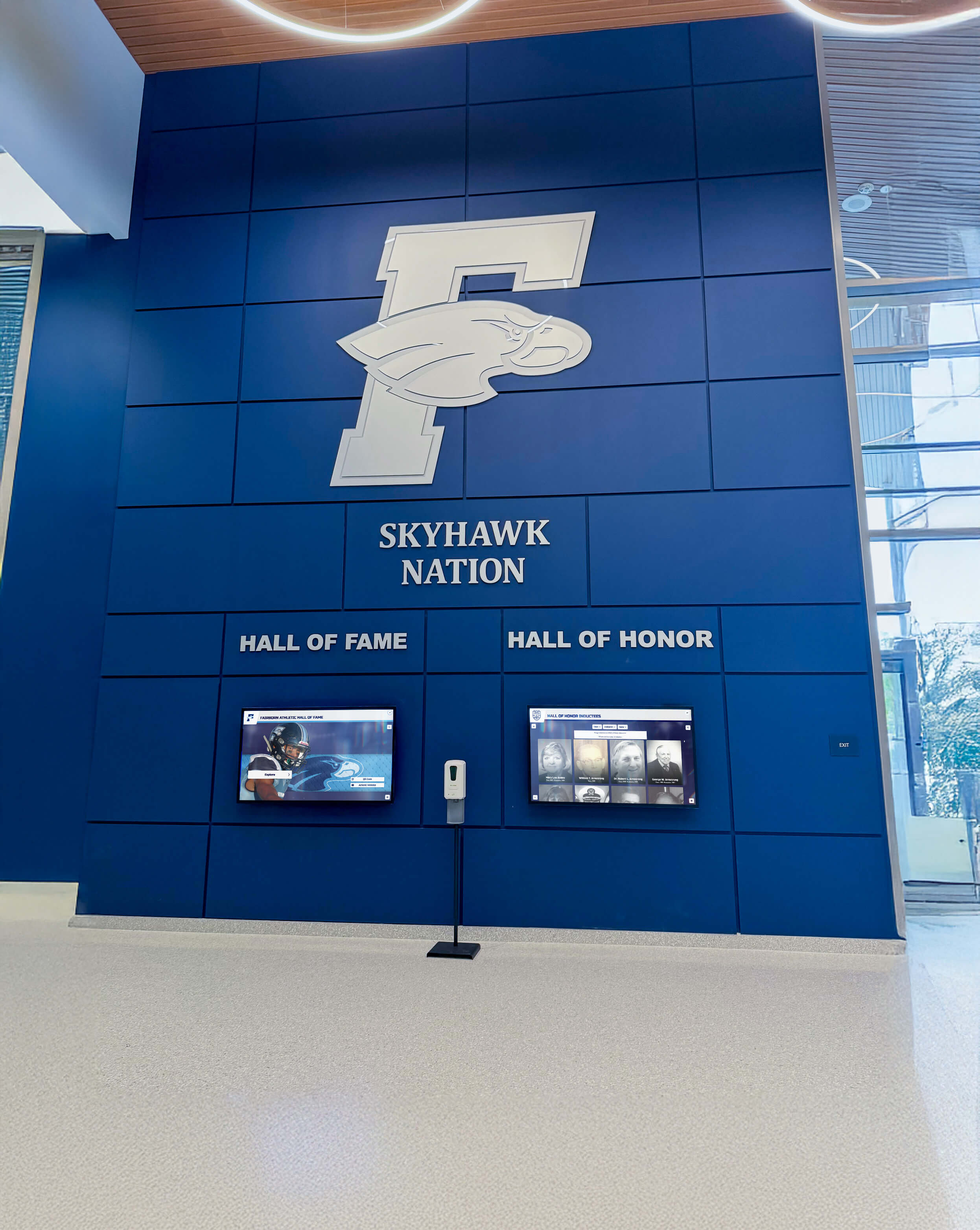
Digital Signage for Schools: Complete Blueprint for Campus Displays, Recognition, and Communication
Intent: Plan — Digital signage has become a foundational tool for how schools communicate, celebrate achievement, and build community identity across every corner of campus. From front-office welcome screens to hallway recognition displays to interactive athletic halls of fame, schools are replacing static bulletin boards and faded trophy cases with live, always-current visual environments that students, staff, parents, and alumni actually engage with.
Read More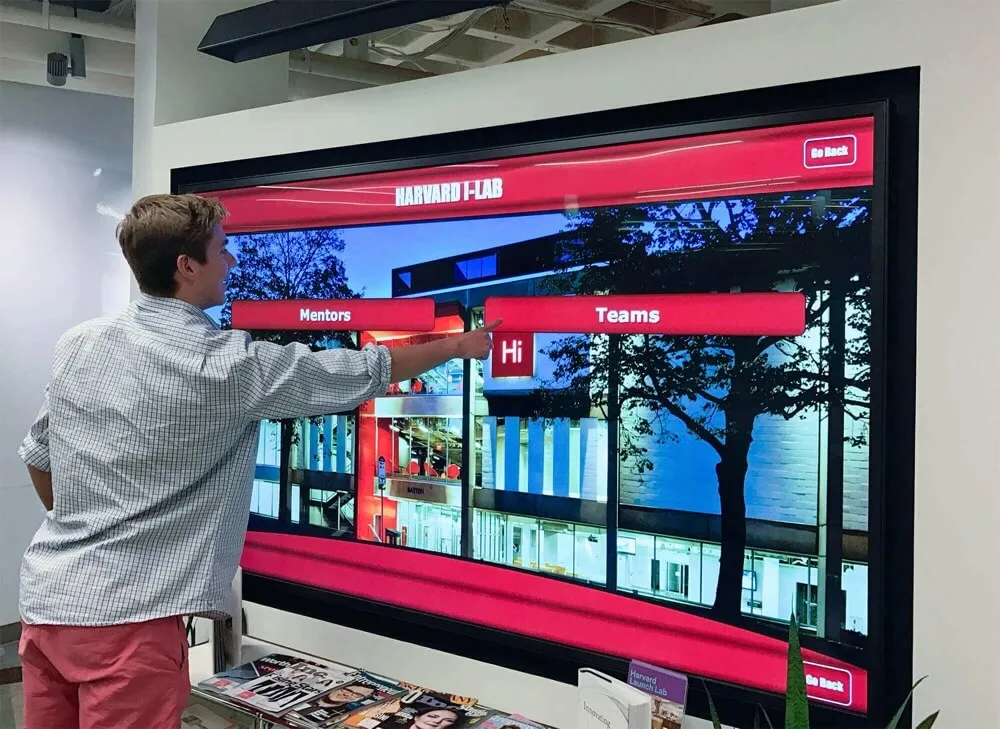
Digital Hall of Fame Breadcrumb Navigation Checklist: Help Visitors Find Teams, Eras, and Inductees
A digital hall of fame breadcrumb navigation checklist is a structured set of taxonomy, URL, markup, and testing decisions that guide administrators in building visible trail links—Home > Sport > Era > Team > Inductee—so that a returning alumnus, first-time visitor, or search engine crawler can move through a recognition archive at any depth without losing their place or arriving at a dead end.
Read More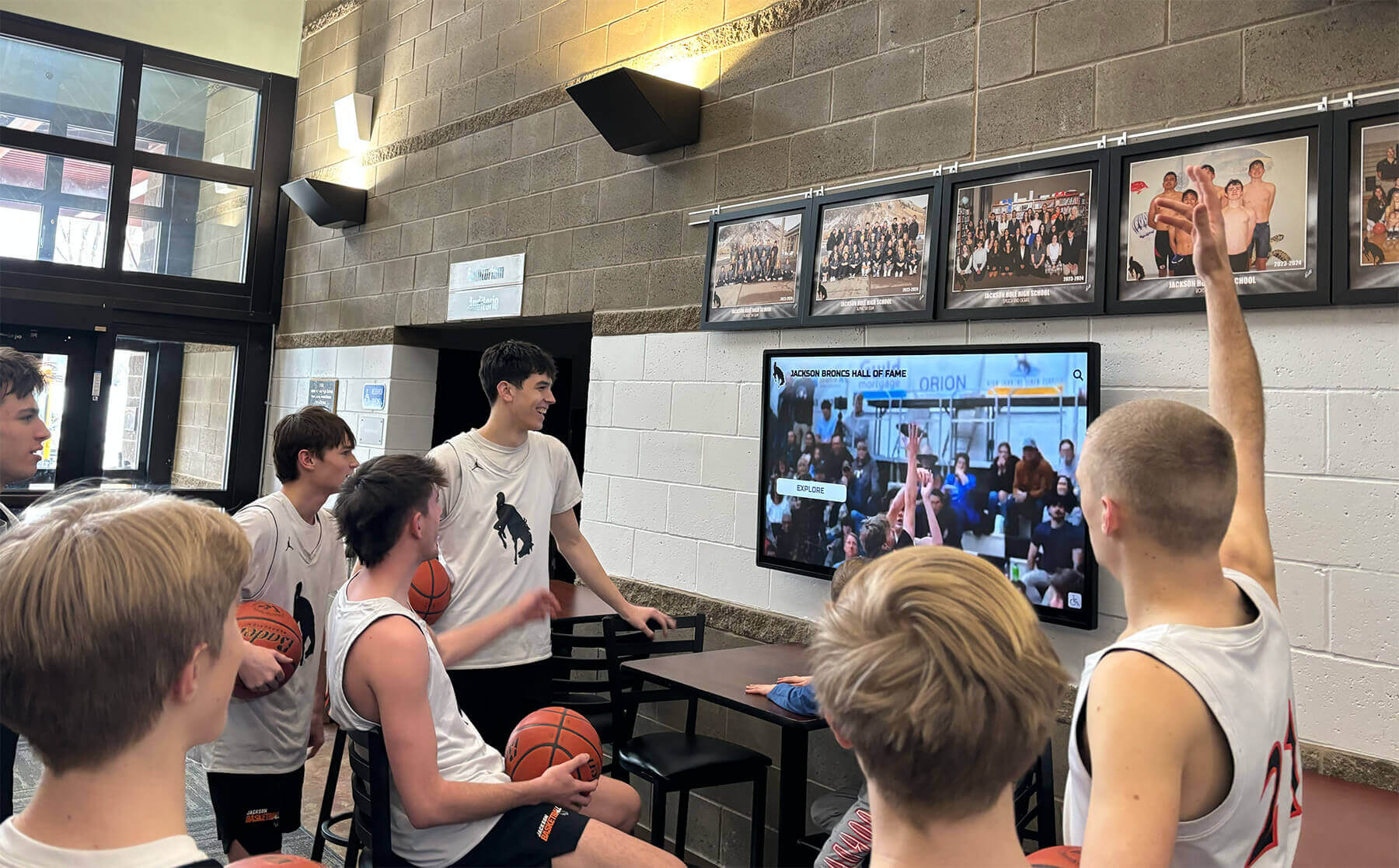
Hall of Fame Website Media Transcoding Settings Checklist for Inductee Video
A hall of fame website media transcoding settings checklist is a structured set of codec, resolution, bitrate, audio, and caption decisions that ensures every inductee video file plays correctly on your school’s touchscreen kiosk, recognition website, and lobby streaming display—without buffering, format errors, or silent audio tracks.
Read More
Hall of Fame Website Error Budget Policy: Balance Reliability, Releases, and Event Deadlines
A hall of fame website error budget policy defines how much unplanned downtime or degraded performance a school’s recognition website can sustain in a given period before new releases, platform updates, or content changes are paused—protecting induction launches, ceremony broadcasts, and high-traffic event windows from avoidable outages.
Read MoreHall of Fame Website Redirect Mapping Checklist: Preserve Inductee Links During Changes
A hall of fame website redirect mapping checklist is a structured workflow for documenting every old inductee profile URL and its correct destination URL before any name correction, category restructure, platform migration, or slug change goes live—so that alumni, families, search engines, and physical kiosk QR codes continue reaching the right profile without hitting a dead link.
Read MoreHall of Fame Website Search Indexing Checklist: Verify Profiles, Categories, and Updates
A hall of fame website search indexing checklist is a structured verification process that confirms every inductee profile page, sport category page, award directory, and recently updated record is crawlable by search engines and publicly discoverable—so that alumni, families, and prospective students can actually find recognition content when they search for it. Without this check, entire induction classes can sit invisible in your CMS for months after they are published, and corrections to existing profiles may never reach Google’s index at all.
Read More
Hall of Fame Website Content Audit Checklist: Find Stale, Missing, and Duplicate Profiles
A hall of fame website content audit checklist is a structured inventory process that surfaces stale inductee profiles, missing photos and stats, outdated biographical facts, orphaned category pages, and duplicate profile URLs before they become permanent errors in your school’s recognition record. Running this audit before any major expansion—adding a new induction class, migrating platforms, or launching a touchscreen kiosk—prevents compounding problems that grow harder to untangle with every new honoree added on top of faulty data.
Read MoreHall of Fame Web Analytics Dashboard: Measure Profile Searches, Engagement, and Content Gaps
Intent: define — A hall of fame web analytics dashboard tells school administrators whether the inductee profiles, championship records, and historical archives they published are actually reaching alumni, families, and visitors — or sitting undiscovered.
Read More
Hall of Fame Structured Data Markup Checklist: Make Inductee Profiles Easier to Discover
School hall of fame websites carry some of the most durable recognition content published online—inductee profiles that families search by name decades after the original ceremony, championship records that alumni connect to their identity, and award histories spanning entire generations of a school community. When that content lacks structured data markup, search engines can read the text but cannot reliably classify it: they cannot identify a page as a profile about a specific person, associate it with a sport or induction year, or surface it in the AI Overviews and People Also Ask panels that now appear for many name-based queries.
Read MoreHall of Fame Website Sitemap Audit: Keep Every Inductee Profile Discoverable
A hall of fame website sitemap audit is the structured process of verifying that every inductee profile, category page, and recognition record on your school’s digital hall of fame appears in search engines, loads correctly, and resolves to a single canonical URL. When inductee profiles are omitted from the sitemap, hidden behind redirect chains, or indexed under duplicate URLs, decades of athletic, academic, and community achievement become invisible to alumni searching by name, sport, or graduation year.
Read More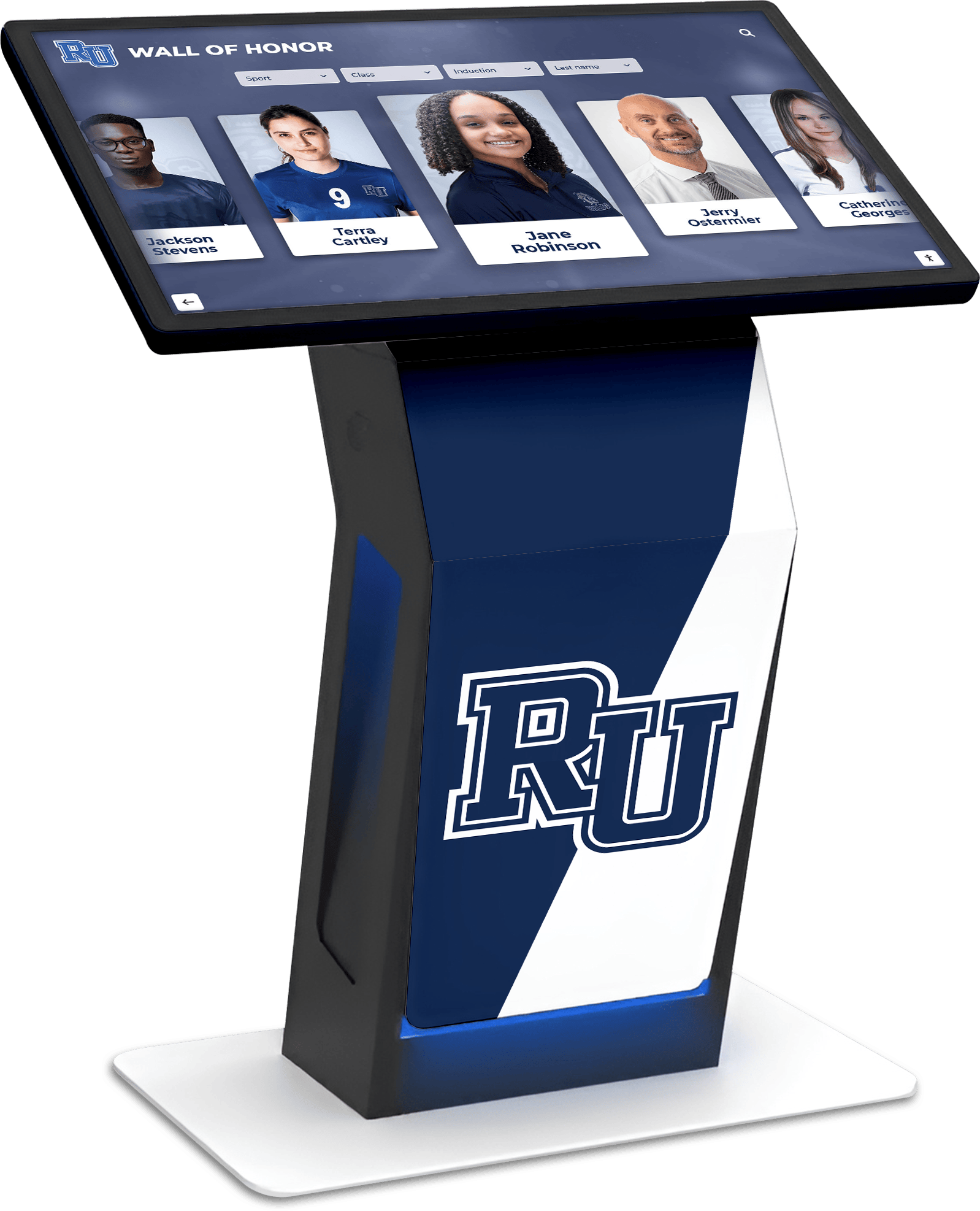
Digital Hall of Fame Software Inventory Register: What School IT Should Track
Intent: Define — A digital hall of fame software inventory register is a structured record that school IT departments maintain to document every software layer behind a touchscreen or digital display recognition system: the operating system, kiosk browser, display application, drivers, hardware integrations, API connections, license keys, version numbers, and named owners for each component. Keeping this register current ensures continuity through staff turnover, reduces mean time to resolution when a display goes offline, and gives IT a defensible audit trail at renewal time.
Read MoreHall of Fame Duplicate Profile Merge Policy: Preserve Credits, Photos, and URLs
A hall of fame duplicate profile merge policy defines how a recognition program identifies inductee records that represent the same person under different names, spellings, or data-entry sessions—and how the program combines those records without discarding credits, photos, source notes, or inbound web links. Duplicate profiles surface in nearly every searchable hall of fame database: a maiden-name entry exists alongside a married-name entry, a hand-keyed record from an older database import conflicts with a new nomination form submission, or a volunteer created a profile for an inductee who was already in the system under a slightly different spelling. When a merge is handled carelessly, career statistics split across both records, archived photographs end up orphaned, and inbound links from alumni newsletters or newspaper archives point to a profile that no longer exists. This guide gives school administrators, athletic directors, alumni and advancement teams, facilities staff, and school IT personnel a practical framework for merging duplicate records while preserving everything that gives an inductee’s profile its institutional value.
Read More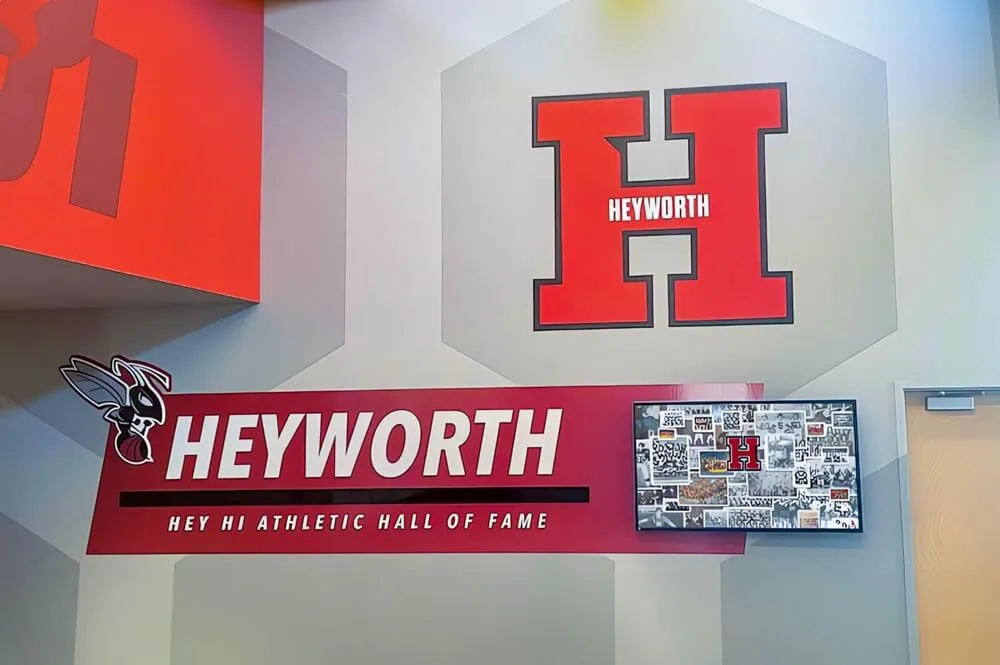
Hall of Fame External Link Policy: Vetting Sources, Alumni Pages, and Archived Media
Intent: define. A hall of fame external link policy establishes which categories of outside sources may be linked from inductee profiles, how each link must be vetted before publication, how links are labeled so visitors understand what they are accessing, and how the program monitors and retires those links over time. Without a written policy, programs add links reactively—a newspaper archive here, an alumni directory page there—with no consistent standard for quality, accuracy, or longevity. When a linked page disappears, changes ownership, or is edited to contradict the inductee’s profile, the program’s credibility is affected by a resource it no longer controls. This guide gives school administrators, athletic directors, archivists, booster leaders, and recognition-program owners a practical framework for governing every external link in a hall of fame’s digital presence.
Read MoreHall of Fame Family Notification Policy: Timing, Contacts, and Sensitive Updates
Intent: define. A hall of fame family notification policy establishes who must be contacted before an induction is publicly announced, in what order, through what channel, and within what time window—and specifies how the program communicates corrections, memorial profile updates, and other sensitive changes after the initial announcement. Without a written policy, programs routinely learn about a family’s loss of a loved one from a third party, send notification letters to addresses that are years out of date, or discover that a living inductee’s spouse heard the news from a neighbor before receiving an official communication. This guide gives school athletic directors, recognition-committee chairs, archives staff, and alumni administrators a practical framework for building a contact hierarchy, sequencing notifications before and after announcement, and handling the sensitive updates that occur throughout a profile’s permanent life in the archive.
Read More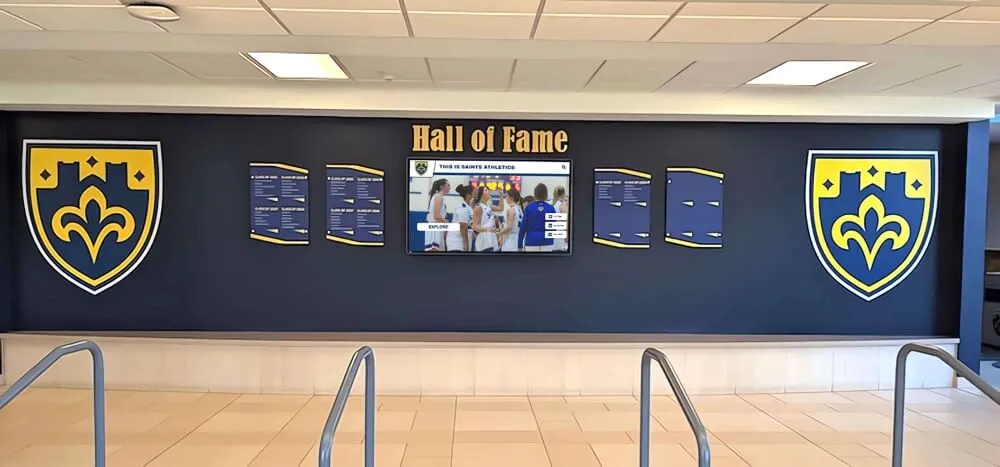
Hall of Fame Content Embargo Policy: Control Early Access Before Induction Announcements
A hall of fame content embargo policy defines which inductee profiles, biographical copy, photographs, and media assets are restricted from publication or distribution before the official induction announcement—and specifies exactly who may access that content, for what purpose, and until what date and time the embargo lifts. Without a written embargo policy, committees that invest weeks preparing inductee profiles risk a premature leak: a draft profile visible to the wrong platform user, a proofing email forwarded outside the authorized group, or a digital display screen that refreshes from a scheduled queue before the announcement is live. This guide gives school administrators, athletic directors, archives staff, and recognition-program leaders a practical framework for classifying embargoed content, assigning early-access rights, enforcing a publication hold, and executing a simultaneous, coordinated release across every channel when the announcement moment arrives.
Read More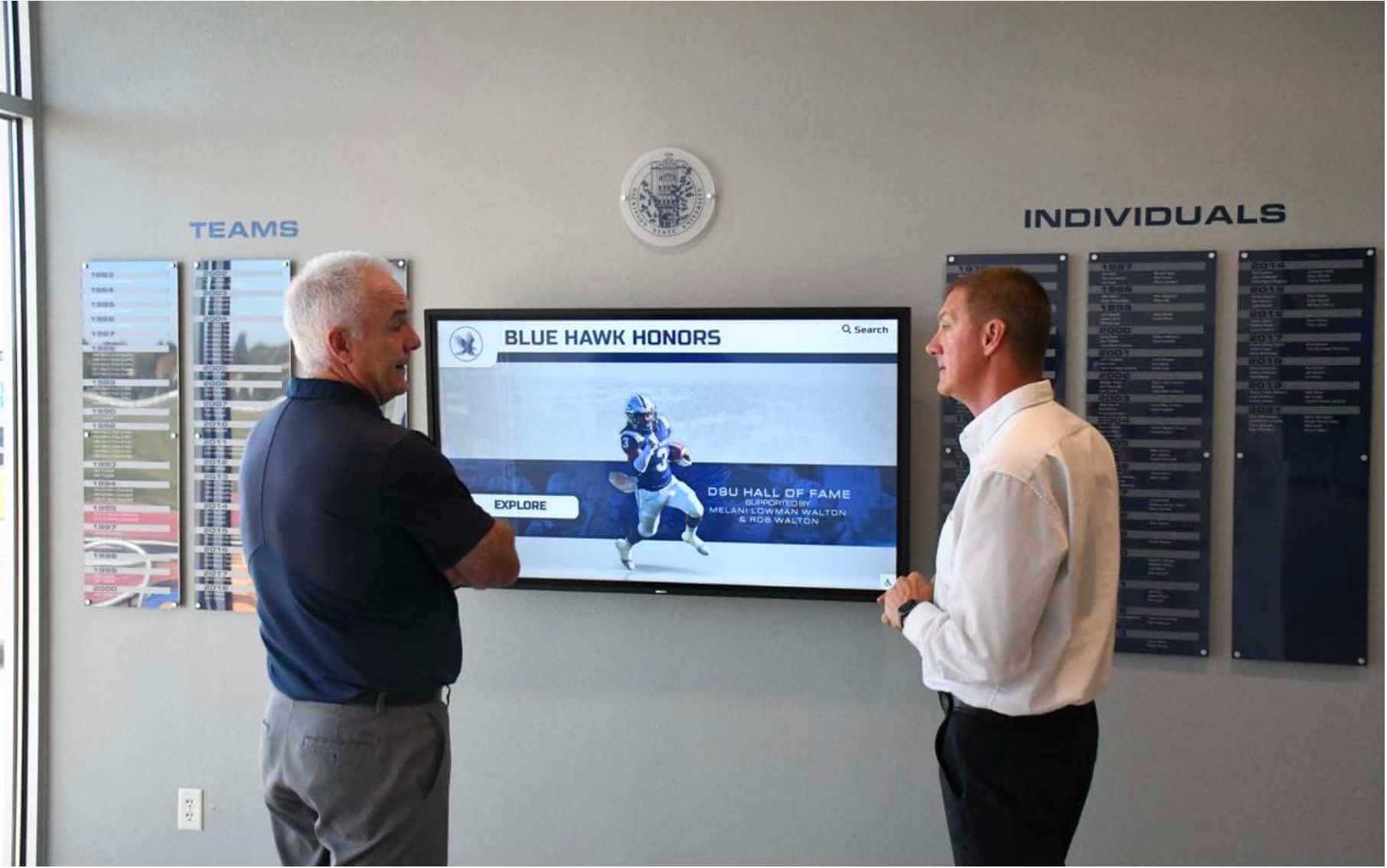
Hall of Fame Nomination Confidentiality Policy: Protect Candidates and Committee Deliberations
A hall of fame nomination confidentiality policy defines which nomination materials, candidate identities, and committee deliberations remain private before an inductee class is formally announced—and which documents may be disclosed, to whom, and on what timeline. Without a written policy, committees face pressure from nominators seeking status updates, candidates who discover they are under consideration before a decision is made, and community members who expect transparency the program was never designed to provide. This guide gives school administrators, athletic directors, alumni staff, and recognition-committee leaders a practical framework for classifying sensitive nomination materials, building an access matrix, and establishing a disclosure timeline that protects both candidates and the committee’s integrity throughout the selection cycle.
Read MoreHall of Fame Profile Ownership Policy: Roles, Rights, and Update Responsibilities
A hall of fame profile ownership policy defines who has authority to create, edit, correct, and archive inductee biographies, photos, statistics, and honors in your school’s recognition program. Without a written policy, update requests stall in email chains, photo replacements require committee votes, and no one knows who has final authority when an inductee’s family disputes a fact. This guide gives school administrators, athletic directors, booster leaders, and recognition-program owners a clear framework for assigning roles, setting rights, and establishing repeatable update responsibilities before the next induction cycle begins.
Read More
Hall of Fame Biography Fact-Check Checklist: Names, Dates, Teams, and Honors
A hall of fame biography fact-check checklist is a structured verification workflow that confirms every inductee name, graduation date, team affiliation, and honor is accurate before a profile appears on a permanent recognition display, a school website, or a searchable digital archive. One transposed year or misspelled surname on a public touchscreen is not a minor typo—it is an institutional record that may circulate for decades, be discovered by the inductee’s grandchildren, and undermine the credibility of every other profile in the archive.
Read MoreCategories
- Academic Achievement ( 1 )
- Academic Excellence ( 10 )
- Academic Recognition ( 17 )
- Accessibility ( 20 )
- Alumni Engagement ( 7 )
- Alumni Management ( 1 )
- Alumni Programs ( 5 )
- Alumni Recognition ( 4 )
- Alumni Relations ( 3 )
- Athletic Administration ( 1 )
- Athletic Archives ( 1 )
- Athletic Excellence ( 1 )
- Athletic Leadership ( 3 )
- Athletic Programs ( 7 )
- Athletic Recognition ( 66 )
- Athletic Training ( 4 )
- Baseball Programs ( 2 )
- Basketball Programs ( 3 )
- Branding and Identity ( 1 )
- Budget Planning ( 1 )
- Buying Guides ( 10 )
- Campaign Management ( 1 )
- Campus Design ( 1 )
- Campus Engagement ( 1 )
- Campus Navigation ( 1 )
- Career Development ( 5 )
- Celebration Ideas ( 1 )
- Ceremony Planning ( 1 )
- Championship Display ( 3 )
- Championship Recognition ( 1 )
- Cheerleading Programs ( 1 )
- Coach Recognition ( 2 )
- Coaching Excellence ( 2 )
- Coaching Programs ( 1 )
- College Athletics ( 1 )
- College Recruitment ( 1 )
- Community Building ( 1 )
- Community Engagement ( 4 )
- Community Events ( 2 )
- Cross Country Programs ( 1 )
- Cultural Recognition ( 1 )
- Customer Support ( 1 )
- Digital Archives ( 2 )
- Digital Displays ( 15 )
- Digital Hall of Fame ( 22 )
- Digital Recognition ( 4 )
- Digital Signage ( 1 )
- Digital Solutions ( 3 )
- Digital Tools ( 2 )
- Display Solutions ( 5 )
- Diversity & Inclusion ( 1 )
- Donor Recognition ( 8 )
- Educational Leadership ( 2 )
- Educational Programs ( 1 )
- Educational Technology ( 1 )
- Elementary Programs ( 2 )
- Elementary Recognition ( 1 )
- Event Planning ( 11 )
- Event Solutions ( 1 )
- Facility Enhancement ( 1 )
- Facility Management ( 1 )
- Facility Planning ( 1 )
- Field Hockey Programs ( 1 )
- Football Programs ( 4 )
- Football Recognition ( 2 )
- Fundraising ( 3 )
- Fundraising Programs ( 2 )
- Fundraising Recognition ( 5 )
- Golf Instruction ( 3 )
- Graduation Ceremonies ( 1 )
- Graduation Recognition ( 1 )
- Hall of Fame ( 29 )
- Hall of Fame Programs ( 4 )
- Hardware Services ( 1 )
- High School Basketball ( 1 )
- High School Football ( 1 )
- Historical Recognition ( 1 )
- Installation & Setup ( 1 )
- Interactive Displays ( 1 )
- Interactive Museums ( 1 )
- Interactive Technology ( 2 )
- Leadership Development ( 1 )
- Memory Care ( 1 )
- Modernization ( 1 )
- Museum Technology ( 1 )
- Music Recognition ( 2 )
- Nonprofit Management ( 2 )
- Organizational Culture ( 1 )
- Performing Arts ( 1 )
- Performing Arts Excellence ( 1 )
- Performing Arts Programs ( 1 )
- Performing Arts Recognition ( 1 )
- Physical Education ( 1 )
- Pricing Transparency ( 1 )
- Professional Sports Awards ( 1 )
- Recognition Communications ( 1 )
- Recognition Displays ( 4 )
- Recognition Planning ( 2 )
- Recognition Programs ( 44 )
- Recognition Systems ( 1 )
- Recognition Technology ( 26 )
- Reconocimiento Digital ( 1 )
- Retirement Planning ( 1 )
- Scholarship Programs ( 1 )
- School Administration ( 5 )
- School Archives ( 1 )
- School Ceremonies ( 1 )
- School Communication ( 1 )
- School Communications ( 2 )
- School Community ( 2 )
- School Construction ( 1 )
- School Culture ( 4 )
- School Design ( 2 )
- School Environment ( 2 )
- School Events ( 18 )
- School Facilities ( 4 )
- School History ( 1 )
- School Innovation ( 1 )
- School Programs ( 8 )
- School Publications ( 1 )
- School Recognition ( 2 )
- School Solutions ( 2 )
- School Spirit ( 5 )
- School Technology ( 4 )
- School Traditions ( 2 )
- Seasonal Sports ( 2 )
- Senior Athletes ( 1 )
- Senior Living ( 1 )
- Senior Living Recognition ( 1 )
- Senior Recognition ( 1 )
- SEO ( 3 )
- Sports Awards ( 1 )
- Sports Education ( 1 )
- Sports Recognition ( 1 )
- Sports Technique ( 1 )
- Sports Training ( 2 )
- Staff Recognition ( 2 )
- State Championships ( 3 )
- State Rankings ( 1 )
- State Tournament Programs ( 1 )
- Student Achievement ( 13 )
- Student Activities ( 2 )
- Student Athletes ( 3 )
- Student Celebrations ( 1 )
- Student Engagement ( 5 )
- Student Leadership ( 2 )
- Student Recognition ( 25 )
- Swimming Programs ( 2 )
- Teacher Recognition ( 1 )
- Team Culture ( 1 )
- Technology ( 1 )
- Technology Solutions ( 2 )
- Technology Standards ( 1 )
- Tecnología Educativa ( 1 )
- Tennis Programs ( 1 )
- Tournament Recognition ( 1 )
- Visual Communication ( 1 )
- Volleyball Skills ( 1 )
- Wayfinding Solutions ( 1 )
- Website Management ( 26 )
- Wrestling ( 2 )
- Wrestling Programs ( 3 )
- Wrestling Recognition ( 1 )
- Yearbook ( 1 )
- Youth Sports ( 1 )
Tags
- 400 Percent Zoom
- Academic Achievement
- Academic Achievement Programs
- Academic Athletic Awards
- Academic Awards
- Academic Competition
- Academic Excellence
- Academic Honors
- Academic Letter Jacket
- Academic Recognition
- Academic Scholarship
- Academic Signing Day
- Academic Support
- Acceptance Speeches
- Accessibility
- Accessibility Audit
- Accessibility Checklist
- Accessibility Standards
- Accessibility Tree
- Accessible Authentication
- Accessible Name
- Achievement Ceremonies
- Achievement Displays
- Achievement Recognition
- ADA Compliance
- Admin Sign-In
- Administrator Appreciation
- Administrator Awards
- Agenda Templates
- AI Data Integrity
- AI Procurement
- AI Research
- AI Tools
- Alabama High School Football
- Algorithmic Bias
- Algorithmic Manipulation
- All-Conference Award
- Alumni Activities
- Alumni Database
- Alumni Engagement
- Alumni Event Ideas
- Alumni Events
- Alumni Interviews
- Alumni Management
- Alumni Newsletter
- Alumni Programs
- Alumni Recognition
- Alumni Recognition Displays
- Alumni Relations
- Alumni Status
- Alumni Wall
- Appreciation Events
- Aquatic Coaches
- Aquatic Programs
- Aquatic Sports
- Archival Media
- Archive Consistency
- Archive Navigation
- Archive Quality
- Archive Tags
- ARIA
- ARIA Combobox Pattern
- Aria Landmarks
- Aria Live Region
- ARIA Semantics
- Aria-Activedescendant
- Aria-Label
- Aria-Modal
- Aria-Owns
- Aria-Roledescription
- Aria-Rowcount
- Aria-Rowindex
- Assembly Ideas
- Assembly Programs
- Assisted Living Technology
- Assistive Technology
- Athlete Profile Template
- Athlete Recognition
- Athletic Administration
- Athletic Alumni Records
- Athletic Archive
- Athletic Archives
- Athletic Awards
- Athletic Banquet Dresses
- Athletic Careers
- Athletic Ceremonies
- Athletic Ceremony
- Athletic Communications
- Athletic Development
- Athletic Director
- Athletic Director Jobs
- Athletic Director Resources
- Athletic Display
- Athletic Displays
- Athletic Events
- Athletic Facilities
- Athletic Fundraising
- Athletic Hall of Fame
- Athletic Hall of Fame Bylaws
- Athletic Hall of Fame Photo Requirements
- Athletic Hall of Fame Selection Committee
- Athletic History
- Athletic Honor
- Athletic Honors
- Athletic Leadership
- Athletic Marketing
- Athletic Memorabilia
- Athletic Mentors
- Athletic Programs
- Athletic Recognition
- Athletic Recognition Programs
- Athletic Records
- Athletic Scholarships
- Athletic Skills
- Athletic Stats Display
- Athletic Training
- Autocomplete
- Autocomplete Attribute
- Autofill
- Award Acceptance Speech
- Award Ceremonies
- Award Certificates
- Award Classification
- Award Filters
- Award Ideas
- Award Presentations
- Award Programs
- Award Speeches
- Awards Assembly
- Awards Ceremony
- Awards Touchscreen
- Back to School
- Backhand Training
- Bake Sale Ideas
- Baked Goods Fundraiser
- Band Excellence
- Band Recognition
- Banquet Attire
- Baseball Awards
- Baseball Coaching
- Baseball Hitting Drills
- Baseball Program
- Baseball Training
- Basketball
- Basketball Awards
- Basketball Banquet Ideas
- Basketball Fundamentals
- Basketball Passing Drills
- Basketball Positions Explained
- Basketball Recognition
- Basketball Roles
- Basketball Skills
- Basketball Training
- Batting Average
- Batting Practice
- Big Ten Athletics
- Big Ten Wrestling
- Bio Accuracy
- Bio Standards
- Block Footwork
- Blocking Techniques
- Booster Club
- Boutique Vendors
- Breadcrumb Navigation
- Budget Planning
- Budget Solutions
- Building Directory
- Bulletin Boards
- Bunker Shots
- Buying Guide
- Cafeteria Design
- Campaign Thermometers
- Campus Design
- Campus Engagement
- Campus Navigation
- Campus Signage
- CAP Cadets
- Capital Campaign
- CAPTCHA Accessibility
- Career Advice
- Career Celebration
- Career Development
- Career Guide
- Career Path
- Career Preparation
- Career Recognition
- Category Pages
- Celebration Ideas
- Center Position
- Ceremony Planning
- Certificate Wording
- Championship Banner
- Championship Banners
- Championship History
- Championship Recognition
- Championship Season
- Championship Traditions
- Character Development
- Charity Events
- Cheer Recognition
- Cheerleading Awards
- Cheerleading Programs
- Chipping Drills
- Civil Air Patrol
- Class Composites
- Class Rank
- Class Rank Reporting
- Class Reunion
- Class Reunion Program Ideas
- Class Year Filters
- Classroom Decor
- Coach Appreciation
- Coach Hiring
- Coach Recognition
- Coaching
- Coaching Jobs
- Coaching Legacy
- Coaching Recognition
- Coaching Resume
- Cognitive Disability
- Cognitive Function Test
- College Achievement
- College Admissions
- College Applications
- College Athletics
- College Commitment
- College Football Hall of Fame
- College Football Recruiting
- College Funding
- College Preparation
- College Recognition
- College Signing Day
- College Students
- Collegiate Wrestling
- Color Guard
- Combobox Accessibility
- Commencement
- Commencement Regalia
- Communication Technology
- Community Building
- Community College
- Community Engagement
- Community Events
- Community Partnerships
- Community Recognition
- Community Support
- Competition Preparation
- Competition Success
- Competition Teams
- Competitive Swimming
- Composite Widgets
- Conference Championship
- Conference Honors
- Construction Planning
- Content Audit
- Content Creation
- Content Gaps
- Content Ideas
- Content Management
- Content Widgets
- Controlled Vocabulary
- Copyright Permission Form
- Corporate Culture
- Cost Efficiency
- Costume Buying Guide
- Court Vision
- Cover Letter
- Cross Country Awards
- Cross Country Programs
- Cultural Heritage
- Cultural Recognition
- Cum Laude
- Curriculum Integration
- Custom Banners
- Custom Layouts
- Custom Touchscreen Controls
- Custom Widgets
- Customer Success
- DAM Systems
- Dance Programs
- Dance Team
- Dance Team Names
- Data Management
- Dean's List
- Dementia Care
- Design Systems
- Dialog Accessibility
- Digital Archives
- Digital Asset Management
- Digital Athlete Profiles
- Digital Composites
- Digital Display
- Digital Displays
- Digital Donor Walls
- Digital Exhibits
- Digital Hall of Fame
- Digital Hall of Fame Accessible Authentication Audit
- Digital Hall of Fame Accessible Name Audit
- Digital Hall of Fame ARIA Activedescendant Audit
- Digital Hall of Fame Aria Landmark Audit
- Digital Hall of Fame Aria Live Region Test
- Digital Hall of Fame Aria Relevant Audit
- Digital Hall of Fame ARIA-Modal Audit
- Digital Hall of Fame ARIA-Owns Audit
- Digital Hall of Fame ARIA-Roledescription Audit
- Digital Hall of Fame ARIA-Rowcount ARIA-Rowindex Audit
- Digital Hall of Fame Breadcrumb Navigation Checklist
- Digital Hall of Fame Duplicate Id Accessibility Audit
- Digital Hall of Fame Faceted Search Filters
- Digital Hall of Fame Focus Appearance Audit
- Digital Hall of Fame Identify Input Purpose Accessibility Audit
- Digital Hall of Fame Installation
- Digital Hall of Fame Internal Search Analytics
- Digital Hall of Fame Keyboard Trap Audit
- Digital Hall of Fame Phonetic Name Search Audit
- Digital Hall of Fame Redundant Entry Accessibility Audit
- Digital Hall of Fame Reflow Accessibility Test
- Digital Hall of Fame Skip Link Testing
- Digital Hall of Fame Software Inventory Register
- Digital Hall of Fame Typo Tolerant Search Guide
- Digital History Archive
- Digital Inductee Profiles
- Digital Kiosks
- Digital Memorials
- Digital Profiles
- Digital Recognition
- Digital Record Board
- Digital School Signs
- Digital Screens
- Digital Signage
- Digital Signage for Schools
- Digital Signage Pricing
- Digital Sports Hall of Fame
- Digital Trophies
- Digital Trophy Case
- Digital Wayfinding
- Dining Space
- Display Boards
- Display Cases
- Display Installation
- Display Management
- Display Mounting
- Display Rights
- Display Software
- District Administration
- District Management
- Diversity Programs
- Document Preservation
- Donor Appreciation
- Donor Management
- Donor Plaques
- Donor Recognition
- Donor Recognition Displays
- Donor Retention
- Donor Stewardship
- Donor Wall
- Donor Wall Plaques
- Donor Walls
- Double Metaphone
- Duplicate ID
- Duplicate Profiles
- Education Career
- Educational Awards
- Educational Celebrations
- Educational Field Trips
- Educational Finance
- Educational Leadership
- Educational Programs
- Educational Spaces
- Educational Technology
- Educator Appreciation
- Elementary Programs
- Elementary School
- Elementary School Assembly
- Elementary School Celebrations
- Elementary School Gym Games
- Eligibility Rules
- Employee Recognition
- End of Season
- End of Season Awards
- End of Season Celebration
- Endowment Fund
- Engagement Strategies
- Entrance Design
- Environmental Graphics
- Equipment Manufacturing
- Error Budget
- Event Management
- Event Planning
- Event Promotion
- Event Technology
- Event Ticketing
- Facility Improvement
- Facility Modernization
- Facility Planning
- Family Caregivers
- Family Communication
- Field Day Planning
- Field Hockey Basics
- Field Hockey Equipment
- Field Hockey Penalties
- Field Hockey Positions
- Field Hockey Rules
- Filter Accessibility
- Filter Controls Accessibility
- Filter Widget
- First Generation College Student
- First Impressions
- Fitness Programs
- Float Construction
- Float Ideas
- Focus Appearance
- Focus Indicator
- Focus Management
- Focus Visible
- Football Awards
- Football Banquet
- Football Championships
- Football Playoffs
- Football Preparation
- Football Program
- Football Programs
- Football Recognition
- Football Record Board
- Football Recruiting
- Football Traditions
- Football Trophy Case
- Forward Positions
- Free School Software
- Full-Stack Service
- Fundraiser Planning
- Fundraising
- Fundraising Campaigns
- Fundraising Graphics
- Fundraising Ideas
- Fundraising Recognition
- Fundraising Technology
- Funny Awards
- Fuzzy Search
- Gallery Technology
- Game-Day Recognition
- Gift Ideas for Seniors
- Gipper Alternative
- Golf Bunker Shots
- Golf Coaching
- Golf Drills
- Golf Instruction
- Golf Skills
- Golf Technique
- Golf Training
- Google Analytics
- Google Search Console
- GPA
- GPA Requirements
- Graduate Recognition
- Graduating Senior Recognition
- Graduation Banner Ideas
- Graduation Ceremony
- Graduation Displays
- Graduation Events
- Graduation Honor Cords
- Graduation Honors
- Graduation Party
- Graduation Planning
- Graduation Recognition
- Graduation Speech
- Grappler Recognition
- Gym Lobby
- Gymnasium Design
- Gymnasium Display
- Gymnasium Technology
- Hall of Fame
- Hall of Fame Application
- Hall of Fame Archives
- Hall of Fame Biography Fact Check Checklist
- Hall of Fame Bylaws
- Hall of Fame Calendar
- Hall of Fame Committee
- Hall of Fame Communications
- Hall of Fame Conflict of Interest
- Hall of Fame Content Embargo Policy
- Hall of Fame Copyright
- Hall of Fame Criteria
- Hall of Fame Data Governance
- Hall of Fame Design
- Hall of Fame Display
- Hall of Fame Displays
- Hall of Fame Duplicate Profile Merge Policy
- Hall of Fame Editorial Style Guide
- Hall of Fame External Link Policy
- Hall of Fame Family Notification Policy
- Hall of Fame Governance
- Hall of Fame Inductee Bio
- Hall of Fame Inductee Photos
- Hall of Fame Induction
- Hall of Fame Inductions
- Hall of Fame Management
- Hall of Fame Navigation
- Hall of Fame Nomination Confidentiality Policy
- Hall of Fame Oral History
- Hall of Fame Planning
- Hall of Fame Plaque Template
- Hall of Fame Plaques
- Hall of Fame Policy
- Hall of Fame Press Release
- Hall of Fame Profile
- Hall of Fame Profile Ownership Policy
- Hall of Fame Profiles
- Hall of Fame Program
- Hall of Fame Programs
- Hall of Fame Records
- Hall of Fame Records Retention
- Hall of Fame Search
- Hall of Fame Search Analytics
- Hall of Fame Search Filters
- Hall of Fame Selection Process
- Hall of Fame Software
- Hall of Fame Structured Data
- Hall of Fame Verification
- Hall of Fame Web Analytics Dashboard
- Hall of Fame Website
- Hall of Fame Website Content Audit Checklist
- Hall of Fame Website Error Budget Policy
- Hall of Fame Website Media Transcoding Settings Checklist
- Hall of Fame Website Redirect Mapping Checklist
- Hall of Fame Website Search Indexing Checklist
- Hardware Support
- Heritage Months
- High School
- High School Athletics
- High School Basketball Playoffs
- High School Football
- High School Football Playoffs
- High School Graduation
- High School Honors
- High School Reunion
- High School Sports
- High School Stadium
- High School Swim Team
- High School Swimming
- High School Wrestling
- Higher Education
- Higher Education Fundraising
- Historical Displays
- Hitting Techniques
- Homecoming Court
- Homecoming Events
- Homecoming Float Ideas
- Homecoming King
- Homecoming Parade
- Homecoming Queen
- Homecoming Traditions
- Honor Programs
- Honor Roll
- Honor Society
- HTML Id Attribute
- Icon Buttons Accessibility
- Identify Input Purpose
- IHSAA
- IHSAA Championships
- Inclusive Design
- Inclusive Recognition
- Inclusive Sports
- Indiana Football
- Indiana High School Football
- Indoor Track
- Inductee Announcements
- Inductee Bio Examples
- Inductee Dialogs
- Inductee Lookup
- Inductee Navigation
- Inductee Nomination
- Inductee Profile Engagement
- Inductee Profile Images
- Inductee Profile Management
- Inductee Profiles
- Inductee Search
- Inductee Standards
- Inductee Table
- Inductee Video
- Inductee Workflow
- Induction Announcement
- Induction Ceremony
- Induction Committee
- Induction Filters
- Induction Launch
- Input Accessibility
- Installation Services
- Institutional Heritage
- Institutional Signage
- Interactive Archives
- Interactive Digital Signage
- Interactive Displays
- Interactive Learning
- Interactive Technology
- Interactive Touch Screen Digital Signage
- Interactive Touchscreen
- Internal Search Data
- Interview Rights
- Intramural Sports
- Invitation Design
- Jersey Display
- Jersey Retirement
- Jersey Retirement Ceremony
- Job Application
- Job Applications
- JROTC
- JSON-LD
- K-12 Schools
- Keyboard Accessibility
- Keyboard Focus
- Keyboard Navigation
- Keyboard Trap
- Kiosk Accessibility
- Kiosk Search
- Kiosk Setup
- Kiosk Software
- Label Association
- Landmark Regions
- Latin Honors
- Leadership
- Leadership Development
- Learning Environments
- Learning Experiences
- Letter Awards
- Letter Winners
- Link Management
- Live Region Relevance
- Livestream Events
- Lobby Design
- Low Vision Accessibility
- Magna Cum Laude
- Maiden Name Search
- Marching Arts
- Marching Band
- Marching Band Traditions
- Market Analysis
- Mascot Care
- Mascot Maintenance
- MDM Device Management
- Media Guide Template
- Media Management
- Media Settings
- Memorabilia Documentation
- Memorabilia Showcase
- Memorial Day
- Memory Care
- Memory Display
- Merit Awards
- Middle School Fundraising
- Military Tribute
- Military Youth Organizations
- Misspelled Inductee Names
- Modal Dialog
- Multi-Screen
- Multi-Screen Software
- Multi-Step Form
- Multi-Year Agreements
- Museum Kiosks
- Museum Technology
- Museum Touchscreens
- Music Program Recognition
- Music Programs
- Name Search
- National Honor Society
- National Letter of Intent
- National Merit Scholarship
- National Society of Leadership and Success
- NCAA Eligibility
- NCAA Recruiting
- NCAA Transfer Portal
- Net Play
- Network Setup
- New Jersey Wrestling
- NHS Membership
- NHS Requirements
- Nickname Search
- NJ High School Wrestling
- NJ State Wrestling
- NMSC Recognition
- No Keyboard Trap
- Nomination Form
- Nomination Form Accessibility
- Nomination Process
- Non-Destructive Scanning
- Nonprofit Fundraising
- Nonprofit Management
- Nonprofit Recognition
- Nonprofit Technology
- NSLS
- Ohio Basketball
- Ohio State Marching Band
- OHSAA Playoffs
- Oklahoma Teacher Retirement
- One Time Transfer Rule
- One-Time Payment
- Online Hall of Fame
- Oral History Consent Form
- OTRS
- Pantallas Interactivas
- Pantallas Táctiles
- Parade Planning
- Parent Tributes
- Party Games
- Party Planning
- Party Themes
- Passing Techniques
- Password Manager
- Past Presidents Wall
- Paste Support
- PE Activities
- Peer Awards
- Pennsylvania Football
- Performance Recognition
- Performing Arts
- Performing Arts Recognition
- Personalized Gifts
- Phi Theta Kappa
- Phonetic Search
- Photo Organization
- Photo Rights
- Physical Education
- PIAA Rankings
- Planned Giving
- Platform Features
- Platform Migration
- Player Development
- Player Records
- Playoff Coverage
- Playoff Success
- Point Guard
- Presentation Speeches
- Pricing Guide
- Pricing Models
- Principal Appreciation Day
- Principal Honor Roll
- Principal of the Year
- Principal Recognition
- Principal's Award
- Procurement Guide
- Product Demonstrations
- Professional Basketball
- Professional Development
- Professional Installation
- Profile Interface
- Profile Updates
- Program Building
- Provenance Form
- PSAT Excellence
- PTA Fundraising
- Public Schools
- Public Speaking
- Recognition Board Ideas
- Recognition Ceremonies
- Recognition Displays
- Recognition Events
- Recognition Governance
- Recognition Ideas
- Recognition Moments
- Recognition Platform
- Recognition Program
- Recognition Program Management
- Recognition Programs
- Recognition Projects
- Recognition Software
- Recognition Systems
- Recognition Technology
- Recognition Walls
- Reconocimiento Deportivo
- Reconocimiento Digital
- Record Boards
- Records Management
- Redirect Mapping
- Redundant Entry
- Reflow Accessibility
- Resume Template
- Resume Tips
- Retired Jersey Numbers
- Retirement Planning
- Reunion Activities
- Reunion Ideas
- Reunion Invitations
- Reunion Planning
- Rocket Alumni Solutions
- Rocket Graphics
- Rocket Recognition
- Rookie Awards
- Roster Management
- Runner Recognition
- Running Recognition
- SaaS B2B
- Salary Guide
- Salutatorian Speech
- Salón De La Fama
- Sand Trap
- Sand Wedge
- Schema Markup
- Scholar Athlete Award
- Scholar Recognition
- Scholar-Athlete Recognition
- Scholarship Applications
- Scholarship Ceremony
- School Accessibility
- School Achievements
- School Activities
- School Administration
- School Alumni
- School Archives
- School Assembly
- School Athletic Events
- School Athletic Records
- School Athletics
- School Awards
- School Board
- School Branding
- School Budgets
- School Cafeteria
- School Celebrations
- School Ceremonies
- School Communication
- School Community
- School Construction
- School Counseling
- School Culture
- School Design
- School Digital Displays
- School Displays
- School Entrance Design
- School Entrance Signs
- School Environment
- School Events
- School Facilities
- School Fundraising
- School Fundraising Ideas
- School Golf Programs
- School Graphics
- School Gymnasium
- School Hall of Fame
- School Hallway
- School Hallway Signs
- School History
- School Honors
- School Identity
- School IT
- School Leaders
- School Leadership
- School Lobbies
- School Marketing
- School Mascot Costumes
- School Performing Arts
- School Pride
- School Programs
- School Publications
- School Recognition
- School Recognition Programs
- School Renovation
- School Reunion
- School Signage
- School Social Media
- School Software
- School Spirit
- School Sports Programs
- School Talent Show
- School Technology
- School Technology Setup
- School Tradition
- School Traditions
- Screen Reader
- Search Analytics
- Search and Filter Accessibility
- Search Announcements
- Search Configuration
- Search Console
- Search Field Accessibility
- Search Indexing
- Search Quality
- Search Review Workflow
- Search Suggestions Accessibility
- Searchable Database
- Selection Committee
- Selection Criteria
- Selection Process
- Senior Ads From Parents
- Senior Athlete Recognition
- Senior Athletes
- Senior Banners
- Senior Gift Basket Ideas
- Senior Living
- Senior Night
- Senior Night Gifts
- Senior Night Ideas
- Senior Night Posters
- Senior Recognition
- Senior Yearbook Ads
- SEO
- SGA
- Shooting Guard
- Short Game
- Show Design
- Sitemap Audit
- Skip Links
- Small Schools
- Soccer Coach Gifts
- Soccer Programs
- Social Media
- Softball Coach Gifts
- Softball Programs
- Software Asset Management
- Software Inventory
- Soundex
- Speech Writing
- Spelling Bee
- Spirit Squad
- Spirit Week
- Split Screen Display
- Sponsor Recognition
- Sports Alumni Questionnaire
- Sports Archive
- Sports Award Ceremony
- Sports Awards
- Sports Banners
- Sports Banquet
- Sports Banquet Ideas
- Sports Banquets
- Sports Benefits
- Sports Celebration
- Sports Communications
- Sports Fundamentals
- Sports Leadership
- Sports Management
- Sports Media Guide
- Sports Memorabilia
- Sports Memorabilia Display
- Sports Memory Wall
- Sports Mentorship
- Sports Positions
- Sports Programs
- Sports Recognition
- Sports Records
- Sports Traditions
- Sports Training
- Sports Training Facility
- Spring Championship
- Spring Season
- Spring Sports
- Spring Sports Awards
- Squad Recognition
- Stadium Design
- Stadium Planning
- Staff Recognition
- Stale Content
- State Champions
- State Championship
- State Championships
- State Tournament
- Student Achievement
- Student Activities
- Student Athlete Recognition
- Student Athlete Scholars
- Student Athletes
- Student Certificates
- Student Connection
- Student Council
- Student Council Ideas
- Student Engagement
- Student Excellence
- Student Experiences
- Student Fundraising
- Student Government
- Student Leadership
- Student Leadership Program
- Student of the Month
- Student Organizations
- Student Participation
- Student Performers
- Student Recognition
- Student Recreation
- Student Section
- Student Section Themes
- Student Speakers
- Student Spotlight Examples
- Student Spotlight Ideas
- Student Success
- Style Guide
- Subscription Pricing
- Summa Cum Laude
- Superintendent
- Swim Coach Gifts
- Swim Team
- Swim Team Preparation
- Swimmer Recognition
- Swimming
- Swimming Programs
- Swimming Recognition
- Table Accessibility
- Talent Show Ideas
- Teacher Appreciation
- Teacher Recognition
- Team Awards
- Team Basketball
- Team Building
- Team Captain
- Team Culture
- Team Gifts
- Team History Updates
- Team Preparation
- Team Recognition
- Team Records
- Team Sports
- Team Strategy
- Technical Support
- Technology Comparison
- Tecnología Educativa
- Tennis Awards
- Tennis Coaching
- Tennis Program Traditions
- Tennis Senior Night
- Tennis Skills
- Tennis Technique
- Texas Athletics
- Texas High School Basketball
- Touchscreen Accessibility
- Touchscreen Awards
- Touchscreen Display
- Touchscreen Displays
- Touchscreen Hall of Fame
- Touchscreen Kiosk
- Touchscreen Kiosk Software
- Touchscreen Kiosks
- Touchscreen Networks
- Touchscreen Recognition
- Touchscreen Recognition Software
- Touchscreen Solutions
- Touchscreen Technology
- Touchstone Digital Solutions
- Tournament Brackets
- Tournament Recognition
- Track and Field Day
- Trade Shows
- Traditional Plaques
- Training Equipment
- Transfer Portal Rules
- Transfer Portal Windows
- Transfer Students
- Transparent Pricing
- Trip Planning
- Trophy Case
- Trophy Cases
- Trophy Display
- Trophy Displays
- Turnkey Solutions
- UIL Playoffs
- University Athlete Profile
- University Giving Day
- University Programs
- URL Management
- Valedictorian
- Valedictorian Speech
- Varsity Letter
- Varsity Letter Patches
- Varsity Letters
- Vendor Comparison
- Vendor Evaluation
- Veteran Recognition
- Video Rights
- Video Transcoding
- Virtual Events
- Virtual Recognition
- Virtualized Table
- Visitor Engagement
- Visitor Experience
- Visual Design
- Visual Fundraising Tools
- Volleyball Blocking Drills
- Volleyball Defense
- Volleyball Training
- Volunteer Appreciation
- Volunteer Coordination
- Volunteer Management
- Volunteer Organizations
- Volunteer Programs
- Volunteer Retention
- Wall Mount Display
- Wall of Fame
- Wall Wraps
- Water Polo
- Wayfinding
- Wayfinding Signage
- Wayfinding Systems
- WCAG
- WCAG 1.3.5
- WCAG 1.4.10
- WCAG 2.1 AA
- WCAG 2.1.2
- WCAG 2.2
- WCAG 2.4.11
- WCAG 3.3.7
- WCAG 3.3.8
- WCAG 4.1.1
- WCAG Accessibility
- WCAG Compliance
- WCAG Reflow
- Web Standards
- Website Management
- Website Navigation
- Website Reliability
- Welcome Back to School
- Welcome Decorations
- Welcoming Spaces
- WGI
- WIAA Playoffs
- Winter Guard
- Winter Sports
- Wisconsin Athletics
- Wisconsin High School Football
- WNBA Rookie of the Year
- Workplace Culture
- Wrestling
- Wrestling Awards
- Wrestling Programs
- Wrestling Rankings
- Wrestling Recognition
- Wrestling Records
- Wrestling Tournament
- Year End Celebration
- Year Navigation
- Yearbook Cover Ideas
- Yearbook Design
- Yearbook Digitization
- Yearbook Examples
- Yearbook Themes
- Yearbook Tribute
- Youth Athletics
- Youth Sports
- Zoom Test































