




Hilton lobby visitor kiosks represent a transformative advancement in hotel guest services, combining self-service check-in capabilities, digital concierge functions, wayfinding assistance, and comprehensive property information into intuitive touchscreen systems that enhance guest experiences while optimizing operational efficiency. As Hilton and other leading hospitality brands embrace interactive technology, these sophisticated kiosks are redefining how hotels welcome guests, communicate information, and deliver personalized services throughout the guest journey.
Modern hotel guests increasingly expect seamless, technology-enabled experiences similar to those they encounter in other aspects of their lives. Traditional check-in processes that require waiting in lobby queues, printed directories that quickly become outdated, and limited concierge availability during late-night arrivals or peak periods create friction points that diminish guest satisfaction. Interactive lobby kiosks address these fundamental challenges through always-available, multilingual, intuitive interfaces that empower guests to access services independently while freeing staff to focus on complex guest needs requiring personal attention.
This comprehensive guide explores Hilton lobby visitor kiosk technology and broader hotel interactive display implementations, examining check-in automation, digital concierge services, wayfinding solutions, guest engagement features, operational benefits, and implementation best practices. Whether you’re a hotel operator evaluating technology investments, a property manager planning lobby renovations, or a hospitality professional seeking to enhance guest experiences, understanding these interactive systems provides valuable insights for making informed decisions that deliver measurable results for both guests and operations.
The hospitality industry faces unique challenges balancing operational efficiency with personalized service. Interactive lobby kiosks elegantly address this balance by automating routine transactions while collecting guest preferences that enable staff to deliver more meaningful, personalized interactions where they matter most. According to recent hospitality technology research, 78% of hotel guests want to see more self-service kiosks at properties, demonstrating strong demand for these convenient solutions.

Interactive kiosks create welcoming self-service experiences that empower hotel guests to access information and services independently
Understanding Hilton’s Interactive Kiosk Strategy
Hilton Hotels Corporation pioneered interactive lobby technology implementation across their diverse portfolio, establishing industry standards for self-service guest experiences. Understanding Hilton’s strategic approach provides valuable insights applicable to any hospitality environment.
Hilton’s Digital Transformation Journey
Hilton’s commitment to interactive technology began with pilot programs at flagship properties including the Hilton New York (2,035 rooms) and Hilton Chicago (1,544 rooms), where the company tested guest self-service kiosks addressing check-in bottlenecks at high-volume properties. These initial implementations demonstrated significant benefits that justified broader deployment across the Hilton portfolio.
Interactive Television Technology
Beyond traditional check-in kiosks, Hilton deployed interactive touch-screen televisions serving as virtual concierges, providing guests with access to information at any time that ordinarily might require interaction with a conference manager or concierge. This technology introduces another opportunity for each hotel to connect with guests through self-directed information exploration.
The panels offer guests ways to interact with Hilton’s wide array of services and guest offerings, including Hilton Fitness by Precor programs and, for business gatherings, the brand’s suite of services and e-tools branded as Hilton Meetings. The technology allows guests to interact with screens to choose services, review meeting room configurations, or discover events around the local area, providing comprehensive information access without requiring staff assistance.
Self-Service Check-In Evolution
Hilton’s check-in kiosks display traveler reservations, select rooms based on customer preferences, issue room keys, and provide printed room directions and information. This comprehensive automation addresses the complete check-in process, transforming what traditionally required 5-10 minutes of front desk interaction into streamlined 2-3 minute self-service transactions.
According to Hilton’s operational data, properties implementing kiosk check-in experience 40-60% reduction in front desk transaction volume during peak check-in periods, dramatically reducing wait times while maintaining or improving guest satisfaction scores.
Core Functions of Hotel Lobby Interactive Kiosks
Modern hotel kiosks serve multiple integrated functions addressing diverse guest needs:
Check-In and Check-Out Automation
The most fundamental function automates guest arrival and departure:
- Reservation lookup and verification through confirmation numbers or loyalty programs
- Identity verification through ID scanning and facial recognition capabilities
- Payment processing and authorization for incidentals
- Room assignment based on availability and guest preferences
- Digital key encoding or mobile key provisioning
- Registration card completion and digital signature capture
- Check-out processing including bill review and final payment
Research on hotel operations demonstrates that kiosk-enabled check-in reduces average transaction time by 60-70% compared to traditional front desk processes, while increasing guest satisfaction through reduced wait times and greater process control. Hotels using self-service kiosks consistently report higher guest review scores related to arrival experiences.
Digital Concierge Services
Interactive kiosks provide comprehensive property and destination information:
- Hotel amenity directories showing restaurants, spas, fitness centers, and pools
- Operating hours and reservation procedures for hotel facilities
- Local attraction information with distances, operating hours, and reviews
- Restaurant recommendations with cuisine types, price ranges, and reservation links
- Transportation information including shuttle schedules and rideshare options
- Event calendars for both hotel and local community happenings
- Weather forecasts and travel conditions
- Emergency information and safety procedures
Many guests feel more comfortable exploring recommendations and information through devices rather than navigating conversations with human concierges, particularly for basic questions or during late-night arrivals when personal interaction may feel intrusive.
Comprehensive approaches to interactive information displays demonstrate principles applicable across various organizational contexts including hospitality.

Professional kiosk installations combine commercial-grade touchscreens with integrated enclosures suitable for demanding hotel lobby environments
Wayfinding and Property Navigation
Large hotel properties present navigation challenges addressed through interactive maps:
- Comprehensive floor plans showing all property areas and facilities
- Room location assistance helping guests find their accommodations
- Touch-to-zoom capabilities for detailed area examination
- Turn-by-turn directions from kiosk locations to destinations
- Elevator and stairway identification with accessibility routing
- Parking information and vehicle location reminders
- Conference and meeting room directories for event attendees
- Emergency exit and assembly point identification
Research indicates that wayfinding assistance significantly reduces guest anxiety in unfamiliar environments while decreasing staff inquiries about basic directions, enabling front desk teams to focus on complex guest needs requiring personal attention. Understanding wayfinding system design provides additional insights into effective navigation interfaces.
Upselling and Revenue Generation
Well-designed kiosks create revenue opportunities:
- Room upgrade offers showing available premium accommodations
- Package add-ons including parking, breakfast, and late checkout
- Spa service reservations and treatment booking
- Restaurant reservations with special meal packages
- Activity and experience booking for local attractions
- Loyalty program enrollment and benefit explanation
- Promotional offers for current and future stays
According to hospitality revenue research, guests browsing upgrade options through kiosks convert at 20-30% higher rates compared to front desk verbal offers, as the self-service format reduces perceived sales pressure while allowing guests to evaluate options at their own pace and privacy.
Multilingual Support
International hotel properties serve diverse guest populations requiring language accessibility:
- Instant language selection accommodating global travelers
- Comprehensive translation covering all interface elements
- Cultural adaptation ensuring instructions make sense across contexts
- Visual design supporting limited-literacy users
- Local language options for regional properties
- Automatic language detection based on reservation data
Multilingual capability proves essential for properties in international destinations or gateway cities serving diverse traveler populations, ensuring all guests receive equal access to self-service capabilities regardless of their primary language.

Intuitive interfaces enable guests of all technical abilities and language backgrounds to access hotel services independently
Operational Benefits for Hotel Properties
Beyond guest-facing advantages, interactive kiosks deliver substantial operational benefits justifying technology investments through measurable efficiency gains and cost reductions.
Reduced Front Desk Staffing Requirements
Labor represents the largest operational expense for most hotels, making efficiency improvements highly valuable:
Peak Period Management
Traditional check-in processes create predictable staffing challenges:
- Afternoon arrival surges overwhelming front desk capacity
- Morning departure waves creating checkout bottlenecks
- Conference check-in floods straining available staff
- Weekend leisure travel spikes requiring temporary staffing
- Seasonal demand variations complicating workforce planning
- Late-night arrivals requiring overnight desk coverage
Interactive kiosks smooth demand curves by enabling guest self-service during peak periods, reducing required front desk staffing by 30-50% during high-volume times while maintaining or improving service levels. This flexibility enables hotels to optimize labor allocation, reducing overtime costs while improving staff satisfaction through more manageable workloads.
24/7 Service Availability
All-night accessibility proves particularly valuable:
- Late-night guest arrivals processed without overnight staffing
- Early morning departures accommodated before front desk opening
- After-hours guest service requests addressed through self-service
- Reduced security concerns associated with minimal staffing
- Cost savings from eliminated overnight desk positions
- Improved guest satisfaction with convenient anytime access
According to hotel operational studies, properties implementing comprehensive self-service kiosks reduce overnight front desk staffing requirements by 50-100%, generating $30,000-$60,000 annual labor savings per property while often improving guest satisfaction scores related to arrival experiences.
Enhanced Guest Data Collection
Interactive systems enable sophisticated preference tracking:
Personalization Opportunities
Self-service interactions generate valuable insights:
- Room preference patterns informing future reservation assignments
- Service usage data guiding amenity and facility investments
- Upgrade acceptance rates optimizing revenue management strategies
- Information request patterns revealing guest interests and needs
- Language preferences enabling proactive multilingual service
- Accessibility requirements ensuring appropriate accommodations
- Complaint or issue patterns identifying improvement opportunities
This comprehensive data collection enables increasingly personalized service delivery, helping hotels anticipate guest needs and preferences before they require articulation. Machine learning systems analyze patterns across thousands of guest interactions, identifying correlations that human observation might miss and enabling predictive service delivery that distinguishes premium hospitality experiences.
Loyalty Program Integration
Seamless loyalty recognition enhances member experiences:
- Automatic benefit application at check-in
- Personalized welcome messaging acknowledging membership status
- Upgrade availability presentation based on tier benefits
- Points earning and redemption integration
- Special offer delivery customized to member preferences
- Enrollment facilitation for non-members
Research demonstrates that loyalty members using self-service kiosks with integrated recognition report higher satisfaction compared to traditional check-in experiences, as automated benefit delivery ensures consistent application without requiring staff remembering to apply perks manually.
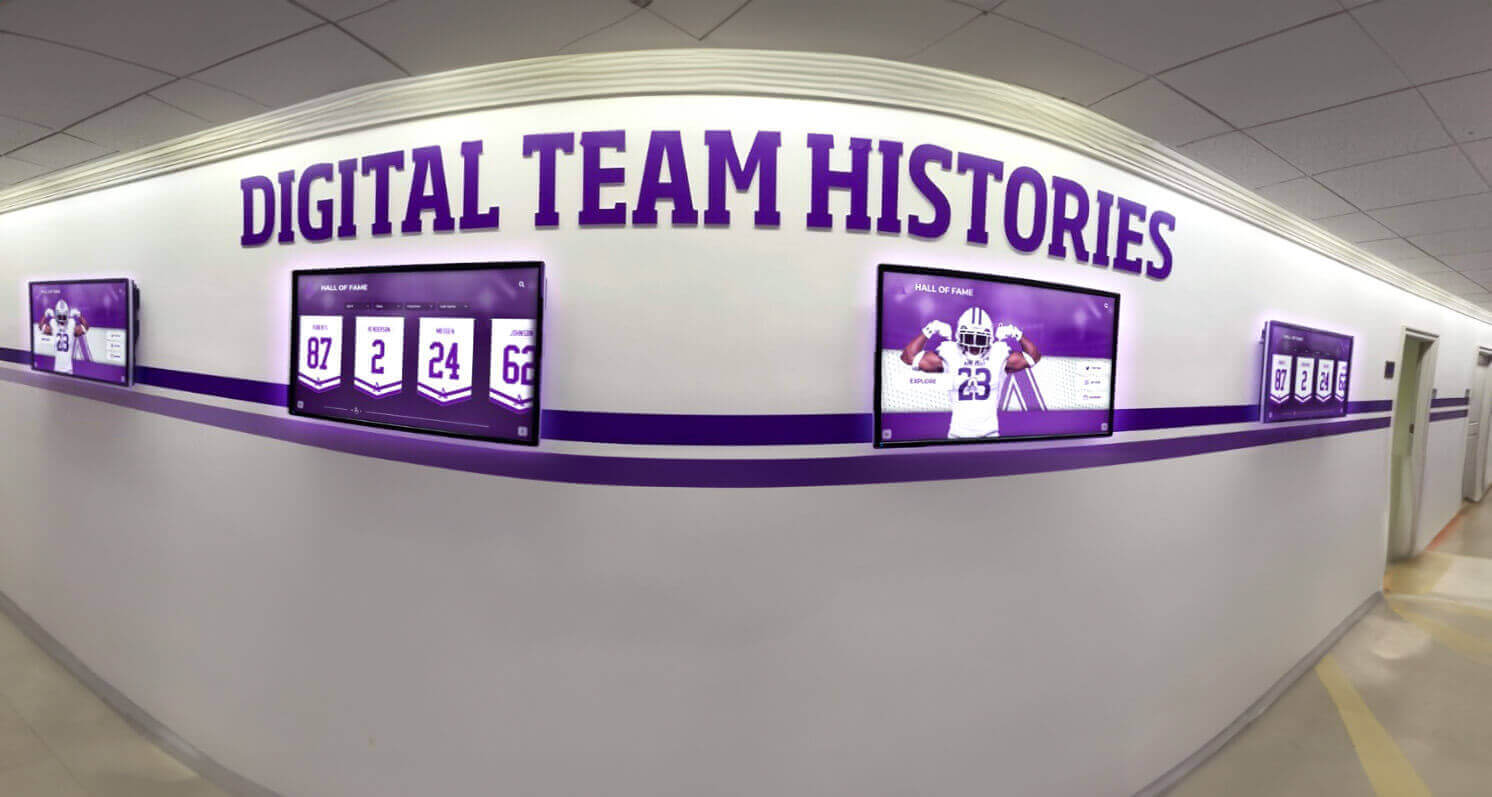
Strategic placement of interactive displays throughout properties ensures information accessibility at key guest decision points
Improved Operational Efficiency
Technology streamlines numerous operational workflows:
Front Desk Focus on High-Value Interactions
Self-service automation enables staff reallocation:
- Complex guest requests receiving more attention and time
- Complaint resolution with proper care and follow-up
- Personal recommendations based on genuine conversation
- Special occasion recognition and celebration
- Problem-solving requiring creativity and judgment
- Relationship building with repeat guests
- Concierge-level service delivery for premium guests
When routine transactions migrate to kiosks, front desk teams transform from transaction processors to hospitality professionals focusing on the personal touches that distinguish memorable experiences. This evolution elevates job satisfaction while improving service quality where it matters most.
Reduced Processing Errors
Automation eliminates common mistakes:
- Payment processing errors from manual entry eliminated
- Room assignment mistakes reduced through automated availability checking
- Guest information inaccuracies corrected through direct guest input
- Special request documentation ensuring proper communication
- Billing accuracy improvements through automated posting
- Audit trail documentation supporting dispute resolution
Hotels implementing kiosk check-in report 60-80% reduction in front desk processing errors compared to fully manual operations, reducing guest complaints while decreasing staff time spent correcting mistakes and managing billing disputes.
Marketing and Communication Platform
Kiosks serve strategic communication purposes:
- Promotional campaigns for on-property services and amenities
- Upselling opportunities presented at optimal moments
- Loyalty program benefits and enrollment messaging
- Future booking incentives capturing return reservations
- Survey participation requests gathering guest feedback
- Social media engagement encouraging reviews and sharing
- Partnership promotions for local attractions and services
This communication capability enables sophisticated marketing automation, delivering targeted messages based on guest profiles, reservation details, and interaction patterns. According to hotel marketing research, well-executed kiosk marketing generates 15-25% increases in on-property service utilization and measurable improvements in loyalty program enrollment and future booking capture.
Comprehensive approaches to digital display technology implementation provide frameworks applicable to hotel environments.
Essential Features for Hotel Interactive Kiosks
Not all kiosk systems deliver equal value for hospitality environments. Several capabilities distinguish effective hotel kiosks from generic self-service terminals.
Hospitality-Specific Software Integration
Purpose-built hotel kiosk software integrates with property management systems:
Property Management System (PMS) Integration
Seamless connectivity with hotel operations platforms:
- Real-time reservation data synchronization ensuring accuracy
- Room inventory management preventing double bookings
- Guest profile information enabling personalization
- Billing system integration for accurate charges
- Housekeeping status updates coordinating room availability
- Maintenance reporting systems documenting issues
- Reporting and analytics for operational insights
Without robust PMS integration, kiosks become isolated systems requiring duplicate data entry and creating synchronization challenges that undermine reliability and guest confidence. Integration quality represents perhaps the single most critical technical requirement for successful hotel kiosk implementation.
Payment Processing Compliance
Secure financial transactions require proper systems:
- PCI-DSS compliant payment processing protecting cardholder data
- EMV chip card readers preventing fraud
- Contactless payment acceptance supporting mobile wallets
- Signature capture for required authorizations
- Encryption of sensitive financial information
- Tokenization protecting stored payment details
- Receipt printing and email delivery options
Payment security proves non-negotiable in hotel applications, as data breaches create catastrophic financial liability and reputational damage far exceeding any technology investment. Hotels must ensure kiosk platforms maintain current security certifications and undergo regular security audits demonstrating ongoing compliance.
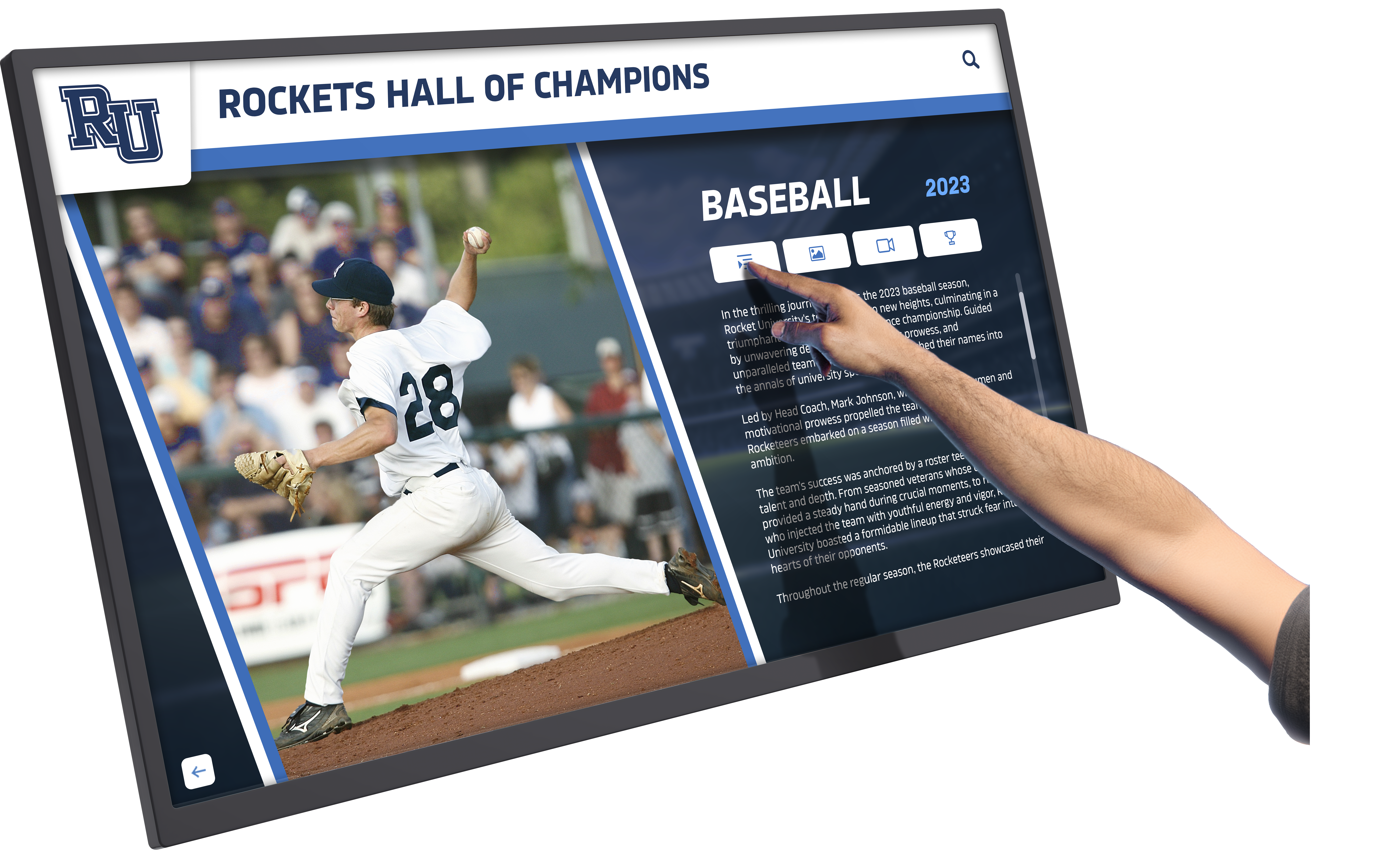
Responsive capacitive touchscreens provide smartphone-like interaction familiar to all modern travelers
Mobile Key Integration
Modern hotels increasingly deploy mobile key technology:
- Mobile key provisioning during kiosk check-in
- QR code generation enabling mobile key download
- Mobile app integration connecting digital services
- Bluetooth key encoding for compatible door locks
- Backup physical key options ensuring access
- Key deactivation at checkout for security
Mobile key technology proves especially popular with younger travelers and business guests, who appreciate the convenience of smartphone access without carrying physical room keys. Hotels report 40-60% mobile key adoption rates when kiosks actively promote the option during check-in.
Hardware Specifications for Hospitality Environments
Hotel lobbies present demanding conditions requiring commercial-grade equipment:
Display and Touchscreen Quality
Professional-grade components ensure reliability:
- Commercial displays rated for continuous 24/7 operation
- 43-55 inch screens providing visibility across lobby areas
- 1080p or 4K resolution ensuring crisp text and image clarity
- Capacitive touchscreens providing responsive, accurate interaction
- Anti-glare treatments reducing reflections in bright lobby lighting
- Vandal-resistant tempered glass withstanding public use
- High-brightness panels (500-800 nits) ensuring visibility
Consumer-grade displays lack durability for demanding hotel applications, typically failing within 12-24 months when operated continuously. Commercial specifications ensure 50,000-100,000 hour lifespans, translating to 6-10+ years of reliable service that justifies higher initial investment through dramatically reduced replacement and maintenance costs.
Peripheral Devices
Complete kiosk systems require multiple components:
- ID scanners for driver’s license and passport verification
- Credit card readers supporting chip, swipe, and contactless
- Receipt printers for documentation and confirmation
- Key card encoders creating room access credentials
- Barcode/QR scanners for reservation confirmation codes
- Cameras for photo capture when required
- Audio output for accessibility and guidance
These peripherals must integrate seamlessly with kiosk software while maintaining reliability standards matching display components. Hardware failures disrupt guest experiences and create maintenance burdens that diminish kiosk value propositions.
Physical Design and Accessibility
Professional installations accommodate all users:
- ADA-compliant mounting heights accessible from wheelchairs
- Knee clearance allowing wheelchair approach
- Reachable controls within accessible zones
- Adjustable display angles accommodating various heights
- Audio output supporting visually impaired users
- High-contrast display modes enhancing readability
- Clear floor space enabling wheelchair maneuvering
Accessibility compliance proves both legally required and practically valuable, ensuring all guests can utilize self-service capabilities regardless of physical abilities. Properties must work with accessibility consultants ensuring installations meet all requirements before finalizing designs.
Comprehensive understanding of interactive kiosk hardware requirements ensures optimal technology selection.

Professional installations integrate interactive kiosks with architectural design while ensuring prominent visibility and accessibility
User Interface Design for Hospitality
Interface quality determines guest adoption and satisfaction:
Intuitive Navigation Structure
Self-service systems must require no instruction:
- Prominent welcome screens inviting interaction
- Large, clearly labeled buttons supporting touch accuracy
- Logical workflow progression matching guest expectations
- Visual hierarchy guiding attention appropriately
- Minimal text supporting limited-literacy users
- Error prevention through validation and confirmation
- Recovery pathways enabling mistake correction
- Attract loops inviting inactive display interaction
According to usability research, guests should complete standard check-in transactions within 2-3 minutes without assistance. Interfaces requiring more than 5 minutes or generating frequent support requests indicate design problems requiring attention before broader deployment.
Brand Consistency
Visual design should reflect hotel identity:
- Color schemes matching property branding
- Logos and typography maintaining brand standards
- Photography showcasing actual property and amenities
- Messaging tone consistent with brand voice
- Seasonal theming for holidays and special occasions
- Local customization reflecting property character
- Premium design quality supporting brand positioning
Generic kiosk interfaces undermine brand identity, making properties feel like commodities rather than distinctive experiences. Custom design development requires investment but delivers returns through enhanced brand perception and guest satisfaction.
Accessibility Features
Beyond physical access, interface accessibility matters:
- Text-to-speech providing audio guidance
- High-contrast modes supporting limited vision
- Adjustable text sizes improving readability
- Simplified language supporting diverse literacy levels
- Visual confirmation of touch interactions
- Extended timeout periods accommodating processing speeds
- Multiple language options serving international guests
These features ensure all guests can successfully utilize kiosks regardless of age, ability, or background, expanding accessibility while reducing support requirements that diminish efficiency benefits.
Implementation Strategy for Hotel Properties
Successful kiosk deployment requires thoughtful planning addressing technical, operational, and cultural factors.
Planning Your Interactive Kiosk Implementation
Strategic groundwork prevents common pitfalls:
Needs Assessment and Goal Definition
Clear objectives guide all decisions:
- Which guest pain points will kiosks address?
- What operational inefficiencies can technology reduce?
- How will success be measured and evaluated?
- What adoption rates justify investment?
- Which property areas face greatest staffing challenges?
- How do guest demographics affect technology preferences?
- What seasonal variations affect planning?
Hotels implementing kiosks without clear objectives frequently discover systems under-utilized or misaligned with actual needs, creating expensive mistakes and organizational skepticism about technology investments.
Location and Quantity Planning
Strategic placement affects utilization:
- Main lobby entrances serving arriving guests
- Front desk proximity for staff assistance access
- Multiple units for high-volume properties
- Adequate spacing preventing usage crowding
- Visibility from entry points inviting interaction
- Lighting evaluation ensuring display readability
- Power and network access availability
- Architectural integration with lobby design
Research suggests optimal kiosk-to-room ratios of approximately one kiosk per 200-300 rooms for most properties, with higher concentrations at convention-focused or business-travel properties experiencing concentrated check-in periods. Under-deployment forces queuing that diminishes efficiency benefits, while over-deployment wastes capital and lobby space.
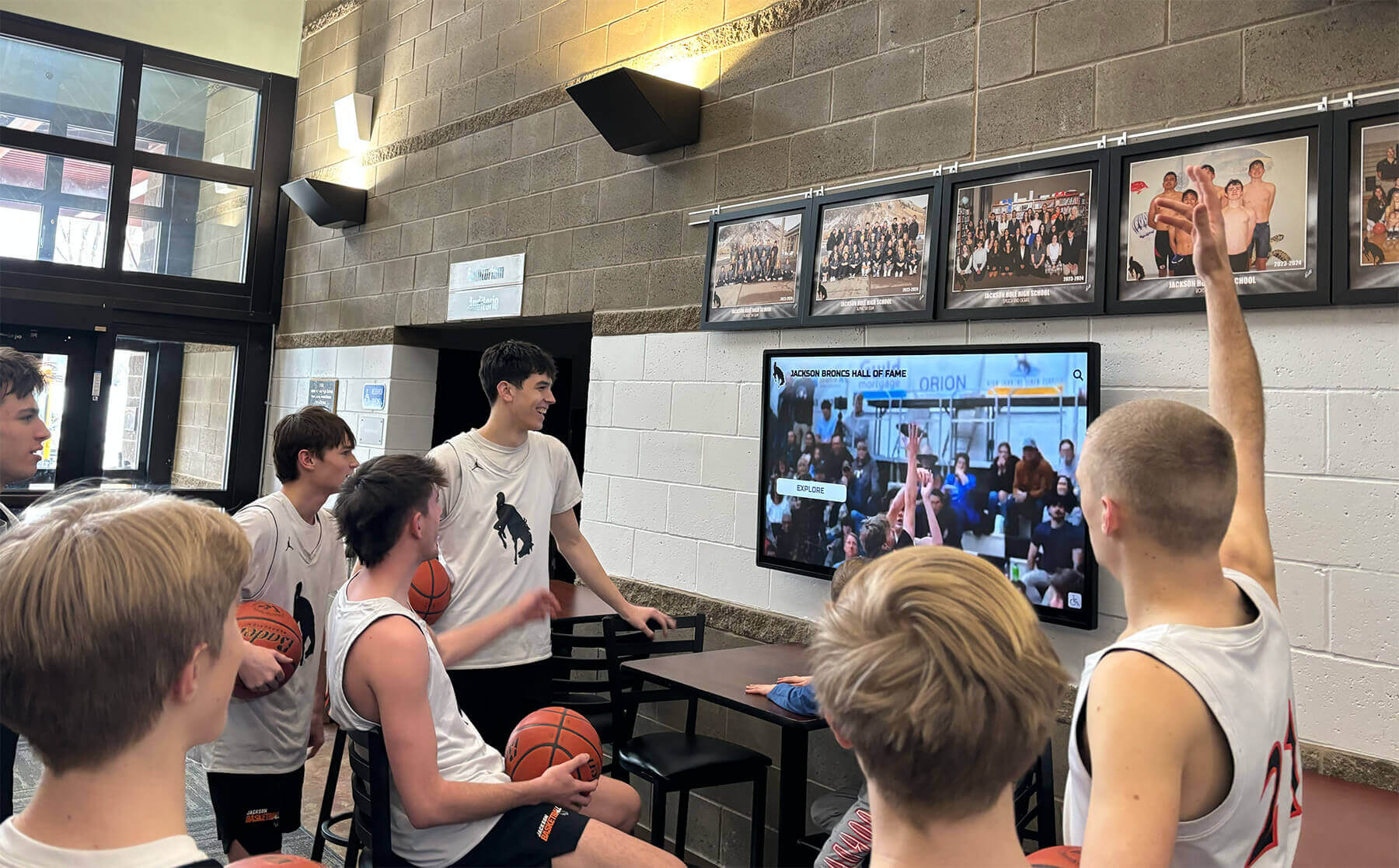
Interactive displays create natural gathering points where groups explore information and plan activities together
Integration Requirements
Technical connectivity determines functionality:
- Property management system compatibility and integration scope
- Network infrastructure capacity and security requirements
- Mobile key system integration if applicable
- Payment processing provider compatibility
- Identity verification services integration
- Analytics and reporting platform connections
- Backup and redundancy planning
Integration complexity varies dramatically based on existing technology infrastructure. Properties with modern, cloud-based PMS platforms typically achieve integration more easily than those with legacy on-premises systems requiring custom development. Early integration assessment prevents surprises during implementation.
Understanding interactive display system planning provides frameworks applicable to hotel contexts.
Deployment and Launch Strategy
Execution quality affects long-term success:
Phased Rollout Approach
Gradual implementation manages risks:
- Pilot installation at single high-volume property
- Comprehensive testing and refinement before expansion
- Staff training and feedback incorporation
- Guest response evaluation and adjustment
- Technical issue resolution in controlled environment
- Process documentation for subsequent installations
- Success demonstration building organizational confidence
Hotels deploying kiosks across multiple properties simultaneously without piloting face higher risks of discovering design problems, integration issues, or operational challenges after substantial investment and commitment. Phased approaches limit exposure while enabling learning that improves subsequent installations.
Staff Training and Change Management
Human factors determine technology adoption:
- Front desk training on kiosk assistance and troubleshooting
- Concierge staff understanding kiosk capabilities and limitations
- Management training on analytics and performance monitoring
- Maintenance staff learning basic support procedures
- Sales team awareness for guest communications
- Housekeeping coordination understanding room status integration
- Clear communication about goals and benefits
Staff resistance represents a primary cause of kiosk implementation failure. When employees perceive kiosks as threats to employment rather than tools making jobs more satisfying, they subtly or overtly undermine adoption by failing to encourage guest usage or highlighting problems rather than benefits. Transparent communication emphasizing how kiosks elevate remaining human interactions typically overcomes resistance.
Guest Communication and Promotion
Awareness drives utilization:
- Pre-arrival communications introducing kiosk availability
- Signage directing attention to kiosk locations
- Loyalty program messaging promoting convenience benefits
- Staff recommendations during reservation calls
- Website information explaining self-service options
- Video demonstrations showing kiosk usage
- Incentive programs rewarding kiosk adoption
Many properties initially experience 20-30% kiosk utilization that grows to 60-80% after 6-12 months as awareness builds and guest comfort increases. Proactive promotion accelerates adoption curves, enabling faster return on investment and operational benefits.
Comprehensive approaches to touchscreen technology implementation provide additional insights into successful deployment strategies.
Ongoing Management and Optimization
Sustained success requires continuous attention:
Performance Monitoring
Track relevant metrics:
- Utilization rates showing adoption trends
- Transaction completion rates identifying abandonment issues
- Average transaction times indicating efficiency
- Error rates revealing technical or design problems
- Support request frequency showing pain points
- Guest satisfaction scores measuring experience quality
- Staff utilization changes demonstrating operational impact
- Revenue per available room (RevPAR) uplift from upselling
Regular metric review enables identifying problems early while demonstrating value that justifies continued investment and expansion. Properties without systematic measurement frequently miss optimization opportunities or fail to recognize when systems require updates or replacement.
Content Management
Keep information current and relevant:
- Regular amenity information updates
- Seasonal promotion campaigns
- Local attraction updates reflecting closures or new offerings
- Event calendar maintenance
- Emergency information accuracy
- Staff directory updates as personnel change
- Policy and procedure communication
- Brand messaging alignment with current campaigns
Outdated kiosk content undermines guest confidence and diminishes perceived value. Systematic content management workflows with clear responsibilities ensure information remains accurate and relevant over time.
Technical Maintenance
Prevent problems through proactive care:
- Regular cleaning and disinfection protocols
- Software updates and security patches
- Hardware inspection and preventive maintenance
- Network connectivity monitoring
- Peripheral device calibration and testing
- Display cleaning and calibration
- Backup system verification
Commercial kiosk manufacturers typically offer maintenance contracts including regular service visits, remote monitoring, and rapid response when issues occur. These contracts prove valuable for properties lacking internal technical expertise, ensuring reliable operation that sustains guest confidence.
Cost Considerations and Return on Investment
Understanding complete financial implications enables informed decision-making and realistic expectations.
Implementation Investment Requirements
Hotel kiosk projects include several cost categories:
Hardware Costs
Physical equipment represents significant investment:
- Commercial touchscreen kiosk display: $8,000-$15,000 per unit including enclosure
- Peripheral devices (card readers, scanners, printers): $3,000-$6,000 per kiosk
- Installation and integration labor: $2,000-$5,000 per location depending on complexity
- Network infrastructure upgrades if needed: $2,000-$10,000 depending on requirements
- Backup power systems for critical operations: $1,000-$3,000 per kiosk
- Physical security and mounting: $500-$2,000 per installation
Total hardware investment typically ranges $15,000-$40,000 per kiosk depending on specifications and site requirements. Hotels implementing multiple units benefit from economies of scale in purchasing and installation.
Software and Platform Costs
Application investment varies by approach:
- Hotel kiosk software platforms: $3,000-$8,000 annually per kiosk typically
- Property management system integration: $10,000-$30,000 one-time depending on complexity
- Custom interface design and branding: $5,000-$15,000 one-time
- Mobile key integration if applicable: $5,000-$15,000 one-time
- Payment processing integration: $3,000-$8,000 one-time
- Training and implementation support: $3,000-$8,000
- Ongoing support and maintenance: typically included in annual fees
Software costs vary dramatically based on property management system compatibility, customization requirements, and vendor pricing models. Cloud-based platforms with subscription pricing provide predictable ongoing costs, while on-premises systems may require higher upfront investment but lower ongoing fees.
Total Investment Range: $30,000-$80,000+ per kiosk depending on specifications and integration complexity. Hotels typically implement 2-4 kiosks at medium-sized properties, creating projects of $60,000-$250,000+.
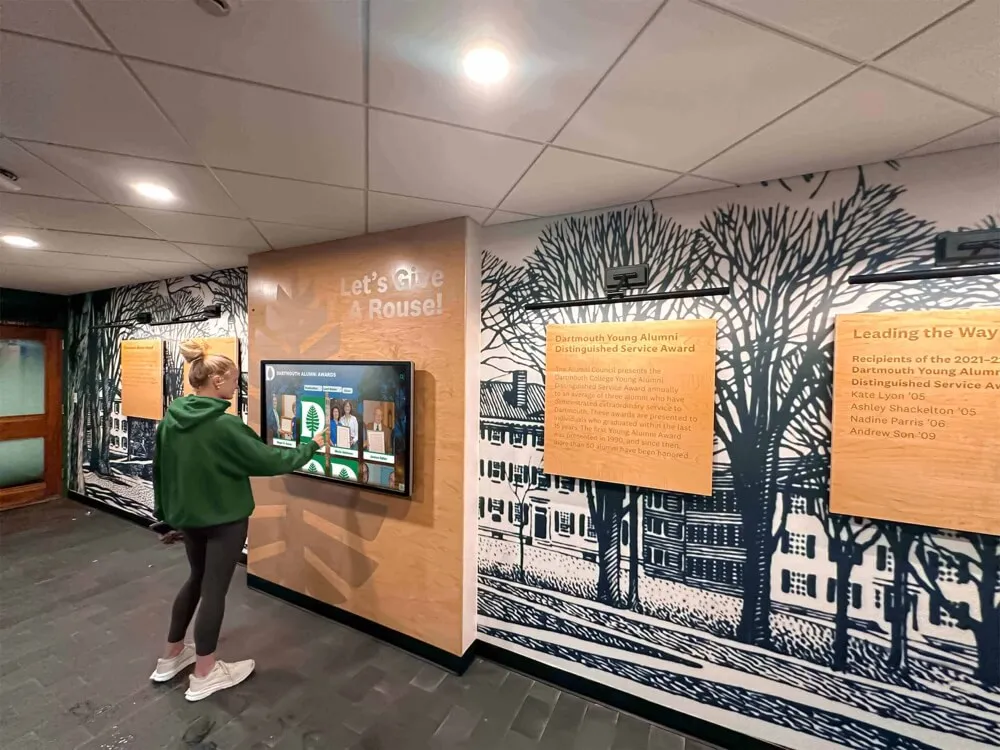
Professional installations combine reliable hardware with intuitive software creating seamless self-service experiences
Return on Investment Analysis
Hotels realize value through multiple channels:
Labor Cost Reduction
Most significant savings come from staffing optimization:
- Reduced front desk staffing requirements: $30,000-$80,000 annually depending on property size and local labor costs
- Eliminated overnight desk coverage at some properties: $25,000-$50,000 annually
- Reduced overtime during peak periods: $10,000-$25,000 annually
- Lower training costs through reduced turnover: $5,000-$15,000 annually
- Reduced supervisor time managing desk operations: value varies
According to hotel industry studies, properties implementing comprehensive self-service kiosks typically realize 30-50% reduction in front desk labor requirements within 12-18 months as adoption increases and processes optimize. Labor savings alone often justify kiosk investments within 2-4 years.
Revenue Enhancement
Kiosks create incremental income:
- Room upgrade sales: $15,000-$50,000 annually depending on property type
- Package and add-on sales: $10,000-$30,000 annually
- On-property service promotion: $5,000-$20,000 annually
- Improved loyalty program enrollment: long-term value
- Reduced no-shows through better communication: $5,000-$15,000 annually
Research demonstrates that guests browsing upgrade options via kiosks convert at substantially higher rates compared to verbal front desk offers, as the self-service format enables unhurried evaluation without perceived sales pressure.
Operational Benefits
Additional value from efficiency improvements:
- Reduced check-in time enabling higher guest throughput: competitive advantage
- Improved guest satisfaction scores: rate and occupancy impact
- Enhanced data collection enabling personalization: retention value
- Reduced processing errors and billing disputes: $5,000-$15,000 annually
- Marketing platform for promotional campaigns: value varies
- Brand differentiation versus competitors: occupancy and rate premium
Total Annual Value: $80,000-$250,000+ depending on property size and successful implementation. When combined with investment costs of $60,000-$250,000, many hotels achieve complete ROI within 2-4 years while delivering value throughout 7-10+ year system lifecycles.
Properties should conduct customized financial analysis reflecting their specific circumstances, labor costs, operational challenges, and strategic goals rather than relying on generic industry estimates alone.
Understanding digital technology investment approaches provides frameworks for demonstrating long-term value across various applications.
Alternative Applications for Hotel Interactive Displays
Beyond check-in kiosks, interactive technology serves diverse hospitality functions:
Conference and Meeting Space Solutions
Hotels hosting events require comprehensive information systems:
Event Navigation and Signage
Interactive displays guide conference attendees:
- Conference schedule displays showing session times and locations
- Floor plan navigation helping attendees locate meeting rooms
- Speaker directories with biographies and session information
- Exhibitor listings for trade shows and conventions
- Sponsor recognition showcasing supporting organizations
- Attendee networking platforms facilitating connections
- Real-time schedule updates communicating changes
Large conference hotels report that interactive event displays significantly reduce staff time answering directional questions while improving attendee experience through accessible, current information. Understanding building directory and wayfinding approaches provides comprehensive frameworks for event navigation.
Meeting Room Information
Digital displays outside conference spaces communicate:
- Current meeting identification and organizer
- Session schedules with start and end times
- Upcoming meetings and room availability
- Catering and setup arrangements
- AV equipment and technical specifications
- Capacity and seating configurations
- Booking information and contact details
This real-time information prevents attendees entering incorrect sessions while helping hotels manage room utilization and prevent scheduling conflicts.
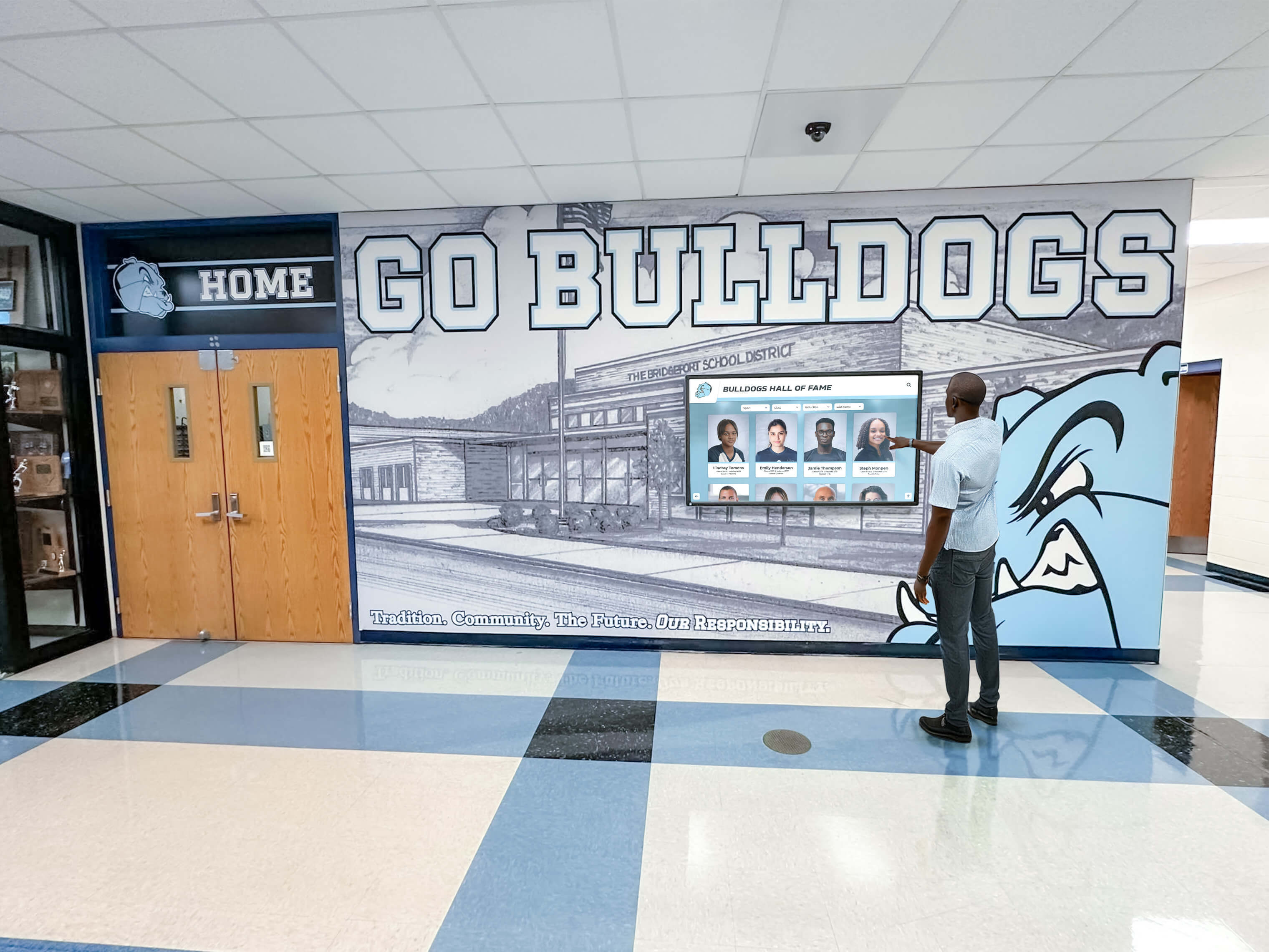
Wall-mounted interactive displays provide information access throughout hotel facilities without consuming valuable floor space
Amenity and Service Promotion
Strategic displays drive property service utilization:
Restaurant and Dining Promotion
Digital displays showcase food and beverage offerings:
- Restaurant menus with current offerings and pricing
- Chef profiles and culinary philosophy
- Reservation capabilities and availability
- Special events and themed dinners
- Wine lists and beverage programs
- Hours of operation and dress codes
- Virtual tours showing dining room ambiance
- Customer reviews and testimonials
Hotels with multiple restaurant concepts benefit particularly from interactive directories helping guests discover on-property dining options they might otherwise miss, driving incremental food and beverage revenue while reducing guest departures for off-property dining.
Spa and Wellness Services
Interactive displays promote self-care services:
- Treatment menus with descriptions and pricing
- Therapist profiles and specializations
- Package offerings and pricing
- Booking and reservation capabilities
- Operating hours and policies
- Facility amenities and features
- Wellness program information
- Membership options for locals
Spa services represent high-margin revenue for hotels, making promotion through interactive displays valuable for driving awareness and bookings. Research demonstrates that convenient booking access increases service utilization by 25-40% compared to properties requiring phone reservations exclusively.
Recognition and History Displays
Established hotels accumulate rich legacies deserving celebration:
Property History and Heritage
Interactive displays preserve hotel stories:
- Founding history and development timelines
- Historical photographs showing property evolution
- Notable guests and famous visitors
- Significant events hosted at property
- Architectural details and design features
- Awards and recognitions received
- Community involvement and partnerships
- Milestone anniversaries and celebrations
Historic and boutique properties particularly benefit from storytelling capabilities that differentiate them from generic chain hotels, creating emotional connections and brand loyalty through narrative engagement. Comprehensive approaches to displaying institutional history translate effectively to hospitality contexts.
Recognition Programs
Hotels can honor various constituencies:
- Distinguished staff members with lengthy service
- Owners and investors in property
- Architects and designers who created spaces
- Community partners and local supporters
- Charity partnerships and social responsibility initiatives
- Environmental sustainability achievements
- Industry awards and recognitions
Recognition displays build institutional pride while demonstrating values that resonate with guests increasingly concerned about corporate responsibility and community engagement.
Special Considerations for Hotel Technology Implementation
Hospitality environments present unique factors requiring attention:
Brand Standards and Franchise Requirements
Chain hotels must navigate corporate expectations:
Franchise Agreement Compliance
Brand affiliation creates obligations:
- Technology standards specified in franchise agreements
- Approved vendor lists limiting selection options
- Design guidelines governing visual presentation
- Integration requirements with brand systems
- Data sharing and reporting obligations
- Brand app compatibility and mobile key standards
- Guest recognition program integration requirements
Hotels should review franchise agreements and consult brand technology departments before making significant kiosk investments, ensuring compliance and avoiding expensive retrofits or replacements if initial installations violate standards.
Brand Consistency Across Portfolio
Multi-property operations benefit from standardization:
- Consistent guest experiences across all locations
- Centralized management and content control
- Simplified training as staff transfer between properties
- Economies of scale in purchasing and maintenance
- Shared development costs across properties
- Knowledge transfer and best practice sharing
Standardization proves particularly valuable for brands operating multiple properties, enabling investment spreading across portfolios while delivering consistent experiences guests expect from recognized brands.
Security and Privacy Requirements
Hotels handle sensitive guest information requiring protection:
Data Security and Compliance
Regulatory requirements govern information handling:
- PCI-DSS compliance for payment card data
- GDPR compliance for European guests
- State privacy laws in various jurisdictions
- Biometric data regulations for facial recognition
- Data retention policies and disposal requirements
- Breach notification obligations
- Third-party vendor security assessments
Hotels must work with legal counsel and information security professionals ensuring complete compliance with all applicable regulations, as data breaches create catastrophic liability and reputational damage far exceeding technology costs.
Guest Privacy Expectations
Beyond legal requirements, guest comfort matters:
- Clear communication about data collection and usage
- Opt-in rather than opt-out for data sharing
- Minimal data collection limited to operational needs
- Secure disposal preventing unauthorized access
- Transparent policies explaining protections
- Easy privacy preference management
Trust represents the foundation of hospitality relationships. Technology implementations that feel intrusive or create privacy concerns undermine guest confidence regardless of legal compliance, making thoughtful privacy design essential beyond mere regulatory adherence.

Responsive touchscreen technology provides intuitive interaction matching smartphone experiences familiar to modern travelers
Cultural and International Considerations
Global hospitality requires cultural sensitivity:
International Guest Expectations
Different markets create varying preferences:
- Asian travelers expecting high-tech convenience
- European guests valuing privacy and personal service
- Business travelers prioritizing efficiency
- Leisure travelers seeking information and assistance
- Cultural attitudes toward self-service technology
- Language requirements for diverse populations
- Accessibility expectations varying by region
Hotels serving international clientele should research guest origin data and cultural preferences informing interface design, language support, and service positioning that respects diverse expectations and communication styles.
Conclusion: Transforming Hotel Operations Through Interactive Lobby Technology
Hilton lobby visitor kiosks and broader hotel interactive display implementations represent transformative technology enhancing guest experiences while optimizing operational efficiency. When hotels thoughtfully evaluate applications, implement purpose-built systems, train staff effectively, and manage content strategically, interactive kiosks transform from interesting possibilities to essential infrastructure delivering measurable value to guests, staff, and financial performance.
The considerations explored throughout this guide provide frameworks for evaluating options, making informed technology selections, and implementing self-service systems serving hospitality goals effectively. From check-in automation and digital concierge services to wayfinding assistance and revenue generation, each capability contributes to comprehensive guest experiences meeting modern traveler expectations.
Ready to explore how interactive kiosks can transform your hotel property? Modern self-service solutions help hotels enhance guest satisfaction while increasing operational efficiency and staff productivity. Solutions like Rocket Alumni Solutions provide comprehensive platforms for interactive displays that can be adapted to various organizational environments, combining intuitive interfaces with powerful content management and analytics capabilities that ensure successful long-term implementations.
Whether implementing interactive kiosks for the first time or enhancing existing systems, success depends on clear application prioritization, appropriate technology selection aligned with property needs and guest demographics, comprehensive integration with existing hotel systems, and systematic staff engagement ensuring adoption and sustained value.
Your guests deserve seamless arrival experiences that respect their time while providing the information and services they need to enjoy their stays fully. With thoughtful evaluation, appropriate technology selection, comprehensive staff training, and sustained management, you can implement interactive kiosks that improve satisfaction, strengthen operational efficiency, and position your property as a modern, guest-focused destination.
The most important consideration isn’t selecting the most sophisticated technology or implementing every possible feature—it’s choosing solutions aligned with your property’s specific needs, sustainable within your operational capabilities and resources, and designed to serve your actual guest population effectively. Your hotel deserves technology that makes operations more efficient while creating experiences that keep guests returning.
Start exploring interactive kiosk options by defining your operational priorities, evaluating your guest demographics and technology preferences, assessing your property management system integration requirements, and connecting with providers who understand hospitality requirements specifically rather than simply selling generic display hardware. Explore related approaches including interactive kiosk software selection or learn more about touchscreen technology implementation to understand comprehensive applications serving organizations effectively.































