Hall of Fame Website Error Budget Policy: Balance Reliability, Releases, and Event Deadlines
- Home /
- Digital Hall of Fame Insights & Resources /
- Hall of Fame Website Error Budget Policy: Balance Reliability, Releases, and Event Deadlines

The Easiest Touchscreen Solution




Live Example: Rocket Alumni Solutions Touchscreen Display
Interact with a live example (16:9 scaled 1920x1080 display). All content is automatically responsive to all screen sizes and orientations.
A hall of fame website error budget policy defines how much unplanned downtime or degraded performance a school’s recognition website can sustain in a given period before new releases, platform updates, or content changes are paused—protecting induction launches, ceremony broadcasts, and high-traffic event windows from avoidable outages.
This policy is designed for school administrators, athletic directors, archives and recognition owners, website IT staff, and facilities coordinators who manage a digital hall of fame website and need a written framework for deciding when it is safe to push platform changes and when event commitments require a stability freeze.
When a hall of fame website goes down during an induction announcement, every inductee family trying to share a profile link hits an error page. Every search engine crawler that arrives during a spike in name-based queries gets nothing. Every athletic director who promised alumni a seamless experience before the ceremony looks at a blank screen. An error budget policy prevents that scenario by converting reliability into a trackable, governed resource—one that teams spend deliberately and protect aggressively around event deadlines.

Every device connecting to the hall of fame website during an induction announcement or homecoming broadcast is a reliability test—an error budget policy sets the rules before that traffic arrives
What Is a Hall of Fame Website Error Budget? (Plain-Language Definition)
An error budget is the maximum amount of downtime or degraded availability a website is permitted before changes are frozen to protect reliability. It is derived directly from a target uptime level called a Service Level Objective (SLO).
Calculation:
- Choose your SLO — for example, 99.9% monthly uptime.
- Subtract from 100% to find the allowed failure rate: 100% − 99.9% = 0.1%.
- Multiply that percentage by the number of minutes in the period: 0.1% × 43,800 minutes (30-day month) = 43.8 minutes of allowed downtime per month.
That 43.8 minutes is the error budget. Every minute of unplanned outage spends it. When it reaches zero, the policy triggers a release freeze until the next period begins.
| SLO Target | Monthly Downtime Budget | Weekly Downtime Budget |
|---|---|---|
| 99.0% | 438 minutes (7.3 hours) | 101 minutes |
| 99.5% | 219 minutes (3.65 hours) | 50 minutes |
| 99.9% | 43.8 minutes | 10 minutes |
| 99.95% | 21.9 minutes | 5 minutes |
For most school hall of fame websites, a 99.9% SLO is realistic and protective—it permits roughly 43 minutes of unplanned downtime per month while still setting a clear freeze trigger when reliability is degraded.
Program Snapshot
Before drafting the policy, map the reliability requirements to the school recognition events that generate the highest traffic and consequence risk.
| Dimension | Details |
|---|---|
| Primary audience | School administrators, athletic directors, IT staff, archives and recognition owners, facilities coordinators |
| High-risk windows | Induction class announcements, ceremony livestreams, homecoming weekends, alumni reunion events, award season launches |
| Error budget period | Rolling 30 days (recommended); calendar quarter for low-traffic programs |
| SLO target range | 99.5%–99.9% for most school hall of fame websites |
| Freeze triggers | Error budget depleted; planned maintenance exceeding 50% of budget; high-risk event within 14 days |
| Core outcome | No unplanned outages during induction launches or announced ceremony windows; governed release process that protects reliability as a program asset |
Why School Hall of Fame Websites Need an Error Budget Policy
A school hall of fame website is not a general information page. It is a recognition record that families, alumni, local media, and search engines treat as the authoritative source for inductee information. Three characteristics make reliability especially consequential.
Concentrated traffic spikes. When a new induction class is announced—whether through a press release, a social media post, or a ceremony program—web traffic to the recognition site spikes sharply and briefly. Unlike e-commerce sites that see gradual shopping seasons, a hall of fame website may see a month’s worth of traffic in 48 hours around an announcement. Any outage during that window affects the entire audience simultaneously.
Physical display dependency. Athletic director digital display programs and touchscreen kiosks that sync inductee data from a web-hosted CMS depend on the website layer for real-time profile updates. If the website is unavailable during a display sync window before a ceremony, the physical kiosk may serve outdated content to guests on the event floor.
Permanent record expectations. Families, alumni, and school leadership expect a recognition website to be continuously available—not because they check it constantly, but because they expect it to be there whenever they do check. An outage that a general website could absorb in a day creates credibility damage for a recognition program that can take months to repair.
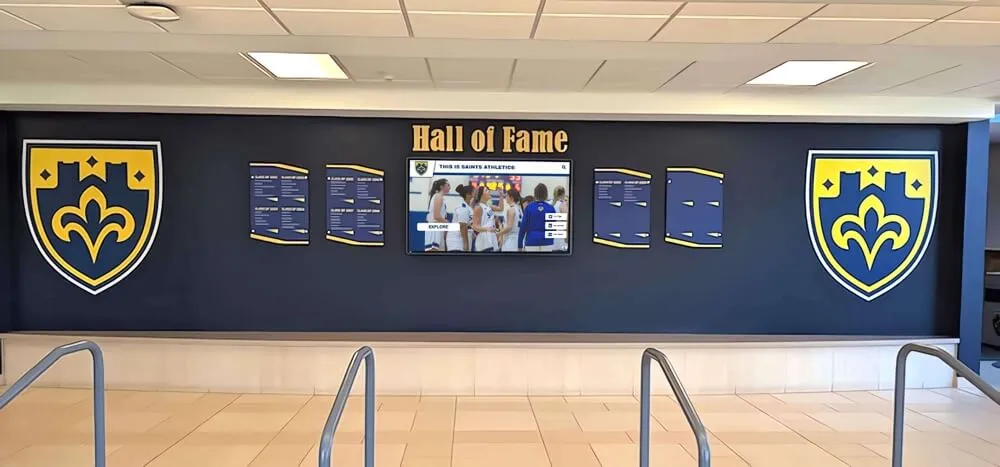
The permanence that a physical wall conveys must be matched by the digital layer—an error budget policy is how school recognition programs enforce that standard in writing
The Error Budget Policy: Six Core Components
A complete hall of fame website error budget policy covers six areas. Each must be documented before the first high-risk event window of the year.
1. Service Level Objective (SLO)
Define the target uptime percentage for the rolling 30-day period. Most school hall of fame websites should target 99.5% to 99.9%. Higher SLOs (99.99%) require infrastructure investment that most school programs cannot justify; lower SLOs (99.0%) leave too much room for outages that coincide with ceremony windows.
Recommendation: Set the SLO at 99.9% for programs with annual induction ceremonies and regular alumni traffic. Set it at 99.5% for programs with infrequent updates and low ambient traffic between events.
2. Error Budget Calculation and Tracking
Define how the error budget is calculated (see table above), who is responsible for tracking it, and where the current balance is visible to stakeholders. Downtime tracking can be done through an uptime monitoring service, a hosting provider’s dashboard, or a simple incident log maintained by IT.
The error budget balance should be reviewed:
- Weekly during normal periods
- Daily during the 14-day window before a high-risk event
3. Release and Change Categories
Classify website changes by their risk of causing downtime. This classification determines which changes are subject to the error budget policy’s release rules.
| Change Category | Examples | Risk Level |
|---|---|---|
| Content only | Adding inductee profiles, updating bios, uploading photos | Low — no code deployment required |
| Configuration change | Updating CMS settings, modifying navigation labels | Medium — may require cache flush or brief restart |
| Plugin or dependency update | CMS plugin upgrade, JavaScript library update | Medium-High — can introduce compatibility issues |
| Theme or layout change | Template redesign, CSS restructuring | High — affects every page simultaneously |
| Platform or CMS migration | Moving to a new hosting environment or recognition platform | Critical — full site at risk during migration window |
Content-only changes are almost never subject to error budget freeze rules. Platform migrations always are.
4. Release Freeze Rules
Define the conditions that trigger a release freeze—a period during which no Medium, High, or Critical changes may be deployed.
Mandatory freeze conditions:
- Error budget balance drops below 20% of the monthly allocation
- Any High or Critical change is scheduled within the 14-day window before an announced induction ceremony, homecoming event, or alumni reunion
- An unplanned outage of 30 minutes or more has occurred within the past 72 hours
- The IT administrator is unavailable for more than 48 hours during a high-risk window
Discretionary freeze conditions (committee chair or athletic director may invoke):
- A major inductee class announcement is expected within 7 days
- A ceremony program with the website URL has been distributed to guests or media
- A local news outlet has been given the website address for a recognition story
5. Incident Response and Budget Restoration
Define what happens when an unplanned outage occurs: who is notified, how the incident is documented, and how the error budget is debited.
- Every outage of 5 minutes or more is logged with a start time, end time, cause, and resolution
- The outage duration is subtracted from the current error budget balance immediately
- If the balance falls to zero, a release freeze is declared automatically and the administrator notifies the committee chair in writing within 24 hours
- Budget restoration occurs at the start of the next calendar period (rolling 30 days from the date the period opened)
6. Event Protection Windows
Define specific calendar-based protection windows during which the release freeze applies regardless of current error budget balance. These are non-negotiable: even a full error budget does not authorize deployments during a protection window.
Standard protection windows:
- 72 hours before and 24 hours after an induction ceremony
- 48 hours before and 12 hours after an inductee class announcement
- Homecoming weekend (Friday noon through Sunday midnight)
- Alumni reunion event dates
- Any window during which a live ceremony broadcast or streaming link is active on the site
Error Budget Decision Matrix
Use this matrix to determine the correct action for any proposed website change. Match the proposed change category (rows) against the current situation (columns) to find the approved action.
| Change Category | Budget > 50% Remaining, No Event Within 14 Days | Budget 20–50% Remaining, OR Event Within 14 Days | Budget < 20% Remaining, OR Event Within 72 Hours | Within Protection Window |
|---|---|---|---|---|
| Content only (profiles, bios, photos) | Approve and deploy | Approve and deploy | Approve with IT monitoring | Approve with IT standby |
| Configuration change | Approve and deploy | Approve with IT review | Defer to next budget period | Defer to post-window |
| Plugin / dependency update | Approve with staging test | Approve with staging test; defer if test fails | Defer to next budget period | Defer to post-window |
| Theme / layout change | Approve with staging test | Defer to next budget period | Defer to next budget period | Defer to post-window |
| Platform / CMS migration | Approve with full migration plan | Defer to next budget period | Defer to next budget period | Defer to post-window |
| Emergency security patch | Deploy immediately with monitoring | Deploy immediately with monitoring | Deploy immediately with monitoring | Deploy immediately with monitoring |
Emergency security patches are never subject to error budget freeze. Apply them immediately, document the incident, and debit the downtime if the patch causes an outage.
Content Architecture: Mapping Reliability Policy to the Recognition Display System
For schools running digital hall of fame and donor recognition programs alongside their athletic website, the error budget policy must account for the CMS dependency that connects the web layer to the physical display layer.
| Recognition System Layer | Dependency on Website | Impact of Outage | Policy Action |
|---|---|---|---|
| Web-hosted inductee profiles | Direct | Profiles unavailable to visitors and search engines | Error budget debited; freeze triggered at 20% |
| Touchscreen kiosk sync | CMS API or RSS feed | Kiosk displays cached (potentially outdated) data | Protection window covers kiosk sync before events |
| QR code destinations on plaques | URL resolution | Scan leads to error page or cached redirect | Protection window prevents URL structure changes |
| Ceremony livestream embed | Hosting and bandwidth | Livestream page unavailable during broadcast | 72-hour protection window before all broadcast events |
| Sponsor and donor recognition modules | Shared CMS platform | Sponsor content disappears during outage | Freeze rules apply equally to sponsor display modules |
Digital history archive and interactive display programs that rely on a shared CMS platform should consolidate the error budget policy to cover all modules managed from that platform—not only the hall of fame profile directory.
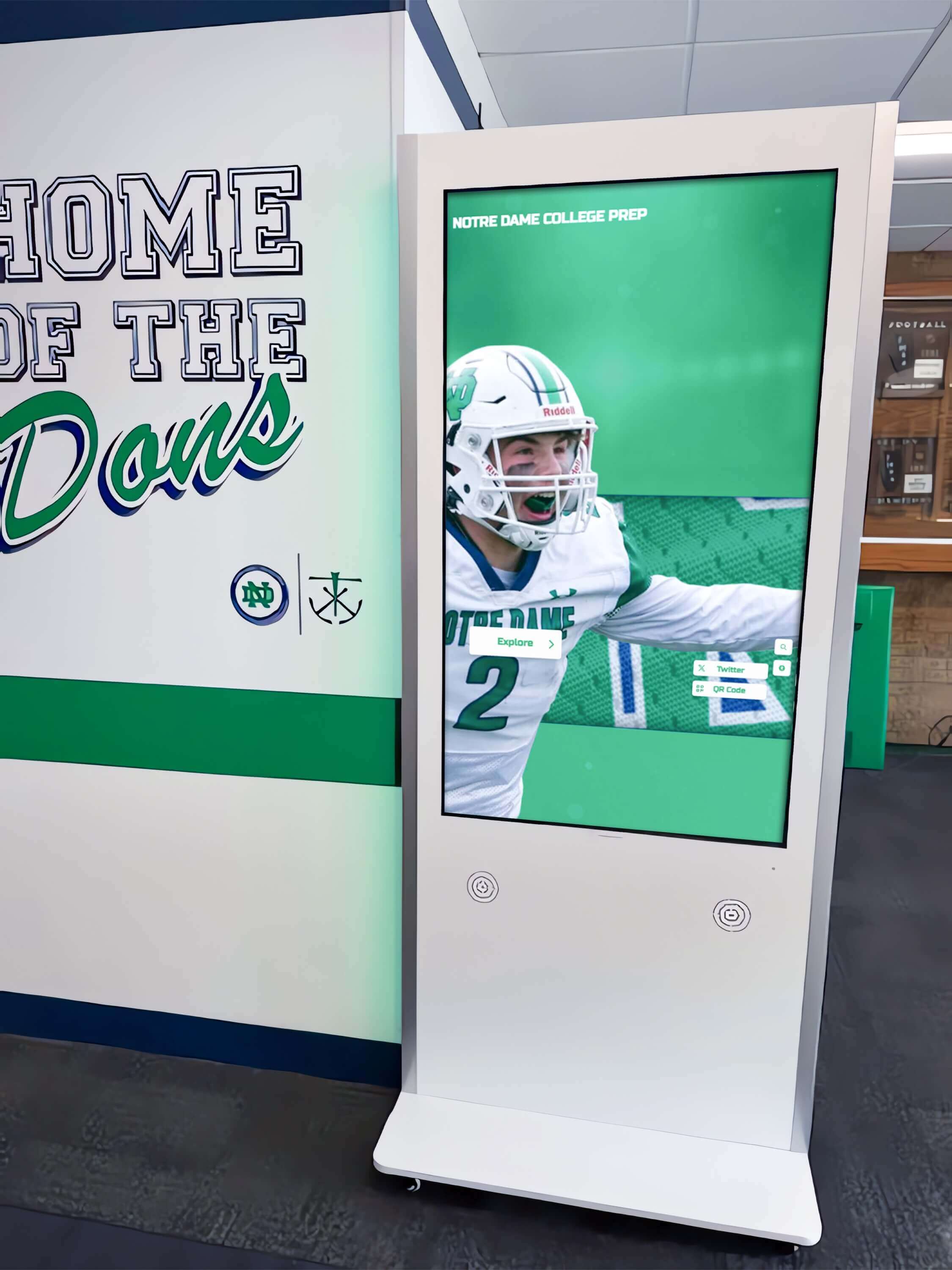
A touchscreen kiosk that syncs inductee data from a web-hosted CMS inherits the reliability policy of that website—the error budget covers both layers
Execution Timeline: Plan → Build → Launch → Refresh
Structure the error budget policy implementation as a four-phase annual cycle aligned to your recognition program’s event calendar.
Plan (4–6 Weeks Before the Policy Goes Live)
- Select the SLO target (99.5% or 99.9%) based on your event volume and IT capacity
- Identify all high-risk event windows for the coming 12 months
- Assign the error budget administrator (IT staff or platform administrator)
- Choose the uptime monitoring method (hosting dashboard, third-party monitoring service, or manual incident log)
- Draft the release freeze rule matrix using the template in this guide
Build (2 Weeks Before the Policy Goes Live)
- Configure uptime monitoring to alert the administrator within 5 minutes of any outage
- Create the incident log (spreadsheet or ticketing system) for recording outage events and budget debits
- Classify all planned website changes for the coming quarter using the change category table
- Reschedule any Medium, High, or Critical changes that fall within identified protection windows
- Distribute the policy to the athletic director, committee chair, and any staff with CMS publishing access
Launch (Policy Go-Live)
- Establish the baseline error budget balance (full budget at period start)
- Brief all stakeholders on the freeze trigger conditions and who has authority to declare a freeze
- Confirm that the first protection window of the year is entered in the IT calendar with freeze rules applied
- Verify that the uptime monitoring alert is routing to the correct contact
Refresh (Quarterly Policy Review)
- Review the incident log for the past quarter: total outage time, causes, and whether freeze rules were triggered
- Compare actual uptime against the SLO target; adjust the SLO if the gap is consistently large in either direction
- Update the protection window calendar for the next quarter
- Reclassify any planned changes that were deferred from the prior period
Hall of fame induction ceremony planning follows the same phased calendar structure—the reliability policy should be built into the same planning cycle so that website freeze windows and ceremony preparation windows are aligned, not competing.
Display Integration: Connecting the Error Budget to Physical Recognition Systems
A hall of fame website outage creates visible consequences in physical spaces that may be harder to explain to families and guests than the outage itself. Three integration points require explicit coverage in the error budget policy.
Kiosk sync windows. If your touchscreen recognition display syncs inductee profile data from the web-hosted CMS on a scheduled interval—hourly, daily, or before events—document that sync schedule and include it in the protection window planning. A platform update that causes a 20-minute outage at 2:00 AM may not affect web visitors, but it could corrupt a kiosk sync that runs at 2:15 AM before a morning ceremony.
QR code stability. Physical plaques, printed programs, and lobby signage that reference QR codes pointing to web profile URLs depend on those URLs remaining functional. The error budget policy should prohibit URL structure changes—even with redirects in place—during protection windows. Booster spotlight wall programs that combine physical recognition with digital QR linking share this dependency.
Ceremony display mode. Some recognition platforms offer a dedicated ceremony or presentation mode—a display configuration optimized for large-screen projection during an induction event. If your platform serves this mode from the same hosted environment as the general website, the ceremony window is automatically a protection window. Coordinate with your platform provider to confirm whether ceremony mode is hosted separately or shares the general website’s uptime exposure.
Platforms like Rocket Alumni Solutions manage the CMS, display sync, QR code infrastructure, and ceremony mode from a single cloud environment—meaning the error budget and protection windows apply uniformly across all layers without requiring separate monitoring for each surface.
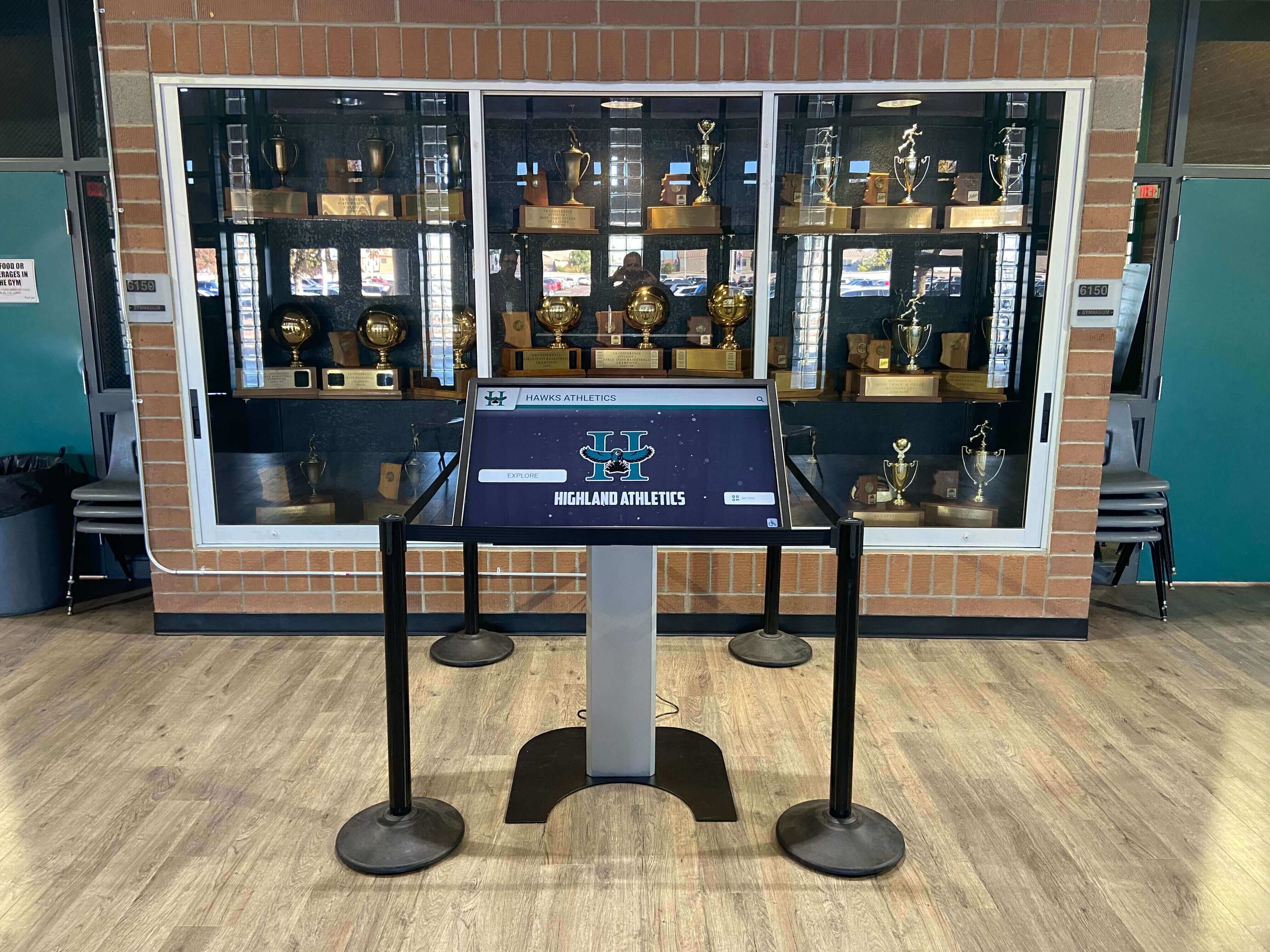
A kiosk inside a trophy case may be the first place guests see inductee profiles on event day—the error budget policy protects the sync that populates it
Copy-Paste Error Budget Policy Template
Copy this template to a shared document and complete the bracketed fields before distributing to stakeholders. Adapt the language to your institution’s governance conventions.
HALL OF FAME WEBSITE ERROR BUDGET POLICY
Institution: ____________________
Program Name: ____________________
Policy Owner (IT Administrator): ____________________
Committee Chair (Notified on Freeze): ____________________
Effective Date: ____________________
Review Date: ____________________

1. SERVICE LEVEL OBJECTIVE
   Target Uptime: [99.5% | 99.9%] over a rolling 30-day period.
   Monthly Error Budget: [43.8 minutes (99.9%) | 219 minutes (99.5%)]

2. MONITORING METHOD
   Uptime monitored via: ____________________
   Alert contact (within 5 minutes of outage): ____________________
   Incident log location: ____________________

3. HIGH-RISK EVENT WINDOWS (Current Calendar Year)
   [ ] Induction ceremony: __________________ (protection window: 72 hrs before, 24 hrs after)
   [ ] Inductee class announcement: __________________ (protection window: 48 hrs before, 12 hrs after)
   [ ] Homecoming: __________________ (Friday noon to Sunday midnight)
   [ ] Alumni reunion: __________________ (event dates)
   [ ] Other: __________________

4. RELEASE FREEZE TRIGGERS
   Automatic freeze when any of the following occur:
   [ ] Error budget balance below 20% of monthly allocation
   [ ] High or Critical change scheduled within 14-day event window
   [ ] Unplanned outage of 30+ minutes within past 72 hours
   [ ] IT administrator unavailable for 48+ hours during a high-risk window

5. CHANGE APPROVAL AUTHORITY
   Content-only changes: Approved by Archivist or Content Manager
   Configuration / Plugin changes: Approved by IT Administrator
   Theme / Layout changes: Approved by IT Administrator + Committee Chair
   Platform migrations: Approved by IT Administrator + Committee Chair + Athletic Director

6. INCIDENT DOCUMENTATION
   All outages of 5+ minutes documented with:
   - Start time
   - End time
   - Duration (in minutes)
   - Root cause
   - Resolution steps
   - Error budget balance after debit

7. FREEZE DECLARATION PROCEDURE
   When freeze is triggered:
   a. IT Administrator declares freeze in writing to Committee Chair within 24 hours
   b. All Medium, High, and Critical changes are deferred to next budget period
   c. Content-only changes proceed with IT monitoring active
   d. Freeze lifts at the start of the next 30-day budget period, provided balance exceeds 20%

8. POLICY REVIEW
   This policy is reviewed at the end of each quarter and updated to reflect:
   - Actual outage history vs. SLO target
   - Upcoming high-risk event windows for the next quarter
   - Any changes to platform, hosting, or CMS infrastructure
Frequently Asked Questions
What is the difference between an error budget and a maintenance window?
A maintenance window is a pre-announced period during which planned downtime is scheduled—typically communicated to users in advance. An error budget is the total allowed downtime (planned and unplanned) measured against an uptime objective. Planned maintenance windows consume the error budget just as unplanned outages do. If your monthly error budget is 43.8 minutes and you schedule a 30-minute maintenance window for a CMS update, you have 13.8 minutes of unplanned downtime remaining before a freeze is triggered.
Should the error budget cover third-party services the website depends on?
Yes. If your hall of fame website embeds a third-party form, payment processor, livestream service, or CMS plugin that becomes unavailable, visitors experience an outage even if your hosting is fully operational. Include availability failures from critical third-party dependencies in your outage log and debit the budget accordingly. This creates an accurate picture of the reliability users actually experience.
How does the error budget policy interact with an induction criteria review?
Hall of fame induction criteria reviews change which profiles are eligible to be published on the website. If a criteria update triggers a batch profile deletion or restructuring in the CMS, that is a High-category change subject to freeze rules. Coordinate criteria implementation with the IT administrator so the change is scheduled outside protection windows with a full staging review before deployment.
What if we are migrating to a new platform during an active recognition season?
Platform migrations are the highest-risk category in the error budget policy and should not be scheduled within 60 days of a high-risk event window. If a migration is required during a recognition season due to a contract change or platform discontinuation, treat the migration as a zero-budget event: assume the full monthly budget will be consumed, declare a freeze on all other changes, and coordinate the migration to occur at the lowest-traffic point in the week. Digital signage software migrations in school environments follow the same risk logic—the ceremony calendar, not the vendor timeline, should drive the migration schedule.
How do we set an error budget for a website that only gets traffic a few times a year?
For programs with highly seasonal traffic—concentrated around an annual ceremony and a few alumni events—the rolling 30-day budget approach may not reflect actual risk. Consider supplementing the monthly SLO with event-specific SLOs: define a tighter uptime target (99.99%) for the 72-hour ceremony window and use the broader monthly SLO (99.5%) for the rest of the year. This two-tier approach focuses protection resources where they are most consequential.
Can the athletic director or committee chair override a release freeze?
The policy should define one and only one override mechanism: the committee chair and athletic director must jointly authorize the override in writing, the IT administrator must confirm the change has been staged and tested, and the override is logged as a formal exception in the incident record. Ad hoc overrides without documentation undermine the policy. Defining the process in advance—rather than negotiating it during an event week—is what makes the policy functional.
Measurement: Confirming the Policy Is Working
Track these indicators quarterly to confirm that the error budget policy is producing the reliability outcomes the recognition program needs.
| Metric | Where to Track It | Target |
|---|---|---|
| Monthly uptime vs. SLO | Uptime monitoring dashboard or incident log | At or above SLO target (99.5% or 99.9%) |
| Error budget balance at end of period | Incident log total debit vs. monthly allocation | Positive balance (budget not fully consumed) |
| Freeze events triggered per quarter | Policy log | Fewer than 2 per quarter (each freeze is a reliability signal) |
| Outages during protection windows | Incident log filtered by event calendar | Zero |
| Deferred changes cleared in next period | Change backlog review | All deferred changes rescheduled within 30 days |
| Kiosk sync failures during event days | Display platform log or IT incident record | Zero sync failures on ceremony and announcement days |
A recognition program that tracks these six metrics builds an institutional reliability record—one that becomes useful context for the IT team, the athletic director, and any platform administrator who inherits the program in a future year.
How Rocket Alumni Solutions Supports an Error Budget Policy
Managing a hall of fame website error budget policy manually requires consistent monitoring, a disciplined incident log, and a team that respects freeze windows under event-week pressure. The infrastructure layer matters: a platform designed for recognition programs is more likely to sustain high uptime during event spikes than a general-purpose CMS configured by a part-time administrator.
Rocket Alumni Solutions provides the cloud CMS, scheduled publishing, and role-based access controls that underpin a functioning error budget policy—so freeze windows can be enforced through platform features rather than relying on individual stakeholders to self-police during a ceremony week. School gym artwork and physical display programs that share a CMS layer with the hall of fame website benefit from the same cloud infrastructure stability the recognition platform provides.
For programs evaluating recognition platforms, the reliability architecture—uptime history, incident response procedures, data backup cadence—should be part of every vendor comparison alongside features and price. Any comparison that includes platforms like Rocket Alumni Solutions should include reliability SLA terms alongside design capabilities, because a beautiful inductee profile on a site that goes down during a ceremony launch is indistinguishable from no profile at all.
Rocket Alumni Solutions manages inductee profiles, display sync, QR code infrastructure, and ceremony mode from a single cloud platform—so the error budget policy your school adopts covers every recognition surface from one place. If you are reviewing platform options that can anchor your reliability policy rather than complicate it, request a free custom demo to see how the system performs across induction launches and high-traffic event windows.

Every visit to a touchscreen hall of fame during an induction event is a reliability test—the error budget policy defines what protection that test runs against
Execution Timeline: Annual Error Budget Policy Calendar
Map the policy maintenance cycle to the recognition program’s annual event schedule so reliability planning and ceremony planning are coordinated, not competing.
Quarter 1 (Policy Setup or Annual Refresh)
- Review prior year’s incident log: total outage time, freeze events, and protection window performance
- Update the SLO target if actual uptime was consistently above or below the prior target
- Enter all known high-risk event windows for the coming year into the IT calendar
- Redistribute the policy to all stakeholders with CMS access
Quarter 2 (Pre-Season Preparation)
- Classify all planned website changes for Q2 and Q3 against the change category table
- Reschedule any High or Critical changes that fall within Q2–Q3 protection windows
- Verify that uptime monitoring is active and alerts are routing correctly
- Conduct a test outage drill: simulate a 5-minute outage and confirm the incident log process works
Quarter 3 (Peak Recognition Season)
- Apply daily error budget balance reviews during 14-day windows before each major event
- Enforce protection windows without exception; log any override requests formally
- Post-event: debrief on any reliability issues that surfaced during the window
Quarter 4 (Close and Archive)
- Final incident log review for the year
- Archive the annual policy record alongside governance documents from the selection committee
- Prepare the policy refresh for the upcoming year based on observed gaps or changes in event schedule
Athletic booster spotlight walls and recognition display programs that run alongside a hall of fame website follow the same annual rhythm—reliability planning for the digital layer should be built into the same institutional calendar as ceremony planning, trophy case updates, and archive refresh cycles.
Protect Every Induction Launch and Ceremony Window
An error budget policy converts reliability from a hope into a managed resource—one your team can track, protect, and report on across every recognition event. The most resilient hall of fame programs pair that policy discipline with a platform that sustains it automatically, so freeze windows and protection periods are enforced through infrastructure rather than institutional willpower alone.
Live Example: Rocket Alumni Solutions Touchscreen Display
Interact with a live example (16:9 scaled 1920x1080 display). All content is automatically responsive to all screen sizes and orientations.































