Hall of Fame Web Analytics Dashboard: Measure Profile Searches, Engagement, and Content Gaps
- Home /
- Digital Hall of Fame Insights & Resources /
- Hall of Fame Web Analytics Dashboard: Measure Profile Searches, Engagement, and Content Gaps

The Easiest Touchscreen Solution




Live Example: Rocket Alumni Solutions Touchscreen Display
Interact with a live example (16:9 scaled 1920x1080 display). All content is automatically responsive to all screen sizes and orientations.
Intent: define — A hall of fame web analytics dashboard tells school administrators whether the inductee profiles, championship records, and historical archives they published are actually reaching alumni, families, and visitors — or sitting undiscovered.
Publishing a hall of fame website is not the finish line. The finish line is an alumni parent finding their family member’s profile by searching a name, a prospective student discovering a legacy championship record, or an athletic director confirming that last year’s induction class generated meaningful traffic before planning this year’s ceremony. A purpose-built analytics dashboard — drawing from Google Analytics, Google Search Console, and on-site search logs — surfaces exactly that evidence. This guide shows school administrators, athletic directors, archive teams, and IT coordinators how to build and read that dashboard in a single afternoon.

A hall of fame web analytics dashboard confirms whether inductee profiles are being found across every device families actually use to search
Program Snapshot
Use this table to scope the analytics build before pulling in IT or advancement staff.
| Dimension | Details |
|---|---|
| Primary audience | Athletic directors, school administrators, IT coordinators, alumni teams, archive staff |
| Data sources | Google Analytics 4, Google Search Console, on-site search logs, CMS page reports |
| Key metrics | Organic profile searches, page engagement rate, average session duration, content gaps via impression/click ratio |
| Setup time | 2–4 hours to configure; 30-minute weekly review cadence after |
| Recommended review cycle | Weekly during induction season; monthly in off-season |
| Outcome | Clear evidence of which inductee profiles are found, which are invisible, and where new content will close discovery gaps |
Content Architecture: What the Dashboard Measures and Why
A hall of fame website has three distinct content layers, each of which produces different analytics signals. Mapping those signals before building the dashboard prevents teams from tracking the wrong metrics.
Layer 1 — Inductee Profile Pages
These are the individual pages for each honored athlete, academic achiever, or community member. Profile pages answer name-based searches (“John Smith Westview High School Hall of Fame”) and should generate the highest organic search traffic of any content type on the site. Key analytics signals:
- Organic clicks and impressions from Search Console show whether Google surfaces a given profile for relevant name queries
- Engagement rate (GA4) distinguishes visitors who read the full profile from those who bounce immediately
- Average engagement time reflects how long families and alumni spend with the recognition content
Layer 2 — Category and Index Pages
Sport-specific index pages (/hall-of-fame/football/, /hall-of-fame/academic/) serve visitors browsing by category rather than searching a specific name. These pages should generate meaningful return visits from alumni who check back after new classes are inducted. Analytics signals:
- New vs. returning visitor ratio — a high returning rate signals that alumni are monitoring the page for updates
- Pages per session starting from a category page — indicates whether visitors browse from the index into individual profiles or exit without exploring
Layer 3 — Ceremony and Announcement Pages
Time-bound pages for induction events, nomination deadlines, and ceremony dates generate traffic spikes around specific dates. Analytics signals here are different:
- Traffic relative to the ceremony date — a spike immediately before the event confirms that families are using the site for attendance logistics
- Search queries driving traffic to event pages — names of the event and year, which validate that the ceremony was publicized with enough online presence to be found
The digital lobby signage design and content practices that schools use for in-building displays mirror this three-layer content model: the same inductee, category, and event hierarchy that organizes the website also organizes the touchscreen experience for in-building visitors.
Step-by-Step: Building the Hall of Fame Analytics Dashboard
Step 1 — Connect Google Search Console to the Hall of Fame Site
Search Console is the most important tool for a recognition site because it reveals search behavior, not just on-site behavior. A family searching for a specific inductee by name leaves a signal in Search Console before they ever arrive at the site.
- Verify the hall of fame website domain in Google Search Console (
search.google.com/search-console) - Submit the XML sitemap so Search Console indexes every inductee profile URL
- Navigate to Performance > Search Results and set the date range to the last 90 days
- Filter by Page and sort by Impressions descending — the profile pages appearing at the top are the ones Google is actively showing to searchers
- Export this report to a spreadsheet; it becomes the backbone of the content gap analysis in Step 5
Step 2 — Configure Google Analytics 4 for the Recognition Site
GA4 measures what visitors do after arriving — how long they stay, how many profiles they view, and whether they return.
- Create a GA4 property and install the measurement tag on every page of the hall of fame site
- Enable Enhanced Measurement to automatically track scroll depth and outbound link clicks without additional code
- Create a custom report in Explore with these dimensions and metrics:
| Report Element | GA4 Setting |
|---|---|
| Dimension | Page path and screen class |
| Metric | Sessions, Engaged sessions, Average engagement time, Views |
| Filter | Page path contains /hall-of-fame/ or the root path of the recognition section |
| Date range | Last 90 days; compare to prior 90 days |
- Save this as a custom card in the GA4 Reports Snapshot so it appears every time the account is opened
Step 3 — Set Up On-Site Search Tracking
If the hall of fame site includes an internal search function — a name lookup tool or a sport filter — those search queries are the most direct evidence of what visitors cannot find through the main navigation.
- Identify the URL parameter that captures on-site search queries (typically
?s=,?q=, or?search=) - In GA4, navigate to Admin > Data Streams > Web Stream > Configure Tag Settings and enable Internal search terms using that parameter
- Access the search term report under Reports > Engagement > Events and filter for the search event
- Review the top searched terms monthly — names with zero or low corresponding page traffic indicate profiles that exist in the database but are not reachable through the main navigation
Athletic directors managing large archives — including programs that span decades of championship records — benefit from this report more than any other metric because it reveals what alumni are looking for that the site is not delivering. Schools investing in campus event programming often discover through search logs that alumni arrive to find inductee profiles during event weeks, prompting a case for connecting the event calendar to the recognition archive.
Step 4 — Build the Dashboard View
Combine Search Console, GA4, and on-site search data into a single reporting view using one of these methods:
Option A — Google Looker Studio (free) Connect GA4 and Search Console as data sources, add a date-range selector, and build four report pages: Profile Search Performance, Engagement Metrics, Category Browse Behavior, and Content Gap Analysis. Share the Looker Studio report link with the athletic director and advancement team so they can access it without needing GA4 account access.
Option B — GA4 Custom Dashboard Use GA4’s native Reports section to pin custom cards for each metric group. Less flexible than Looker Studio but requires no external tool and is accessible from any device.
Option C — Weekly Spreadsheet Export For teams without technical resources to build a live dashboard, schedule a weekly 30-minute slot to export the Search Console Performance report and GA4 Engagement report to a shared spreadsheet. This low-tech approach produces the same insights on a manual cadence.
Step 5 — Run the Content Gap Analysis
Content gaps are inductee profiles or recognition categories that receive meaningful search impressions in Search Console but low or zero clicks — meaning Google is showing the content in search results but the result is not compelling enough for searchers to visit.
- In Search Console Performance, filter by Position less than 20 and sort by CTR ascending
- Pages with more than 100 impressions and a CTR below 2% represent the highest-priority gaps
- For each gap page, check the title tag and meta description — these are the only elements searchers see before deciding whether to click
- For inductee profile gaps: confirm the
<title>includes the inductee’s full name, sport, and induction year; confirm the meta description mentions the school name and a brief recognition summary - For category index gaps: confirm the page title includes the sport name and the school name, and that the meta description references the number of inductees and the induction history
The same analysis applies to physical recognition programs. The all-star achievement recognition display frameworks that athletic departments use for in-building touchscreens surface inductees through the same name-and-category logic that drives search results — when the profile record is complete and consistently formatted, it surfaces reliably in both channels.

Engagement data from mobile visitors reveals whether families are finding inductee profiles on the devices they actually use during ceremonies and events
Execution Timeline: Plan → Build → Launch → Refresh
Phase 1 — Plan (Days 1–2)
- Assign dashboard ownership: typically the IT coordinator or athletic director designee
- Confirm that Google Search Console and GA4 are already installed; if not, complete verification before beginning Step 1 above
- Document which URL path segments correspond to the hall of fame section (
/athletics/hall-of-fame/,/recognition/,/inductees/) so GA4 filters can be set correctly - Identify the on-site search parameter by triggering a sample search on the site and noting the resulting URL structure
Phase 2 — Build (Days 3–5)
- Complete Steps 1–4 above
- Create a shared spreadsheet for the content gap analysis with columns for page URL, impressions, clicks, CTR, average position, and priority status
- Run the initial content gap analysis and flag the top ten profile pages and category pages with the highest impression/low-click ratio
- Brief the athletic director and archive team on what each metric measures and how to interpret the weekly report
Athletic directors who track recognition investment alongside budget decisions — a topic covered thoroughly in the athletic director compensation and budget analysis research — find that analytics dashboards provide defensible evidence of the value that digital recognition programs deliver to school communities before budget conversations begin.
Phase 3 — Launch (Week 2)
- Share the Looker Studio report or GA4 custom dashboard link with all stakeholders
- Run the first weekly review session: identify the top five performing profiles, the top five content gaps, and any unexpected traffic sources
- Update meta titles and descriptions on the top ten gap pages identified in Phase 2
- Submit the XML sitemap in Search Console after meta updates to prompt a fresh crawl
Phase 4 — Refresh (Ongoing)
- Weekly during induction season: review the Profile Search Performance and Engagement reports; check for traffic spikes following ceremony announcements
- Monthly in off-season: run the content gap analysis and update the gap priority list
- Annually after each induction class: audit new profile pages for Search Console impressions within 30 days of publication; any profile with zero impressions at 30 days should be reviewed for indexation issues
Schools using a purpose-built recognition platform — like Rocket Alumni Solutions — receive built-in sitemap management, canonical URL publishing, and CMS-native analytics connectors that eliminate the manual setup steps in Phases 1–3. Request a free custom demo to see how analytics are built into the platform rather than bolted on afterward.
Display Integration: Connecting Web Analytics to Touchscreen Recognition
A hall of fame web analytics dashboard does not only serve the website team. The same data that reveals which inductee profiles are being searched online also informs decisions about which profiles to feature on in-building touchscreen displays.
When a profile generates consistent organic search volume — meaning families and alumni are actively looking for that inductee by name — featuring that profile prominently on the lobby kiosk creates a coherent recognition experience: the visitor who found the profile online arrives at the building and encounters it immediately on the touchscreen.
Schools that align their digital lobby signage strategy with web analytics data make more informed decisions about which induction classes to feature in seasonal display rotations, which sports to highlight during competitive seasons, and which historical records deserve extended on-screen placement.
The connection between online analytics and physical displays also works in reverse. Visitors who encounter an inductee profile for the first time on a lobby touchscreen will often search for that person’s name online afterward. Analytics dashboards that segment traffic by source (direct vs. organic search vs. referral) can reveal whether in-building display installations are generating new name-based searches — evidence that the physical program is driving digital discovery.
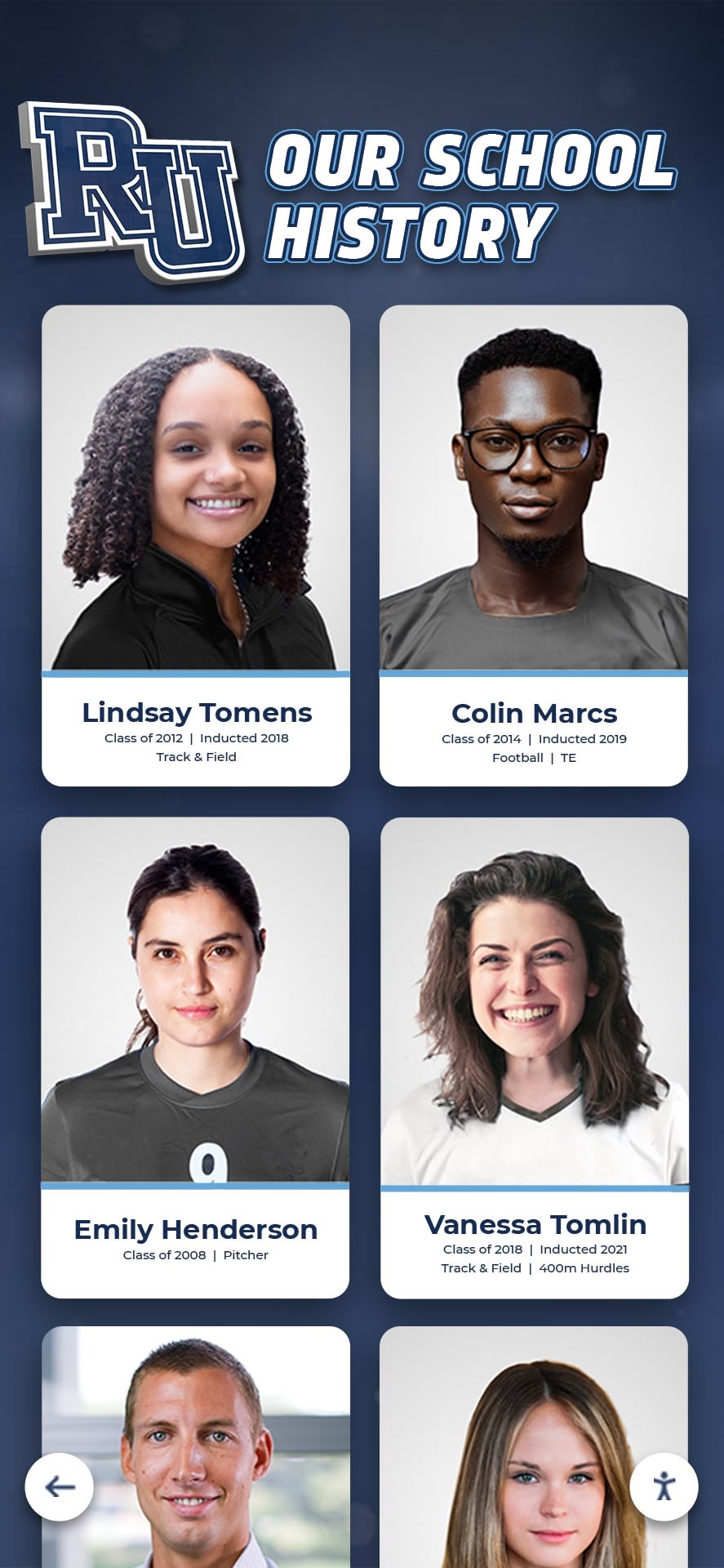
Analytics dashboards that track name-based searches reveal which inductees families seek out online — informing both web content priorities and in-building display rotations
Measurement: KPIs for the Hall of Fame Analytics Dashboard
The table below defines the key performance indicators for a recognition site, why each matters, and what a healthy benchmark looks like for a school hall of fame with an established induction history.
| KPI | Measurement Source | What It Shows | Watch For |
|---|---|---|---|
| Organic impressions per inductee profile | Search Console | Whether Google surfaces the profile for name-based queries | Profiles with zero impressions at 30 days may not be indexed |
| Click-through rate on profile pages | Search Console | Whether searchers choose the profile over other results | CTR below 2% at position 1–10 indicates weak title/description |
| Average engagement time on profiles | GA4 | Whether visitors read the full profile or exit immediately | Under 30 seconds average suggests the profile bio is too thin |
| New vs. returning visitors to category pages | GA4 | Whether alumni return to browse the inductee archive | High returning rate validates the ongoing value of the recognition program |
| On-site search terms with no matching page | GA4 Search Events | Names and categories visitors seek but cannot find | Flag for new content creation or navigation improvements |
| Organic traffic to ceremony/event pages | GA4 + Search Console | Whether induction ceremony announcements generate community reach | Traffic should spike 2–4 weeks before each ceremony date |
| Mobile engagement rate | GA4 | Whether families accessing profiles during events can use the site on phones | Engagement rate below 50% on mobile indicates usability issues |
| Pages per session from category entry | GA4 | Whether category index visitors browse into individual profiles | Under 1.5 pages per session suggests the index page is not surfacing enough inductee names |
Schools that are building toward a college commitment day digital recognition board or a senior recognition program alongside the hall of fame should add a separate KPI card for those content sections — the same dashboard structure applies to any recognition content type that generates profile-style pages.
Reusable Artifact: Hall of Fame Analytics Dashboard Setup Checklist
Copy this checklist into a shared document to track progress across IT, athletic administration, and advancement staff.
HALL OF FAME ANALYTICS DASHBOARD SETUP CHECKLIST

SEARCH CONSOLE SETUP
[ ] Hall of fame site verified in Google Search Console (domain property recommended)
[ ] XML sitemap submitted and confirmed as indexed
[ ] Performance report filtered to hall-of-fame URL path section
[ ] 90-day report exported as baseline before making any site changes
[ ] Top 20 profile pages by impressions documented in a shared spreadsheet

GOOGLE ANALYTICS 4 SETUP
[ ] GA4 property created and measurement tag confirmed active on all pages
[ ] Enhanced Measurement enabled (scroll, outbound clicks)
[ ] Custom explore report created: dimension = page path, metrics = sessions, engaged sessions, avg engagement time
[ ] Filter applied to show only the hall-of-fame section of the site
[ ] Report saved as a custom card in GA4 Reports Snapshot

ON-SITE SEARCH TRACKING
[ ] On-site search URL parameter identified (e.g., ?s= or ?q=)
[ ] Internal search parameter configured in GA4 stream settings
[ ] Search event confirmed in GA4 DebugView after running a test search
[ ] Monthly calendar reminder set to review top search terms

CONTENT GAP ANALYSIS
[ ] Search Console Performance report filtered: position <20, sorted by CTR ascending
[ ] Profile pages with >100 impressions and CTR <2% documented and flagged
[ ] Meta title and description audit complete for top 10 gap pages
[ ] Updated meta content submitted to CMS and sitemap resubmitted

DASHBOARD BUILD
[ ] Looker Studio (or GA4 custom dashboard) created with four report sections:
    [ ] Profile Search Performance (Search Console)
    [ ] Engagement Metrics (GA4)
    [ ] Category Browse Behavior (GA4)
    [ ] Content Gap Analysis (combined)
[ ] Dashboard link shared with athletic director, advancement team, IT coordinator
[ ] First weekly review session scheduled for 7 days after dashboard launch

ONGOING REVIEW CADENCE
[ ] Weekly review scheduled during induction season (profile searches, engagement spikes)
[ ] Monthly review scheduled in off-season (content gap refresh)
[ ] Annual audit scheduled within 30 days of each new induction class publication
[ ] Mobile engagement rate flagged for review if it drops below 50%
Q&A: Common Questions About Hall of Fame Analytics Dashboards
Q: Our hall of fame site is small — fewer than 100 inductee profiles. Is an analytics dashboard worth setting up?
Yes, and the smaller the site, the faster the setup and the more actionable the data. A site with 80 profiles will have Search Console data specific enough to identify exactly which profiles are invisible versus which are generating consistent impressions. The content gap analysis becomes a short, prioritized list rather than an overwhelming backlog.
Q: How long does it take for Search Console to show data after a new inductee profile is published?
Search Console begins reporting impressions once Google crawls and indexes the page. For a site with an active sitemap and established crawl history, most new profiles appear in the Performance report within 7–14 days. If a profile shows zero impressions at 30 days, check the URL in the URL Inspection tool within Search Console — the tool will show whether the page is indexed, blocked by robots.txt, or experiencing a crawl issue.
Q: What’s the single most important metric to review at a weekly glance?
Organic clicks to inductee profile pages, drawn from the Search Console Performance report filtered to profile URLs. This single number answers the core question: are the people the program honored being found by the families, alumni, and community members who search for them? Everything else — engagement time, CTR, on-site search terms — provides context for why that number is high or low.
Q: Should we track social media traffic to inductee profiles separately?
Yes. GA4 segments traffic by source automatically. Filter the Engagement report by Session source contains “facebook” or “instagram” to see whether ceremony announcements or inductee spotlights shared on social platforms generate meaningful profile traffic. High social traffic at low engagement time suggests visitors arriving via social context (a tagged post) exit quickly when they encounter a profile page without the framing of the original post. Adding a brief introduction at the top of each profile — one sentence on why this person was inducted — improves engagement for socially-referred visitors.
Q: Our school uses a touchscreen kiosk for the in-building hall of fame. Does the kiosk generate any analytics data?
It depends on the platform. Modern recognition kiosks built on cloud CMS platforms generate interaction logs that parallel web analytics: which inductees are searched, which profiles are opened, how long visitors dwell on each card, and which sport categories are browsed most frequently. When the kiosk platform and the website use the same recognition database, these on-screen interactions can be reviewed alongside web analytics to build a complete picture of how the recognition program is used across both channels.
Q: What counts as a “content gap” versus a profile that simply has low search demand?
A content gap is a profile page with meaningful impressions but low clicks — Google is showing the page in results, but searchers are not choosing it. That pattern indicates a fixable problem (weak title, unclear description, low perceived authority of the page). A profile with near-zero impressions may simply reflect low search demand for that specific name — which is not a content gap, it is a realistic assessment of organic reach. Focus content gap remediation effort on pages with impressions above 50 and CTR below 3%.
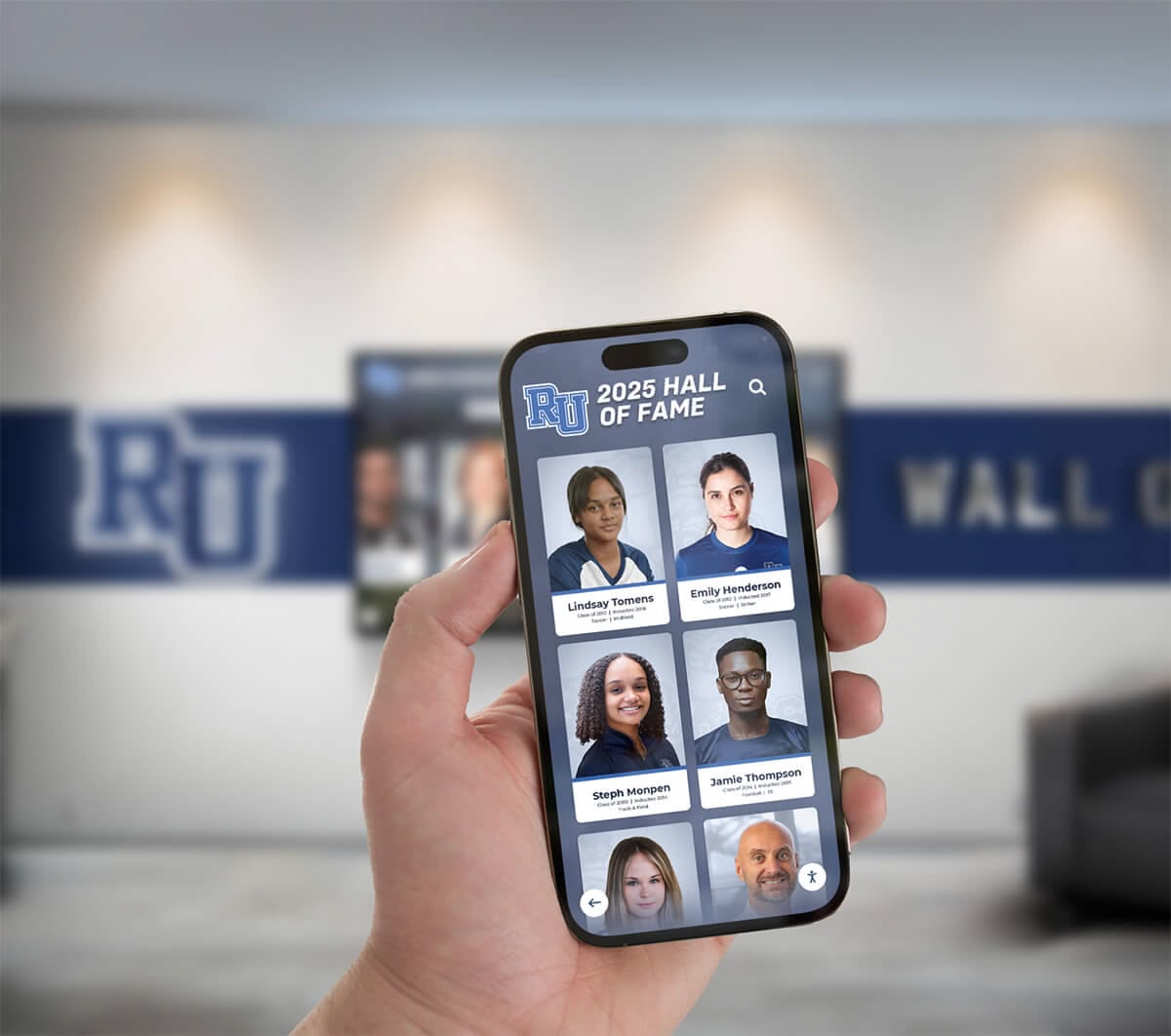
Mobile analytics data reveals the devices families use to access inductee profiles during events — informing both site optimization and in-building display placement decisions
Recognition Beyond Athletics: Applying the Dashboard to All Honor Categories
The analytics framework in this guide applies to every recognition category a school operates — not only athletic halls of fame. Academic honor boards, performing arts recognition walls, service award archives, and coach recognition galleries all produce profile pages that generate name-based searches.
The KPI table above applies without modification to academic inductee profiles, with one adjustment: the search queries driving impressions will be academic achievement names and award titles rather than sport-specific names. A student recognized for a state academic competition may generate as many search impressions as a varsity athlete inductee, particularly if the achievement received local news coverage that reinforced the name association.
Schools planning senior recognition events — including graduation recognition programs that extend into digital and display formats — can apply the same dashboard structure to graduation recognition content with ceremony date filters that segment traffic by event proximity.
The consistent principle across all recognition categories: publishing the profile is not the final step. Confirming that the profile is found — by the person it honors, by their family, and by the community — is the finish line. An analytics dashboard makes that confirmation routine rather than aspirational.
Measure Recognition Impact Without Building Analytics From Scratch
The hall of fame web analytics dashboard workflow in this guide requires connecting multiple tools and maintaining a manual review cadence. A purpose-built recognition platform integrates profile publishing, sitemap management, structured data, and performance reporting into a single system — so your athletic director and advancement team see which inductee profiles are being found without running a separate analytics project.
Live Example: Rocket Alumni Solutions Touchscreen Display
Interact with a live example (16:9 scaled 1920x1080 display). All content is automatically responsive to all screen sizes and orientations.































