Hall of Fame Structured Data Markup Checklist: Make Inductee Profiles Easier to Discover
- Home /
- Digital Hall of Fame Insights & Resources /
- Hall of Fame Structured Data Markup Checklist: Make Inductee Profiles Easier to Discover

The Easiest Touchscreen Solution




Live Example: Rocket Alumni Solutions Touchscreen Display
Interact with a live example (16:9 scaled 1920x1080 display). All content is automatically responsive to all screen sizes and orientations.
School hall of fame websites carry some of the most durable recognition content published online—inductee profiles that families search by name decades after the original ceremony, championship records that alumni connect to their identity, and award histories spanning entire generations of a school community. When that content lacks structured data markup, search engines can read the text but cannot reliably classify it: they cannot identify a page as a profile about a specific person, associate it with a sport or induction year, or surface it in the AI Overviews and People Also Ask panels that now appear for many name-based queries.
Structured data markup—schema.org vocabulary delivered as JSON-LD inside the page <head>—does not change what inductees and families see when they visit a profile. It layers a standardized language on top of existing content so search engines, AI assistants, and voice tools can answer recognition-related queries confidently. This hall of fame structured data markup checklist covers the five schema types that fit recognition content, explains what each property should contain on a real inductee profile page, and closes with a copy-paste validation workflow that school IT coordinators, athletic directors, and advancement staff can run alongside each induction cycle.

Structured data markup helps search engines surface inductee profiles just as reliably as an in-building touchscreen surfaces them to visitors
Program Snapshot
Use this table to scope the implementation project for your institution before assigning technical resources.
| Dimension | Details |
|---|---|
| Primary audience | IT coordinators, athletic directors, advancement staff, web administrators |
| Content markup targets | Inductee profile pages, category index pages, induction ceremony announcements |
| Schema types covered | Person, ImageObject, Event, BreadcrumbList, Organization |
| Implementation method | JSON-LD inside <script type="application/ld+json"> in the page <head> |
| Validation tools | Google Rich Results Test, Schema Markup Validator (schema.org) |
| Recommended cadence | Add schema when profiles are created; validate within 48 hours of each induction class addition |
| Outcome | Inductee profiles eligible for rich results, AI Overview citations, and breadcrumb display in search |
Structured data does not guarantee a rich result—search engines decide whether to display one—but correct markup is the prerequisite. Without it, recognition profiles that have been live for years remain invisible to the classification layer that drives featured answers and entity panels.
Five Schema Types That Fit Hall of Fame Inductee Profiles
Each schema type below maps to a specific piece of recognition content. All five can be implemented on the same inductee profile page using separate <script type="application/ld+json"> blocks, or combined into a single block where the types nest naturally.
1. Person Schema
The Person type is the core schema for any inductee profile page. It tells search engines that this page is primarily about a specific individual, connects the individual to the school that recognized them, and attaches the award or induction event to their record.
Required properties for hall of fame inductee profiles:
name— Full legal name as used in the induction recorddescription— One to three sentences summarizing the athletic or academic career being recognized; pull from the existing profile bioimage— URL to the inductee’s profile photo (nest anImageObjecthere for richer output)alumniOf— The school or institution that awarded recognitionaward— The specific honor: “Athletic Hall of Fame Inductee, Class of [Year]”
JSON-LD template:
{
  "@context": "https://schema.org",
  "@type": "Person",
  "name": "Inductee Full Name",
  "description": "Brief career summary drawn from the existing profile bio.",
  "image": {
    "@type": "ImageObject",
    "url": "https://yourschool.edu/images/inductee-name.jpg",
    "caption": "Inductee Full Name, Hall of Fame Class of [Year]"
  },
  "alumniOf": {
    "@type": "EducationalOrganization",
    "name": "Your School Name"
  },
  "award": "Athletic Hall of Fame Inductee, Class of [Year]",
  "knowsAbout": "Sport or Achievement Category"
}
Add sameAs with a link to a verified public profile (an official team archive page, a state athletic association record, or an archived news article) if one exists. This strengthens entity disambiguation and helps search engines connect the local recognition record to broader knowledge graphs.
2. ImageObject Schema
When a Person schema references an image, nesting an ImageObject inside that reference is the clearest signal to search engines about what the photograph depicts. A standalone ImageObject block is also appropriate when the inductee’s photo is the primary subject of a gallery or media page.
Key properties:
contentUrl— The absolute URL of the image filedescription— A sentence describing who appears in the photo and in what contextcaption— A short display caption, typically name and induction yearencodingFormat— The MIME type:"image/jpeg","image/webp","image/png"
When inductee photos meet the photo requirements for digital hall of fame profiles, adding precise ImageObject markup amplifies the discoverability benefit of those photos beyond the profile page itself.
3. BreadcrumbList Schema
BreadcrumbList markup signals the hierarchy of the recognition site to search engines and enables breadcrumb display in search results—the navigation trail (Home > Hall of Fame > Football > Inductee Name) that appears beneath the page title in organic listings.
For hall of fame websites with deep category structures, breadcrumb markup is particularly valuable because inductee profiles sit several levels below the homepage. Without explicit breadcrumb schema, search engines may show a generic URL instead of the meaningful hierarchy.
JSON-LD template:
{
  "@context": "https://schema.org",
  "@type": "BreadcrumbList",
  "itemListElement": [
    {
      "@type": "ListItem",
      "position": 1,
      "name": "Home",
      "item": "https://yourschool.edu/"
    },
    {
      "@type": "ListItem",
      "position": 2,
      "name": "Hall of Fame",
      "item": "https://yourschool.edu/hall-of-fame/"
    },
    {
      "@type": "ListItem",
      "position": 3,
      "name": "Football",
      "item": "https://yourschool.edu/hall-of-fame/football/"
    },
    {
      "@type": "ListItem",
      "position": 4,
      "name": "Inductee Full Name",
      "item": "https://yourschool.edu/hall-of-fame/football/inductee-name/"
    }
  ]
}
Match the item URLs exactly to the canonical URLs in the XML sitemap. A discrepancy between breadcrumb schema URLs and actual page URLs can suppress breadcrumb display in search results.
4. Event Schema
When the school publishes a page for the induction ceremony itself—or embeds ceremony details on the hall of fame landing page—Event schema tells search engines that the content describes a real-world scheduled gathering. Event rich results can display date, time, location, and organizer information directly in search pages, which is valuable for alumni and family members planning to attend.
Schools that plan annual football banquet programs and induction dinners can apply Event schema to both the ceremony announcement page and any individual sport category announcement to maximize event visibility across multiple search queries.
JSON-LD template:
{
  "@context": "https://schema.org",
  "@type": "Event",
  "name": "School Name Athletic Hall of Fame Induction Ceremony",
  "startDate": "2026-09-20T18:00:00",
  "endDate": "2026-09-20T21:00:00",
  "eventStatus": "https://schema.org/EventScheduled",
  "eventAttendanceMode": "https://schema.org/OfflineEventAttendanceMode",
  "location": {
    "@type": "Place",
    "name": "School Gymnasium or Event Venue",
    "address": {
      "@type": "PostalAddress",
      "addressLocality": "City",
      "addressRegion": "State",
      "addressCountry": "US"
    }
  },
  "organizer": {
    "@type": "Organization",
    "name": "School Name Athletic Department",
    "url": "https://yourschool.edu/"
  }
}
Update eventStatus to https://schema.org/EventCancelled or https://schema.org/EventPostponed if the ceremony status changes. Search engines read this property to suppress outdated event listings.
5. Organization Schema
Organization (or the more specific EducationalOrganization) markup on the school’s hall of fame landing page or homepage tells search engines the institutional identity behind the recognition program. It also anchors the alumniOf and organizer references used in Person and Event schema throughout the site.
JSON-LD template:
{
  "@context": "https://schema.org",
  "@type": "EducationalOrganization",
  "name": "Your School Name",
  "url": "https://yourschool.edu/",
  "logo": {
    "@type": "ImageObject",
    "url": "https://yourschool.edu/images/school-logo.png"
  },
  "address": {
    "@type": "PostalAddress",
    "addressLocality": "City",
    "addressRegion": "State",
    "addressCountry": "US"
  },
  "sameAs": [
    "https://www.facebook.com/yourschoolname",
    "https://twitter.com/yourschoolname"
  ]
}
Place Organization schema on the primary hall of fame landing page rather than on every individual inductee profile. This avoids redundant markup across hundreds of profile pages while still providing the institutional anchor reference that Person and Event schema depend on.

Schema markup applied at the page template level ensures every inductee profile generated by the CMS carries correct structured data automatically
Schema for Category Index Pages
A hall of fame website typically has index pages for each sport or recognition category—pages like /hall-of-fame/basketball/ or /hall-of-fame/academic/ that list all inductees within that category. These pages benefit from ItemList schema, which signals to search engines that the page is an organized collection of related entities.
ItemList template (abbreviated):
{
  "@context": "https://schema.org",
  "@type": "ItemList",
  "name": "Basketball Hall of Fame Inductees",
  "description": "All basketball inductees in the School Name Athletic Hall of Fame",
  "itemListElement": [
    {
      "@type": "ListItem",
      "position": 1,
      "url": "https://yourschool.edu/hall-of-fame/basketball/inductee-one/"
    },
    {
      "@type": "ListItem",
      "position": 2,
      "url": "https://yourschool.edu/hall-of-fame/basketball/inductee-two/"
    }
  ]
}
Schools that also display championship brackets and tournament records on their recognition platform—including digital displays for high school state championship brackets—can apply the same ItemList approach to championship record pages to extend structured data coverage beyond individual inductee profiles.
Content Architecture: Mapping Schema to Recognition Content
Every piece of recognition content on a hall of fame website maps to a schema type. The table below shows how the most common content nodes align with the five schema types covered in this checklist.
| Content Node | Primary Schema Type | Secondary Schema Type |
|---|---|---|
| Individual inductee profile | Person | ImageObject, BreadcrumbList |
| Inductee photo | ImageObject | (nested inside Person) |
| Sport or category index page | ItemList | BreadcrumbList |
| Induction ceremony announcement | Event | Organization |
| School or department landing page | EducationalOrganization | — |
| FAQ section (≥3 questions) | FAQPage | — |
| Blog post about the hall of fame | Article | BreadcrumbList |
Sport-specific recognition programs—from track and field record archives to cross country achievement histories—benefit from applying this content architecture systematically rather than schema-marking pages one at a time. Template-level implementation means every new inductee profile receives correct Person and BreadcrumbList schema automatically.
Schools with non-athletic recognition programs, including academic honor boards and debate team achievement displays, should apply the same Person schema template to academic inductees using the award property to reflect the specific honor category (academic excellence, service, performing arts) rather than a sport.
Reusable Artifact: Hall of Fame Structured Data Markup Checklist
Copy this checklist into a shared document, project management tool, or email thread to track implementation progress across IT and athletic department stakeholders.
HALL OF FAME STRUCTURED DATA MARKUP CHECKLIST

PREPARATION
[ ] Identify which pages need schema: profile pages, index pages, ceremony pages, landing page
[ ] Confirm canonical URL structure matches XML sitemap URLs
[ ] Confirm CMS allows <script> tags in the page <head> or supports a schema/structured-data field
[ ] Choose implementation method: template-level JSON-LD (recommended) or per-page manual entry
[ ] Download and save copies of the five JSON-LD templates from this checklist

PERSON SCHEMA — apply to every inductee profile page
[ ] name: matches the official induction record name exactly
[ ] description: 1–3 sentences drawn from existing profile bio (not invented)
[ ] image.url: absolute URL to profile photo; confirmed image loads at that URL
[ ] image.caption: includes name and induction year
[ ] alumniOf.name: matches the school name used in Organization schema
[ ] award: includes the specific recognition title and class year
[ ] knowsAbout: reflects the sport or recognition category
[ ] sameAs: populated where a verified external record exists; omitted where none does

IMAGEOBJECT SCHEMA — apply when inductee photos are the primary content
[ ] contentUrl: absolute URL to the image file
[ ] description: describes who is pictured and the recognition context
[ ] caption: short display text matching what appears on the page
[ ] encodingFormat: correct MIME type (image/jpeg, image/webp, image/png)

BREADCRUMBLIST SCHEMA — apply to every profile page and index page
[ ] item URLs match canonical profile URLs exactly (same protocol, trailing slash, no parameters)
[ ] name values match the actual page titles in the navigation hierarchy
[ ] position numbers are sequential starting from 1
[ ] The final ListItem URL matches the URL of the page being marked up

EVENT SCHEMA — apply to ceremony announcement or event pages
[ ] name: includes the school name and event title
[ ] startDate and endDate: ISO 8601 format (YYYY-MM-DDTHH:MM:SS)
[ ] eventStatus: reflects confirmed, cancelled, or postponed status
[ ] eventAttendanceMode: OfflineEventAttendanceMode for in-person ceremonies
[ ] location.name: matches the real venue name
[ ] location.address: all PostalAddress fields populated
[ ] organizer.name: matches the school or department name used in Organization schema

ORGANIZATION SCHEMA — apply to the hall of fame landing page or school homepage
[ ] name: legal name of the school or educational organization
[ ] url: canonical homepage URL
[ ] logo.url: absolute URL to school logo image; confirmed image loads
[ ] address: PostalAddress fields populated
[ ] sameAs: list of verified official social and directory profiles

VALIDATION
[ ] Paste each JSON-LD block into Google Rich Results Test (search.google.com/test/rich-results)
[ ] Confirm no errors (red); review and resolve any warnings (orange)
[ ] Paste each block into Schema Markup Validator (validator.schema.org)
[ ] Confirm no critical errors; review property-level warnings
[ ] Check live page source to confirm JSON-LD block appears inside <head>
[ ] Confirm <script type="application/ld+json"> tag is used (not type="text/javascript")
[ ] Test 3–5 inductee profile pages representing different sports and induction years

POST-LAUNCH MONITORING
[ ] Submit updated sitemap in Google Search Console after schema deployment
[ ] Monitor Search Console Enhancements reports for structured data errors (allow 1–2 weeks)
[ ] Re-run Rich Results Test on any profile flagged in the Enhancements report
[ ] Schedule a full schema validation pass within 48 hours of each new induction class launch
[ ] Document the schema template version used so updates propagate consistently
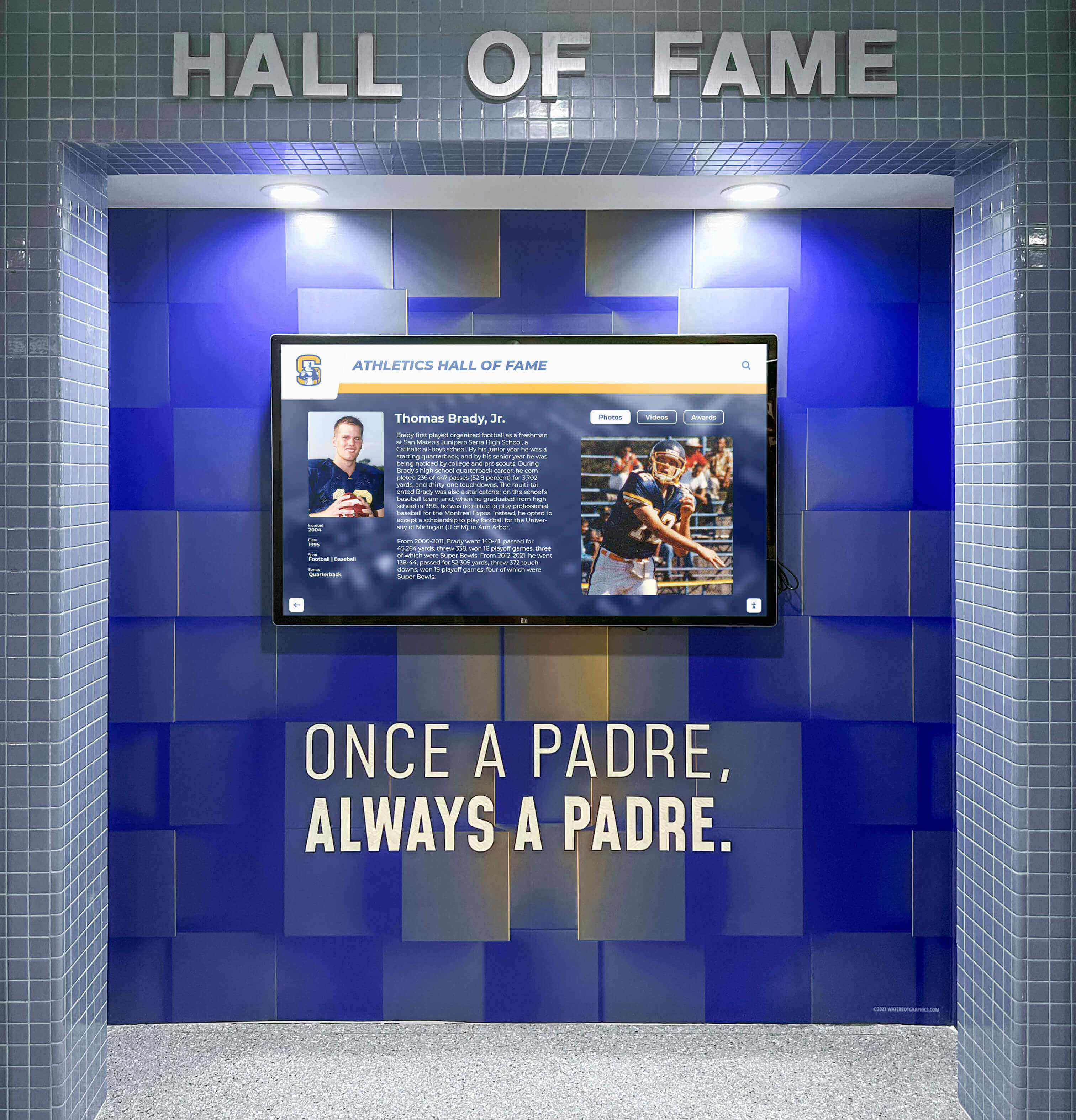
Consistent schema markup across every inductee profile page mirrors the visual consistency that well-maintained physical hall of fame displays deliver in-building
Execution Timeline: Plan → Build → Launch → Monitor
Structure the schema implementation as a four-phase project to keep IT, the athletic department, and content administrators aligned on responsibilities and deadlines.
Phase 1 — Plan (Week 1)
- Assign a schema owner: typically the IT coordinator or web administrator
- Inventory all page types requiring schema: profile pages, index pages, ceremony pages, landing pages
- Confirm that the CMS supports template-level
<script>tag injection in the<head>; if not, identify an alternative (a structured-data plugin, a theme snippet, or a per-page custom field) - Document the canonical URL pattern for inductee profiles to verify BreadcrumbList URLs before writing templates
- Identify which external records (state athletic association archives, school news stories, verified social profiles) can populate
sameAsfields
Athletic programs that track recognition history alongside active competition seasons—including wrestling tournament results and inductee archives and track and field achievement records—benefit from completing the planning phase before the competitive season begins, when IT resources are less constrained by event-day support demands.
Phase 2 — Build (Weeks 2–3)
- Write Person and BreadcrumbList schema templates in the CMS theme or template layer
- Test the template on three to five representative profile pages covering different sports, graduation decades, and induction years
- Write the Organization schema block and deploy it to the hall of fame landing page
- Write Event schema for the current induction ceremony announcement page
- Run validation on all implemented pages before deployment to the full profile catalog
If the CMS generates profile pages dynamically from a database, schema templates should reference the same database fields that populate the visible profile content. Dynamic JSON-LD generation keeps the schema synchronized with the displayed text automatically.
Phase 3 — Launch (Week 4)
- Deploy schema templates to all inductee profile pages in the catalog
- Confirm
<script type="application/ld+json">blocks appear in the page source of a sampling of live profiles - Run the Google Rich Results Test on five to ten profiles spanning the full induction history
- Resubmit the XML sitemap in Google Search Console to prompt a fresh crawl cycle
Phase 4 — Monitor (Ongoing)
- Check the Search Console Enhancements tab two weeks after deployment for any structured data errors
- Run schema validation on all new profiles within 48 hours of each induction class addition to the CMS
- Schedule a full catalog validation pass once per academic year, timed to follow the annual induction ceremony
- Document the schema template version so that future CMS platform migrations preserve correct markup
A recognition platform built specifically for school hall of fame programs—like Rocket Alumni Solutions—generates structured data for inductee profiles automatically as part of the content publishing workflow. Request a free custom demo to see how schema markup, canonical URL management, and touchscreen content delivery work together in a single system built for school recognition teams.
Validation: Testing Schema Before and After Launch
Running structured data through a validator is not optional—it is the only way to confirm that what you wrote is what search engines will read. Two tools cover the validation workflow completely.
Google Rich Results Test (search.google.com/test/rich-results)
Paste the JSON-LD block directly, or enter a live URL, to see which rich result types the page is eligible for. The tool reports errors (which prevent rich results) separately from warnings (which indicate incomplete but not broken markup). Resolve all errors before launch; address warnings where the missing property is available.
Schema Markup Validator (validator.schema.org)
This tool validates against the full schema.org specification rather than Google’s subset. It surfaces property-level issues—incorrect value types, deprecated properties, missing recommended fields—that the Rich Results Test may not flag. Run both tools on the same page for complete coverage.
Common validation errors in hall of fame schema:
| Error | Cause | Resolution |
|---|---|---|
Missing field "name" | Person block lacks a name property | Add inductee full name as a string |
Invalid URL in image.url | Relative path used instead of absolute URL | Change to full URL including https:// |
Wrong type for "startDate" | Date formatted as "September 20, 2026" instead of ISO 8601 | Reformat to "2026-09-20T18:00:00" |
itemListElement out of order | Position values not sequential | Renumber from 1 in hierarchy order |
| JSON parse error | Trailing comma after last property | Remove trailing comma; validate JSON syntax |
For schools that also manage physical recognition displays alongside the digital platform, correct schema markup on the website creates a consistent identity layer that connects the online profile to the in-building experience without requiring separate maintenance workflows.

Schema markup applied at the template level ensures every inductee profile—on every device—carries consistent structured data from the moment it is published
Display Integration: Structured Data and Touchscreen Recognition
A hall of fame structured data markup project is not only an SEO exercise. The same content signals that schema markup communicates to search engines—name, sport category, induction year, school affiliation, image—are the same content fields that drive the search and browse experience on in-building touchscreen displays.
Modern recognition kiosks populate their on-screen search index from the same content database that feeds the public website. When a profile’s structured data is complete and validated, the touchscreen search interface can surface it immediately by name, sport, graduation year, or award type. When schema is incomplete or absent, on-screen search may rely on free-text parsing of the bio copy, which produces less reliable results—especially for inductees whose names are common or whose sport is listed only in a category tag rather than the profile body.
The digital display platform capabilities available through Rocket Alumni Solutions include unlimited inductee profiles, ADA WCAG 2.1 AA compliance, cloud CMS management, and automatic sitemap and schema publishing—so schools do not need to run a separate structured data implementation project alongside the display installation.
Connecting the schema workflow to the touchscreen content workflow ensures:
- A profile added to the cloud CMS appears simultaneously on the public website and the in-building kiosk with correct metadata
- Updates to profile fields (corrected sport category, updated photo, refined bio) propagate to both channels without a separate manual step
- Organization schema on the school landing page anchors the institutional identity used by both the web and kiosk search layers
Recognition Beyond Athletics
The five schema types in this checklist apply equally to non-athletic recognition programs. Academic honor boards, performing arts halls of fame, service award galleries, and coach recognition walls all generate inductee profile pages that benefit from Person and BreadcrumbList schema applied at the template level.
The only adjustment required is the award property in Person schema, which should reflect the specific honor category:
- Athletic recognition:
"Athletic Hall of Fame Inductee, Class of [Year]" - Academic recognition:
"Academic Excellence Award, [Year]" - Service recognition:
"Community Service Hall of Fame, Class of [Year]" - Coach recognition:
"Coach of the Year Inductee, [Year]"combined with"jobTitle": "Head Coach, [Sport]"
A schema implementation that covers only athletic inductees and misses academic, arts, and service honorees creates a partial discoverability gap. Running the checklist against all recognition categories in a single implementation cycle resolves this comprehensively.
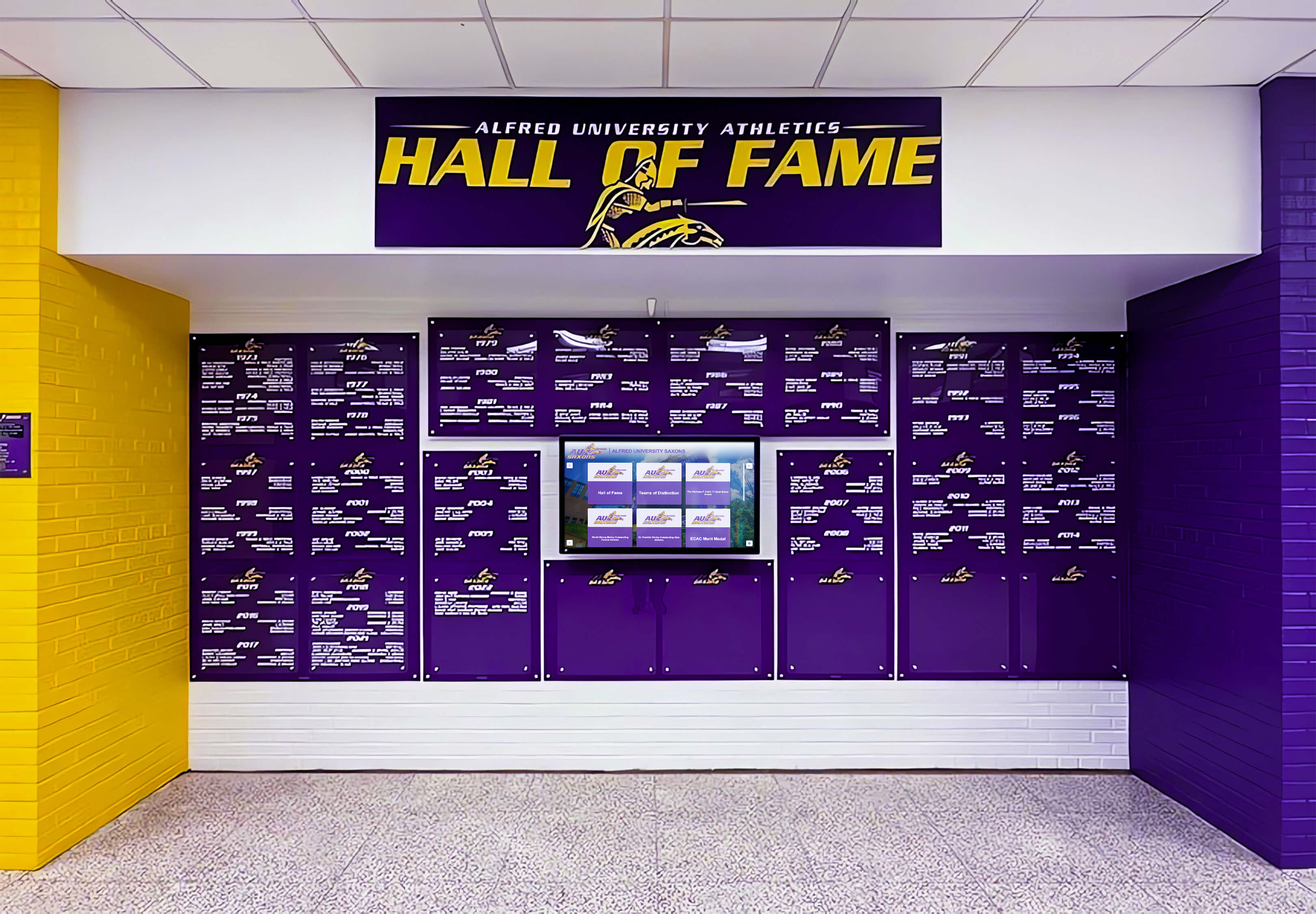
Structured data markup applies across all recognition categories—athletics, academics, arts, and service—so every inductee is equally discoverable
Measurement: What Changes After Schema Deployment
Structured data does not produce immediate ranking changes. It changes the format in which search engines can display recognition content. The most meaningful signals to monitor after deployment are:
- Rich result appearances — Track in Google Search Console under Search Results > Search Appearance. Filter for Breadcrumbs or any applicable rich result type to see how often schema-enabled formatting appears in search.
- Click-through rate on inductee profile pages — Rich results (breadcrumb trails, event cards, person panels) typically improve CTR compared to standard blue-link listings for name-based queries, because the result looks more authoritative and informative.
- Search Console Enhancements errors — A baseline reading immediately after deployment and a follow-up check at 30 days shows whether schema is being parsed correctly at scale.
- Indexation rate of new profiles — Track whether profiles added after schema deployment reach indexed status faster than profiles added before. Structured data is one signal that helps search engines prioritize crawl resources.
Do not use structured data metrics in isolation to evaluate the recognition program. Combine them with qualitative feedback from inductees and families—whether profiles are surfacing when searched by name is a signal that the people the recognition program serves can use directly.
Deploy Structured Data Markup Without a Manual Implementation Project
The hall of fame structured data markup checklist in this guide covers what a school needs to implement schema from scratch on a general-purpose CMS. A purpose-built recognition platform handles Person, BreadcrumbList, and Organization markup automatically for every inductee added to the cloud CMS—so your IT and athletic teams spend their time recognizing honorees, not writing JSON-LD.
Live Example: Rocket Alumni Solutions Touchscreen Display
Interact with a live example (16:9 scaled 1920x1080 display). All content is automatically responsive to all screen sizes and orientations.































