




Digital hall of fame skip link testing is the process of verifying that keyboard-only visitors to your recognition website or kiosk interface can press Tab and then Enter at the top of the page to jump directly into inductee profiles, sport rosters, or decade archives—bypassing the full navigation header on every page load. A working skip link satisfies WCAG 2.1 Success Criterion 2.4.1 (Bypass Blocks), a Level A requirement that applies to any publicly accessible digital recognition site. Without it, a keyboard user navigating your football hall of fame must tab through every site-wide menu link on every page before reaching a single inductee name. This guide gives athletic directors, administrators, IT staff, and archive stewards a repeatable testing workflow they can complete in under 30 minutes, with no specialist tools required.
When a parent of a 1998 letter-winner visits your digital hall of fame from a library computer with no mouse, or when an alumnus with a motor disability navigates your award archive by keyboard alone, the first test they encounter is whether the site lets them skip the header and reach the content they came for. Skip links are the mechanism that makes that possible—and digital hall of fame skip link testing is how administrators confirm those links are working correctly before an accessibility audit or community event surfaces the gap publicly.

A layered navigation menu like this one contains multiple tab stops that keyboard visitors must pass through on every page—skip links let them jump directly to inductee content instead
Program Snapshot: Skip Link Testing for School Hall of Fame Sites
Map the scope of the test before opening a browser. The table below defines the key parameters for schools at any stage of digital recognition.
| Planning Element | Details |
|---|---|
| Primary Audience | Athletic directors, IT administrators, facilities coordinators, archive stewards, accessibility compliance leads |
| What Is Being Tested | Presence, visibility, destination, and keyboard operability of skip navigation links on the hall of fame website or web-based kiosk interface |
| Tools Required | A modern browser (Chrome, Firefox, Edge, or Safari), a keyboard, a browser developer tools panel, and optionally a screen reader such as NVDA (Windows, free) or VoiceOver (macOS, built-in) |
| WCAG Criterion | 2.4.1 Bypass Blocks — Level A; also supports 2.4.3 Focus Order — Level A |
| Time Investment | 20–30 minutes for an initial audit; 10 minutes for a spot-check after content or theme updates |
| Failure Consequence | Keyboard and switch-access visitors must tab through every navigation link on every page before reaching inductee content |
| Pass Condition | A visible skip link appears at the first Tab press, activating it moves keyboard focus to the main inductee content region, and that region is reachable without additional workarounds |
| ADA Relevance | Public school recognition sites accessible to the community are subject to digital accessibility requirements; Level A bypass is among the most foundational criteria |
What Skip Links Are and Why They Matter for Recognition Archives
A skip link is an anchor element placed at the very beginning of a page’s HTML—before the site header, logo, and navigation menu—that allows keyboard users to jump focus directly to a named target region on the same page. The most common implementation looks like this in rendered form: when a visitor presses Tab on any page of your digital hall of fame, the first focusable element they encounter is a link labeled “Skip to main content” or “Skip to inductee profiles.” Pressing Enter on that link moves keyboard focus instantly past the header and into the content area where inductee records appear.
For a school hall of fame website with a typical structure—site header, sport-category navigation, decade filter bar, and then inductee profile cards—a visitor without a mouse must tab through every navigation link before arriving at the first inductee name. On a site with ten sport categories and six decade filters, that may mean sixteen or more Tab presses on every page load. Skip links eliminate that barrier in a single keypress.
The importance of this test increases with the depth of your recognition archive. A hall of fame covering thirty years of athletics across multiple sports will have an extensive navigation structure. A complete keyboard navigation checklist for digital hall of fame installations covers all keyboard-access requirements; skip link testing is the single highest-impact item in that checklist because it affects every page load for every keyboard visitor.
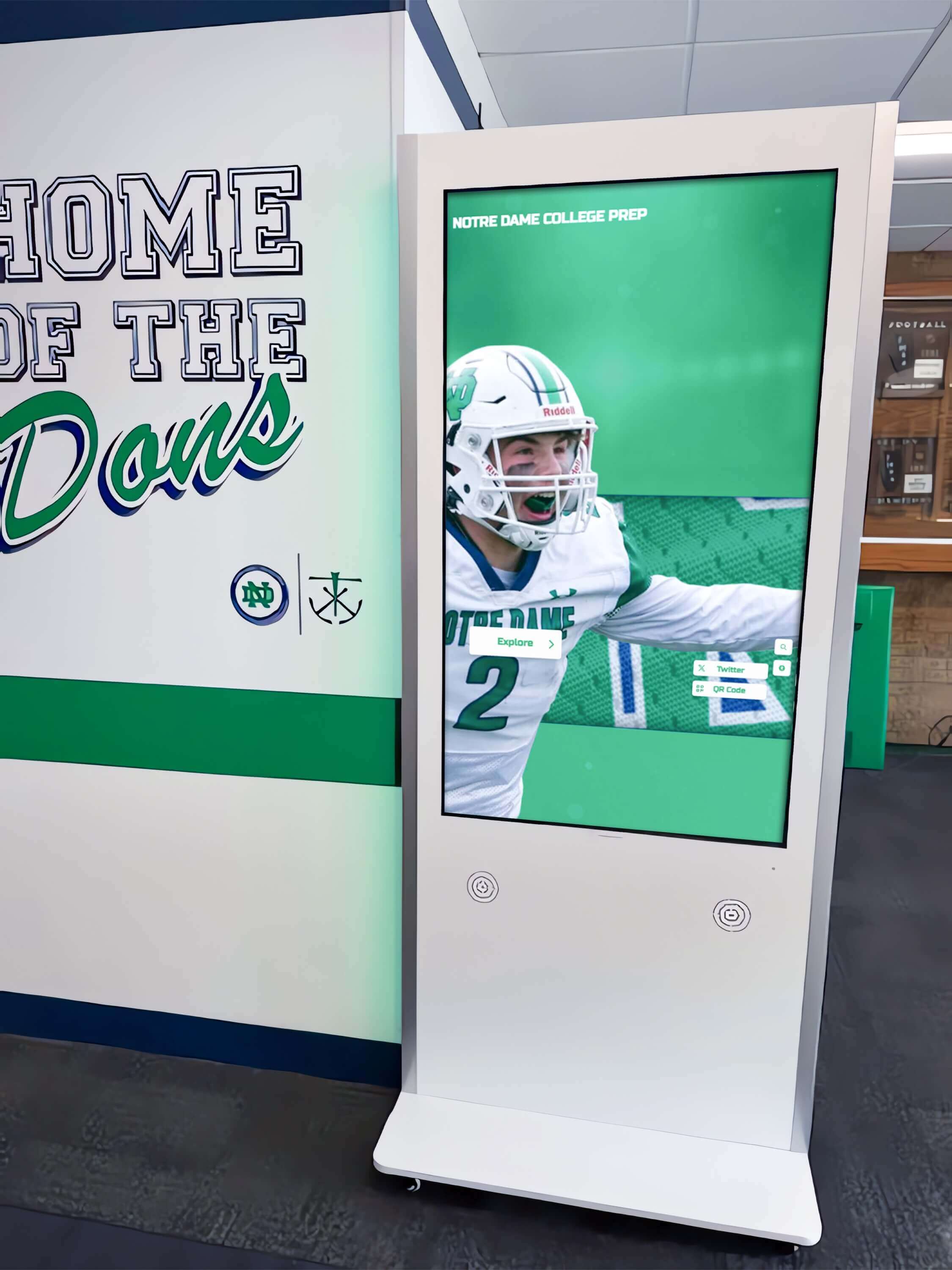
Kiosk interfaces with deep sport and year navigation layers benefit most from verified skip-link implementation—keyboard visitors can move directly to the football inductee list rather than tabbing through every menu category
Content Architecture: How Skip Links Connect to Inductee Content
A digital hall of fame typically organizes content into four navigational regions, each of which creates tab-stop overhead for keyboard visitors:
| Region | Typical Tab Stops | Skip Link Benefit |
|---|---|---|
| Site header | Logo link, utility links, search field | Bypassed entirely when skip link is active |
| Primary navigation | Sport categories (6–15 links), year-range filters | Bypassed entirely |
| Secondary filters | Gender, award type, era | Bypassed entirely |
| Main content area | First inductee card, profile links | Jump destination — first focus point after skip |
The main content region is the skip link’s destination. In HTML terms, the page’s primary <main> element, or a region assigned id="main-content", receives focus when the skip link is activated. Every inductee card, sport roster link, and decade archive link lives inside that region.
For platforms that publish both a web directory and a kiosk interface from the same content base, the skip link test applies to the web-facing layer. The kiosk interface presents a different interaction model (touch-first, with keyboard treated as a secondary input), but the web directory serves visitors who arrive from search, from QR codes in your physical trophy case, or from a direct URL shared in a program booklet.
Digital hall of fame donor wall displays often share the same web platform as athlete recognition archives—any skip link verification you complete for your athletic hall of fame also protects keyboard access to donor and giving-recognition content on the same domain.
Step-by-Step Digital Hall of Fame Skip Link Testing Workflow
Step 1: Open the Hall of Fame Homepage in a Browser
Navigate to your digital hall of fame website in Chrome, Firefox, or Edge. Do not log in to the CMS. You want to test the public-facing page exactly as a visitor encounters it—without any administrative session that might modify the page’s rendering.
Step 2: Press Tab Once Without Clicking
Click anywhere on the browser’s address bar or URL field to ensure focus starts outside the page. Then press Tab once. Observe what happens on screen.
Pass condition: A skip link appears in the upper-left corner of the page, labeled something like “Skip to main content,” “Skip to inductee profiles,” or “Skip navigation.” The link should be visually distinguishable—keyboard-focus styling, a solid background color, sufficient contrast against the page background.
Fail condition A: Nothing appears visibly on screen after pressing Tab. The focus has moved to a navigation element but without visible indication. This means the skip link is either absent or styled with display:none or visibility:hidden, which removes it from the keyboard tab order entirely.
Fail condition B: Focus moves directly to a logo link or the first navigation menu item, with no skip link appearing. The skip link is absent.
Fail condition C: A skip link label appears but the link text is blank, generic, or incorrect—for example, “Click here” with no destination context. This satisfies keyboard operability but fails WCAG 2.4.6 (Headings and Labels) for descriptiveness.
Step 3: Press Enter on the Skip Link
If a skip link appeared in Step 2, press Enter to activate it. Observe what happens on screen.
Pass condition: Visual keyboard focus—a visible outline or highlight—appears on the first interactive element inside the main inductee content area: typically the first inductee name link, the first sport-category filter, or the search field for the archive. The browser’s scroll position jumps past the navigation header.
Fail condition A: The URL in the address bar changes to include a fragment identifier (for example, #main-content) but keyboard focus remains at the top of the page, not on any element inside the target region. This is a common implementation error where the anchor destination exists in HTML but the target element lacks tabindex="-1", so it cannot receive programmatic focus.
Fail condition B: The page scrolls visually to the content area but no element within that area shows a focus indicator. Keyboard focus is lost—the visitor must press Tab again from an unknown starting point.
Fail condition C: Activating the skip link navigates to a different page or to an incorrect section of the page.

Whether a visitor uses touch or keyboard input, the destination is the same—the inductee content area. Skip link testing verifies keyboard users arrive there in a single step
Step 4: Test on an Interior Page
Skip links must work on every page of the site, not only the homepage. Navigate to a sport-specific inductee list or a decade archive page. Repeat Steps 2 and 3 on that page.
Why interior pages matter: Some platforms implement skip links only on the homepage or inject them inconsistently across templates. A visitor who lands on your football inductees page directly from a search engine result—without passing through the homepage—will encounter the same navigation overhead on that page as on the homepage. The skip link must be present and functional on every page that has a repeating navigation header.
Step 5: Check Skip Link Visibility in Default State
WCAG 2.4.1 does not require skip links to be permanently visible—a skip link that appears only on keyboard focus is acceptable. However, if your platform renders skip links that are permanently visible (not hidden until focus), verify that they meet WCAG 1.4.3 contrast requirements: a minimum contrast ratio of 4.5:1 for normal-sized text against the background color.
To check contrast without specialist tools, open the browser developer panel (F12), select the skip link element, and note its foreground and background color values. Use those values in a contrast-ratio checker to confirm compliance.
Step 6: Verify the Target Region Is Reachable Without a Skip Link
As a baseline comparison, test what happens when a keyboard visitor does not use the skip link. Press Tab repeatedly from the top of the page and count how many tab stops must be passed before focus reaches the first inductee link in the main content area. Document this number.
This count gives you the accessibility impact of a missing or broken skip link: it equals the number of additional Tab presses required per page load for every keyboard visitor. For a hall of fame with fifteen navigation links and a filter bar with eight options, a missing skip link means twenty-three Tab presses before the visitor reaches the recognition content they came to find.
Execution Timeline: Plan, Test, Fix, Verify
| Phase | Activities | Responsible Party | Cadence |
|---|---|---|---|
| Plan | Identify all public-facing pages; confirm whether the platform’s theme includes skip link markup; coordinate with IT or vendor | Athletic director + IT lead | Once at launch; once after each major theme update |
| Test | Run the six-step keyboard workflow on homepage and interior pages; document pass/fail results per page template | IT staff or accessibility coordinator | Quarterly; after any navigation or theme change |
| Fix | Correct skip link markup, add tabindex="-1" to target element, update CSS to ensure visibility on focus | Developer or platform vendor | Within 30 days of identified failure; immediately before a community event |
| Verify | Repeat keyboard test after fix is deployed; confirm pass conditions on all affected templates | IT staff | Immediately after fix deployment |
| Document | Record test date, pass/fail results, and any fixes applied; retain for accessibility compliance records | Administrative lead | Each cycle |
Schools working with a turnkey platform provider can share this workflow directly with their vendor and request confirmation that the installed theme passes each step. Understanding what is included in turnkey digital hall of fame pricing for schools helps administrators know what accessibility testing and theme compliance are covered by setup services versus what remains a school responsibility to verify.
Display Integration: Skip Links on Web Directories vs. Kiosk Interfaces
Digital hall of fame installations typically include two display layers: a public web directory that visitors access from any device, and a physical touchscreen kiosk installed in a school hallway, lobby, or trophy case. Skip link testing applies differently to each.
Web directory: The full WCAG 2.4.1 requirement applies. Any visitor who accesses the web directory by keyboard—regardless of whether they are in the building or remote—depends on the skip link to navigate efficiently. Web directories served over public URLs are subject to the broadest accessibility obligations.
Kiosk interface: Physical kiosk displays are touch-first by design, but many schools attach keyboards for maintenance access or connect keyboards for extended visitor sessions. If the kiosk interface uses a web-based front end (a browser application running in kiosk mode), skip link behavior follows the same HTML rules as the web directory. If the kiosk runs a native application, the bypass mechanism is platform-specific and should be confirmed with the installation vendor.
QR code entry points: Many physical hall of fame installations—trophy cases, hallway murals, award display cases—include QR codes that link directly to web-based inductee profiles. A visitor who scans a QR code and lands on an interior profile page enters the web directory without passing through the homepage. Skip links on interior templates ensure those visitors can navigate forward to related inductees or backward to sport categories without mouse assistance.
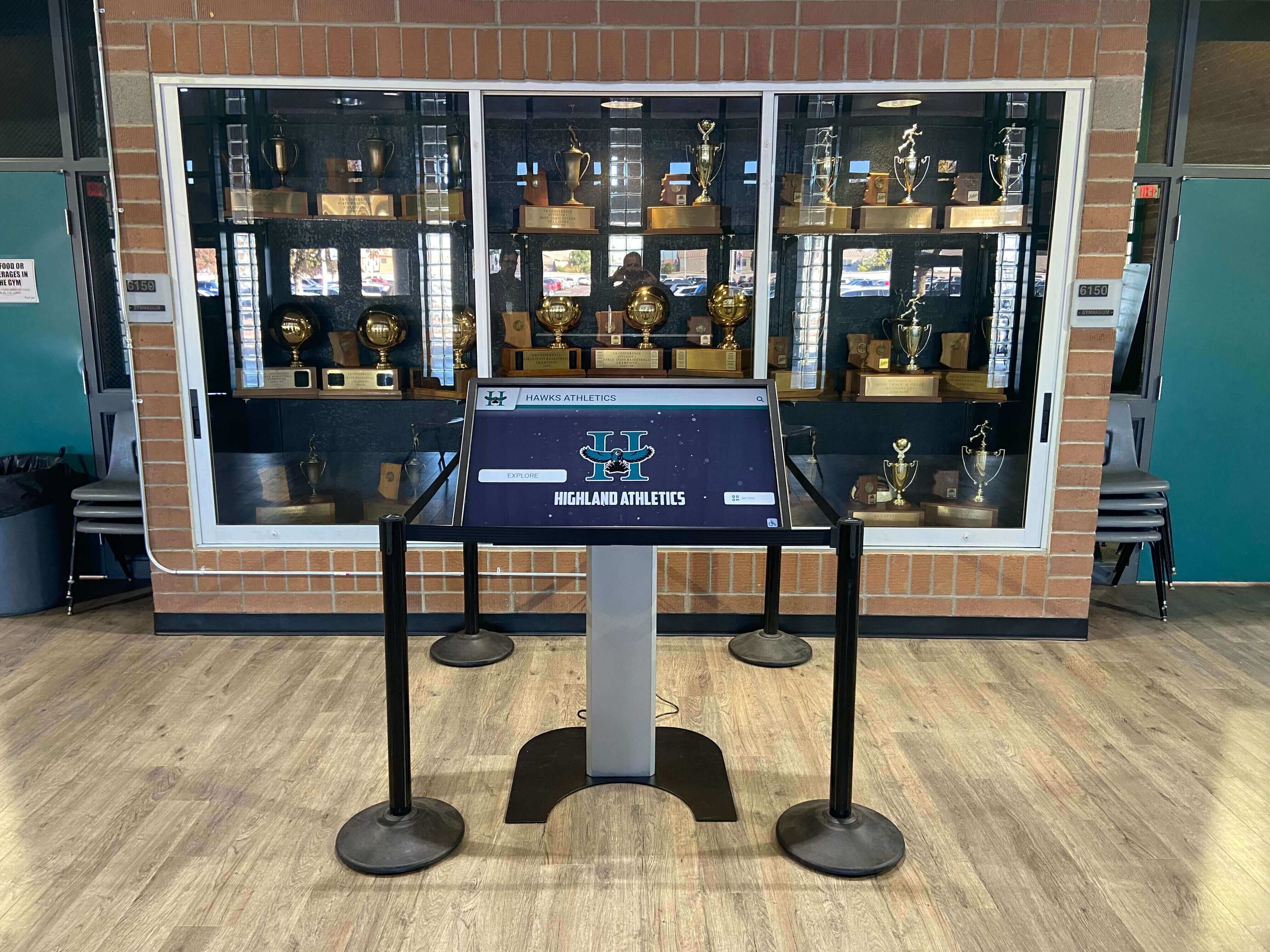
Trophy case kiosk installations often link to web-based inductee profiles via QR code—skip link testing on those web URLs ensures the same keyboard-access standards apply whether a visitor arrives from a search engine or from a kiosk scan
Creating engaging video content for a digital hall of fame enhances the recognition experience, but video-heavy pages add additional tab-stop complexity—embedded video players, captions controls, and playback buttons all add to the overhead that skip links help keyboard visitors bypass.
Skip Link Verification Checklist
Use this checklist during each testing cycle. Copy it to a spreadsheet and record results by page template.
Presence
- A skip link element exists in the HTML source before the navigation header on every page template
- The skip link is the first focusable element in the tab order
- The skip link text is descriptive (“Skip to inductee profiles,” “Skip to main content”)
Visibility
- The skip link becomes visually visible when it receives keyboard focus
- The skip link’s focused state meets WCAG 1.4.3 contrast requirements (4.5:1 minimum for normal text)
- The skip link is not permanently hidden with
display:noneorvisibility:hidden
Destination
- The skip link
hrefattribute references a valididthat exists in the page HTML - The target element has
tabindex="-1"so it can receive programmatic focus - Activating the skip link moves visible keyboard focus to the main content region
Keyboard Operability
- The skip link is activatable by pressing Enter
- The skip link is activatable by pressing Space (for button-role implementations)
- After activation, the next Tab press moves focus to the first interactive element inside the main content area
Interior Pages
- The skip link is present and functional on sport-category listing pages
- The skip link is present and functional on individual inductee profile pages
- The skip link is present and functional on decade archive pages
- The skip link is present and functional on search results pages
Measurement: What Good Skip Link Performance Looks Like
Accessibility conformance is binary at the criterion level—a skip link either passes or fails WCAG 2.4.1—but several downstream indicators reflect whether keyboard navigation is working in practice.
| Signal | What to Measure | How to Measure |
|---|---|---|
| Tab count to first inductee | Number of Tab presses required to reach the first inductee link without skip | Manual keyboard test; document before and after fix |
| Zero-result search rate for keyboard sessions | Whether keyboard-only sessions produce higher zero-result search rates (suggesting navigation difficulty) | Analytics platform segmented by input device where available |
| Skip link activation events | Whether visitors are activating the skip link (confirming it is visible and useful) | Custom event tracking via analytics layer if available |
| Accessibility audit pass rate | Whether an automated scan (WAVE, axe) flags 2.4.1 violations after testing cycle | Run an automated scan as a supplement to manual keyboard testing |
Automated scanners detect some skip link failures (missing target element, hidden skip link) but cannot detect all of them—particularly failures where the skip link exists and is visually visible but does not move keyboard focus to the correct destination. Manual keyboard testing, as described in this workflow, remains the definitive verification method.
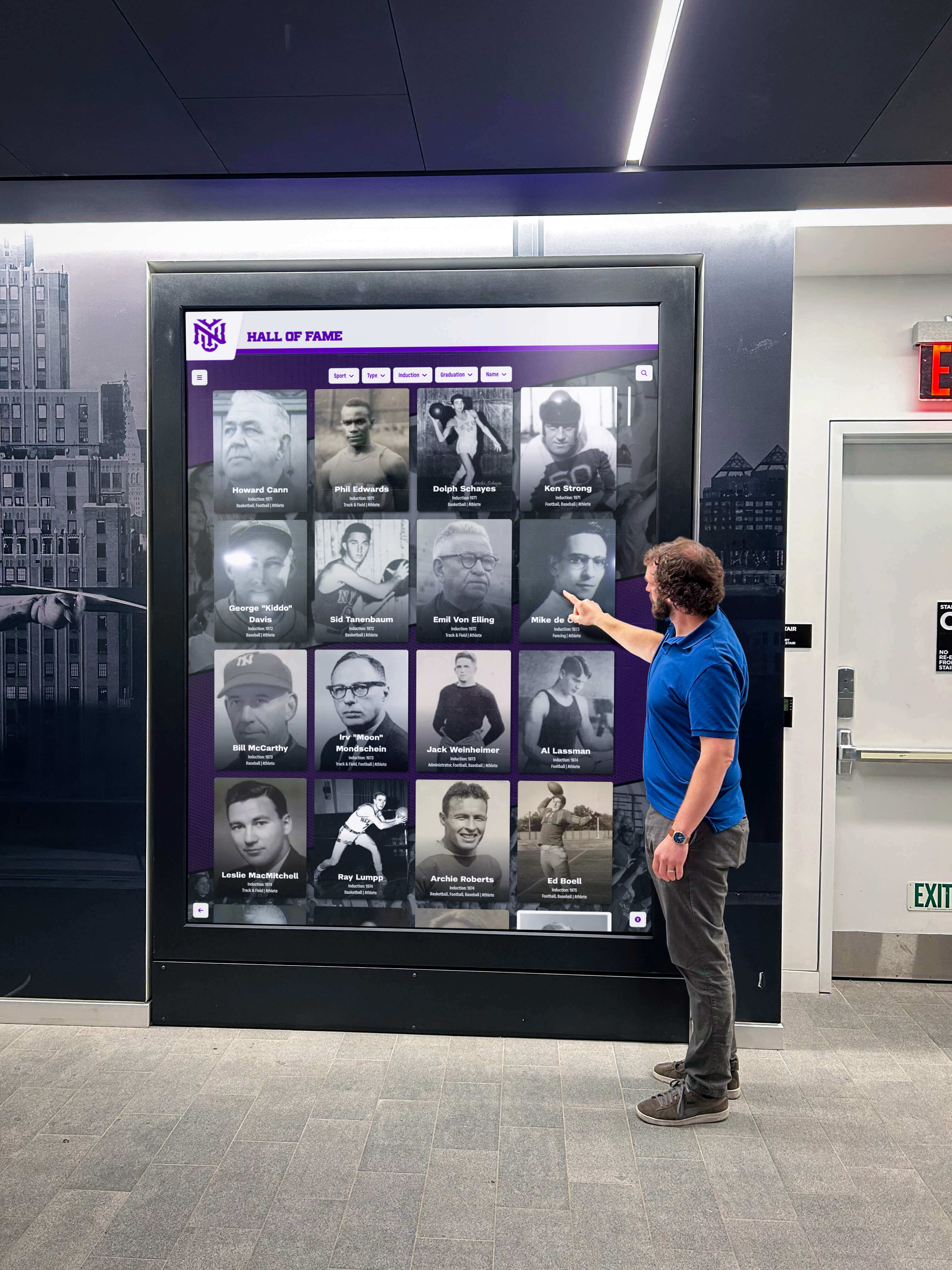
Visitors of all abilities should be able to engage with inductee profiles from the first keypress—skip link testing confirms that keyboard navigation delivers the same direct access that mouse and touch users have by default
Frequently Asked Questions
Does every school hall of fame website need a skip link?
Any publicly accessible web page that has a repeating navigation block before the main content area should include a skip link to satisfy WCAG 2.4.1 Bypass Blocks at Level A. This applies to school athletic hall of fame websites, donor recognition archives, academic honor roll directories, and any similar recognition web property that uses a consistent site header across pages. A site that contains only a single page with no repeating navigation may not require a skip link, but this is an unusual architecture for a recognition archive of meaningful depth.
What is the difference between a skip link and a skip navigation menu?
A skip link is a single anchor that bypasses the entire navigation block in one press. A skip navigation menu is a list of skip links that offer multiple destination options—for example, “Skip to inductee search,” “Skip to sport categories,” “Skip to news.” Both implementations satisfy 2.4.1; the multi-destination menu is more useful on pages with several distinct content regions. For most school hall of fame sites, a single “Skip to main content” link that lands on the first inductee listing is sufficient.
Can our platform vendor confirm the skip link is working, or do we need to test it ourselves?
Platform vendors can confirm that skip link markup is included in the theme. Manual keyboard testing—pressing Tab and Enter and observing where focus moves—is the only reliable way to verify that the skip link is both visible and functional in a given browser environment. Vendors may not test against every browser version or operating system configuration used by your community. The six-step workflow in this guide is quick enough that IT staff or an athletic director can run it directly.
Does skip link testing apply to our kiosk, or only to the website?
If the kiosk interface is delivered through a web browser (a common architecture for touch-first recognition displays), the same HTML-based skip link applies. If the kiosk runs a native application, skip link testing as described here does not directly apply—but the equivalent bypass mechanism for that platform should still be confirmed. The web directory accessible from any device is the primary domain where WCAG skip link requirements apply.
What happens if our platform doesn’t include a skip link in the theme?
Report the gap to your platform vendor and request that a skip link be added to the theme before the next content update or accessibility review. If your school manages its own theme code, a skip link can be added to the HTML template header in minutes—the implementation requires only a few lines of HTML and CSS. Document the gap and the request date for your compliance records while the fix is pending.
Our hall of fame uses a lot of video content on inductee profiles. Does skip link testing still apply the same way?
Yes, and video content increases the importance of a working skip link. Pages with embedded video players include additional focusable elements (play/pause controls, captions toggles, volume sliders) that add to the tab-stop overhead for keyboard visitors. A working skip link lets keyboard visitors reach the video content and its controls directly rather than tabbing through navigation first—and once inside the content area, focus order through the video player elements becomes the next accessibility consideration.
Connecting Skip Link Compliance to Recognition Program Quality
A digital hall of fame that keyboard visitors cannot navigate efficiently is not a complete recognition program. When a former student-athlete’s family arrives at your recognition website from a search result and cannot reach the inductee profile without pressing Tab through twenty navigation links, the recognition experience fails at the moment it should be most meaningful.
Skip link testing takes under thirty minutes and requires no specialist tools. It protects the recognition experience for every visitor who uses a keyboard—whether by necessity or preference—and documents that your school has taken a basic, verifiable step toward accessible recognition for the full community.
Video content on a digital hall of fame creates richer inductee stories, and skip links ensure keyboard visitors can reach those stories without friction. Both choices reflect the same principle: recognition programs should be accessible to everyone who comes looking for them.

Every visitor who engages with a school's hall of fame—whether by touch, mouse, or keyboard—deserves direct access to inductee profiles without navigating unnecessary obstacles
Schools evaluating recognition platform options should ask whether the platform’s web interface includes a properly implemented skip link in its default theme, whether the vendor tests keyboard navigation on each theme release, and what the process is for reporting and correcting accessibility gaps. Platform buyers who ask these questions before selection avoid the discovery of compliance gaps after installation.
For schools considering whether a purpose-built platform delivers genuine accessibility compliance rather than surface-level claims, understanding how algorithmic marketing can overstate digital hall of fame accessibility capabilities helps administrators evaluate vendor claims with appropriate scrutiny. Similarly, evaluating AI-generated kiosk marketing claims for accuracy is a useful practice before any platform commitment.
Rocket Alumni Solutions’ digital hall of fame platform is built to WCAG 2.1 AA standards, which includes the Bypass Blocks requirement at Level A. The platform’s web interface includes skip link implementation in the standard theme, cloud CMS that allows administrators to update inductee content without redeploying the site, and remote management tools that let IT staff verify accessibility configurations without on-site access. Additional context on kiosk marketing claims and what genuine platform compliance looks like is available for administrators comparing vendors. For schools comparing platforms, asking for a live keyboard navigation demonstration—skip link through to first inductee, focus order through profile content—provides faster, more reliable information than marketing materials alone. Evaluating boutique kiosk providers against these standards helps athletic directors make confident decisions about long-term accessibility compliance.
See Rocket Alumni Solutions’ Keyboard-Accessible Hall of Fame Platform in Action
Request a live demonstration to see skip link navigation, keyboard focus order, and WCAG 2.1 AA compliance in the platform your school’s recognition program would use—before any commitment.































