Digital Hall of Fame ARIA-Relevant Audit for Useful Search Announcements
- Home /
- Digital Hall of Fame Insights & Resources /
- Digital Hall of Fame ARIA-Relevant Audit for Useful Search Announcements

The Easiest Touchscreen Solution




Live Example: Rocket Alumni Solutions Touchscreen Display
Interact with a live example (16:9 scaled 1920x1080 display). All content is automatically responsive to all screen sizes and orientations.
A digital hall of fame ARIA-relevant audit is the process of examining every live-region announcement your school’s recognition platform produces during search and filter interactions—and deciding, event by event, whether each announcement is genuinely useful or whether it is creating noise that overwhelms screen-reader users or silence that leaves them uninformed. A live region marked aria-live="polite" or role="status" announces any text change inside it to connected assistive technology automatically. On a hall of fame web directory with real-time inductee search and multi-dimensional sport, decade, and award filters, the same mechanism that keeps blind or low-vision visitors informed can—if misconfigured—fire a screen-reader announcement on every keystroke, announce outdated result counts before the new results have rendered, or stay completely silent during a filter reset that removes all active criteria. The digital hall of fame ARIA-relevant audit is the structured workflow that maps each dynamic event on the recognition platform to an explicit announcement decision—announce, suppress, or delay—so that assistive technology users receive the right information at the right moment, every time they interact with the search and filter interface. This guide gives school administrators, athletic directors, IT staff, and recognition-program managers a step-by-step audit protocol, an event-to-announcement decision matrix, corrected code patterns, and a reusable checklist for pre-launch and post-update verification.
A visitor who relies on NVDA or VoiceOver to navigate your school’s inductee archive deserves the same search experience as a sighted visitor who watches result cards refresh on screen. When a sighted visitor types “Williams” in the search field, they see the grid update smoothly. When a screen-reader user does the same, what they hear depends entirely on how the live region is configured: an announcement after each character would produce ten or fifteen interruptions before the user finishes typing a last name; no announcement at all would leave the visitor uncertain whether results appeared; an announcement that fires 200 milliseconds too early would read the previous result count while the new results are still loading.
A digital hall of fame ARIA-relevant audit resolves all three failure modes by auditing relevance—not just presence. The question is not “does a live region exist?” but “is this live region announcing something useful at a moment when the announcement helps?”

Every search and filter interaction on a digital hall of fame display generates a candidate event for a live-region announcement—an ARIA-relevant audit determines which events deserve an announcement, which should be suppressed, and which need a timing adjustment
Program Snapshot: ARIA-Relevant Audit Scope for School Hall of Fame Platforms
Define the full audit scope before opening a browser or screen reader. The table below covers schools at every stage of digital recognition.
| Planning Element | Details |
|---|---|
| Primary Audience | Athletic directors, IT administrators, school web managers, accessibility compliance leads, recognition-program owners who maintain a searchable inductee archive |
| What Is Being Audited | Every dynamic event on the recognition platform that could or does trigger a live-region announcement: keystrokes in the search field, filter activation, filter removal, filter reset, zero-result state, loading state, pre-filtered page load, and combined-filter changes |
| WCAG Criteria | 4.1.3 Status Messages — Level AA; 1.3.1 Info and Relationships — Level A; 2.2.1 Timing Adjustable — Level A (applies to timed announcements) |
| Tools Required | Chrome or Firefox with DevTools, NVDA (Windows, free) or VoiceOver (macOS, built-in), a stopwatch or browser performance timeline for timing measurement, a text editor for recording decisions |
| Time Investment | 30–60 minutes for an initial audit of all search and filter events; 15 minutes for a targeted re-check after any search debounce, filter state, or JavaScript update |
| Failure Consequence — Noisy | Screen-reader users receive an announcement on every keystroke, hear outdated counts before rendering completes, or receive duplicate messages from both a live region and a programmatic focus change |
| Failure Consequence — Silent | Screen-reader users receive no confirmation after a filter is applied or removed, no message after the zero-result state, and no feedback during a loading delay longer than one second |
| Pass Condition | For every dynamic search and filter event, the live region either announces a useful, accurate message within two seconds of the visible update, or is deliberately suppressed with a documented rationale |
| ADA Relevance | Public school recognition sites accessible to alumni, parents, and community members carry digital accessibility obligations; WCAG 4.1.3 at Level AA requires that status messages be programmatically determinable so assistive technology can announce them without receiving keyboard focus |
What Makes a Live-Region Announcement Relevant?
An ARIA live-region announcement is relevant when it communicates information the screen-reader user needs to continue their task and cannot obtain by staying at their current focus position. It is irrelevant—or harmful—when it states information the user already knows, interrupts an action in progress, or announces a state that will change again within the next two seconds.
For a digital hall of fame search interface, relevance has three dimensions:
Content relevance: Does the message convey something actionable? “12 football inductees found” is relevant—it tells the visitor how many results appeared and confirms the filter was applied. “Results updated” is irrelevant—it confirms that something happened without communicating what changed. “0” is irrelevant—it provides a count without the context that makes the count meaningful.
Timing relevance: Does the message arrive after the interface has settled into a stable state? A message announcing “loading” immediately followed by a message announcing “14 inductees found” is useful. A message announcing “3 inductees found” followed 400 milliseconds later by “14 inductees found”—because the debounce fired at the wrong moment—is confusing; the visitor heard an accurate intermediate count that no longer reflects the page.
Frequency relevance: Does the event that triggers the message occur at a rate appropriate for interrupting the user’s current action? A single keypress in a real-time search field can generate a result-count change, but announcing that change on every keypress means the visitor hears a new count with every character typed. The update is technically accurate, but the frequency makes it impossible to process—it is noise, not information.
Understanding all three dimensions is the foundation of the ARIA-relevant audit.
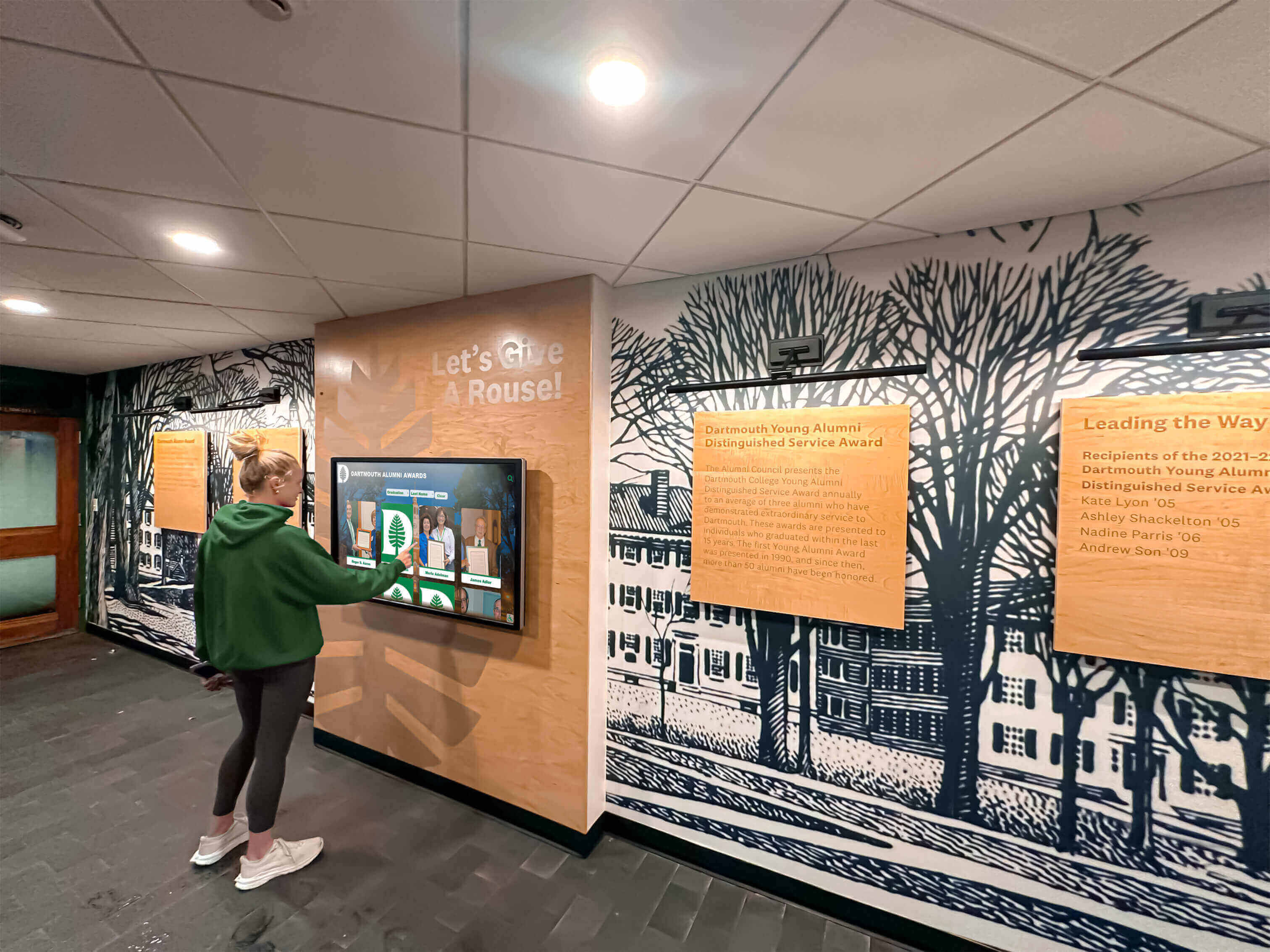
School hallway digital hall of fame displays used by students, alumni, and parents generate multiple search and filter events per visit—an ARIA-relevant audit confirms that only meaningful, accurately timed announcements reach screen-reader users
Content Architecture: Event-to-Announcement Decision Matrix
The core output of a digital hall of fame ARIA-relevant audit is an event-to-announcement decision for every dynamic interaction on the recognition platform. The matrix below provides the default decisions for the most common events, along with the rationale and the correct live-region configuration.
| Search or Filter Event | Announce? | Rationale | Live-Region Configuration |
|---|---|---|---|
| Each keystroke in real-time search | No — suppress | Announcing on every keypress produces 8–15 interruptions during a typical name entry; the in-progress typing state is not a settled result | Debounce the live-region update; suppress all updates until the debounce interval (300–500 ms) has elapsed without a new keypress |
| Debounce settles after typing stops | Yes | The query is complete; the result count now reflects the visitor’s intended search term | role="status" + aria-atomic="true"; write result count and search term (“12 inductees found for ‘Johnson’”) |
| Enter key submitted on search field | Yes | Explicit submission is always a settled state deserving confirmation | Same as debounce settlement; use the submitted term as context |
| Sport-category filter applied | Yes | A discrete user action changed the result set; the new count is the primary piece of information the visitor needs | role="status" + aria-atomic="true"; write filter type, value, and count (“Showing 22 football inductees”) |
| Sport-category filter removed | Yes | Removing a filter is as significant as adding one; the expanded result set must be announced | role="status"; write the restored count (“Sport filter removed — showing all 247 inductees”) |
| Second filter applied while first is active | Yes | Combined-filter state must be communicated as a single composed message | Update a single live region with a combined message (“Showing 6 football inductees from 1990–1999”); do not fire two separate announcements |
| All filters reset at once | Yes | The full result set has been restored; this is a distinct state from any individual filter removal | role="status"; write the total inductee count (“All filters cleared — showing all 247 inductees”) |
| Year-range or decade filter changed | Yes | A slider or dropdown change that commits a range is a settled user action | Announce on the “change” or “commit” event, not on every intermediate slider position |
| Slider dragged through intermediate positions | No — suppress | Each pixel of slider movement is not a settled state; announcing continuously is equivalent to the keystroke problem | Suppress live-region updates during drag; announce once on mouseup or touchend |
| Loading state begins (>500 ms delay) | Yes | A delay longer than half a second without feedback creates uncertainty about whether the interface responded | role="status"; write a brief loading message (“Loading inductee results…”); suppress if results appear in under 500 ms |
| Loading state completes | Yes — replace loading message | The result count replaces the loading message; the user needs the final count, not both messages in sequence | Overwrite the loading message in the same live-region element with the result count; do not use two separate elements |
| Zero-result state after search or filter | Yes — escalate urgency | The absence of results is the most consequential outcome and requires an explicit message; silence after a zero-result update reads as ambiguity | role="alert" for the zero-result state (or role="status" with strong copy); write an actionable message (“No inductees found. Try removing a filter or broadening your search.”) |
| Pre-filtered page load (visitor arrived via QR code or deep link) | Yes — on first interaction | A visitor who lands on a pre-filtered result set may not know the context without visual inspection of the filter controls | Announce the filtered state on first keyboard or touch interaction, not on page load (page-load announcements are handled by the page title and heading structure) |
| Inductee count unchanged after a filter change | Yes | Even if the count did not change, confirming that the filter was processed and produced the same result prevents ambiguity | Write the count and the active filter; the announcement confirms intent was received, not just that numbers changed |
Schools that recognize scholar-athletes, academic honor roll recipients, and youth athletes of the year in the same platform often have multiple parallel filter systems—one for athletics, one for academics, one for awards. Each filter system must be audited against this matrix independently.
Step-by-Step Digital Hall of Fame ARIA-Relevant Audit Workflow
Step 1: Inventory All Dynamic Events on the Platform
Open the recognition platform’s web directory. Navigate through every interactive element that changes the displayed inductee set without a full page reload. Record each event in a spreadsheet with the following columns: page URL, event name, triggering element, JavaScript handler name (if visible in DevTools), and whether a live-region announcement currently fires.
Common events to include:
- Each character typed in the main search field (real-time mode)
- Search field debounce resolution
- Search form submission (Enter or Search button)
- Sport filter button click (apply)
- Sport filter button click (remove by clicking active filter)
- Decade dropdown change
- Award-type checkbox toggle
- Combined filter state (multiple filters simultaneously active)
- “Clear all filters” button click
- Year-range slider drag
- Year-range slider release (commit)
- Zero-result state display
- Loading state (if results fetch from server)
- Initial page load with pre-applied URL parameters (QR code entry)
This inventory becomes the scope of the audit. Every row will receive an “Announce?” decision in Step 3.
Step 2: Measure Current Announcement Behavior
For each event in the inventory, activate a screen reader (NVDA on Windows, VoiceOver on macOS) and perform the interaction. Record:
- Does an announcement fire? (Yes / No)
- If yes, what is the announcement text? (Transcribe exactly)
- How many seconds after the visible update does the announcement arrive? (Time with a stopwatch or the browser performance timeline)
- Does the announcement interrupt a previous announcement? (Yes / No — note if typing generates a rapid sequence of interrupted announcements)
Also open Chrome DevTools, select the live-region element in the Elements panel, and observe textContent changes in real time as you perform each interaction. This confirms whether the live region is being updated by JavaScript even when the screen reader does not audibly announce the change (some announcement failures are a timing issue in the JavaScript update, not a screen-reader configuration issue).
Step 3: Apply the Decision Matrix
For each event in the inventory, compare the current behavior from Step 2 against the decision matrix above. Classify each event as one of three outcomes:
Correct: The event is announced (or suppressed) as prescribed, the announcement text is useful, and the timing is within two seconds of the visible update.
Noisy: The event is being announced when it should be suppressed, or is being announced more than once for a single user action (duplicate announcements from both a live region and a programmatic focus change).
Silent: The event is not being announced when it should be, or the announcement text is so generic (“Updated” or “0”) that it does not convey useful information.
Record the classification for each event. Noisy events and Silent events both require remediation.
Step 4: Diagnose the Root Cause for Each Finding
For Noisy events, the root causes are typically:
- The JavaScript search handler updates the live region on every keypress event instead of on a debounced callback
- Two separate mechanisms are both updating the same live region (for example, the result-count text and the filter-state text each write independently, producing two rapid announcements for a single filter change)
- The live region is updated before the DOM renders the new results, causing an early announcement that is then contradicted by the final state
For Silent events, the root causes are typically:
- The live region exists in the HTML but is never updated by the JavaScript handler for this specific event type (the developer wired the debounced search handler but not the filter button handler)
- The live region text is updated but the element is set to
aria-live="off"orrole="presentation"for a portion of the page layout - The announcement text is an empty string or a number without context, which some screen readers suppress as uninformative
Step 5: Implement Targeted Fixes
Apply corrections in the order of user impact: silence first (users who receive no information are more severely affected than users who receive too much), then noise reduction.
Fixing noisy per-keystroke announcements — debounce the live-region update:
<!-- The live region must exist in the DOM before any search interaction -->
<div
  role="status"
  aria-atomic="true"
  aria-live="polite"
  class="sr-only"
  id="search-status"
></div>
let debounceTimer;
const statusEl = document.getElementById('search-status');

searchInput.addEventListener('input', () => {
  clearTimeout(debounceTimer);
  // Suppress live-region updates during active typing
  debounceTimer = setTimeout(() => {
    const count = getCurrentResultCount();
    const term = searchInput.value.trim();
    // Only write to the live region after the user stops typing
    statusEl.textContent = term
      ? `${count} inductee${count !== 1 ? 's' : ''} found for "${term}"`
      : `Showing all ${count} inductees`;
  }, 400); // 400 ms debounce — long enough to clear per-keystroke noise
});
Fixing combined-filter announcements that fire twice — compose a single message:
function updateFilterStatus() {
  const activeSport  = getActiveSportFilter();   // e.g., "Football" or null
  const activeDecade = getActiveDecadeFilter();   // e.g., "1990–1999" or null
  const count        = getCurrentResultCount();

  let message;
  if (!activeSport && !activeDecade) {
    message = `All filters cleared — showing all ${count} inductees`;
  } else if (activeSport && activeDecade) {
    message = `Showing ${count} ${activeSport} inductee${count !== 1 ? 's' : ''} from ${activeDecade}`;
  } else if (activeSport) {
    message = `Showing ${count} ${activeSport} inductee${count !== 1 ? 's' : ''}`;
  } else {
    message = `Showing ${count} inductee${count !== 1 ? 's' : ''} from ${activeDecade}`;
  }

  // Write once to a single live region — never update two regions for one user action
  document.getElementById('filter-status').textContent = message;
}

// Call updateFilterStatus() from every filter button handler and reset handler
// Do NOT call it from the search-input handler — that uses a separate region
Fixing the zero-result state — escalate to role=“alert”:
<!-- Separate element for zero-result and error states -->
<div
  role="alert"
  aria-atomic="true"
  class="sr-only"
  id="search-error"
></div>
function handleResultRender(count) {
  if (count === 0) {
    document.getElementById('search-error').textContent =
      'No inductees found. Try removing a filter or using a different search term.';
    document.getElementById('search-status').textContent = '';
  } else {
    document.getElementById('search-error').textContent = '';
    // search-status is updated by the debounced handler above
  }
}
Fixing an early announcement that fires before results render — update inside the render callback:
async function fetchAndRenderResults(query, filters) {
  // Step 1: announce loading state if response will take more than 500 ms
  const loadingTimer = setTimeout(() => {
    document.getElementById('search-status').textContent = 'Loading inductee results…';
  }, 500);

  const results = await fetchResults(query, filters);  // server call
  clearTimeout(loadingTimer);

  // Step 2: render results to the DOM first
  renderResultGrid(results);

  // Step 3: THEN update the live region — after rendering, not before
  document.getElementById('search-status').textContent =
    `${results.length} inductee${results.length !== 1 ? 's' : ''} found`;
}
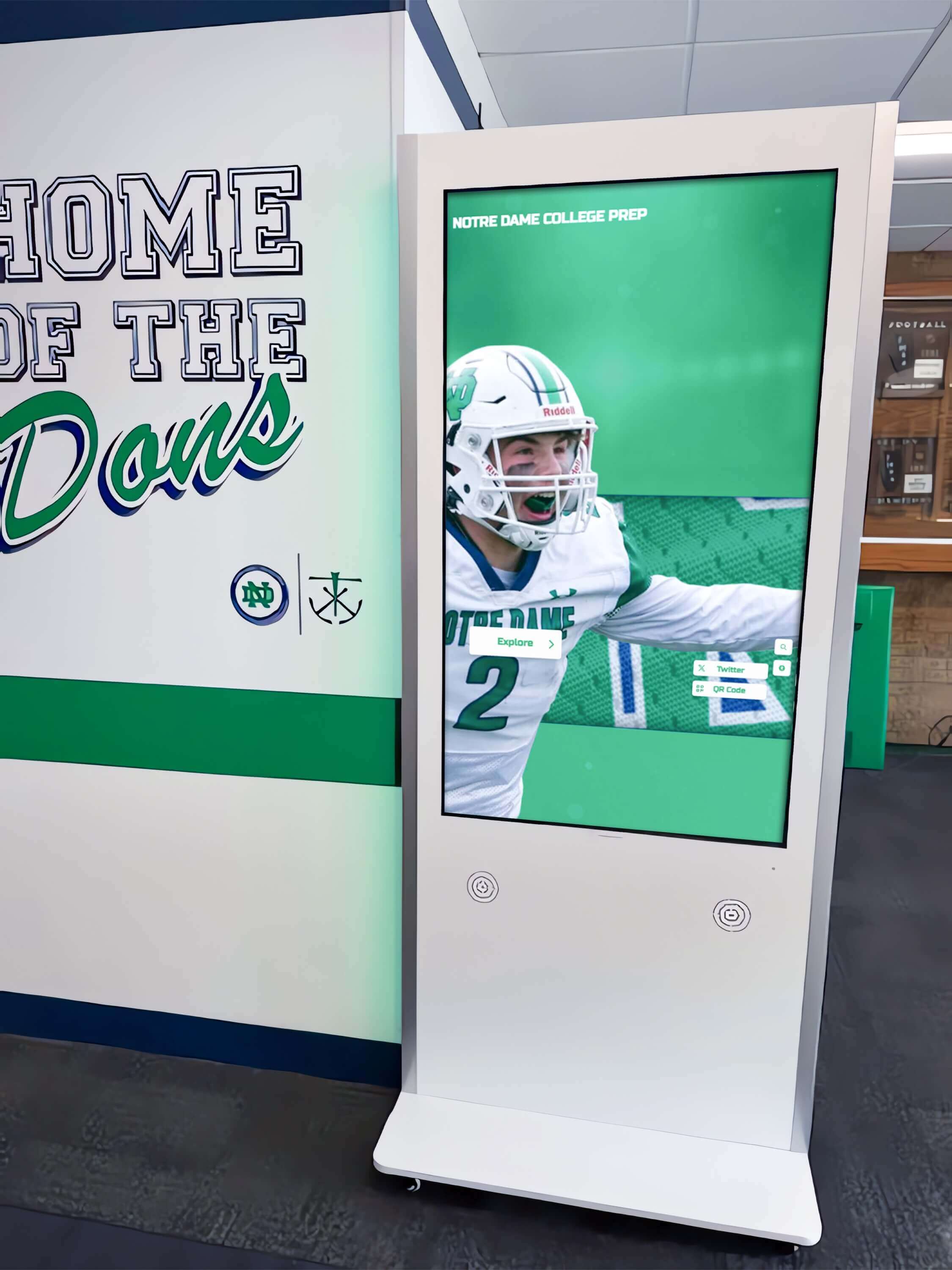
Sport-category filter buttons on hallway hall of fame kiosks generate discrete events that each require a single, composed live-region announcement—not multiple rapid updates that overwhelm screen-reader users
Step 6: Verify Each Fix with a Screen Reader
Re-activate NVDA or VoiceOver after deploying each fix. For noisy events, confirm that typing a full inductee surname (six to eight characters) produces exactly one announcement after you stop typing—not a sequence of announcements, one per character. For silent events, confirm that the relevant announcement arrives within two seconds of the visible update. For the zero-result state, confirm the announcement is distinct from the standard result-count message and that it clearly communicates the absence of results.
Document each verification result: date, screen reader and browser versions, event name, announcement text heard, and seconds between visible update and announcement.
Execution Timeline: Plan, Audit, Fix, Verify
| Phase | Activities | Responsible Party | Cadence |
|---|---|---|---|
| Plan | Inventory all dynamic search and filter events; identify the JavaScript debounce interval (or confirm none exists); map each event to the decision matrix; coordinate with the platform vendor to confirm live-region element locations | Athletic director + IT lead | Once at launch; once after any search, filter, or JavaScript library update |
| Audit | Run Steps 1–4 of the workflow; classify each event as Correct, Noisy, or Silent; measure announcement timing; document findings in the event inventory spreadsheet | IT staff or accessibility coordinator | At platform launch; before each induction season; immediately after any search or filter code change |
| Fix | Implement debounce for per-keystroke suppression; refactor filter handlers to compose a single combined-status message; add zero-result alert element; reorder JavaScript so live-region updates fire after DOM rendering | Developer or platform vendor | Within 14 days of audit completion; immediately before a community archive launch or ceremony livestream |
| Verify | Re-run Steps 5 and 6 for each classified finding; confirm in NVDA + Chrome and VoiceOver + Safari; update event inventory with pass status | IT staff | Immediately after each fix deployment; quarterly thereafter |
| Document | Record the final event-to-announcement decision for each event type; retain the verified decision matrix as the baseline for future audits; note the debounce interval, live-region element IDs, and JavaScript handler names | Administrative lead | Each cycle; retained for three years or the duration of the platform agreement |
Schools managing school recognition display configurations across multiple facilities should include the ARIA-relevant audit results in the same documentation package as display configuration records—both affect how the recognition experience reaches visitors with differing needs.
Display Integration: Announcement Relevance Across Web Directory and Kiosk Interfaces
The decision matrix for announcement relevance applies to both the public web directory and the physical kiosk interface, but the priority and implementation details differ.
Web directory: The broadest accessibility obligation falls here. Any alumnus, parent, or community member who accesses the recognition site from a personal device may have a screen reader active. The full event-to-announcement decision matrix applies, and every classified finding from the audit must be resolved for the web directory before any other interface.
Physical kiosk: If the kiosk is delivered through a browser-rendered HTML interface—common for cloud-based recognition platforms—the same live-region markup applies whenever a keyboard or screen reader is connected. The practical frequency of screen-reader use at a physical kiosk is lower than on the web directory, but an accessibility evaluation of the kiosk interface (required in some district procurement processes) will test the same events. A recognition display touch sensitivity test that covers the physical input layer should be paired with an ARIA-relevant audit covering the software announcement layer—both affect the usability of the search and filter interface for visitors with differing motor and sensory needs.
QR code entry points: Visitors who scan a QR code from a trophy case, a wall display, or a printed program arrive on a pre-filtered page. The live region must communicate the filtered context on first interaction. For schools that celebrate young athletes through dedicated award programs using QR codes on physical plaques, this entry path delivers visitors directly to a sport- or award-filtered roster. The pre-filtered announcement (“Showing 14 football inductees — sport filter active”) helps QR code arrivals orient to the narrowed result set without visual inspection of the filter controls.
CMS updates and announcement drift: Recognition platforms that use a cloud content management system to add inductee records without redeploying the site can inadvertently change announcement behavior when CMS updates modify the search result template. A template change that adds a new wrapper element around the result count text may break the live-region update if JavaScript is selecting the count element by a CSS class that moves. After any CMS update that touches the search or filter result template, re-run Step 2 of the audit workflow to confirm all classifications remain Correct.
ARIA-Relevant Audit Checklist
Copy this checklist before each platform launch, filter feature update, JavaScript library upgrade, or quarterly accessibility review. Complete one pass per dynamic event type. A checked row confirms the event is Correct per the decision matrix.
Search Field — Keystroke and Debounce
- Per-keystroke events do not trigger live-region updates (confirmed: no announcement during active typing)
- Debounce interval is set to 300–500 ms (confirm in JavaScript source or DevTools network timeline)
- After debounce settles, exactly one announcement fires with result count and search term
- Submitting the search field (Enter key) triggers the same single announcement as debounce settlement
- Screen reader confirmed: typing a full surname produces one announcement after typing stops (NVDA + Chrome)
Filter Controls — Apply, Remove, and Reset
- Each filter application (sport, decade, award type) triggers exactly one composed announcement
- Combined-filter state produces a single message reflecting all active filters simultaneously
- Each filter removal triggers one announcement stating the new result count and remaining active filters
- “Clear all filters” triggers one announcement confirming the full result set has been restored
- No filter event triggers more than one live-region update in a single user action
Zero-Result and Error States
- Zero-result state triggers an announcement using
role="alert"or equivalent urgency escalation - Zero-result message is actionable: includes a suggestion for broadening the search or removing a filter
- Zero-result element and result-count element are separate DOM elements (to avoid conflating normal and error states)
- Zero-result message is cleared when a subsequent search or filter change produces non-zero results
Loading State
- If results take longer than 500 ms to appear, a loading announcement fires (“Loading inductee results…”)
- Loading announcement is suppressed when results appear in under 500 ms (no unnecessary announcement)
- The loading message is replaced by the result count—not appended (only one message present at a time in the live region)
- Live-region update fires after the DOM renders new results, not before
Content Quality
- All result-count messages include both the number and context: “12 football inductees” not “12”
- All filter confirmation messages include both the filter type and value
- No announcement text is an empty string, a bare number, or a generic phrase (“Updated,” “Done,” “Results changed”)
- Combined-filter messages compose a single grammatical sentence reflecting all active criteria
Timing and Accuracy
- All announcements arrive within two seconds of the visible DOM update
- No announcement fires before the visible DOM update (no premature counts)
- Slider-drag interactions are suppressed during drag; one announcement fires on release
- Pre-filtered page loads (QR code entry) announce the filtered state on first interaction, not on page load
Screen-Reader Verification
- NVDA + Chrome (Windows): all Correct-classified events produce expected announcements
- VoiceOver + Safari (macOS): all Correct-classified events produce expected announcements
- No duplicate announcements (live region and focus-management not both announcing the same event)
- Screen reader is silent during active typing (debounce suppression confirmed)
Measurement: Indicators of Relevant Announcement Quality
WCAG 4.1.3 conformance is met when status messages are programmatically determinable—but relevant announcement quality can be measured more precisely through the metrics below.
| Signal | Target | How to Measure |
|---|---|---|
| Announcements per search interaction | Exactly 1 per completed search or filter action | Count live-region textContent changes in DevTools during a timed typing session; target ≤1 change per debounce cycle |
| Announcement timing lag | ≤2 seconds after visible DOM update | Timestamp live-region update vs. result grid render using browser performance timeline |
| Premature announcement rate | 0 — no announcement fires before results render | Compare live-region update timestamp vs. first painted result card; flag any case where live-region fires first |
| Zero-result announcement coverage | 100% — every zero-result state produces an explicit announcement | Test with 5 search terms confirmed to return no results; count explicit announcements vs. silences |
| Combined-filter message accuracy | Single composed message reflecting all active filters | Apply sport + decade filter simultaneously; confirm one announcement; transcribe text and verify it names both filter values |
| Decision matrix coverage | 100% of event types in the inventory have an explicit Correct, Noisy, or Silent classification | Count classified rows vs. total inventory rows after audit completion |
Schools that maintain academic recognition archives alongside athletic halls of fame—including programs that honor Latin Honors graduates and cumulative honor roll recipients in the same platform—will have additional search and filter events tied to academic award categories. Each new filter dimension added to the platform extends the event inventory and should be audited before the filter goes live.

Each search and filter interaction on a digital hall of fame touchscreen produces a candidate announcement event—an ARIA-relevant audit confirms which events produce useful announcements and which are correctly suppressed
Frequently Asked Questions
What is the difference between an ARIA-relevant audit and an ARIA live region test?
An ARIA live region test confirms that a live region exists on the page, carries aria-live="polite" or role="status", and produces at least one announcement when the results grid updates. An ARIA-relevant audit goes further: it evaluates whether each event type on the platform is announcing the right information (content relevance), at the right moment (timing relevance), at a frequency that serves rather than overwhelms the visitor (frequency relevance). A platform can pass a live region presence test while still announcing on every keypress, producing two announcements per filter action, or staying silent after a zero-result filter state. The ARIA-relevant audit catches all of these conditions.
How do I choose the right debounce interval for live-region updates?
A debounce interval of 300–500 milliseconds after the last keypress is appropriate for most recognition platform search fields. Below 300 ms, the debounce may not effectively suppress rapid typists who produce three to four characters per second. Above 500 ms, there is a noticeable delay between when the visitor stops typing and when the result count is announced, which can create uncertainty. For kiosk interfaces where visitors use an on-screen keyboard and type more slowly, a longer interval (500–700 ms) may be more natural. Test the chosen interval with a screen reader by typing a six-character surname at a measured pace and confirming that exactly one announcement fires.
Should the loading state always be announced?
Announce the loading state only when the delay exceeds 500 milliseconds. Results that appear in under 500 ms arrive fast enough that a loading announcement would overlap the result-count announcement—the visitor would hear “Loading inductee results…” and then immediately hear “12 inductees found,” with no useful information conveyed by the loading message. Reserve the loading announcement for server-side searches, heavily filtered large archives, or slow network conditions where a visible delay of more than half a second is expected. The 500 ms threshold balances notification value against announcement noise.
What if our platform fires two separate live-region updates for a single filter change—one for the filter badge and one for the result count?
This is a common pattern when the filter badge (a visual chip showing the active filter) and the result count are updated by separate JavaScript handlers, each writing to a shared live region. The fix is to consolidate all filter-state text into a single handler that composes one combined message and writes it to one live region once. If the filter badge and result count must remain visually separate (for layout reasons), ensure that only the result-count live region carries aria-live="polite". The filter badge area should either carry aria-live="off" or be rendered outside any live region element, relying on the result-count announcement to confirm the filter was applied.
How should the zero-result announcement differ from a normal result-count announcement?
Use role="alert" (which carries an implicit aria-live="assertive") for zero-result states rather than role="status". The zero-result state is the most consequential outcome of a search or filter interaction—it tells the visitor that their current query or filter combination will not show them any inductees—and it warrants immediate announcement rather than waiting for the current screen-reader queue to clear. Additionally, make the zero-result message actionable: “No inductees found. Try removing a filter or using a different search term” gives the visitor a path forward, while “0 results” provides a count without guidance. Clear the role="alert" element (set its text to an empty string) as soon as a subsequent search or filter produces non-zero results, so the alert state does not persist beyond its relevant moment.
Does the ARIA-relevant audit apply to the physical kiosk if most visitors use touch?
Yes, for two reasons. First, an accessibility evaluation of a school’s recognition installation—whether conducted by a district technology coordinator or an external auditor—will typically connect a keyboard and a screen reader to the kiosk browser and evaluate the announcement behavior using the same criteria as the web directory. Second, many recognition platforms deliver the kiosk interface through the same HTML codebase as the web directory, so the announcement behavior is identical unless the kiosk template explicitly overrides it. The most efficient approach is to resolve all ARIA-relevant audit findings on the web directory first; kiosk compliance follows from the same fixes.
How often should we repeat the ARIA-relevant audit?
Run a full audit at platform launch and before each induction season. Run a targeted re-check—covering only the events whose JavaScript handlers were modified—within 48 hours of any search debounce change, filter state update, CMS template modification, or autocomplete library upgrade. A CMS update that rewrites the result-count template can silently break the live-region update if the update changes the element the JavaScript handler targets. A brief re-check after each update prevents a working audit from becoming invalid before the next scheduled review.
Connecting Announcement Relevance to Recognition Program Quality
A digital hall of fame that produces useful, timed, non-redundant announcements for every search and filter interaction demonstrates a specific kind of care for the recognition experience: that it is designed for every visitor, not only those who navigate by sight. For a visually impaired alumnus searching for a former teammate, the difference between a noisy live region that announces on every keypress and a relevant live region that announces once after typing settles is the difference between a usable tool and an unusable one. For a blind parent filtering by sport to find a recognition display that honors their child’s team, a silent zero-result state and a relevant zero-result announcement define whether the platform communicates failure or leaves the visitor guessing.
Schools building recognition programs that span athletics, academics, and performing arts—like those that celebrate outstanding young athletes alongside music department honorees in the same searchable archive—multiply the number of search and filter events that must be audited. Each new award category, sport filter, or decade selector is a new row in the event inventory and a new opportunity for a noisy, silent, or correctly configured announcement.
The ARIA-relevant audit is a systematic, repeatable verification that every dynamic event on the recognition platform has been evaluated, classified, and either confirmed or corrected. It takes 30–60 minutes, requires only free tools, and produces a documented decision record that can be retained as evidence of accessibility due diligence and repeated after every platform update.
Recognition programs that grow their inductee archives year over year—and that add new filter dimensions as the archive matures—will audit more events with each cycle. Starting with a complete event inventory and a clear event-to-announcement decision matrix ensures that each new filter added to the platform is evaluated against the same standard as every filter already in production.
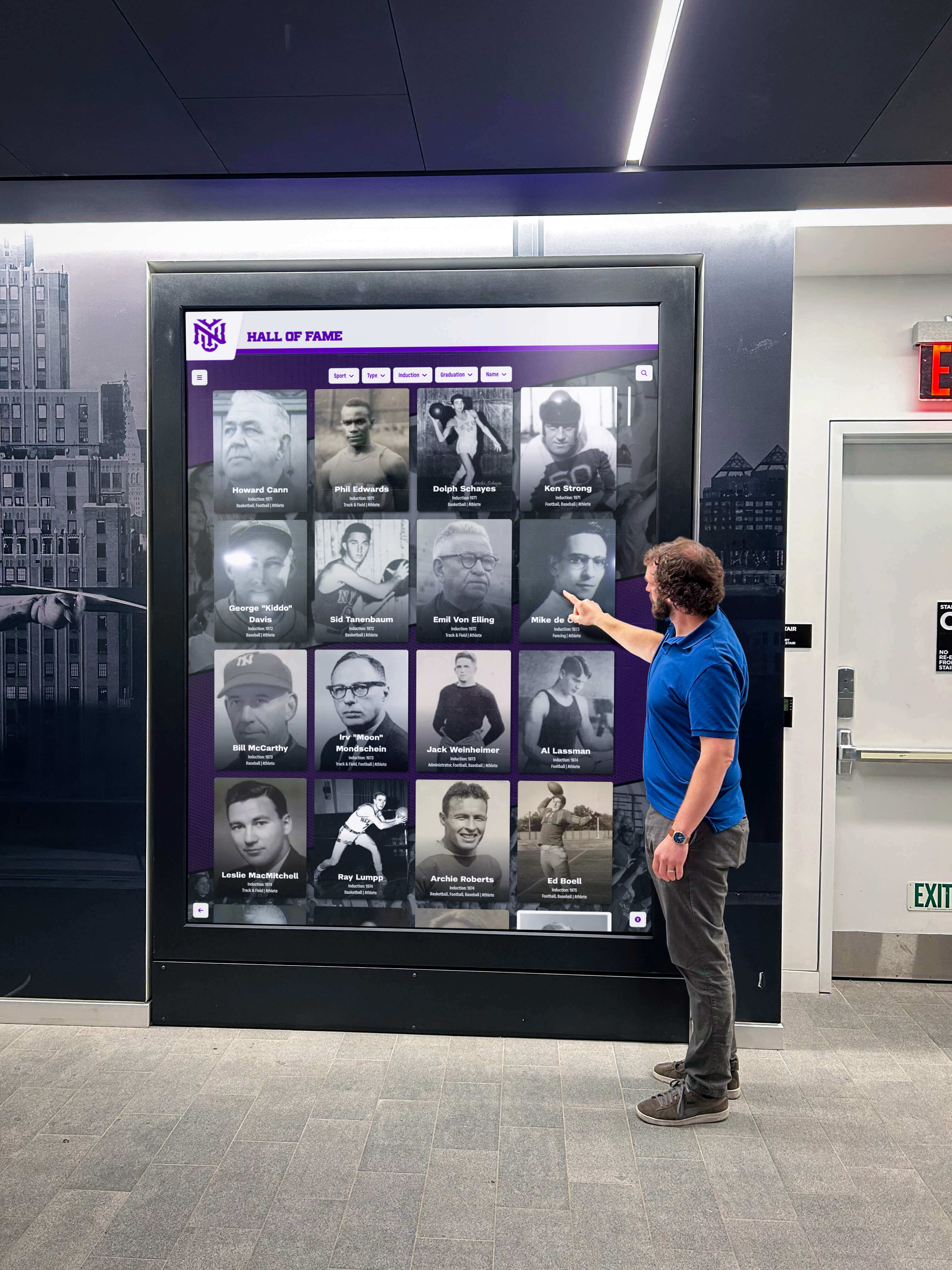
Lobby digital hall of fame displays that attract visitors of all abilities depend on ARIA-relevant announcements—announcements that arrive at the right moment, say something useful, and do not interrupt the visitor's next action
Rocket Alumni Solutions’ digital hall of fame platform is built to WCAG 2.1 AA standards, which includes status message requirements for every dynamic search and filter interaction. The platform’s web directory uses debounced live-region updates for real-time search, composed combined-filter messages that fire once per user action, and explicit zero-result announcements that include actionable guidance. Remote CMS management allows IT staff to update inductee records and filter categories without redeploying the site, and the platform’s cloud architecture supports quarterly ARIA-relevant audit re-checks without on-site access to the kiosk hardware.
See Rocket Alumni Solutions’ Accessible Hall of Fame Search and Filter in Action
Request a live demonstration to see how Rocket’s recognition platform configures ARIA live-region announcements for relevance—debounced search updates, single composed filter messages, and explicit zero-result guidance—so every visitor to your school’s hall of fame receives the right information at the right moment.
Live Example: Rocket Alumni Solutions Touchscreen Display
Interact with a live example (16:9 scaled 1920x1080 display). All content is automatically responsive to all screen sizes and orientations.































