Digital Hall of Fame ARIA-Owns Audit for Composite Widgets
- Home /
- Digital Hall of Fame Insights & Resources /
- Digital Hall of Fame ARIA-Owns Audit for Composite Widgets

The Easiest Touchscreen Solution




Live Example: Rocket Alumni Solutions Touchscreen Display
Interact with a live example (16:9 scaled 1920x1080 display). All content is automatically responsive to all screen sizes and orientations.
A digital hall of fame ARIA-owns audit is the process of examining every composite widget on your school’s recognition website and touchscreen kiosk—inductee search autocomplete dropdowns, sport and year filter panels, comparison tools, and tabbed inductee profile viewers—to verify that each widget correctly uses the aria-owns attribute whenever a widget’s associated content is rendered in a separate location in the DOM from the controlling element. The aria-owns attribute tells a screen reader’s accessibility tree that a specific element is the logical owner of one or more other elements that are not its DOM descendants—establishing the parent-child ownership relationship in the accessibility tree even when the HTML structure places those elements in a different branch of the document. Without aria-owns, a dropdown listbox that a JavaScript framework appends to the document body to avoid CSS clipping issues is invisible to the accessibility tree as a child of the combobox input that controls it; a screen-reader user who navigates by widget structure cannot find the suggestion list because, from the accessibility tree’s perspective, the input and the listbox are siblings in the body element rather than a combobox and its controlled popup. A digital hall of fame ARIA-owns audit maps every composite widget on the recognition platform to a clear pass, remediate, or remove decision, ensuring that blind alumni, parents with visual impairments, and community members who rely on assistive technology receive an accurate, navigable picture of the recognition interface regardless of where JavaScript frameworks choose to render widget content in the DOM.
Composite widgets on digital hall of fame platforms are architecturally different from simple interactive elements. A button or a link occupies a single DOM node. A search combobox with autocomplete, a multi-select sport filter, or a tabbed inductee profile viewer is composed of several DOM elements that must work together as a unified accessible component. When those elements are co-located in the DOM—the input and its suggestion list both inside the same container <div>—the accessibility tree can derive their relationship from the DOM hierarchy alone. When a JavaScript framework moves the suggestion list to the document body (a common technique for avoiding overflow: hidden clipping on the dropdown), or when a tab component separates the tab strip from its panels across two otherwise unrelated containers, the accessibility tree sees disconnected siblings rather than a logical widget unit.
aria-owns is the WAI-ARIA mechanism that repairs this disconnection at the accessibility-tree level. A digital hall of fame ARIA-owns audit is the structured workflow that identifies every composite widget where this repair is needed, verifies that aria-owns is present where required, and confirms that the ownership declaration produces the correct accessibility tree structure in the screen readers your school community uses.

Composite widgets on a digital hall of fame platform—search autocomplete dropdowns, sport filters, and tabbed profile viewers—require an aria-owns audit to verify that accessibility-tree relationships are correctly declared when widget content renders in separate DOM locations
Program Snapshot: ARIA-Owns Audit Scope for School Hall of Fame Platforms
Define the full audit scope before opening any tools. The table below covers schools at every stage of digital recognition implementation.
| Planning Element | Details |
|---|---|
| Primary Audience | Athletic directors, IT administrators, school web managers, accessibility compliance leads, and recognition-program owners who maintain touchscreen or web-based inductee displays with search, filter, or composite UI widgets |
| What Is Being Audited | Every composite widget on the recognition platform whose controlled content may render outside its DOM container: inductee search autocomplete dropdowns, sport/year/award filter panels, comparison drawers, tabbed profile viewers, inductee grid pagination controls, and any custom listbox or tree widget |
| WCAG Criteria | 4.1.2 Name, Role, Value — Level A; 1.3.1 Info and Relationships — Level A; 2.1.1 Keyboard — Level A; 4.1.3 Status Messages — Level AA |
| Tools Required | Chrome or Firefox with DevTools Accessibility panel, NVDA (Windows, free) or VoiceOver (macOS, built-in), the axe DevTools browser extension, Chrome’s Accessibility Tree viewer (DevTools → Elements → Accessibility tab), and a keyboard for interaction testing |
| Time Investment | 30–60 minutes for an initial audit of all composite widgets; 10–20 minutes for a targeted re-check after any widget component, CSS framework, or JavaScript library update |
| Failure Consequence — aria-owns Missing | Accessibility tree shows the controlling widget (combobox input, filter button) and its content (suggestion listbox, filter panel) as unrelated siblings; screen-reader users cannot navigate between the widget and its content using widget-navigation keys |
| Failure Consequence — aria-owns References Wrong Element | Screen reader builds incorrect ownership; the widget announces it owns content that does not belong to it, or the owned content is announced in an unexpected location when navigating by widget structure |
| Failure Consequence — aria-owns on DOM Parent | Using aria-owns to re-declare ownership of elements that are already DOM children is technically redundant; in some assistive technology versions, it can produce duplicate announcements or tree inconsistencies |
| Failure Consequence — Circular aria-owns | Element A declares ownership of Element B, which declares ownership of Element A; screen readers that follow the ownership chain may loop or report an error condition |
| Pass Condition | Every composite widget whose controlled content renders outside its DOM container carries aria-owns on the controlling element, referencing the correct id of the controlled content; the accessibility tree in DevTools shows the owned elements as children of the owning element; verified in at least two screen reader and browser combinations |
| ADA Relevance | Public school recognition websites and kiosk displays carrying inductee archives, athlete records, and community recognition content serve alumni, parents, and the broader school community—including people with visual disabilities—and carry digital accessibility obligations; WCAG 4.1.2 Level A requires that all UI components expose accurate name, role, and value through the accessibility API, which aria-owns enables for composite widgets whose DOM structure does not reflect their logical widget structure |
What Is aria-owns and Why Does It Matter for Composite Widgets?
aria-owns is a WAI-ARIA relationship attribute that overrides or supplements the accessibility tree’s default parent-child structure. By default, the accessibility tree mirrors the DOM: an element’s accessible children are its DOM children. aria-owns allows an element to claim ownership of one or more elements that are not its DOM descendants, causing those elements to appear as children of the owning element in the accessibility tree—and, critically, to be removed from their default position in the DOM-derived tree.
This matters for composite widgets because modern JavaScript frameworks and UI libraries frequently move popup content to the document body to solve visual-layer problems. An inductee name autocomplete dropdown rendered inside the combobox container may be partially obscured by a parent element with overflow: hidden styling—a CSS clipping constraint common on header nav bars and sticky filter panels. The conventional fix is to portal the dropdown to the <body> element so it sits in a separate stacking context that is never clipped. The visual result is correct, but the accessibility tree now shows the combobox input and the dropdown listbox as unrelated siblings inside <body>, with no indication that the listbox is the combobox’s popup. Screen readers that navigate by widget structure—using the aria-haspopup signal on the combobox to locate and enter the associated popup—cannot find the popup through the accessibility tree because it is not the combobox’s descendant.
aria-owns fixes this by adding the id of the listbox element to the aria-owns attribute of the combobox container:
<!-- Combobox container in the main page structure -->
<div role="combobox" aria-owns="inductee-suggestions-portal" aria-expanded="true" aria-haspopup="listbox">
  <input type="text" id="inductee-search" aria-label="Search inductees" />
</div>

<!-- Suggestion listbox portaled to document body to avoid overflow clipping -->
<ul id="inductee-suggestions-portal" role="listbox" aria-label="Inductee suggestions">
  <li role="option" id="opt-1">Jordan Ramirez — Basketball</li>
  <li role="option" id="opt-2">Jordan Samuels — Football</li>
</ul>
In the accessibility tree, aria-owns="inductee-suggestions-portal" causes #inductee-suggestions-portal to appear as a child of the combobox container, even though in the DOM it is appended directly to <body>. The screen reader navigating from the combobox can find and enter the listbox through the ownership chain rather than encountering it only when linearly traversing the document body.
Three properties work together to build a complete accessible composite widget. aria-owns handles the tree relationship. aria-controls communicates the control relationship (the input controls the listbox). aria-haspopup signals that the widget can produce a popup of a specific type. On a combobox, all three are recommended; aria-owns is the most directly relevant to the accessibility tree structure audit.
Schools comparing recognition platforms should verify that the platform’s combobox, filter, and composite widget components handle portaled content through aria-owns—not through DOM restructuring workarounds that break the widget pattern in other ways. Choosing the right school history software includes evaluating whether composite search and filter widgets in candidate platforms are built with correct ARIA ownership patterns, not just visually functional dropdowns.

Inductee portrait grids on digital hall of fame platforms are typically paired with search and filter composite widgets—when those widgets portal dropdown content to the document body, aria-owns is the attribute that restores accessibility-tree ownership
Content Architecture: Composite Widget Types and aria-owns Decision Table
The central output of a digital hall of fame ARIA-owns audit is a pass, remediate, or remove decision for every composite widget on the recognition platform. The table below covers the widget types most commonly found on school recognition platforms, with an assessment of when aria-owns is required versus optional.
| Widget Type | Controlling Element | Controlled Content | aria-owns Required? | Common Finding |
|---|---|---|---|---|
| Inductee name search autocomplete | role="combobox" div or input | role="listbox" suggestion dropdown | Yes — when listbox is portaled outside the combobox container | Listbox appended to body; no aria-owns; screen reader cannot locate the popup through widget navigation |
| Sport filter dropdown | role="button" or role="combobox" filter trigger | role="listbox" or role="menu" filter options panel | Yes — when options panel renders outside the trigger container | Custom dropdown menu portaled to body; aria-haspopup present but no aria-owns; listbox is unreachable via widget structure |
| Year/decade range selector | role="combobox" or role="spinbutton" year input | Range picker calendar or year list | Conditional — required if picker is portaled; not required if co-located in DOM | Year pickers built with third-party libraries often portal the picker panel; aria-owns omitted in default library configuration |
| Inductee comparison tool | Comparison trigger button | role="region" or role="dialog" comparison panel | No for region; Yes for dialog if panel renders in a portal | Comparison panels that slide in from offscreen are often DOM siblings, not portals; confirm DOM location before auditing |
| Tabbed inductee profile viewer | role="tablist" tab strip container | role="tabpanel" elements | No — when tabs and panels share a parent container; Yes — when tab strip and panels are rendered in different DOM containers | Most tab implementations co-locate tablist and panels; aria-owns only needed when framework separates them |
| Award category filter with tag-input | role="combobox" tag input | Tag suggestion role="listbox" | Yes — tag-input libraries commonly portal suggestion listboxes | Tag-input libraries (Tagify, Select2, Choices.js) often portal listboxes; aria-owns not added by default in all library versions |
| Inductee class year tree navigator | role="tree" tree root | role="treeitem" and role="group" subtrees | No — tree components typically co-locate all items; Yes — only in rare lazy-loading implementations | Standard tree implementations render all nodes as DOM descendants; aria-owns is rarely needed |
| Inductee gallery carousel | role="group" or landmark carousel wrapper | Individual slide items | No — carousel slides are typically DOM children | Virtualized carousels that render only visible slides may use aria-owns to claim offscreen slides; uncommon on recognition platforms |
| Quick-filter chip group controlling a listbox | Filter chip role="button" elements | Filtered inductee role="grid" or role="list" | No — chips control content through filtering, not ownership; use aria-controls instead | aria-owns incorrectly applied to chips that merely filter a list; aria-controls is the correct attribute for this control relationship |
The distinction between aria-owns and aria-controls is a common source of audit findings. aria-owns establishes that an element is the accessibility-tree parent of another element—it moves the owned element to appear as a child in the tree. aria-controls identifies which element is affected by the controlling element without changing tree structure. A combobox input that controls a suggestion listbox needs both: aria-controls to identify the listbox, and aria-owns if the listbox is not a DOM descendant of the combobox container. Filter chips that narrow a results grid should use aria-controls to reference the grid—but should not use aria-owns, because the grid is not a semantic child of any individual chip.
Protecting the long-term accuracy of athletic archives requires both data integrity practices and accessibility integrity practices. A recognition archive whose inductee records are accurate and complete but whose search and filter widgets are inaccessible to screen-reader users fails half of its audience-service mission.
See Accessible Composite Widgets in a Live Hall of Fame Demo
Request a walkthrough of Rocket Alumni Solutions’ recognition platform to see how inductee search, filter, and composite widgets implement aria-owns, ownership declarations, and correct accessibility-tree structure—ensuring every visitor can navigate the recognition interface with any assistive technology.
Pass and Fail Markup Patterns for Composite Widgets
The following patterns illustrate correct and incorrect aria-owns implementations across the scenarios a digital hall of fame ARIA-owns audit will encounter. Use these during code inspection to classify each finding before estimating remediation effort.
Pattern 1: Portaled Combobox Listbox With aria-owns (PASS)
The suggestion listbox is appended to <body> by a JavaScript framework to avoid CSS clipping. aria-owns on the combobox container correctly establishes the ownership relationship in the accessibility tree.
<!-- Combobox in the main search bar container -->
<div
  role="combobox"
  aria-expanded="true"
  aria-haspopup="listbox"
  aria-controls="inductee-portal-list"
  aria-owns="inductee-portal-list"
>
  <input type="text" id="inductee-search" aria-label="Search inductees"
         aria-autocomplete="list" aria-activedescendant="opt-2" />
</div>

<!-- Listbox portaled to document body -->
<ul id="inductee-portal-list" role="listbox" aria-label="Inductee suggestions">
  <li role="option" id="opt-1" aria-selected="false">Jordan Ramirez — Basketball, Class of 2019</li>
  <li role="option" id="opt-2" aria-selected="true">Jordan Samuels — Football, Class of 2021</li>
</ul>
Why it passes: aria-owns="inductee-portal-list" causes #inductee-portal-list to appear in the accessibility tree as a child of the combobox <div>, even though in the DOM it is a sibling of the combobox inside <body>. Screen readers that navigate from the combobox find the listbox as its direct owned child and expose it correctly as the combobox’s popup.
Pattern 2: Portaled Listbox Without aria-owns (FAIL)
The suggestion listbox is portaled to <body> but the combobox container does not declare ownership. This is the most common failure on platforms using React, Vue, or Angular component libraries that enable portaling by default.
<!-- Combobox in the main search bar — no aria-owns -->
<div role="combobox" aria-expanded="true" aria-haspopup="listbox" aria-controls="inductee-portal-list">
  <input type="text" id="inductee-search" aria-label="Search inductees" />
</div>

<!-- Listbox portaled to body — orphaned in the accessibility tree -->
<ul id="inductee-portal-list" role="listbox" aria-label="Inductee suggestions">
  <li role="option" id="opt-1">Jordan Ramirez — Basketball, Class of 2019</li>
</ul>
Why it fails: Without aria-owns, the accessibility tree shows #inductee-portal-list as a child of <body>, not as a child of the combobox. Screen readers that navigate the widget structure from the combobox find no associated popup child. NVDA’s Browse mode user pressing Arrow Down after activating the combobox may pass through the combobox without encountering the suggestion list. VoiceOver navigating by widget type will not navigate from the combobox to its suggestion list. aria-controls identifies the controlled element for scripting purposes but does not restructure the accessibility tree—only aria-owns does that.
Pattern 3: aria-owns References a Non-Existent ID (FAIL)
aria-owns is present but references an id that has changed after a platform update or that was typed incorrectly during implementation.
<div role="combobox" aria-expanded="true" aria-haspopup="listbox"
     aria-owns="inductee-suggestions-portal">
  <input type="text" id="inductee-search" aria-label="Search inductees" />
</div>

<!-- id does not match aria-owns value -->
<ul id="inductee-suggestion-portal" role="listbox">
  <li role="option" id="opt-1">Jordan Ramirez — Basketball</li>
</ul>
Why it fails: aria-owns="inductee-suggestions-portal" (plural) references an id that does not exist. The actual listbox id is "inductee-suggestion-portal" (singular). The screen reader cannot resolve the ownership reference, and no element is added to the combobox’s children in the accessibility tree. The listbox remains an orphan at the body level. This failure is particularly common after CMS platform updates that rename generated element IDs.
Pattern 4: aria-owns on an Element Whose Target Is Already a DOM Child (REDUNDANT — VERIFY)
aria-owns points to an element that is already a DOM descendant of the owning element. This is technically valid in ARIA but redundant—the accessibility tree would derive the same ownership from the DOM structure. Some older screen reader versions have produced duplicate-announcement bugs when aria-owns re-declares an existing DOM parent-child relationship.
<!-- Combobox wraps the listbox in the DOM AND declares aria-owns -->
<div role="combobox" aria-expanded="true" aria-haspopup="listbox"
     aria-owns="inductee-list">  <!-- redundant — list is already a DOM child -->
  <input type="text" aria-label="Search inductees" />
  <ul id="inductee-list" role="listbox">
    <li role="option">Jordan Ramirez — Basketball</li>
  </ul>
</div>
What to do: Confirm the DOM relationship in DevTools. If the listbox is a DOM descendant of the combobox, remove aria-owns—it is not needed and may cause unexpected behavior in some AT versions. Add aria-owns only when the controlled element is genuinely outside the owning element’s DOM subtree.
Pattern 5: Circular aria-owns Declaration (FAIL — CRITICAL)
Element A declares it owns Element B. Element B declares it owns Element A. Screen readers that follow the ownership chain encounter an infinite loop.
<!-- NEVER implement this pattern -->
<div id="filter-panel" role="group" aria-owns="filter-trigger">
  <!-- Filter options -->
</div>
<button id="filter-trigger" aria-owns="filter-panel">Filter Inductees</button>
Why it fails critically: The accessibility tree cannot be resolved without a cycle. Screen readers handle this differently—some skip both elements, some freeze, some report a console warning. Any aria-owns chain that could produce a cycle must be corrected before the platform launches. Circular ownership is not a theoretical concern; it can occur when two developers independently add aria-owns to elements that reference each other, or when a CMS auto-generates aria-owns values from template relationships without cycle-detection.
Execution Timeline: Plan → Build → Launch → Refresh
Step 1 — Inventory All Composite Widgets
Open the recognition platform in Chrome or Firefox. Identify every interactive widget that is composed of more than one functional element: inductee search fields with autocomplete dropdowns, sport and year filter controls that produce option panels or menus, comparison tools, and tabbed profile viewers. For each widget, record: the controlling element’s tag and role, the controlled content’s tag and role, the id values of both elements, and the page location of each element in the DOM (use DevTools Elements panel to confirm whether the controlled content is a DOM descendant of the controlling element or is located elsewhere—such as at the end of <body>).
Record the DOM location explicitly. Open DevTools, inspect the <body> element, and scroll to the bottom of its children list. Any role="listbox", role="menu", role="dialog", or role="tree" element found at the direct child level of <body>—rather than nested inside the page’s main layout container—is likely a portaled widget component that requires aria-owns from its controlling widget.
Step 2 — Check aria-owns in DevTools Accessibility Panel
For each composite widget identified in Step 1, open the controlling element in DevTools, switch to the Accessibility tab, and check the element’s computed accessible properties. Look for aria-owns in the property list. If present, note the referenced id value. Confirm that an element with that id exists in the DOM by using Ctrl+F in the Elements panel to search for the id string.
Switch to the Accessibility Tree viewer in DevTools (available in Chrome via DevTools → Accessibility tab while the element is selected, or via the full Accessibility Tree toggle). Confirm that the owned element appears as a child of the owning element in the accessibility tree view—not at its DOM-derived position in the body. If the accessibility tree shows the owned element at the body level rather than as a child of the controlling widget, aria-owns is either absent or referencing a non-matching id.
Step 3 — Verify No Redundant aria-owns on DOM Children
For each instance of aria-owns found in Step 2, confirm that the referenced element is not already a DOM descendant of the element carrying aria-owns. In DevTools, expand the owning element’s children in the Elements panel. If the referenced element appears inside the owning element’s DOM subtree, mark the aria-owns declaration as Redundant and schedule removal.
Redundant aria-owns declarations do not cause visual failures—the widget may function correctly—but they indicate that the implementation team added aria-owns without checking the DOM structure first. Removing redundant declarations simplifies the accessibility model and avoids edge-case AT announcements. Championship banner production for school athletics programs benefits from the same principle: precision in what is declared prevents unintended duplication in what visitors see and hear.
Step 4 — Inspect aria-owns Values for ID Accuracy
For each aria-owns value found, use Chrome DevTools Element search (Ctrl+F → enter the ID string) to confirm the referenced element exists in the DOM and carries the exact id value referenced. A one-character discrepancy—a hyphen vs. underscore, a plural vs. singular form, a version suffix added during a library update—breaks the ownership chain without causing any visible error in the browser window.
If the platform generates id values dynamically (e.g., "inductee-list-12345" where 12345 is a session identifier or render-order counter), confirm that the aria-owns value on the controlling element is updated by the same JavaScript that sets the id on the owned element. Dynamically generated IDs that fall out of sync between the controlling element and the owned element are a significant source of aria-owns failures in single-page application frameworks.
Step 5 — Test Accessibility Tree Structure with a Screen Reader
Activate NVDA (Windows) in Browse mode or VoiceOver (macOS). Navigate to the inductee search field and activate it using Tab and Enter or Space. Listen for the sequence of announcements:
- NVDA should announce the combobox role and its accessible name: “Search inductees, combobox, collapsed.”
- Begin typing a search term. NVDA should announce the combobox as expanded when the suggestion list appears: “expanded.”
- Press Arrow Down. NVDA should announce the highlighted suggestion option using
aria-activedescendant. The fact that the suggestion list is correctly owned by the combobox (througharia-owns) is a prerequisite foraria-activedescendantto function reliably in some screen reader implementations. - Press Escape. The suggestion list should dismiss, and NVDA should announce “collapsed.”
If Step 3 produces no announcement—or if NVDA announces the combobox label again rather than the suggestion text—the failure may stem from either a missing aria-owns (listbox not in the accessibility tree as a combobox child) or a missing/incorrect aria-activedescendant update. Isolate the two by checking DevTools for both attributes independently.
VoiceOver test: With VoiceOver active on macOS, navigate to the search input with VO+Tab. Type a search term. Use VO+Space to interact with the combobox. VO cursor navigation (VO+Right Arrow) should bring VoiceOver into the suggestion list directly from the combobox input. If VO+Right Arrow exits the combobox to the next element on the page rather than entering the suggestion list, aria-owns is missing or incorrect and the suggestion list is not visible as a combobox child in the accessibility tree.
Step 6 — Test Filter Widget aria-owns with Screen Reader Navigation
Navigate to the sport or year filter controls on the inductee roster page. Activate the filter trigger button (Tab to reach it, Enter or Space to activate). Listen for the panel or listbox that should appear as a child of the filter widget in the accessibility tree.
For a filter panel that is rendered as a portal at the body level:
- Activate the filter trigger.
- In NVDA Browse mode, press Down Arrow or Tab to navigate into the opened filter options.
- If the filter options are reachable immediately after the trigger in linear navigation but screen readers cannot access them through widget navigation (e.g., navigating by list), the panel may be a body-level sibling without
aria-owns. The widget is partially usable through linear traversal but does not expose the correct combobox or menu widget structure. - In VoiceOver, use VO+Shift+Down Arrow to navigate inside the focused filter widget. If VoiceOver cannot enter the filter panel content from the trigger button, the ownership relationship is missing.
Step 7 — Run axe DevTools Structural Verification
With each composite widget in an open/expanded state, activate the axe DevTools browser extension and run an accessibility scan. Review results for violations in the categories: ARIA Required Owner Element, ARIA Allowed Role, and ARIA Required Children. These axe rules catch cases where a role="option" element exists without an ancestor with role="listbox" in the accessibility tree—which would occur if the listbox is portaled to the body and aria-owns is missing, leaving role="option" elements with no accessible parent that satisfies the required owner role.
Document any axe-flagged violations alongside the manual screen-reader findings from Steps 5 and 6. axe catches structural role-hierarchy failures reliably but does not test the dynamic behavior of aria-owns across all screen reader implementations. Manual testing in Steps 5 and 6 is required to confirm the complete widget interaction.
Birthday and recognition event programs in school settings often run on the same recognition platform as the athletic hall of fame—meaning the same composite search and filter widgets power the recognition experience for students, alumni, and honorees across every recognition context the platform supports. An aria-owns audit conducted for the athletic hall of fame widgets covers the same components used across all recognition programs on the platform.
Step 8 — Document and Assign Remediation
For each composite widget that fails the audit, document: the widget type, the page URL, the controlling element’s id or selector, the owned element’s current DOM location, the specific failure pattern (missing aria-owns, mismatched id, redundant declaration, or circular ownership), the WCAG criterion violated, and the recommended fix.
Common one-line fixes:
- Add
aria-owns="[owned-element-id]"to the controlling element’s HTML or JavaScript-rendered attributes - Correct the
idvalue inaria-ownsto match the exactidof the owned element in the DOM - Remove
aria-ownsfrom an element whose referenced target is already a DOM descendant - Add stable, non-random
idattributes to portaled widget content when IDs are currently generated dynamically without coordination with the controlling element
Pass the documented findings and recommended fixes to the platform vendor or IT team responsible for widget component maintenance.
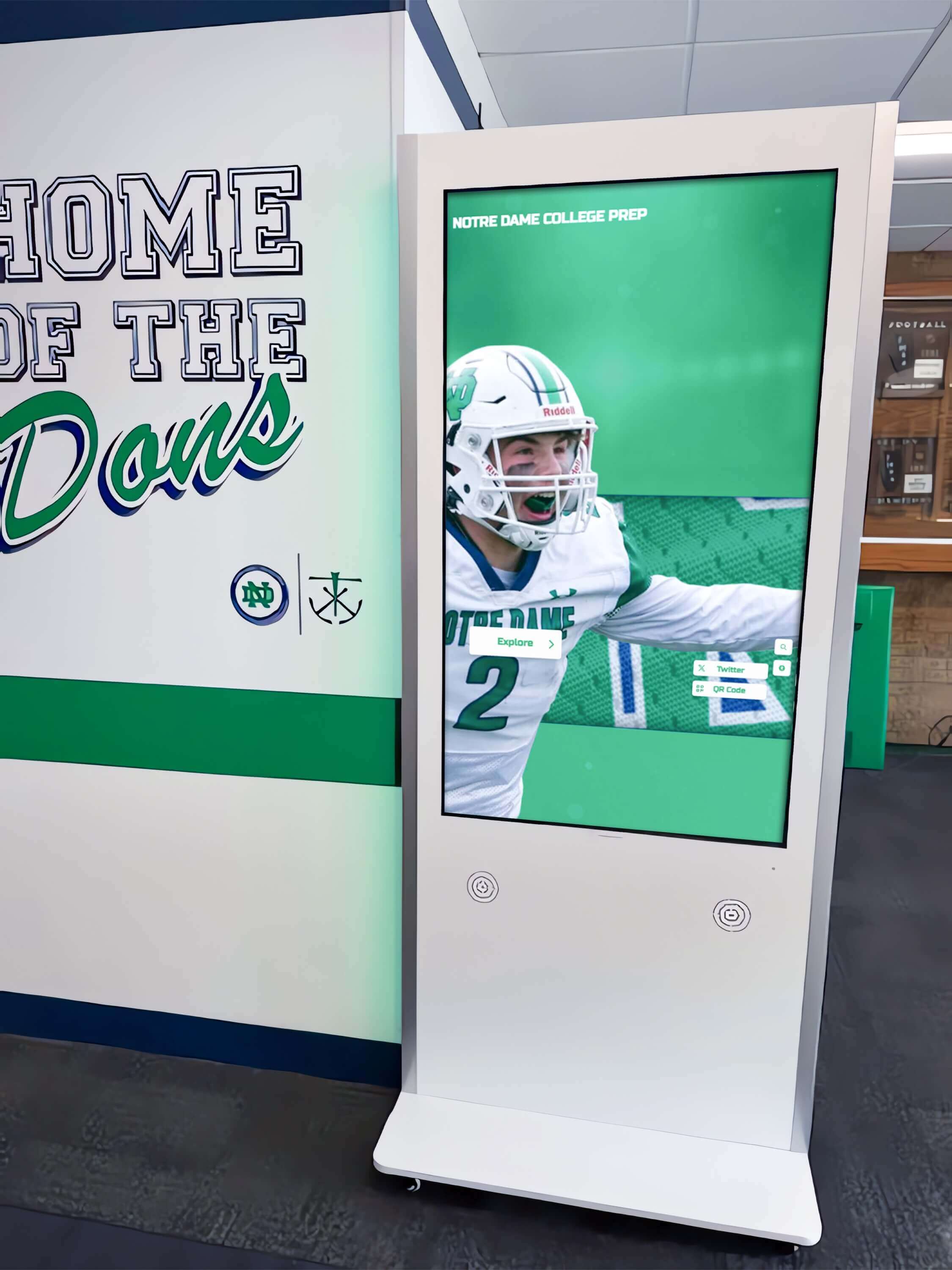
Interactive kiosk displays in school hallways use the same composite widget components as the web directory—an aria-owns audit run on the web platform covers the kiosk interface when both are delivered through a shared codebase
Display Integration: Composite Widgets Across Web Directory and Kiosk Interfaces
Most digital hall of fame platforms share a single codebase across the web directory and the physical kiosk interface. An aria-owns audit completed on the web directory’s composite widgets covers the kiosk interface automatically when both environments render the same HTML through the same JavaScript framework. Schools should confirm with their platform vendor whether the kiosk interface uses a separate codebase or a shared component library—if separate, the audit must be run independently on the kiosk interface.
Portaling behavior is particularly relevant to kiosk deployments. A kiosk running fullscreen Chrome or Chromium in a gymnasium lobby or alumni center hallway renders the same JavaScript framework as the web directory. If the framework portals suggestion listboxes to <body> on the web, it does the same on the kiosk. A switch-access user who connects an assistive technology device to the kiosk’s USB port and navigates using Tab and arrow keys depends on the same aria-owns implementation as a screen-reader user on the web.
Museum and institutional touchscreen history displays face the same challenge: composite widgets that work visually and for touch users must also work for switch-access and assistive technology users who interact with the same touchscreen content through different input modalities. An aria-owns audit ensures the accessibility tree is correct regardless of how a visitor physically interacts with the display.
Filter and search widgets on kiosk interfaces typically function in a reduced context—the kiosk may offer sport and decade filters without the full inductee name autocomplete search of the web directory. Confirm whether the kiosk-specific filter widgets are built from the same component library as the web directory filters. If the kiosk uses simplified, purpose-built widgets rather than the shared library, those widgets require their own aria-owns audit, because simplified implementations sometimes omit ARIA ownership declarations that the full shared component includes.
Rocket Alumni Solutions’ cloud CMS updates inductee records, photos, and media without redeploying widget components. When a new inductee biography is added through the CMS, the suggestion listbox that includes their name is updated through a data fetch—the ARIA ownership structure of the combobox and listbox remains unchanged between content updates. This means an aria-owns audit completed at the component level remains valid through any number of CMS-driven content refreshes, so long as no component library upgrade or template change is deployed.
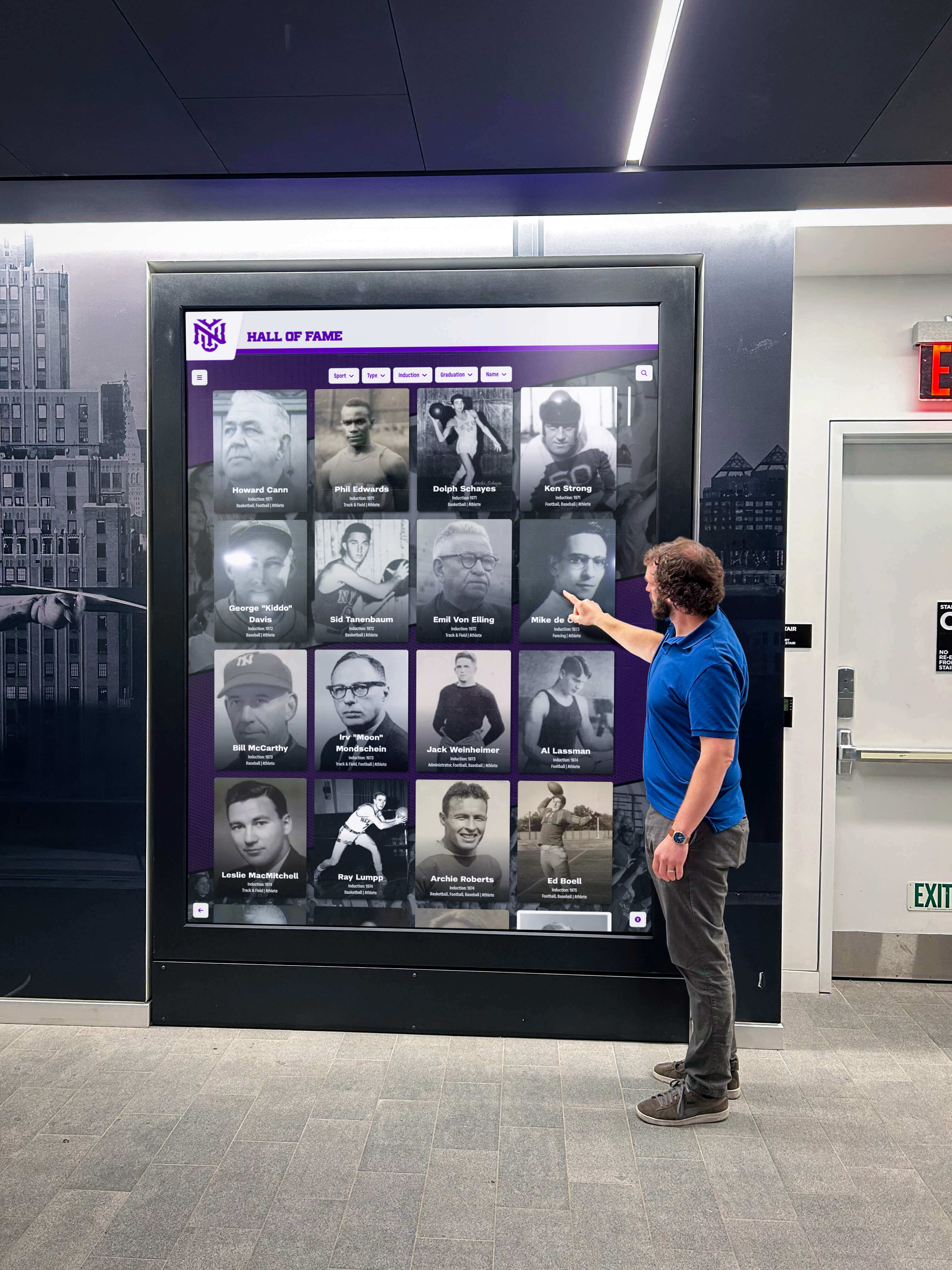
Community members who use assistive technology to navigate a hall of fame lobby display depend on aria-owns to access composite widget content that renders outside its DOM container—getting this right means every visitor can explore inductee search results independently
Reusable Audit Checklist: Digital Hall of Fame ARIA-Owns Audit
Copy this checklist into your accessibility tracking system. Mark each item as Pass, Remediate, Redundant, or N/A.
Inventory
- All composite widgets on the platform identified: search autocomplete, sport/year filters, comparison tools, tabbed profile viewers, tree navigators, and carousels
- For each widget, the DOM location of the controlled content confirmed (DOM descendant vs. portaled to body or another container)
- Widgets with portaled content flagged as requiring
aria-ownsreview
Per Widget — ARIA Ownership
-
aria-ownspresent on the controlling element when controlled content is portaled outside the controlling element’s DOM subtree -
aria-ownsvalue matches the exactidof the controlled content element - Controlled content carries a unique, stable
idthat does not change between page renders or user sessions -
aria-ownsnot applied when controlled content is already a DOM descendant of the owning element (redundant — remove) - No circular
aria-ownschain: owning element’saria-ownstarget does not itself point back to the owning element (or any ancestor in the chain)
Accessibility Tree Verification
- Chrome DevTools Accessibility Tree shows owned elements as children of the owning widget, not at their DOM-derived position
-
role="option"elements inside a portaled listbox show theirrole="listbox"parent correctly in the accessibility tree (not orphaned) - axe DevTools: no ARIA Required Owner Element violations with each widget in open/expanded state
Screen Reader Verification — Per Composite Widget
- NVDA + Chrome: navigation from the controlling widget reaches the controlled content through widget structure; autocomplete suggestions announced on Arrow Down; filter options reachable without leaving the filter widget
- VoiceOver + Safari: VO cursor interaction enters the controlled content from the triggering widget; suggestion list accessible from the combobox
- Escape key dismisses each portaled panel and returns focus to the controlling element
Regression Checks
- After any JavaScript framework upgrade: re-verify portaling behavior for all composite widgets and confirm
aria-ownsvalues still match renderedidvalues - After any template or CMS layout update affecting widget containers: re-verify that
aria-ownsis still present on controlling elements - After any new composite widget is added to the platform: add widget to inventory, confirm portaling behavior, and run full ownership audit for new widget
Assistive Technology Test Cases
Verify these specific scenarios for each composite widget type before each recognition season.
| Widget Type | Test Action | NVDA + Chrome Expected | VoiceOver + Safari Expected | Pass? |
|---|---|---|---|---|
| Search autocomplete combobox (portaled listbox) | Type “Jordan” in the search field; press Arrow Down | Combobox announced; suggestion text announced on Arrow Down; listbox reachable through widget navigation | VO+Space enters the combobox; suggestion announced; VO cursor enters listbox | Confirm both |
| Search autocomplete — Escape | Press Escape with suggestion list open | List dismissed; combobox announced as “collapsed” | List dismissed; VO cursor returns to combobox input | Confirm both |
| Sport filter dropdown (portaled menu or listbox) | Activate sport filter trigger; navigate options | Filter options announced; Tab or Arrow Down navigates within options; background page not reachable | VO enters filter panel; filter options announced | Confirm both |
| Year range combobox (portaled picker) | Type a year; observe picker panel | If picker portaled: picker reachable as combobox child; if co-located: no aria-owns needed | VO interaction enters picker; years announced | Confirm portaling status first |
| Tabbed profile viewer (split DOM) | Navigate to tab strip; Tab through tabs | Tab roles announced; active panel content reachable after switching tabs | VO cursor enters tabpanel after tab selection; panel content announced | Only relevant if tabs and panels are in separate DOM containers |
| Filter chip controlling results grid | Activate a sport filter chip; observe grid update | aria-controls value on chip references the grid; no aria-owns expected; grid updates announced via live region | Filter chip role announced; grid update announced | Confirm aria-controls used, not aria-owns |
| Tag-input combobox with portaled suggestions | Begin typing award category in tag-input field | Tag suggestion list reachable from combobox; each Arrow Down press announces tag suggestion | VO enters suggestion list from combobox | Tag-input libraries often portal by default; verify aria-owns |
| Portaled listbox with no matching id | Inspect aria-owns value; search DOM for referenced id | Screen reader cannot reach portaled content; accessible tree shows orphaned listbox | VoiceOver cannot enter portal from combobox | Record as Remediate; fix id mismatch |
Measurement: Indicators of aria-owns Compliance Quality
| Signal | Target | How to Measure |
|---|---|---|
| Composite widgets with portaled content identified | 100% of portaled widgets in inventory | Count widgets; count those whose controlled content is outside the controlling element’s DOM subtree; calculate ratio |
| Portaled widgets with correct aria-owns | 100% of portaled widgets | Count portaled widgets; count those with aria-owns referencing the correct id; calculate ratio |
| aria-owns id accuracy rate | 100% | For each aria-owns declaration, confirm the referenced id exists in the DOM; count mismatches |
| Redundant aria-owns declarations removed | Zero redundant declarations after remediation | Count aria-owns attributes where the referenced element is a DOM descendant; target zero after cleanup |
| Circular aria-owns chains detected | Zero | Audit all aria-owns values for chains that reference back to the owning element or any of its ancestors |
| axe violations (widgets open) — ARIA Required Owner | Zero critical or serious violations | Run axe with each portaled widget open; count ARIA Required Owner Element violations |
| Screen-reader navigation success rate | 100% of composite widget types navigable in NVDA + VoiceOver | Manual test per widget type; record failures |
Displaying awards, medals, and recognition hardware alongside digital archives is the physical-environment counterpart to the digital recognition experience. Both require attention to how recognition content is organized and presented for every visitor—whether the medium is a display case, a printed certificate, or a composite search widget on a touchscreen kiosk.
Frequently Asked Questions
What is the difference between aria-owns and aria-controls?
aria-owns restructures the accessibility tree by making the owned element appear as a child of the owning element, regardless of DOM position. aria-controls identifies a relationship without restructuring the tree: it tells the screen reader that this element controls another element, but does not change either element’s position in the accessibility tree. For a combobox with a portaled suggestion listbox, you need aria-owns to place the listbox in the accessibility tree as the combobox’s child—and optionally aria-controls to additionally identify the control relationship. For a filter chip that updates a results grid through JavaScript, aria-controls is correct—the chip controls the grid, but the grid is not a semantic child of any individual chip.
Does aria-owns work in all screen readers?
aria-owns is supported in current versions of NVDA with Chrome and Firefox, JAWS with Chrome and Edge, and VoiceOver with Safari on macOS and iOS. Browser-specific differences exist: some screen reader and browser combinations honor aria-owns for modifying the accessibility tree; others use it primarily as a signal for the control relationship. Testing in both NVDA + Chrome (the primary Windows combination) and VoiceOver + Safari (the primary macOS combination) is the minimum required verification. JAWS with Chrome is the secondary Windows test, particularly for school districts that use JAWS as their standard screen reader.
Can aria-owns reference multiple elements?
Yes. aria-owns accepts a space-separated list of id values: aria-owns="panel-1 panel-2 panel-3". This is relevant for tab components where the tab strip container owns multiple tabpanel elements that are rendered in a separate DOM container. Each id in the list must reference a unique element. The accessibility tree will list the owned elements as children of the owning element in the order they are listed in aria-owns.
What happens if two elements declare aria-owns for the same child?
Ownership conflicts—where two elements both claim the same element through aria-owns—produce undefined behavior in the accessibility tree. The WAI-ARIA specification does not define which owner wins in a conflict. Screen readers handle this differently; some honor the first declaration, some honor the last, and some produce inconsistent results across browser sessions. Every element in the DOM should be owned by at most one aria-owns declaration. Audit for conflicts by searching the codebase for duplicate id values that appear in multiple aria-owns attributes.
Should we remove aria-owns if the platform is updated to co-locate widget content in the DOM?
Yes. If a platform update moves portaled widget content back into the controlling element’s DOM subtree—eliminating the portal—the aria-owns declaration should be removed. aria-owns on a DOM parent-child relationship is redundant at best and may cause subtle accessibility tree anomalies in some AT versions. The post-update audit should confirm both that the content is now a DOM descendant and that aria-owns has been removed.
How do we handle reactive frameworks that regenerate element IDs on each render?
Reactive frameworks that generate random or counter-based id values on each render require that the controlling element’s aria-owns attribute be updated in the same render cycle that sets the owned element’s id. If the framework sets the id on the owned element as "listbox-" + renderCount, then the controlling element’s aria-owns must be set to "listbox-" + renderCount in the same operation. The audit should verify ID coordination by inspecting both values in DevTools after each render cycle that updates them. Stable, non-random IDs—set as fixed constants rather than generated values—eliminate this coordination risk entirely and are the recommended approach for production hall of fame platforms.
Do kiosk-only widgets need the same aria-owns audit as web widgets?
Yes. Kiosk interfaces that deliver HTML through a browser (fullscreen Chrome or Chromium) render the same JavaScript framework and produce the same DOM structure as the web directory. If portaling is enabled in the shared component library, it is active on the kiosk as well. Visitors who use switch-access devices connected to the kiosk’s USB port navigate using Tab and arrow keys and depend on the same aria-owns implementation as screen-reader users on the web. The aria-owns audit applies equally to all browser-rendered interfaces regardless of the physical form factor.
Connecting aria-owns Compliance to the Recognition Program Experience
A digital hall of fame serves a community. Alumni who graduated decades ago, parents who cannot attend in-person events, students with visual disabilities who use the recognition archive for school history research, and community members who access the platform from a kiosk in the lobby during an open house—all are members of the recognition program’s audience. When a composite search widget’s aria-owns is missing and a screen-reader user cannot locate the suggestion list for an inductee name search, the recognition program has failed that visitor before they reach the first inductee biography.
Building lasting community through recognition programs at school events requires that the recognition platform be navigable by every visitor who arrives—regardless of how they interact with the interface. An aria-owns audit is one step in ensuring that the platform’s composite widgets expose correct accessibility tree relationships for every visitor, every device, and every assistive technology combination.
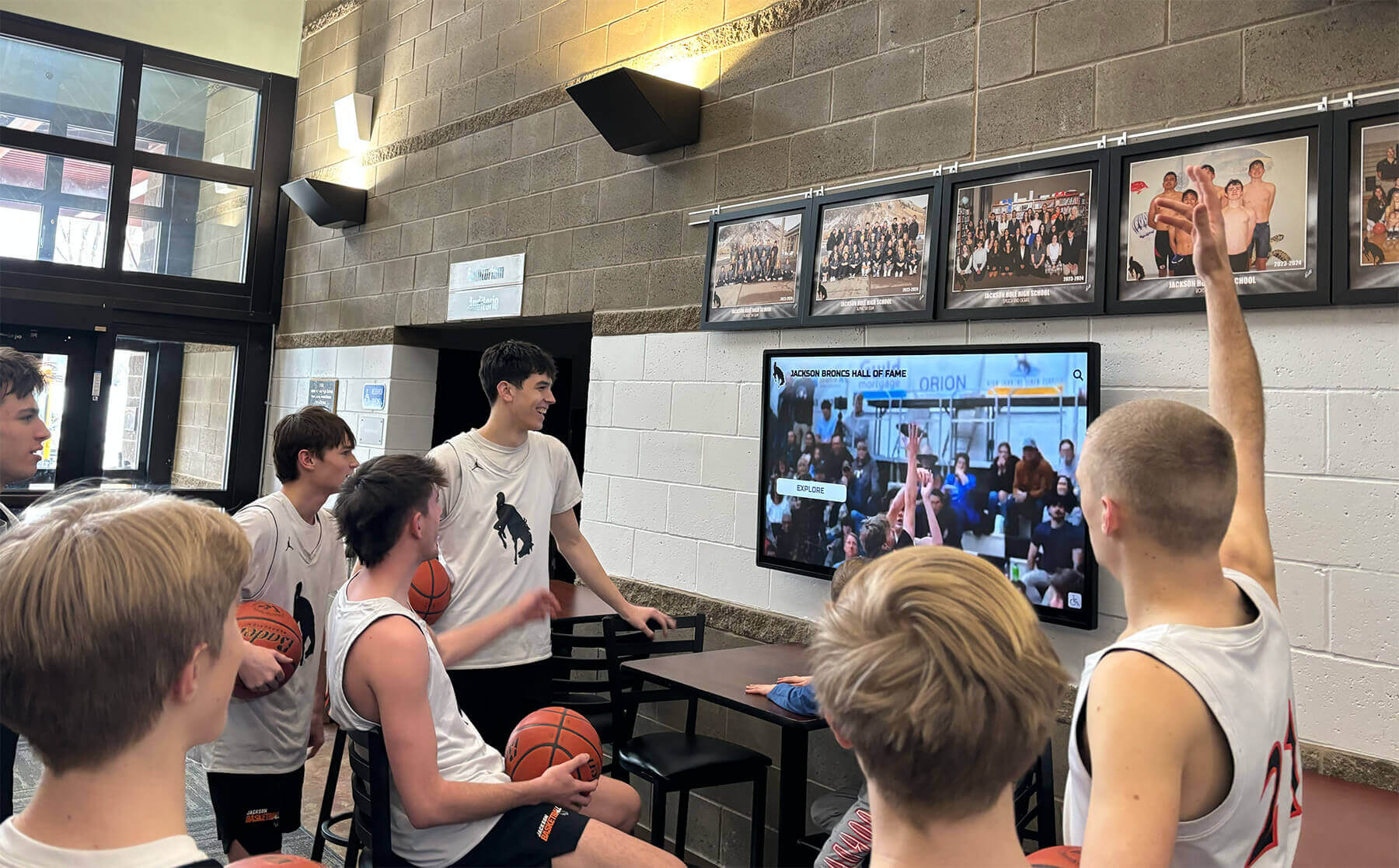
Digital recognition screens in school lobbies serve every visitor—students, alumni, parents, and community members—and composite widget aria-owns compliance ensures that all visitors can search and explore inductee content regardless of how they access the interface
The aria-owns audit is a 30–60 minute investment run once per platform, repeated after any component library or framework update, and maintained through CMS content cycles without re-testing. It requires no specialized accessibility tools beyond free browser extensions, built-in screen readers, and DevTools. It produces a documented checklist that can be retained for district accessibility compliance records, shared with platform vendors during contract reviews, and updated after each component update cycle.
Rocket Alumni Solutions’ digital hall of fame platform is built to WCAG 2.1 AA standards. Composite search, filter, and profile-viewer widgets are implemented using correct aria-owns declarations wherever portaling is required to prevent CSS clipping of dropdown content. The platform’s JavaScript component layer manages aria-owns automatically as part of widget rendering—platform administrators and content editors who add inductees through the cloud CMS do not interact with ARIA ownership declarations. Schools that need to document WCAG 2.1 AA compliance for district or state accessibility reviews can request the platform’s ARIA implementation documentation and widget accessibility test results as part of the demo process.

A digital hall of fame aria-owns audit applies across every device and browser where composite search and filter widgets appear—correct accessibility-tree ownership must be verified on desktop web, mobile, and kiosk form factors before each recognition season
Request a Demonstration of Accessible Composite Widgets
See how Rocket Alumni Solutions’ recognition platform implements aria-owns, correct widget accessibility-tree structure, and WCAG 2.1 AA composite widget compliance—so your school’s inductee search, filter, and profile-viewer widgets work correctly for every visitor, with any assistive technology.
Live Example: Rocket Alumni Solutions Touchscreen Display
Interact with a live example (16:9 scaled 1920x1080 display). All content is automatically responsive to all screen sizes and orientations.































