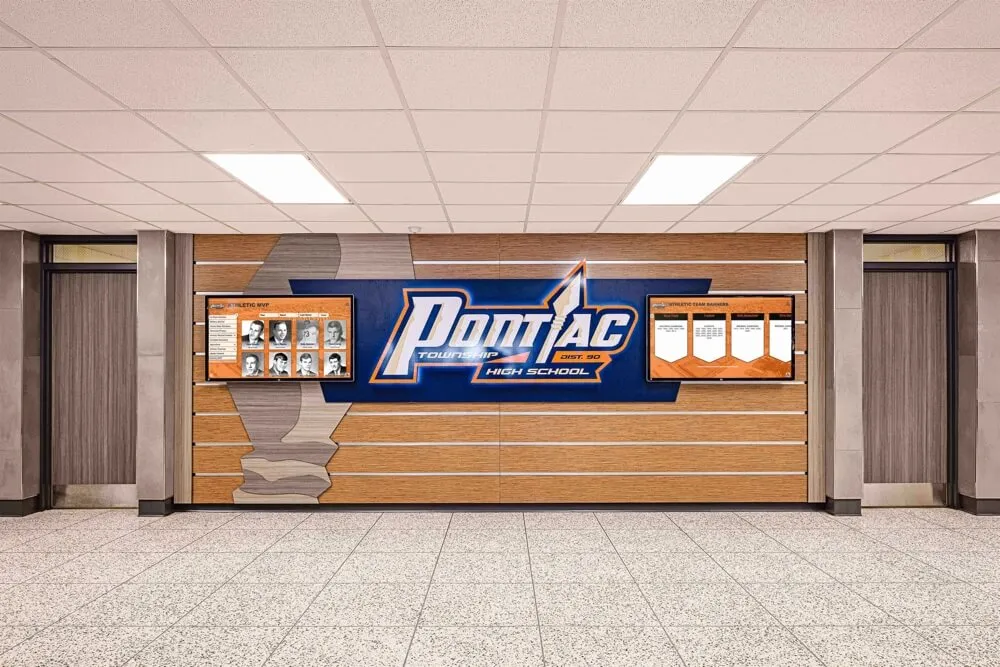




Every school has a story written in numbers—school-record 40-yard dashes, all-time scoring leaders, back-to-back state championship years, and single-season rushing marks that still get whispered about in the weight room. The challenge for athletic departments is turning those numbers into visible, living recognition that motivates current athletes, engages families, and tells the school’s athletic story to every student who walks through the door.
Traditional wooden record boards and laminated printouts still show up in gymnasiums and hallways, but they age quickly, require costly reprinting with every new record, and can display only the data that fits in a fixed frame. Modern athletic stats display systems—digital record boards, touchscreen leaderboards, LED rotating walls, and cloud-managed kiosks—eliminate those constraints entirely while creating engaging visual experiences that static boards cannot match.
This guide covers every major category of athletic stats display for schools: display types and placement strategies, which statistics matter most by sport, how to structure content for maximum engagement, and how to select technology that grows with your program rather than forcing updates every few years.
Showcasing athletic records effectively does more than fill wall space. Recognition displays communicate program values to recruits evaluating your school, inspire underclassmen to chase records set by graduates they never met, and give booster club members and community donors a tangible reminder of what their support makes possible. When athletic stats displays are designed and maintained well, they function as a 365-day-a-year recruiting and retention tool that no trophy case or banner can replicate alone.

A well-designed hallway athletic honor wall anchors program identity while giving student-athletes a daily reminder of the standard they are competing to meet or exceed
Program Snapshot: Athletic Stats Display Planning Framework
Before selecting hardware or content formats, teams benefit from mapping the full scope of their recognition program against available space, budget, and maintenance capacity.
| Display Category | Best Placement | Content Focus | Update Frequency |
|---|---|---|---|
| All-Sport Record Boards | Main gymnasium, athletics lobby | School records by event and sport | Per new record |
| Team Championship Banners/Screens | Gymnasium rafters or entrance hall | Conference, sectional, state titles | Per season |
| Individual Stat Leaderboards | Sport-specific hallways, locker rooms | Career and single-season leaders | Annually or per season |
| Live Season Stats Feeds | Lobby kiosks, parent waiting areas | Current-season game-by-game data | Weekly or daily |
| Career Milestone Walls | Alumni center, athletics hallway | 1,000-point scorers, 100-win pitchers | Per milestone |
| Rotating Digital Spotlights | Entrance screens, cafeteria displays | Featured athlete of the week/month | Weekly |
| State and National Honors | Trophy area, main office lobby | All-state, All-American, academic all-sport | Per award cycle |
| Historical Archives | Interactive touchscreen kiosks | Decade-by-decade program history | Annual additions |
This framework gives athletic directors a starting point for auditing current recognition coverage, identifying gaps—typically JV records, non-revenue sports, and academic-athletic honors—and prioritizing the display formats that will deliver the most immediate impact.
Section 1: Types of Athletic Stats Displays for Schools
Understanding what each display type does well helps schools build a complementary system rather than duplicating content across formats.
Traditional Static Record Boards
The classic wooden or acrylic record board remains a cost-effective entry point for programs tracking individual event records in sports like swimming, track and field, and cross country. A well-maintained static board shows the record holder’s name, mark, year, and sometimes the opponent or meet name.
Best uses for static boards:
- Event-based sports with quantifiable records (100m dash, 50m freestyle, power clean)
- Weight room personal records displayed as team motivation
- All-time single-game stat leaders (points in a game, strikeouts in a game)
- Permanent career milestones that rarely change once set
Limitations to plan around:
- No multimedia capacity—no photos, video, or linked profiles
- Physical reprinting or re-engraving required for every update
- Limited space means difficult choices about which sports and records to include
- Cannot rotate between content modes for gameday vs. off-season
For schools tracking running and field event records, cross country record boards offer a proven model that balances detail with visual clarity across a full varsity roster.
Digital LED Record Boards
LED digital boards display the same categories as static boards but allow real-time updates from a connected CMS or spreadsheet integration. Many schools install them directly over or alongside existing trophy cases to modernize displays without full renovation.
Capabilities beyond static boards:
- Remote content updates without physical hardware changes
- Multiple content modes (season schedule, live scores, record listings) on a single screen
- Video integration for highlight clips and athlete spotlight features
- School colors, logos, and branded layouts that evolve with rebranding
Schools celebrating major athletic programs—from football to swimming—have used LED boards to showcase state championship milestones and season records in formats that engage both current students and alumni visiting campus.
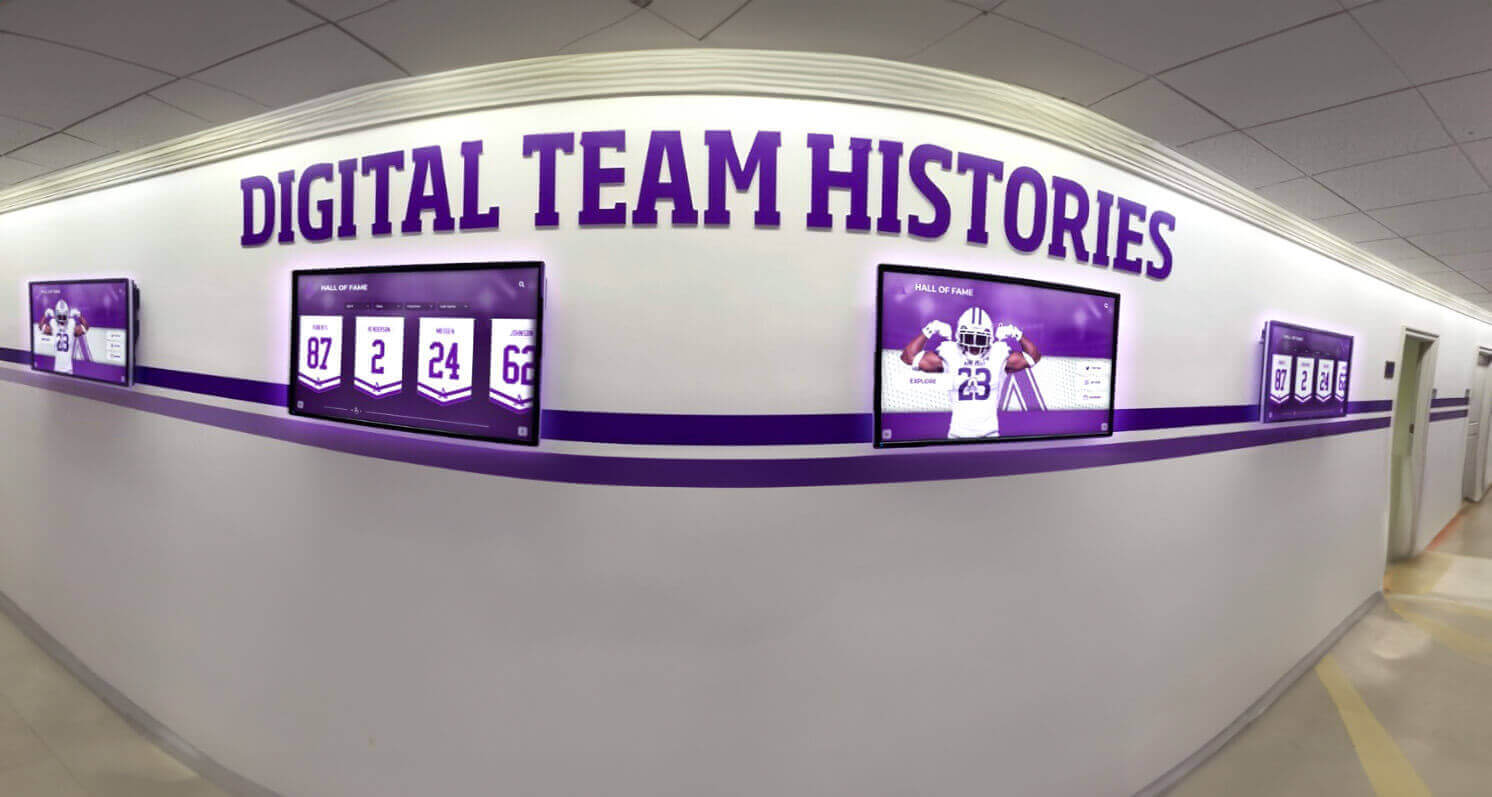
Dedicated hallway screens allow athletic programs to cycle through team histories, season records, and individual stats without the space constraints of a single static board
Touchscreen Interactive Displays and Kiosks
Touchscreen displays represent the most feature-rich athletic stats display option available to schools. Rather than presenting a fixed view of top records, interactive kiosks let users navigate by sport, year, athlete name, or category—transforming a passive display into an exploration experience.
Core features that differentiate touchscreen stat systems:
- Search and filter functionality across all sports and years
- Individual athlete profile pages combining stats, photos, and bio information
- Video integration for highlight reels and game footage
- Multi-language support for diverse school communities
- ADA-compliant interfaces meeting WCAG 2.1 AA contrast and reach standards
- QR code sharing so visitors can send profiles to their own devices
The touchscreen software landscape for school athletics has matured significantly, with purpose-built platforms allowing non-technical staff to manage content updates without IT support.
Touchscreen displays work especially well in high-traffic areas: main lobbies, gymnasium entrances, and athletics hallways where parents, recruits, and community members spend time before and after events. Digital display boards placed in school lobbies and entrances consistently outperform hallway placements for dwell time and engagement.
Wall-Mounted Mural Systems with Integrated Screens
A growing number of schools pair large-format athletic murals—custom-printed graphics featuring mascots, school colors, and championship years—with embedded screens displaying live or rotating digital content. The mural provides permanent brand presence while the integrated screen handles time-sensitive stats, records, and spotlights.
This hybrid approach suits athletics lobbies and gymnasium foyers where budget allows a signature installation. The visual impact of a full-wall mural framing a digital display creates a distinctive environment that simple screen installations cannot match.
Content strategies for mural-plus-screen systems:
- Mural: founding year, championship count, iconic school records, program motto
- Screen: current season roster, this week’s game schedule, rotating athlete spotlights, live score feeds during games
- Combination mode for special events: senior night slideshows, alumni weekend content, booster club donor recognition
Section 2: Which Athletic Stats to Display
Choosing the right statistics determines whether a display feels meaningful or arbitrary. The goal is recognizing genuine excellence in a way that motivates current athletes and tells a compelling story about the program’s history.
Individual Performance Records
Individual records represent the most motivating category for current student-athletes because they name a specific standard to chase:
Track, cross country, and swimming — event-specific records are natural fits for record boards. List the mark, the athlete’s name and graduation year, and the competition where the record was set. Consider displaying both the school record and the program’s all-time top five for each event to give more athletes visible recognition.
Court and field sports — single-season and career leaders in points, rebounds, assists, goals, saves, batting average, ERA, and similar statistics anchor individual recognition. Single-game records (points in a game, strikeouts in a game) add an additional layer that celebrates peak performance alongside sustained excellence.
Strength and conditioning — weight room records for the power clean, squat, bench press, and vertical jump appear increasingly in athletics hallways and locker rooms. These records motivate off-season training while recognizing student-athletes who commit to strength development regardless of sport.
For programs at junior college and two-year institutions, JUCO athletics digital recognition systems provide an adaptable model for schools that cycle rosters more frequently but still want to build sustained recognition culture.
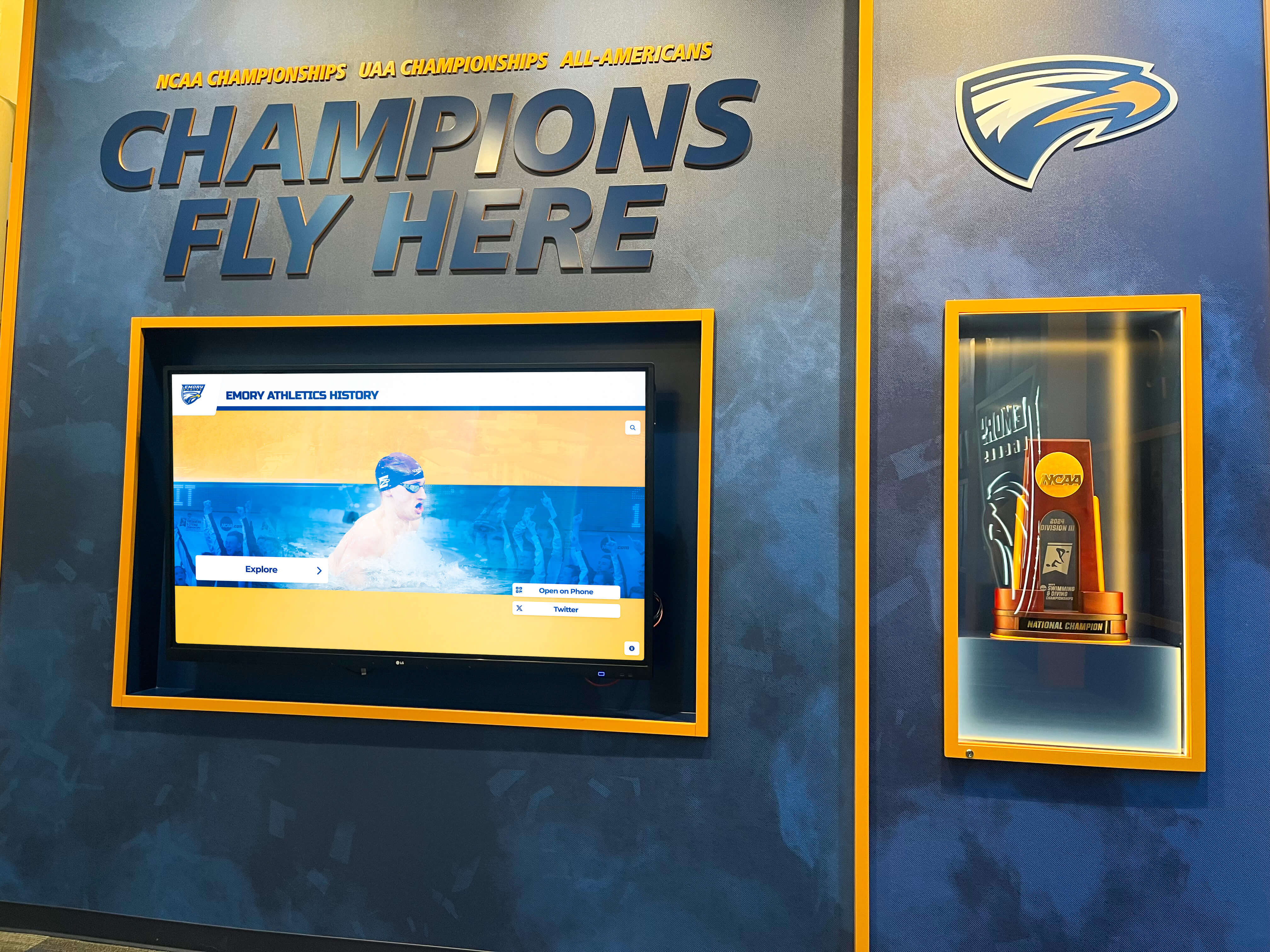
Dedicated sport-specific champions walls combine championship hardware with individual record recognition, creating a comprehensive display of program achievement history
Team Records and Championship History
Team milestones anchor the broadest recognition category and tend to generate the most community engagement because they represent collective achievement:
Championship records to display:
- State, regional, and conference championships by year and sport
- Longest winning streaks in program history
- Best single-season records by sport
- All-time head-to-head records against key rivals
- Consecutive playoff appearance streaks
- First-ever championship in each sport
How to organize team record displays:
- Chronological timelines work well for programs with long histories and multiple championship eras
- Sport-by-sport grouping allows visitors to navigate directly to their area of interest
- Decade summaries help establish context for programs with 50+ years of history
- Interactive filters on touchscreen systems allow both views simultaneously
Documenting program history comprehensively also serves a practical function: when communities invest in future-proofing school recognition programs, a complete digital archive prevents the common problem of gaps in historical records after staff transitions.
Career Milestone Honors
Career milestones differ from records in that they recognize sustained contribution over multiple seasons. Common milestone categories worth displaying:
- 1,000-point scorers (basketball), 1,000-yard rushers (football), 100-win pitchers (baseball/softball)
- Four-year varsity letter earners across all sports
- Multi-sport athletes who lettered in three or more activities
- Academic all-sport honorees maintaining a GPA threshold while competing
- Three-time or four-time all-conference selections
Career milestone displays benefit from permanent placement—often adjacent to the main record board or in a dedicated hall of fame section—because they recognize athletes who contributed over time rather than athletes who achieved a single peak performance.
Seasonal and Weekly Rotating Content
Not every athletic stats display needs to show permanent records. Rotating content keeps displays fresh for students who walk past them daily and gives current athletes ongoing visibility:
- Athlete of the Week spotlights featuring stats from the most recent competition
- Season-to-date leaders updated weekly during the competitive season
- Game preview graphics displaying this week’s schedule and opponent records
- Post-game recap stats from notable victories
- Senior spotlights during senior recognition weeks and senior night events
Rotating content is most effective on digital screens rather than static boards, as it provides a reason to look at the display regularly rather than treating it as background scenery after the first few viewings.
Section 3: Placement Strategies for Maximum Visibility
Where an athletic stats display is installed determines who sees it, how long they engage, and what action it inspires. The best installations are positioned based on traffic patterns, audience segmentation, and the specific goals for each display type.
Main Gymnasium and Field House
The gymnasium represents the most natural home for championship banners and all-sport record boards because it is the venue where athletic achievement is witnessed live. Placement considerations:
- Championship banners belong at rafter height visible from every seat
- All-sport record boards work best at eye level near the main entrance
- Digital displays flanking the scoreboard serve double duty as game-night entertainment and off-season record showcases
- Touchscreen kiosks near concession areas or lobby entrances attract engagement during warm-up periods and halftime
Athletics Lobby and Trophy Area
The athletics lobby creates the first impression for recruits, visiting teams, opposing coaches, and community donors. It should tell the complete story of the program at a glance:
- Signature wall installation combining mural, trophies, and screen
- Chronological championship display showing program evolution
- Individual sport records organized by section or panel
- QR code access to digital profiles for visitors who want deeper information on their phones
Sport-Specific Hallways and Locker Room Corridors
Dedicated sport displays in team-specific spaces serve a motivation function that general athletics displays cannot: they speak directly to the athletes who use those spaces every day.
- Baseball and softball hallways: career hitting and pitching leaders, state tournament runs
- Wrestling rooms: weight class records, pin leaders, state qualifiers by year
- Pool and natatorium: event records with qualifying standards marked as reference points
- Football fieldhouse: offensive and defensive single-season records, weight room bests
For football programs with rich postseason histories, referencing state championship display traditions from high-profile programs provides inspiration for how to organize decades of championship hardware alongside individual performance data.
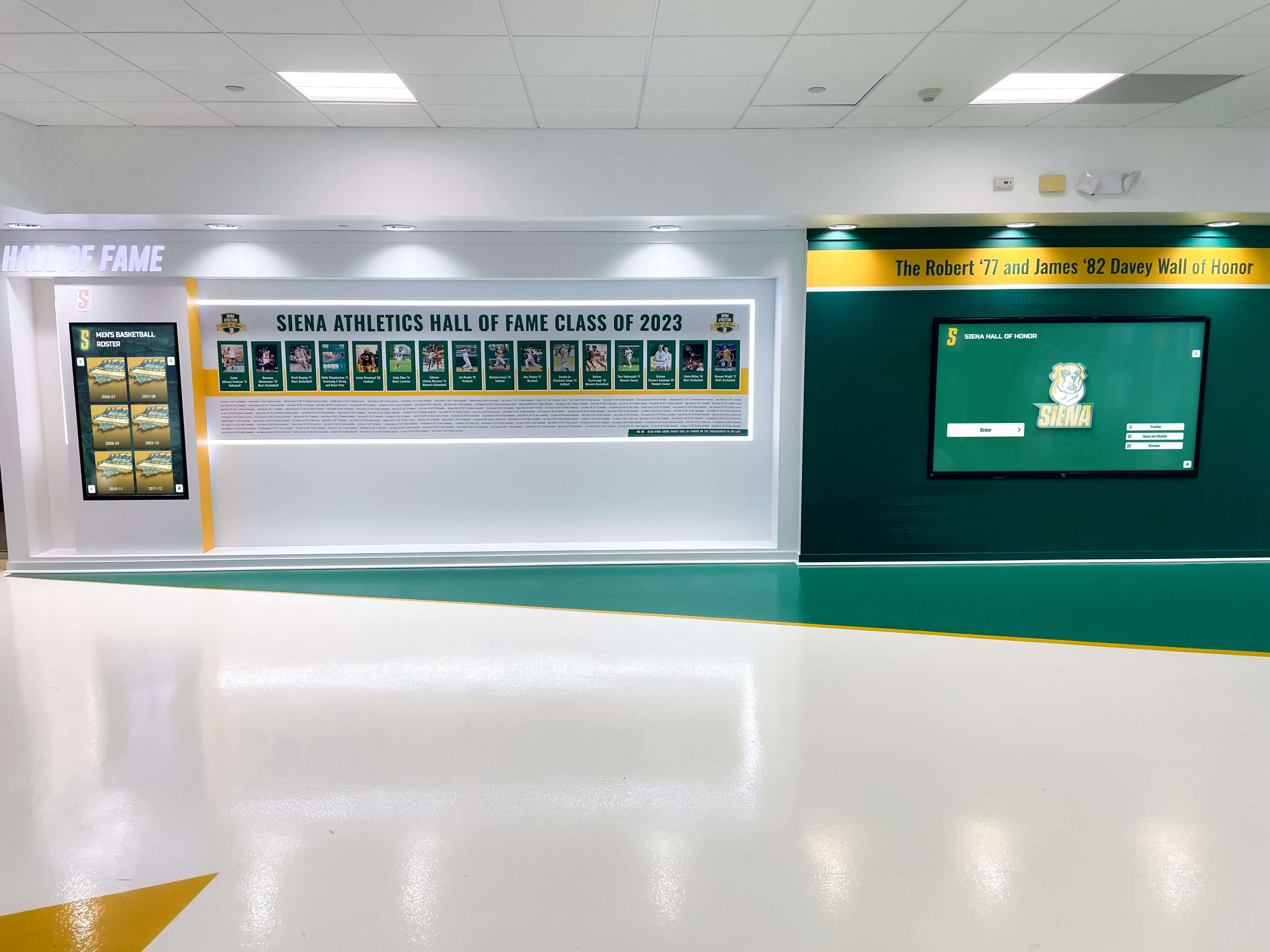
Dedicated athletics hall of fame wall installations combine portrait recognition with stat records, creating comprehensive displays that honor both the athlete and the achievement
School Entrance and Main Lobby
General school lobbies attract the broadest audience—parents dropping off students, community members attending evening events, district administrators, and prospective families touring the campus. Athletic stats displays in these spaces should lead with the most impressive headline achievements:
- Championship count summary (“12 state championships since 1995”)
- Recent season highlights from the current school year
- Current state rankings or poll positions during active seasons
- Feature spotlights on recent award winners (all-state, all-conference, academic all-sport)
The main lobby is also the right location for storytelling-focused digital recognition that pairs statistics with narrative context—an athlete’s stats plus the story of where they went after graduation resonates more deeply with community audiences than raw numbers alone.
Section 4: Content Architecture for Digital Athletic Stats Displays
Digital systems require more intentional content planning than static boards because their flexibility can become a liability if content is not organized and maintained consistently.
Display Module Structure
Effective touchscreen and digital screen content systems divide athletic stats into logical modules that visitors can navigate predictably:
Module 1: All-Time Records
- Organized by sport, then event or statistical category
- Filter by era, gender program, or individual athlete name
- Each record links to athlete profile if available
- Visualizations showing record progression over decades
Module 2: Championship History
- Chronological championship timeline with sport icons
- Drill-down to team rosters and season records for each title
- Photo galleries from championship events
- Head coach information for each championship season
Module 3: Hall of Fame / Inducted Athletes
- Searchable inductee directory with sport, graduation year, and achievement summary
- Full profile pages with career stats, photos, and post-graduation biography
- Video integration for interview clips or highlight reels
- Family contact submission for biography updates
Module 4: Current Season
- Live or weekly-updated roster and season stats
- Schedule with scores populated as games are played
- Athlete spotlight features rotating weekly
- Senior recognition content during the final weeks of each sport’s season
Module 5: Records in Reach
- Current athletes approaching school records
- Countdown-style displays (“Jordan needs 47 more points to break the career scoring record”)
- Progress bars for career milestones in progress
- Motivational content linking current athletes to the record holders they might surpass
The “Records in Reach” module deserves particular attention because it creates ongoing content that changes regularly and directly engages current student-athletes who are named on the display. Schools using this format report that athletes regularly bring family members to see their name on the board.
Execution Timeline: Launch to Long-Term Maintenance
| Phase | Timeline | Key Actions |
|---|---|---|
| Plan | Weeks 1–3 | Audit existing records, identify gaps, select display locations, define content modules |
| Gather | Weeks 4–8 | Compile historical stats from records, yearbooks, and coach archives; collect photos |
| Build | Weeks 9–14 | Configure CMS, design display layouts, import data, test navigation and accessibility |
| Launch | Week 15 | Install hardware, train staff on content updates, announce to community |
| Refresh | Ongoing | Weekly season stats, annual record updates, new inductee additions, periodic design refreshes |
The data-gathering phase typically takes longer than expected at schools without centralized digital records. Many programs find historical stats scattered across paper scorebooks, old yearbooks, newspaper archives, and coaches’ personal files. Allocating adequate time for this phase—and assigning a specific staff member to coordinate it—determines whether a digital display launches with comprehensive historical content or launches with gaps that undermine credibility.
Section 5: Technology Selection Criteria
Choosing athletic stats display technology involves evaluating capability, total cost of ownership, and vendor support—not just upfront hardware cost.
Key Evaluation Criteria
Content management accessibility — Staff who manage athletic records are typically athletic directors and coaches, not IT professionals. The CMS for any athletic stats display system must be accessible to non-technical users, allow remote updates from any device, and require no coding knowledge for routine record additions.
Scalability — A system selected for the main gymnasium should scale to cover all sports, all records, and all historical content without requiring a platform change as the program grows. Platforms with per-inductee or per-sport pricing models can become expensive quickly; unlimited capacity systems are preferable for programs planning comprehensive coverage.
Integration capabilities — The best systems integrate with existing statistical platforms (MaxPreps, HUDL, MILESPLIT) to reduce manual data entry. Automatic score and stat feeds eliminate the need for staff to manually update displays after each game.
ADA compliance — School displays must meet WCAG 2.1 AA accessibility standards, including adequate color contrast, touchscreen reach height compliance (15–48 inches for forward reach), and text size minimums. ADA-compliant displays also serve older community members and family members with visual impairments who attend events.
Hardware durability — School environments are demanding. Touchscreens in hallway settings face daily contact from hundreds of students. Specify commercial-grade displays rated for multi-touch interactions, vandal-resistant glass, and extended operating hours. Consumer-grade televisions fail quickly in these environments.
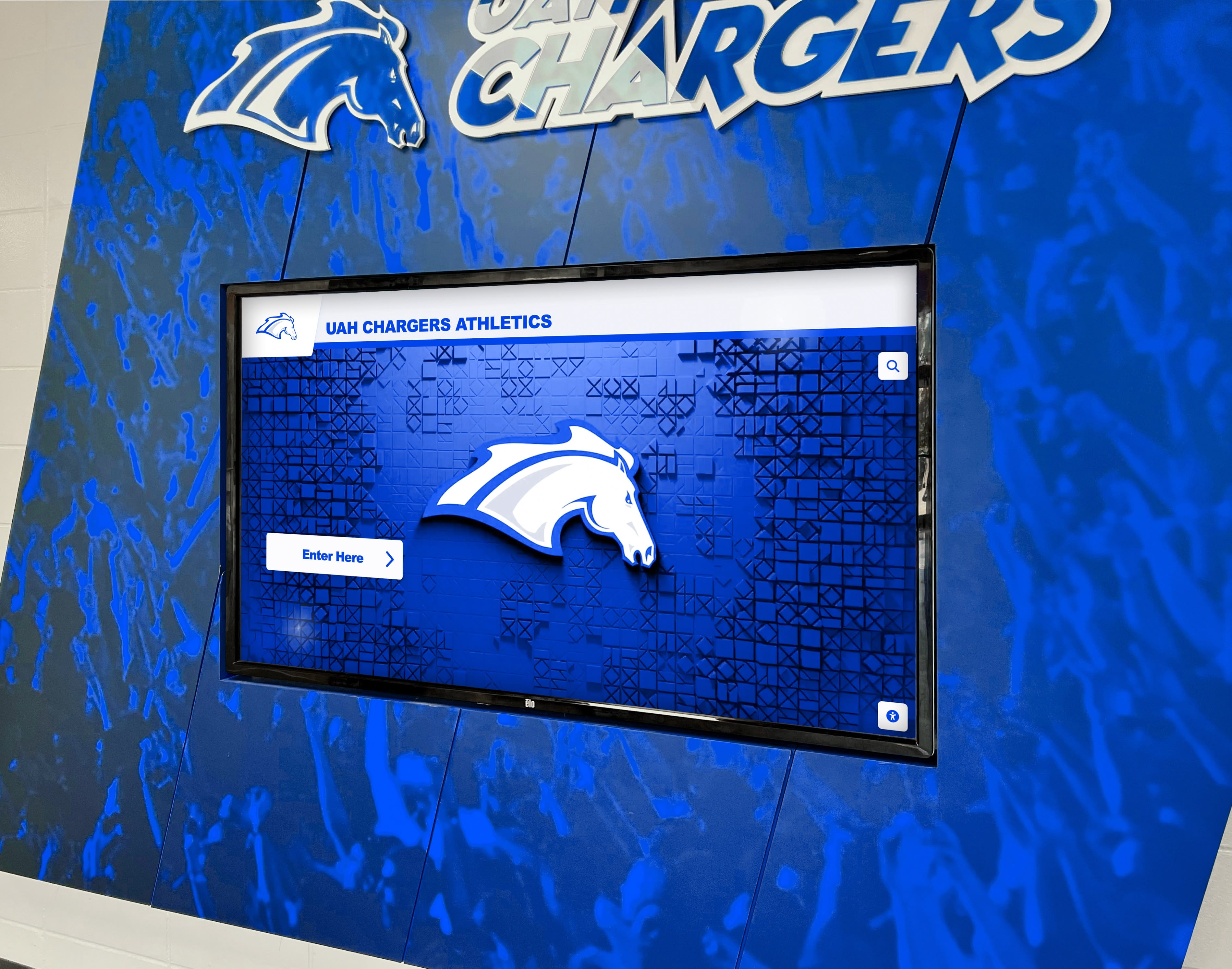
Commercial-grade digital screens designed for high-traffic athletics environments combine durability with high-brightness displays visible under challenging lighting conditions
Vendor Partnership Considerations
Beyond hardware and software specs, the vendor relationship matters significantly for long-term success:
- Implementation support: Does the vendor help migrate historical records, or does the school handle all data entry independently?
- Design services: Are custom layouts and branding included, or do they require additional design fees?
- Ongoing maintenance: What happens when hardware fails? What is the support response time and replacement process?
- Content consultation: Will the vendor advise on which content modules to prioritize based on the school’s specific situation?
Schools evaluating the 10 best hall of fame tools for athletics and recognition programs often find that the most important differentiator is not hardware quality—most commercial-grade products are comparable—but rather the vendor’s depth of experience in school athletic environments and their ability to provide ongoing content support.
Section 6: Making Stats Displays Inclusive Across All Sports
One of the most common failures in school athletic stats displays is overrepresentation of high-profile revenue sports—football, basketball—and underrepresentation of the programs that serve the majority of student-athletes: swimming, track and field, soccer, volleyball, baseball, softball, tennis, golf, wrestling, cross country, and others.
Equity Checklist for Athletic Stats Displays
Before finalizing display content, run through this checklist to ensure balanced representation:
- All varsity sports have at least one record board or digital profile section
- Female and male programs receive equivalent display space and feature depth
- Individual sports (swimming, track, wrestling) receive event-level recognition, not just team awards
- Non-revenue sports appear in lobby and entrance displays, not only in hallway locations
- JV and reserve program records are tracked and displayed in sport-specific hallways
- Academic all-sport honorees appear alongside athletic record holders
- Coach and staff recognition is included in displays, not limited to player records
- Historical records from eras before current sport gender equity standards receive accurate context
Comprehensive sport coverage also serves a practical retention function: student-athletes in non-revenue sports who see themselves represented in school displays are more likely to remain engaged with their programs through senior year and return as alumni supporters.
Section 7: Reusable Artifacts and Implementation Templates
All-Sport Record Board Content Template
Use this structure as a starting checklist when compiling content for any all-sport digital record board:
For each individual sport, gather:
- School record holder, mark/stat, year set, and event/game where achieved
- Top-five all-time list for primary statistical categories (points, rebounds, strikeouts, etc.)
- Career milestone honorees (1,000-point scorers, 100-win pitchers, etc.)
- Single-game record holders for peak performance categories
For team records, gather:
- Championship list by year with coaching staff
- Best season won-loss record
- Longest winning streaks
- Head-to-head all-time records against top rivals
For annual updates, schedule:
- End of each sport season: review all records for updates
- After spring awards ceremonies: add academic all-sport honorees
- June or July: comprehensive annual review of all content for accuracy
- September: launch new school year with refreshed current-season content
Measurement Block: Engagement KPIs for Athletic Stats Displays
Schools that install digital athletic stats systems benefit from tracking the following metrics to demonstrate ROI and guide future content investment:
| Metric | Measurement Method | Target Benchmark |
|---|---|---|
| Average dwell time per session | Touchscreen analytics | 2–4 minutes for lobby kiosks |
| Daily unique interactions | CMS session tracking | 50–200 interactions per day for main lobby kiosk |
| Content modules accessed | Navigation analytics | All modules accessed within 30 days of launch |
| QR code scans | URL tracking parameters | 5–15% of in-person visitors scan to mobile |
| Staff update time per week | Admin self-reporting | Under 30 minutes for routine weekly updates |
| Records corrected or added annually | Content audit logs | Comprehensive review completed annually |
Tracking these metrics allows athletic directors to demonstrate program engagement to school boards and booster clubs—an increasingly important capability as recognition technology budgets are evaluated alongside facility and equipment investments.
Conclusion: Building an Athletic Stats Display System That Grows With Your Program
The strongest athletic stats displays in schools share a common quality: they feel like living documents of program history rather than static snapshots. They grow each season, welcome each new record holder, and give current athletes a clear picture of the standard they are inheriting and competing to raise.
Getting to that outcome requires intentional planning around content architecture, placement strategy, technology selection, and ongoing maintenance. It also requires a commitment to inclusive coverage that honors every sport and every athlete who contributed to the program—not just the names that end up in trophy cases.
Whether your school is modernizing a decades-old wooden record board, building a new athletics facility with integrated displays, or looking to add digital stat tracking to an existing touchscreen hall of fame system, the right technology partner makes the difference between a launch-and-forget installation and a recognition system that remains fresh and compelling year after year.
Discover how Rocket Alumni Solutions helps schools design, build, and manage comprehensive athletic stats display systems—combining touchscreen hall of fame technology, digital record boards, and custom-branded installations that showcase every sport, every record holder, and every chapter of your program’s history. Request your free custom demo to see what a purpose-built athletic stats display looks like for your school.
The investment in a well-designed athletic stats display system pays dividends in student-athlete motivation, community engagement, recruit impressions, and program prestige—year after year, long after the initial installation is complete. Start by auditing what your school currently shows, identifying the gaps that leave records and athletes unrecognized, and building toward the comprehensive system your program’s history deserves.































