



An athletic hall of fame hidden until found biography audit is the process of examining every inductee biography page that uses hidden="until-found" to collapse expanded career narratives—verifying that the biography text is revealed correctly by the browser’s Find in Page feature and by fragment navigation, that the beforematch event is wired so that reveal synchronizes with any surrounding UI, that unsupported browsers do not silently lose critical inductee content, and that the technique is not misapplied as an access-control mechanism for private records. The hidden global attribute, including its until-found value, is documented in the MDN Web Docs reference for the hidden attribute: when set to until-found, an element’s content remains in the HTML document and is searchable by the browser’s built-in Find in Page, but is not rendered visibly until the browser locates a match or navigates a fragment to it. This audit guide is for athletic directors, recognition-program owners, and the IT and archival staff who maintain or commission digital hall of fame platforms built on browser-based biography directories.
A school’s athletic hall of fame directory can grow to include dozens or hundreds of inductees across decades of program history. Presenting every full biography on a single directory page creates a scroll depth that overwhelms visitors and slows page rendering. Collapsing those biographies into a compact roster that opens on demand is a common solution—but the mechanism used for collapse determines which visitors can access each biography, how deep-linked URLs behave, and whether a visitor searching within the page for an inductee’s name or award can reach the hidden text.
hidden="until-found" is a browser-native approach to this problem. The biography text is fully present in the HTML source from the first server response, parsed into the DOM, and searchable by the browser’s Find in Page (Ctrl+F / Cmd+F). When the browser finds a match inside a hidden="until-found" element, it fires the beforematch event on that element and then reveals it—removing the hidden attribute—without any application code. Navigating to a URL with a fragment identifier pointing to such an element (#bio-athlete-name) produces the same result. The biography is always there; the browser simply delays rendering it until the visitor needs it.

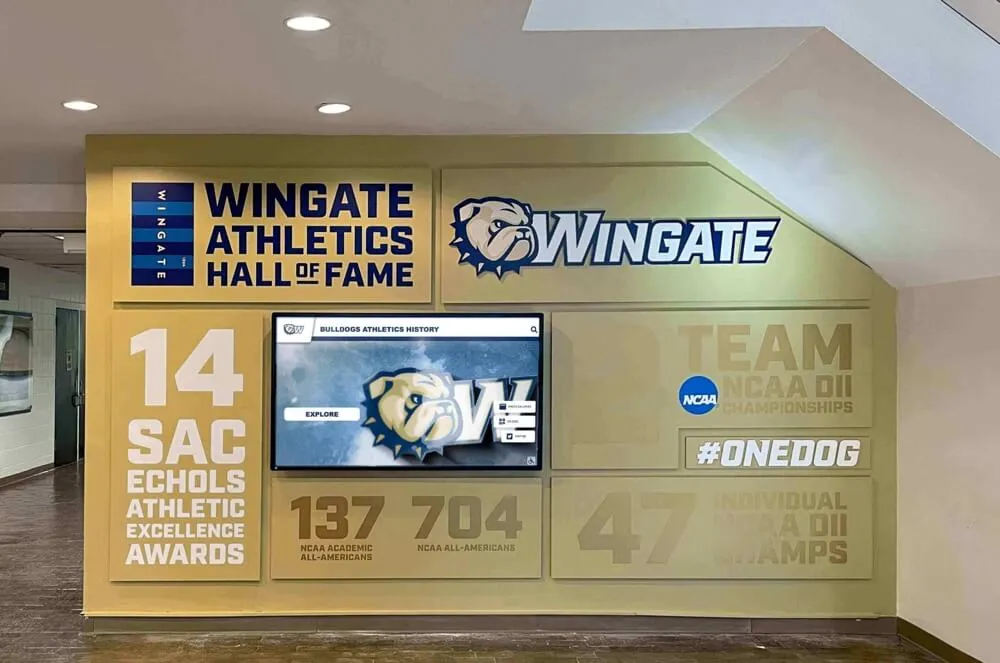
A school athletic hall of fame wall display: every inductee biography on a recognition platform, whether presented physically or digitally, should be fully accessible to every visitor—collapsed digital biographies must not disappear in browsers that do not support the hidden="until-found" attribute
Program Snapshot: Hidden Until Found Biography Audit Scope
Establish the full scope before opening a browser or running any test commands. The table below defines the parameters for this audit at any stage of a school recognition program.
| Planning Element | Details |
|---|---|
| Primary Audience | Athletic directors, recognition program owners, IT administrators, school web managers, archives and purchasing partners |
| What Is Being Audited | Every inductee biography wrapped in hidden="until-found" on biography directory pages, roster index pages, or any recognition page that collapses already-loaded biography text |
| Authoritative Reference | MDN: The hidden global attribute |
| Browser Support Scope | Chromium-based browsers (Chrome, Edge) implement hidden="until-found"; Firefox and Safari do not as of this audit. Verify the specific browser and version running on each school kiosk before deploying |
| Tools Required | Chrome or Edge with DevTools (built-in, free); a keyboard for Find in Page testing; a URL with a fragment identifier for fragment navigation testing; any browser without hidden="until-found" support for fallback testing |
| Time Investment | 30–45 minutes for an initial audit of a biography directory template; 15 minutes for a targeted re-check after any template or content update |
| Failure Consequence | Biography content that is never revealed in unsupported browsers; Find in Page matches that do not scroll to or reveal the correct biography; fragment navigation links shared by alumni that land on a visible page but without the expected biography open; reveal events that fire but leave the surrounding layout misaligned |
| Pass Condition | Find in Page reveals every biography whose text matches the search term; fragment navigation to a biography ID reveals that biography; beforematch is handled so reveal synchronizes with UI state; unsupported browsers render all biographies visible rather than hiding them permanently; hidden="until-found" is not applied to any content that requires access control |
| Not in Scope | Protecting private or restricted inductee records (this technique is not access control); performance gains from deferred rendering (addressed separately in content-visibility guides); <details> and <summary> toggle disclosures (a user-controlled mechanism independent of browser search) |
What hidden="until-found" Provides—and What It Does Not
The hidden attribute in its boolean form—written as just hidden or hidden="hidden"—completely removes an element from the rendered page. The element is not visible, not interactive, and not reachable by the browser’s Find in Page. This is the same visual result as setting display: none in CSS, and both approaches make the biography text invisible to a visitor who uses Ctrl+F hoping to find an inductee by name or by an award they remember.
hidden="until-found" changes this. According to the MDN hidden attribute documentation, the until-found value causes the element to be hidden visually—not painted on screen—while its text content remains available to the browser’s built-in search and to fragment navigation. The browser internally applies rendering behavior similar to content-visibility: hidden, which means the element’s layout box still participates in document flow in some implementations, though it is not painted. This has implications for surrounding layout that the audit must verify.
Three distinctions matter for a biography directory audit:
hidden="until-found" is not display: none. A biography collapsed with display: none—whether set directly in CSS or toggled by an application JavaScript search widget—is invisible to Find in Page. A visitor who types an inductee’s name into the browser’s Ctrl+F bar will get zero matches if every biography is collapsed with display: none. hidden="until-found" makes every biography’s text findable even while collapsed, which means the roster remains fully searchable without the visitor needing to know about any custom search widget.
hidden="until-found" is not <details> and <summary>. The <details> element provides a user-controlled toggle: the visitor clicks or taps the summary label to open the biography, and clicks again to close it. This behavior works across all modern browsers without any feature detection or fallback concern. hidden="until-found" is search-driven: the reveal is triggered by Find in Page or a fragment URL, not by a visitor’s deliberate tap on a label. The two approaches solve different problems and should not be substituted for each other.
hidden="until-found" is not access control. The full biography text is in the HTML document from the first server response. Any visitor who opens the browser’s View Source or DevTools can read every biography regardless of the hidden="until-found" attribute. Never apply this technique to private records, restricted nominations under review, or any inductee information that should not be publicly accessible. Before deploying collapsed biographies of any kind, document each artifact and biography entry through a proper records process—the guidance in Athletic Hall of Fame Accession Form: Document Every Artifact Before Display outlines how to record and verify each entry before it appears in any public display context.
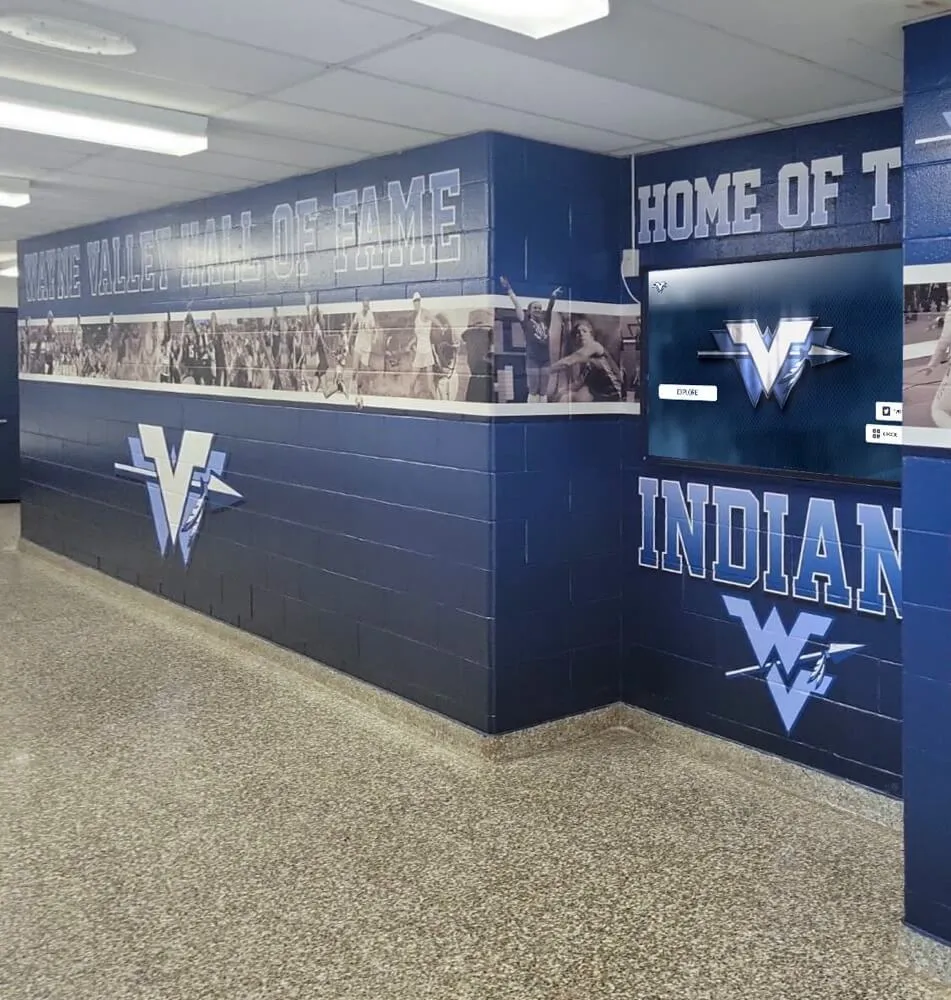
An athletic hallway recognition corridor: every inductee biography on a digital hall of fame must be accessible to any visitor who arrives via a shared link, a kiosk search, or the browser's built-in Find in Page—not only to visitors who know to tap an expand button
Step-by-Step Athletic Hall of Fame Hidden Until Found Biography Audit
Run these steps on the biography directory page that presents the largest number of collapsed inductee biographies. Repeat on any page template that uses hidden="until-found" for biography content.
Step 1: Confirm Which Elements Use hidden="until-found"
Open the biography directory page in Chrome or Edge. Open DevTools (F12) and switch to the Elements panel. In the search box within the Elements panel (Ctrl+F inside DevTools), search for hidden="until-found". Every biography element using this attribute will appear in the results. Record each element’s id attribute—this is the value used for fragment navigation. If any biography element has no id attribute, fragment navigation to that biography is impossible; add an appropriate id before the audit continues.
Note which biographies are collapsed on the initial page load (they will show the hidden="until-found" attribute in the DOM) and which are already revealed (their hidden attribute will be absent or the open attribute present, depending on the template design).
Step 2: Test Find in Page Reveal
With the biography directory page loaded in Chrome or Edge, press Ctrl+F (Cmd+F on macOS) to open the browser’s Find in Page toolbar. Type the name of an inductee whose biography is collapsed—a name that appears only inside a hidden="until-found" element, not in the visible roster row above it. Confirm:
- The browser finds at least one match and indicates the match count in the Find toolbar.
- The biography containing the name is revealed—the
hiddenattribute is removed from that element and the biography text becomes visible. - The page scrolls to bring the revealed biography into the viewport.
A failure at step one means the biography text is not reachable by Find in Page. Inspect whether the element actually has hidden="until-found" or whether it has hidden (boolean) or display: none, either of which would cause a search miss.
A failure at step three—where the biography text is revealed in the DOM but the page does not scroll to it—typically indicates a CSS or layout issue affecting the element’s rendered position after reveal. Inspect the element’s computed styles after reveal to confirm it is not offset outside the visible area or collapsed to zero height.
Step 3: Test Fragment Navigation
Copy the page URL and append #id-of-a-collapsed-biography for one of the biography elements identified in Step 1. Paste this URL into the browser’s address bar and navigate to it. The expected behavior:
- The page loads and the biography identified by the fragment ID is revealed automatically.
- The page scrolls to that biography.
- The
beforematchevent fires on the element before reveal (verifiable in DevTools by adding an event listener in the Console:document.querySelector('#bio-id').addEventListener('beforematch', e => console.log('beforematch fired', e))).
Fragment navigation is the mechanism that makes sharing a deep link to a specific inductee’s biography work correctly. An alumni sharing a link to their own hall of fame biography, a coach linking to an inductee profile from an email, or the awards program placing a QR code that links to a specific biography all depend on fragment navigation revealing the correct content.
Step 4: Verify the beforematch Event Handler
beforematch fires on the element with hidden="until-found" immediately before the browser reveals it. This event cannot be cancelled—the reveal will happen. Its value is in synchronization: the event gives application code a moment to update surrounding UI before the biography becomes visible.
In DevTools Console, navigate to the collapsed biography element and run:
document.querySelector('#bio-athlete-id').addEventListener('beforematch', () => {
  console.log('biography reveal triggered');
});
Then trigger the reveal through Find in Page. Confirm the console message appears. If the production page already attaches a beforematch handler—to animate reveal, collapse a previously open biography, or log an analytics event—verify that the handler completes before the reveal visually settles. A handler that takes longer than a single paint cycle may produce a flash of unstyled or mis-positioned content as the biography appears.
Step 5: Audit Re-collapse Behavior
After a biography is revealed by Find in Page or fragment navigation, test whether the application provides a re-collapse control. The browser does not re-collapse the biography automatically after a Find in Page operation ends. If the design calls for only one biography to be open at a time, the beforematch handler on each biography must set hidden="until-found" on any previously revealed biography before the new one opens.
Test the re-collapse path by revealing biography A through Find in Page, then triggering biography B through a second Find in Page search. Confirm:
- Biography A is collapsed again (its
hidden="until-found"attribute is restored). - Biography B is correctly revealed.
- The page layout reflects the change without residual height artifacts from the previously revealed element.
If the design permits multiple biographies to remain revealed simultaneously, document this as an intentional decision. Layouts that show many revealed biographies may create significant page length on narrow viewports; test on a mobile device or with Chrome’s device emulation (Ctrl+Shift+M).
Step 6: Test Browser Fallback in Unsupported Browsers
Open the same biography directory page in a browser that does not implement hidden="until-found". In an unsupported browser, the attribute value “until-found” is not a recognized keyword, so the hidden attribute may not suppress the element’s rendering—resulting in all biographies being visible simultaneously. This is the safe fallback: content is not lost, but the collapsed layout is absent.
Confirm that the fallback state is acceptable for the school’s use case. A kiosk running a Chromium-based browser updated to a current version is likely to have support; a kiosk running an outdated or non-Chromium browser may not. Audit the actual browser and version running on each display point before deploying hidden="until-found" as the primary biography collapse mechanism.
If the fallback state—all biographies visible—creates a layout problem (excessive page length, slow initial render), consider pairing hidden="until-found" with <details> and <summary> as the primary collapse mechanism for broader browser compatibility, reserving hidden="until-found" for the searchability benefit in supported browsers.
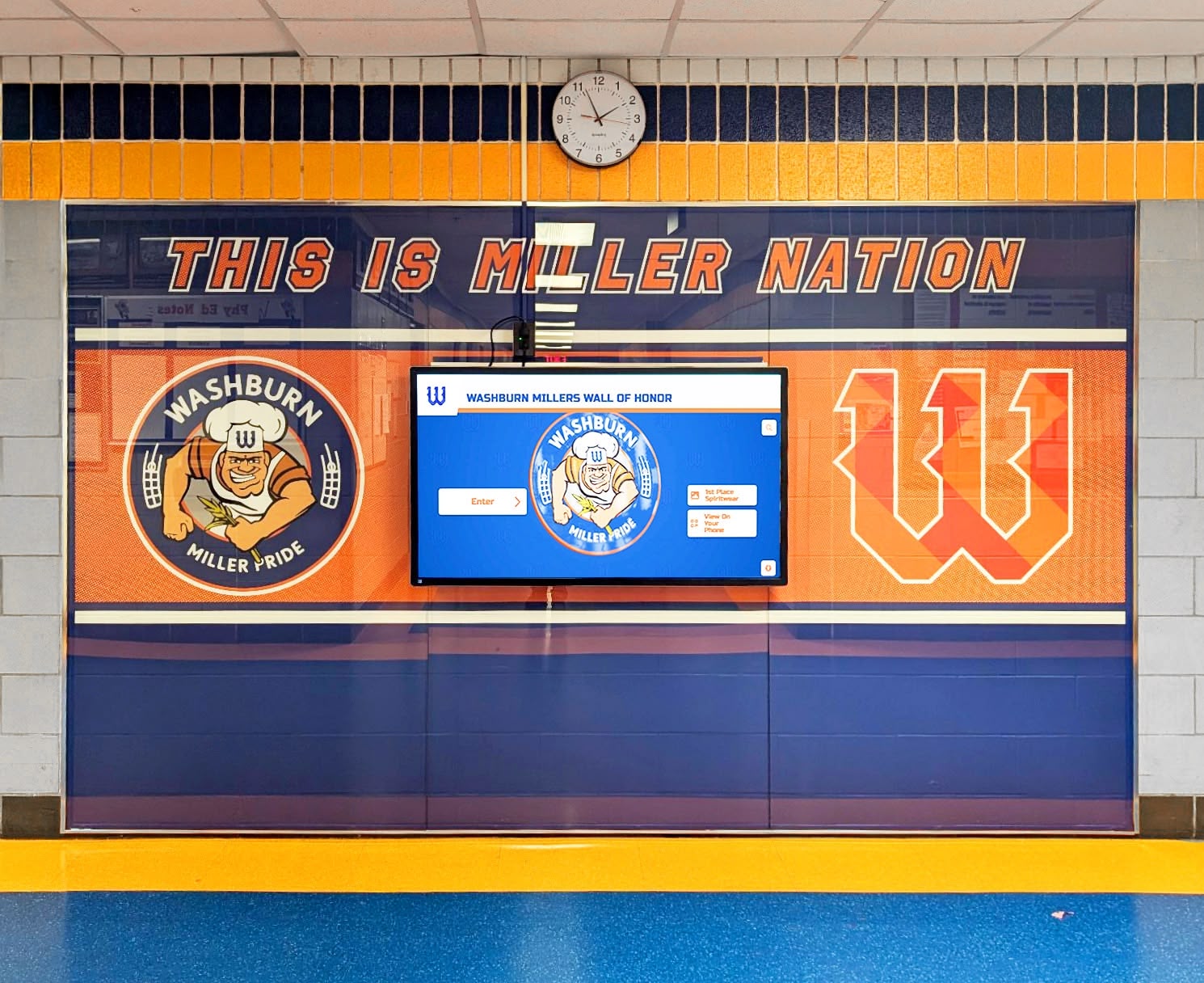
A school hallway wall of honor with a digital recognition screen: visitors approaching a kiosk display may type an inductee's name into the browser search bar, and biographies collapsed with hidden="until-found" must reveal correctly on that search action
Step 7: Verify Layout Containment After Reveal
hidden="until-found" causes the browser to apply rendering behavior comparable to content-visibility: hidden to the hidden element—the layout box is laid out but not painted. When the biography is revealed, the element transitions from unpainted to painted and may shift surrounding content.
After triggering a reveal, inspect the page layout for:
- Adjacent biography cards that shift position unexpectedly.
- A sticky navigation bar that overlaps the newly revealed biography instead of accounting for it in its offset.
- Scroll position that places the revealed biography partially outside the viewport due to the layout shift during reveal.
These are layout containment issues, not hidden="until-found" specification failures. Fix them at the CSS level by ensuring that the biography elements have defined minimum heights or that surrounding layout components use scroll-margin-top to account for sticky headers.
Evidence and Decision Table: Hidden Until Found Audit Outcomes
| Check | Pass Condition | Common Failure | Who Verifies |
|---|---|---|---|
| Elements identified | All hidden="until-found" biography elements have valid id attributes | Element has no id; fragment navigation is impossible | Developer |
| Find in Page reveal | Searching inductee text reveals the biography | Text returns zero matches (element is hidden boolean or display: none) | IT / developer |
| Fragment navigation | Loading page-url#bio-id reveals the target biography | Fragment ignored; biography stays hidden; page does not scroll to biography | Developer |
beforematch event | Handler fires before reveal; UI synchronizes correctly | Handler absent; multiple biographies remain open; layout flashes on reveal | Developer |
| Re-collapse logic | If single-open design: previous biography re-collapses before new one opens | Two biographies remain open; layout grows unexpectedly long | Developer |
| Browser fallback | Unsupported browsers render all biographies visible | Biographies disappear permanently in Firefox or Safari used on a kiosk | IT / developer |
| Layout after reveal | Revealed biography is fully visible in viewport; adjacent cards do not shift | Sticky nav overlaps revealed biography; layout jumps on reveal | Developer / IT |
| No access-control misuse | No private or restricted content uses hidden="until-found" | Nomination-under-review biography hidden by this mechanism and assumed protected | Recognition program lead |
Display Integration: Where This Technique Applies on Recognition Platforms
Athletic hall of fame biography directories are typically built on one of three structural patterns, and hidden="until-found" applies differently to each.
Roster-plus-biography directories: The most common pattern displays each inductee as a compact roster row—name, sport, induction year—with the full biography collapsed below that row. Using hidden="until-found" on the biography block means a visitor pressing Ctrl+F and typing a sport, award, or team name will find and reveal any matching biography in the list even if they do not know the inductee’s name. This supports the way a new athletic director or a prospective student often searches: by sport or by a memorable team season rather than by a specific athlete’s name.
Before any biography text appears in the collapsed block, it must be accurate and complete. Verifying biography field accuracy—including names, dates, teams, and award results—against primary source records before publication is a separate step covered in the Athletic Award Data Validation Rules Catalog: Prevent Invalid Names, Dates, Teams, and Results.
Biography-per-page with collapsed sections: Some recognition platforms give each inductee a dedicated page and use hidden="until-found" to collapse sub-sections within that page—career statistics, coaching record, team accomplishments. Fragment navigation to a specific section ID is the primary use case here. A school sharing a link to the “team championships” section of an inductee’s biography depends on the fragment revealing the correct section. Test each section’s fragment ID in isolation.
Ensuring that biography narrative text is complete and correctly attributed before applying any display mechanism matters here too. For schools digitizing historical athlete records from physical archives, the Historical Photos Archive for Schools: Complete Guide to Digitizing and Showcasing Your Institution’s Oldest Photos in 2025 covers the preservation and metadata workflow that produces the biography source content before it reaches the digital directory.
Inductee name pronunciation fields: When a biography disclosure includes a pronunciation guide field—particularly for inductees from language backgrounds where phonetic spelling is common—the pronunciation markup within the collapsed biography must also reveal correctly on Find in Page. The approach to marking up inductee name pronunciation in recognition displays is examined in Digital Hall of Fame Ruby Annotations: Reviewing Inductee Name Pronunciation on Touchscreens, which applies to the content revealed by hidden="until-found" as much as to content that is always visible.
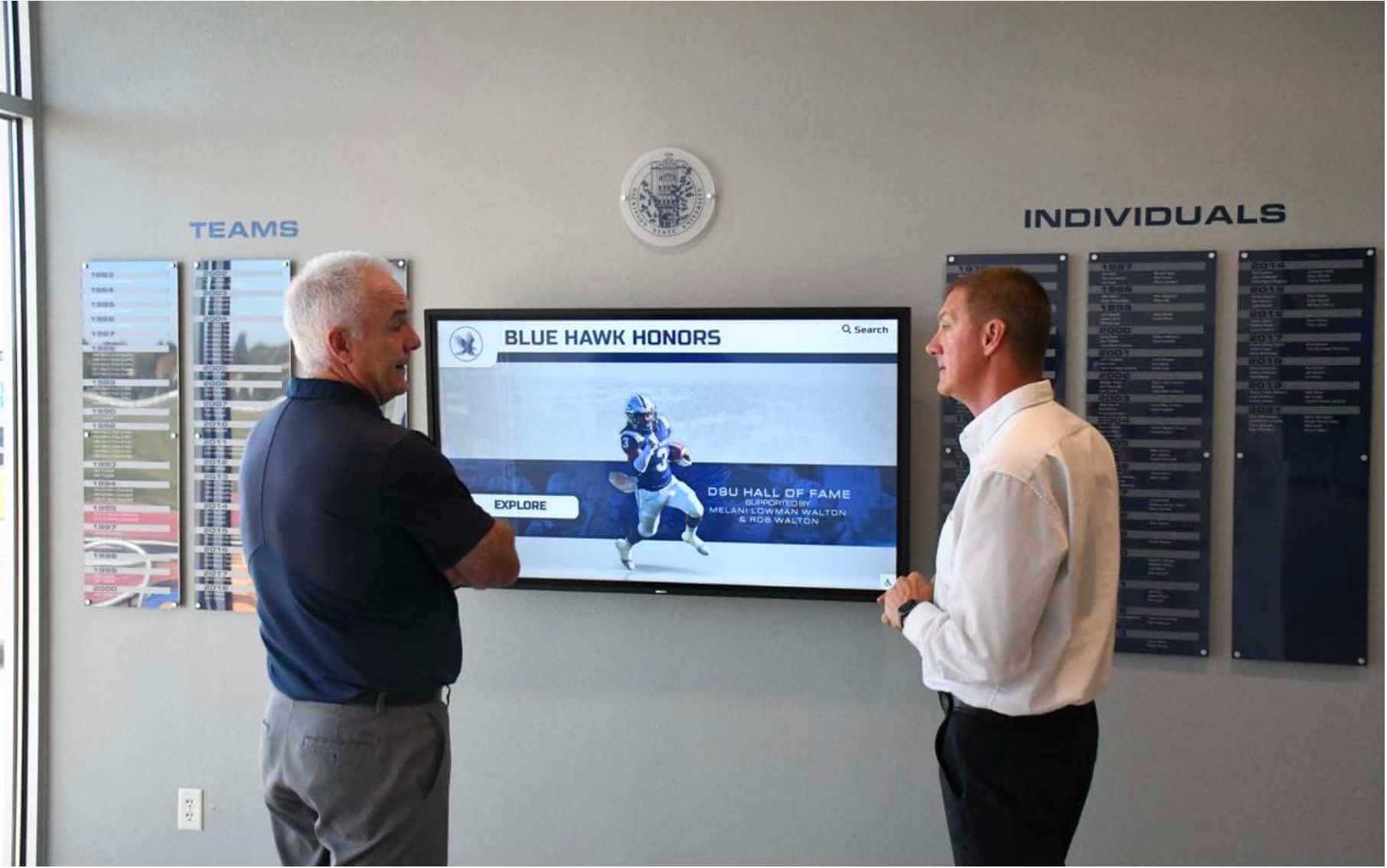
Community members and school staff viewing a digital hall of fame display: when a visitor shares a deep link to a specific inductee biography, the recipient's browser must reveal that biography automatically through fragment navigation—not leave it hidden behind an expand button that is not mentioned in the link
Digital yearbook and archive integration: Some recognition programs integrate the athletic hall of fame biography directory with a broader school memory platform that includes yearbook content and historical records. In those contexts, biographies collapsed with hidden="until-found" may sit alongside other archival materials on the same page. The principles of memory preservation and digital continuity that underlie these programs are covered in Digital Yearbooks: Modern Solutions for School Memory Preservation, which addresses the platform and format decisions that determine how long digital records remain accessible as technology changes.
Frequently Asked Questions
Does hidden="until-found" work with screen readers?
When the biography is in its hidden state, the element is not exposed to the accessibility tree in the same way as display: none—it is not presented to screen readers and cannot be navigated by keyboard or virtual cursor. Once the beforematch event fires and the biography is revealed, the element becomes part of the accessibility tree and is navigable normally. This means a screen-reader user who triggers Find in Page—possible with some screen readers in their browse or application mode—may see the biography revealed; however, screen-reader interaction with Find in Page varies significantly by software and browser combination. For biography directories that must meet accessibility requirements, pair hidden="until-found" with a visible, keyboard-operable expand control so that screen-reader users have a reliable interaction path that does not depend on Find in Page behavior.
Can a visitor re-collapse a biography they have revealed?
Not automatically. The browser reveals biographies by removing the hidden="until-found" attribute; it does not restore that attribute when Find in Page is closed or when the visitor navigates away from the match. A re-collapse button or a beforematch handler that sets hidden="until-found" on previously revealed siblings is the only mechanism. If the design requires explicit re-collapse, implement a button within the revealed biography that restores the attribute. If the design permits all revealed biographies to remain open through the page session, no re-collapse code is needed—but test the long-page layout behavior on narrow viewports.
What happens if a visitor’s device runs a browser that doesn’t support hidden="until-found"?
In unsupported browsers, the attribute value “until-found” is not recognized, and the element renders as if hidden were absent—meaning all biography content is visible simultaneously. This is a content-preserving fallback: no biography is lost. However, the collapsed-directory layout that the template was designed for will not appear, and the page may be significantly longer than intended on narrow screens. Determine whether the target deployment environment (kiosk OS and browser, web delivery to staff laptops, mobile access by alumni) includes unsupported browsers before making hidden="until-found" the sole collapse mechanism. For mixed-browser environments, a JavaScript polyfill that reads the attribute and manages visibility explicitly is one approach; using <details> and <summary> as the primary collapse for broad compatibility is another.
Is hidden="until-found" appropriate for biographies that load lazily after the initial page response?
No. hidden="until-found" requires the biography content to be in the initial HTML document. The browser’s Find in Page indexes content that is in the DOM at the time of the search. If biographies are fetched on demand via JavaScript after an expand interaction, their text is not present in the DOM during the initial Find in Page scan and will not be found. hidden="until-found" is only appropriate for content that is fully in the HTML source from the first server response.
Does hidden="until-found" interact with content-visibility: auto?
These are separate mechanisms and should not be combined on the same element without testing. content-visibility: auto is a CSS property that defers rendering of off-screen content to improve initial page load performance; it makes content visible again when the element enters the viewport. hidden="until-found" makes content visible when browser search or fragment navigation matches it. Applying both to the same element may produce inconsistent behavior depending on which mechanism fires first. If the biography directory uses content-visibility: auto for rendering performance, apply it to a wrapper element that is always visible and place the hidden="until-found" biography inside that wrapper on a child element.
Reusable Artifact: Hidden Until Found Biography Audit Checklist
Copy and adapt this checklist before each platform launch, template update, or annual recognition season review. Assign the browser fallback section to the IT team responsible for kiosk management.
Pre-Audit Setup
- Chrome or Edge open on the biography directory page
- DevTools Elements panel open;
hidden="until-found"search confirms all collapsed biography elements - Each collapsed biography element has a unique, meaningful
idattribute - URL list prepared: one fragment-navigation URL per biography type to test (
page-url#bio-id) - A second browser (Firefox or Safari) available for fallback testing
Find in Page Reveal
- Ctrl+F search for each tested inductee’s name reveals the biography in Chrome/Edge
- Ctrl+F search using an award name or team name within a biography text also reveals the matching biography
- Find in Page match count reflects collapsed biography matches (count > 0 for names that exist only in hidden biographies)
- Page scrolls to bring the revealed biography into the viewport after Find in Page match
- Biography text is fully readable after reveal with no overflow or clipping
Fragment Navigation
- Loading
page-url#bio-idin a fresh tab reveals the correct biography in Chrome/Edge - Page scrolls to the revealed biography without the sticky navigation bar overlapping the content
- Fragment navigation from a QR code scan (tested on a mobile device) reveals the correct biography
-
beforematchevent fires before reveal (verified via DevTools console listener)
Re-collapse and Multi-open Behavior
- If single-open design: revealing biography B collapses biography A correctly
- If multi-open design: page length on a 375px viewport is acceptable when three or more biographies are revealed
- Re-collapse control (if provided) restores
hidden="until-found"and hides the biography content
Browser Fallback
- Firefox or Safari renders all biographies visible (no biography content is lost)
- Fallback layout is acceptable or a separate CSS rule handles the all-visible state
- Kiosk browser version and OS update policy documented; fallback impact understood for each display point
Layout Containment
- Reveal does not shift adjacent roster cards off-screen
- Sticky navigation accounts for scroll offset after reveal (scroll-margin-top applied if needed)
- Mobile viewport (375px) tested with multiple biographies revealed; no horizontal overflow
Access Control
- No biography element with
hidden="until-found"contains content that should be restricted from public view - Any private or pending inductee records are removed from the public page HTML entirely, not hidden by this attribute
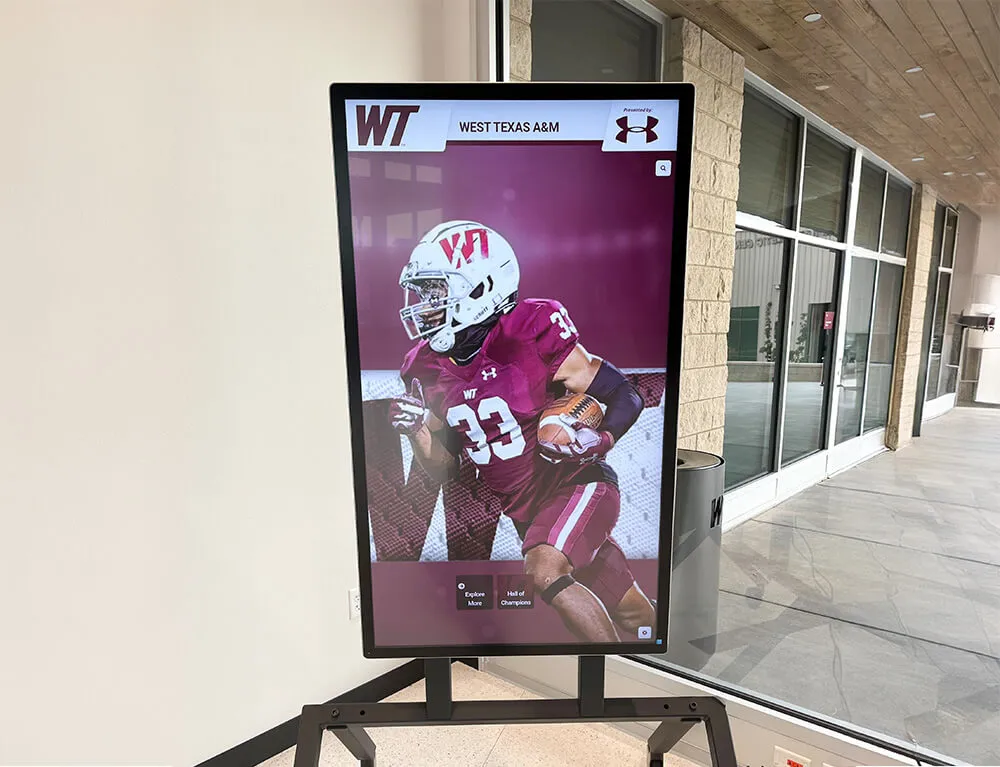
An inductee biography on a lobby digital display: when a visitor searches for an athlete's number or team name using the browser's Find in Page, a biography collapsed with hidden="until-found" must be revealed—the same content that appears on the physical display must be findable in the digital equivalent
Connecting the Audit to the Recognition Program
The hidden until found biography audit addresses one specific layer of a recognition platform’s content disclosure architecture. Schools that have completed this check should consider adjacent audits that touch the same biography content from different angles.
A biography directory that collapses inductee profiles for page-length reasons benefits from the same discipline applied to physical artifact documentation. Ensuring that every inductee entry is fully documented before any display mechanism is applied—collapsed or otherwise—is a prerequisite that belongs in the recognition program’s records before the first biography is published in any format.
For recognition programs that serve alumni families who may have preserved their own copies of school records in yearbook form, the connection between digital hall of fame biography displays and the school’s broader memory preservation approach matters for consistency of the historical record. Digital Yearbooks: Modern Solutions for School Memory Preservation covers the platform choices that determine how those records remain accessible and consistent with the hall of fame biography directory over time.
The technique described in this audit—hidden="until-found" with beforematch—is a narrow, browser-native solution to one specific problem: making collapsed, already-loaded biography content findable through the browser’s built-in search and deep-linkable via URL fragments. It is not a general-purpose content-hiding mechanism, not a performance optimization for late-loaded content, not a replacement for <details> and <summary> disclosure widgets, and not a substitute for access control on restricted records. Applied to the right content—complete, public, already-loaded inductee biographies—it gives every visitor, regardless of whether they know an inductee’s name or the school’s custom search widget, a direct path to the biography through the browser tools they already use.
See Inductee Biographies Built for Every Visitor on a Rocket Alumni Solutions Platform
Request a live demonstration to see how Rocket’s recognition platform structures inductee biography directories, deep linking, and accessible biography disclosure before any commitment.































