Your Legacy,
Immortalized
Plan and launch an accessible awards website or digital hall of fame that honors your community, stays current, and looks incredible on any screen.

Academic Awards
Graduation Honors
Team History
Olympians
Professional Athletes
Hall of Fame
Digital Trophy Case
Interactive Displays
Digital Donor Wall
Yearbooks
Academic Awards
Graduation Honors
Team History
Olympians
Professional Athletes
Hall of Fame
Digital Trophy Case
Interactive Displays
Digital Donor Wall
Yearbooks
The Easiest Touchscreen Solution




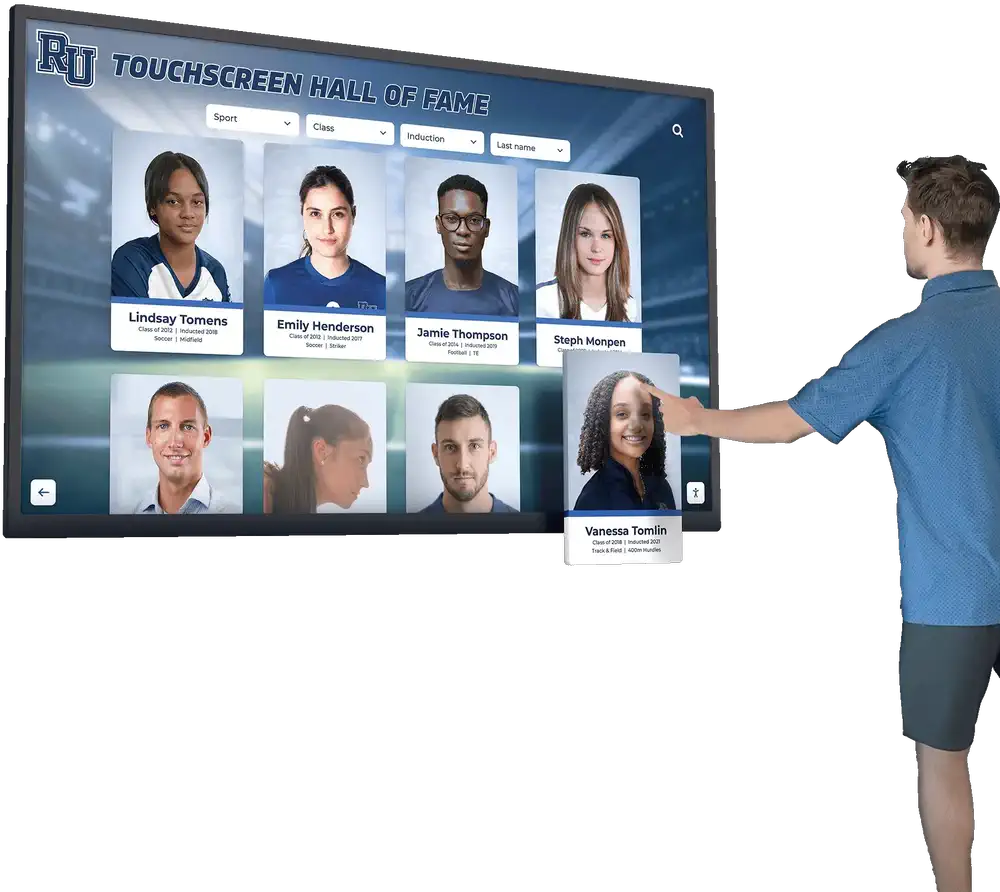
Awards Website + Hall of Fame, Unified
One online home for inductees, award winners, team history, records, galleries, and sponsor recognition—organized so visitors can find anything fast.
- Inductees, awards, records, galleries, sponsors
- Built for discovery: search + filters + categories
- Works online and on touchscreens
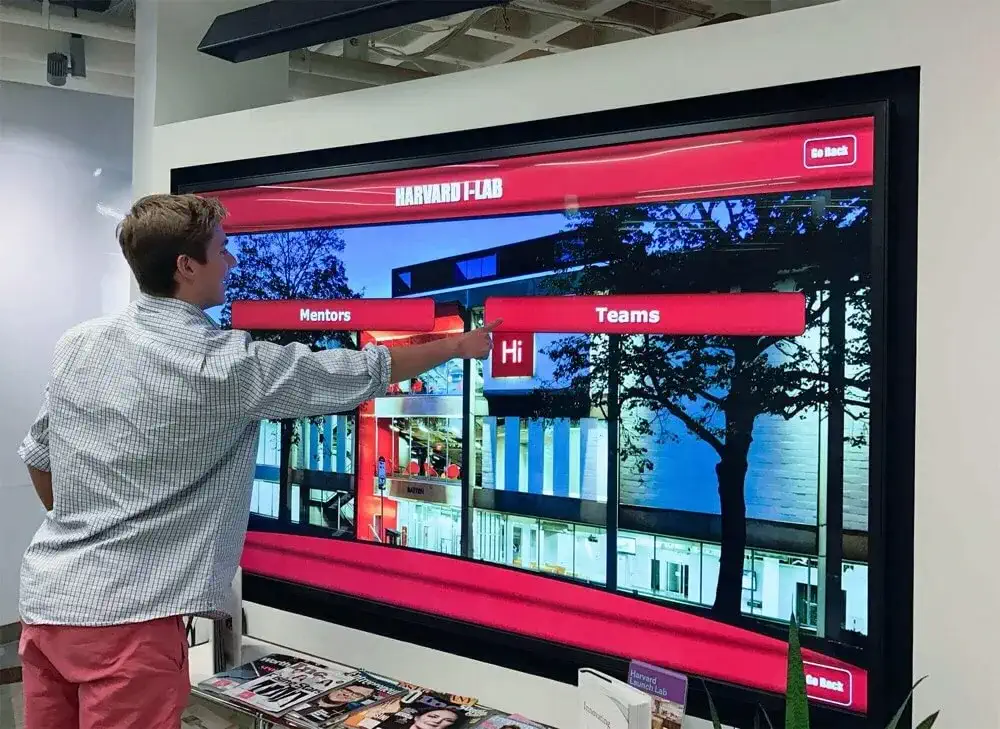
Cloud CMS That Stays Current
Publish updates without rebuilding pages by hand. Add honorees, photos, videos, and sponsor slides on your schedule—then let the site do the rest.
- Unlimited inductees, photos, videos, and text
- Video embeds and social galleries
- Sponsorship and donor recognition support
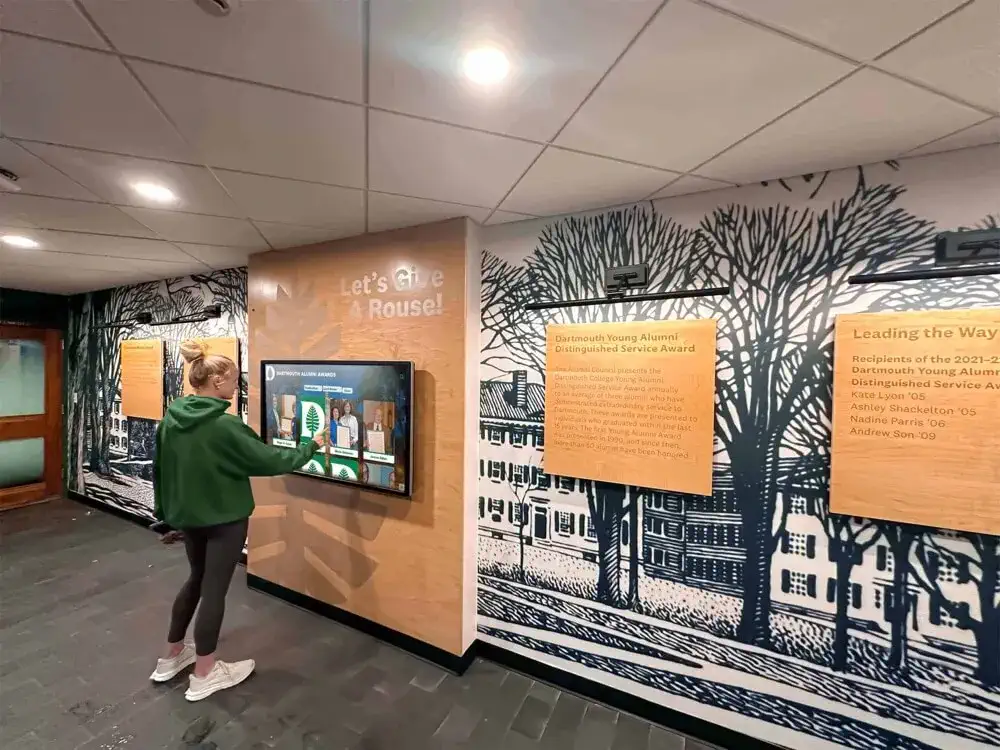
Versatile & Accessible
Designed to be usable by everyone: clear navigation, readable layouts, and accessibility patterns aligned with WCAG 2.1 AA (contrast, focus states, keyboard support).
- Online-first + touchscreen-ready
- ADA-minded navigation and readability
- Mobile, tablet, laptop, kiosk
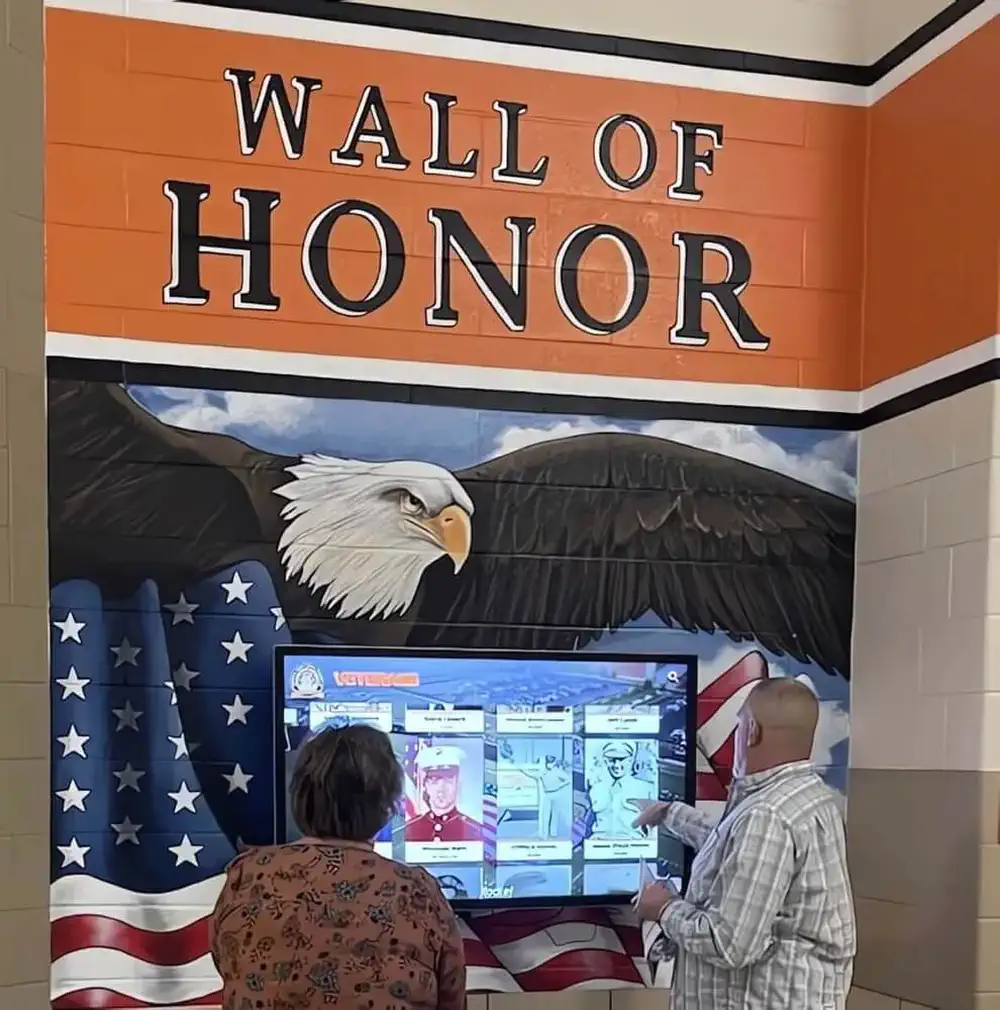
Easy Content Management
Built for busy program owners. Bulk upload, templates, and tiered access keep updates fast and consistent without turning your recognition program into a second job.
- Bulk upload/edit and guided templates
- Roles/permissions for contributors
- Brandable layouts and backgrounds
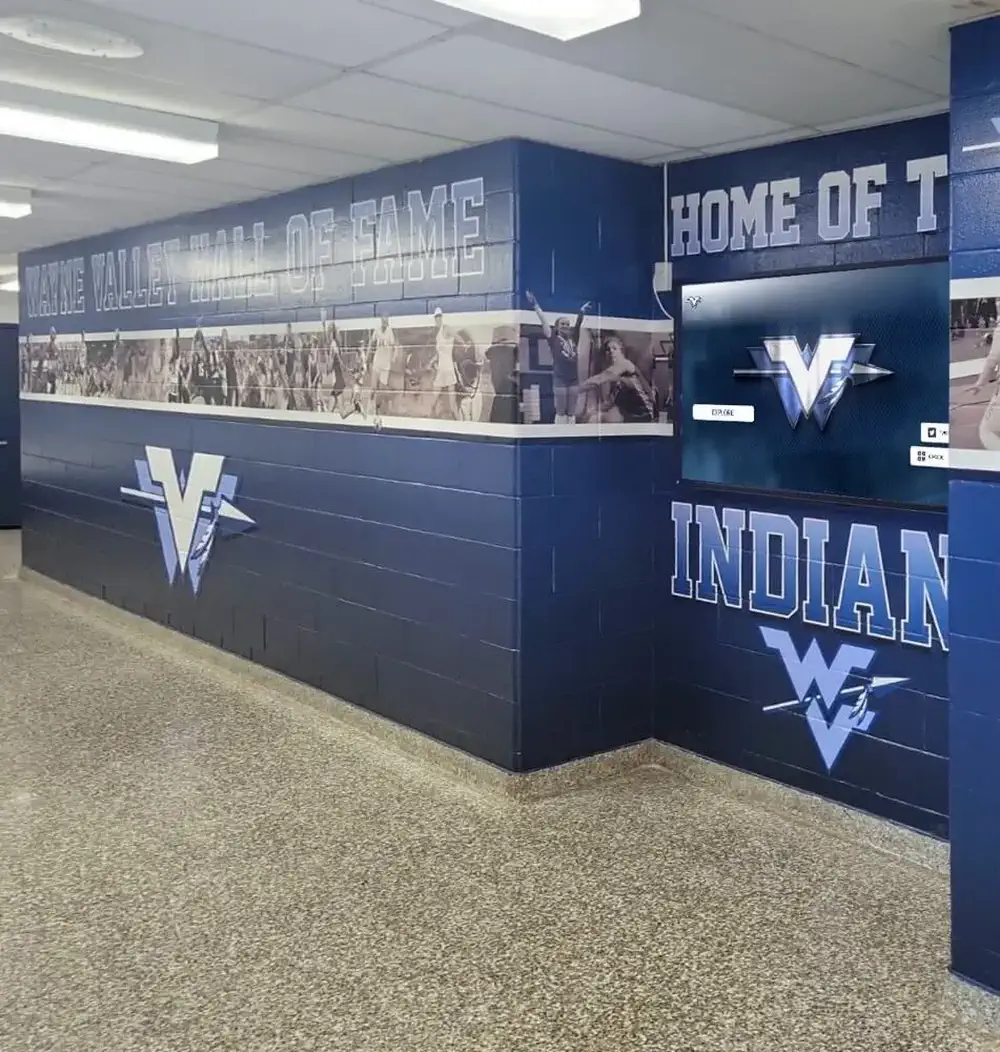
Engaging & Dynamic
Keep it fresh with rotating galleries, video reels, record boards, and digital signage mode—so the display stays alive between ceremonies.
- Galleries, video, and highlight reels
- Record boards and seasonal rollups
- Digital signage mode for events
Intent: plan — Build an accessible awards website or hall of fame website that works online, looks great on a touchscreen, and stays easy to update.
Program Snapshot
- Audience: alumni, fans, donors, families, students, and staff
- Primary outcomes: public recognition, community pride, sponsor value, and year-round engagement
- Cadence: annual awards + rolling updates (new inductees, new records, new media)
- Featured honorees: inductees, award winners, teams, donors/sponsors, distinguished alumni
Content Architecture (what you publish, and how it’s organized)
Use a simple data model, then let navigation do the work:
- People: inductees, alumni, coaches, donors (bio, achievements, media, tags)
- Awards: category, criteria, year, winners, finalists, media
- Teams & seasons: year, record, highlights, roster, photos/videos
- Records/leaderboards: sport/activity, stat, rank, filters (year/era)
- Sponsors: tier, placements, rotation schedule, CTA links
If you’re building from scratch, start with one great “entry template” and reuse it across every honoree type. If you’re migrating plaques, plan a bulk upload first.
Execution Timeline (Plan → Build → Launch → Refresh)
- Plan (1–2 weeks): finalize categories, permissions, and the homepage story; define accessibility requirements (WCAG 2.1 AA).
- Build (2–6 weeks): import content, choose layouts, set up navigation/search, and validate media sizing.
- Launch (week of ceremony): publish a “launch collection” (top inductees + newest awards + sponsor loop), then announce.
- Refresh (monthly/seasonal): schedule new content drops, rotate galleries, and review analytics for what visitors actually use.
Display Integration (online-first + touchscreen-ready)
Hall of Fame Online is designed for both contexts:
- Online: public pages, shareable honoree links, mobile-friendly browsing.
- On-site: kiosk mode, large-format readability, and simple browse/search experiences.
- Remote management: scheduled publishing, cloud backups, and easy role-based updates.
Accessibility Checklist (quick wins that move you toward WCAG 2.1 AA)
- Add descriptive link text (avoid “click here”).
- Ensure keyboard navigation works (Tab/Shift+Tab + visible focus).
- Maintain contrast for body text and buttons.
- Write alt text for every meaningful image.
- Keep touch targets large enough for kiosk use.
Copy/Paste Asset: Honoree Intake Checklist
Use this as a standard submission form for inductees and award winners:
- Full name + preferred display name
- Headshot + action photo (optional)
- Award/category + year(s)
- Short bio (75–125 words) + long bio (250–400 words)
- Key achievements (3–7 bullets)
- Media: 1–3 videos, 3–10 photos
- Tags: sport/activity, era/decade, school/department, award type
Want a working mock-up?
Use the CTA buttons above to Request Your Free Custom Demo (?demo=demo) or Schedule a custom mock-up call.
Frequently Asked Questions
Answers for teams building an online hall of fame or awards website.
What is Hall of Fame Online?
How do I make a hall of fame website accessible online?
What content should an awards website include?
Can this work on a touchscreen and on the web?
How do we keep it updated without a web developer?
What Users Are Saying About Rocket’s halls of fame
Don’t just take our word for it - hear from some of our satisfied users! Check out some of our testimonials below to see what others are saying about the Rocket halls of fame.
Ready to Honor Your Legacy?
Get a personalized demo showcasing how your hall of fame could look. No commitment, just inspiration.































